


Out of the box, Cursor and Claude Code can read your files and run commands, yet they have no idea what's sitting in your open pull requests, which errors fired in production overnight, or what changed in the library that shipped a breaking release last month.
MCP servers close that gap by giving your assistant a standard way to talk to the tools you already use.
MCP, short for Model Context Protocol, is an open standard that Anthropic introduced and that Cursor, Claude Code, VS Code, Windsurf and most other AI coding tools now support, so a server you set up once works across all of them.
There are thousands of public servers by now, and a good share of them aren't worth the space they take up in your model's context window. This list covers the ten that earn their place, with the exact setup for Cursor and Claude Code and the safety settings that most roundups skip.
If you're still choosing an editor to plug these into, our ranking of the best AI code editors is the place to start.
Quick answer: the three to install first
If you only have ten minutes, install GitHub, Context7 and Playwright. Between them they give your assistant your repositories, current documentation and a real browser, which covers most of what developers end up wishing their AI could do.
Add Sentry once you have users, and Supabase in read-only mode once you start working against a database.
How we picked these
We weighted four things: who maintains the server (official or vendor-run beats an abandoned side project), how it authenticates (OAuth beats pasting long-lived tokens into a JSON file), whether it has scoping controls such as read-only or per-project access, and whether it solves a problem your editor can't already handle on its own.
Setup commands come from each maintainer's own documentation and were checked in October 2026. MCP moves fast, so if a command errors out, the linked docs will have the current version.
Best MCP servers at a glance
| Server | Best for | Where it runs | Access |
|---|---|---|---|
| GitHub | Repos, pull requests, issues, Actions | Hosted or local | OAuth or token |
| Context7 | Current library documentation | Hosted or local | Public docs |
| Playwright | Browser testing and checks | Local | Your own browser |
| Sentry | Debugging production errors | Hosted | OAuth |
| Supabase | Database work on dev projects | Hosted | OAuth or token |
| Stripe | Payments integrations | Hosted | OAuth or API key |
| Cloudflare | Edge, Workers and docs | Hosted | Varies by server |
| Linear | Tickets and project tracking | Hosted | OAuth or API key |
| Notion | Specs and team docs | Hosted | OAuth |
| Sequential Thinking | Architecture and hard debugging | Local | None |
Starter MCP stacks by stage
Day one
Free to install; connected services vary
- GitHub
- Context7
- Playwright
Once you have users
Free to install; connected services vary
- Sentry
- Supabase (read-only)
- Linear or Notion
When money is involved
Free to install; connected services vary
- Stripe (test mode first)
- Cloudflare
- Sequential Thinking
1. GitHub MCP Server: best overall
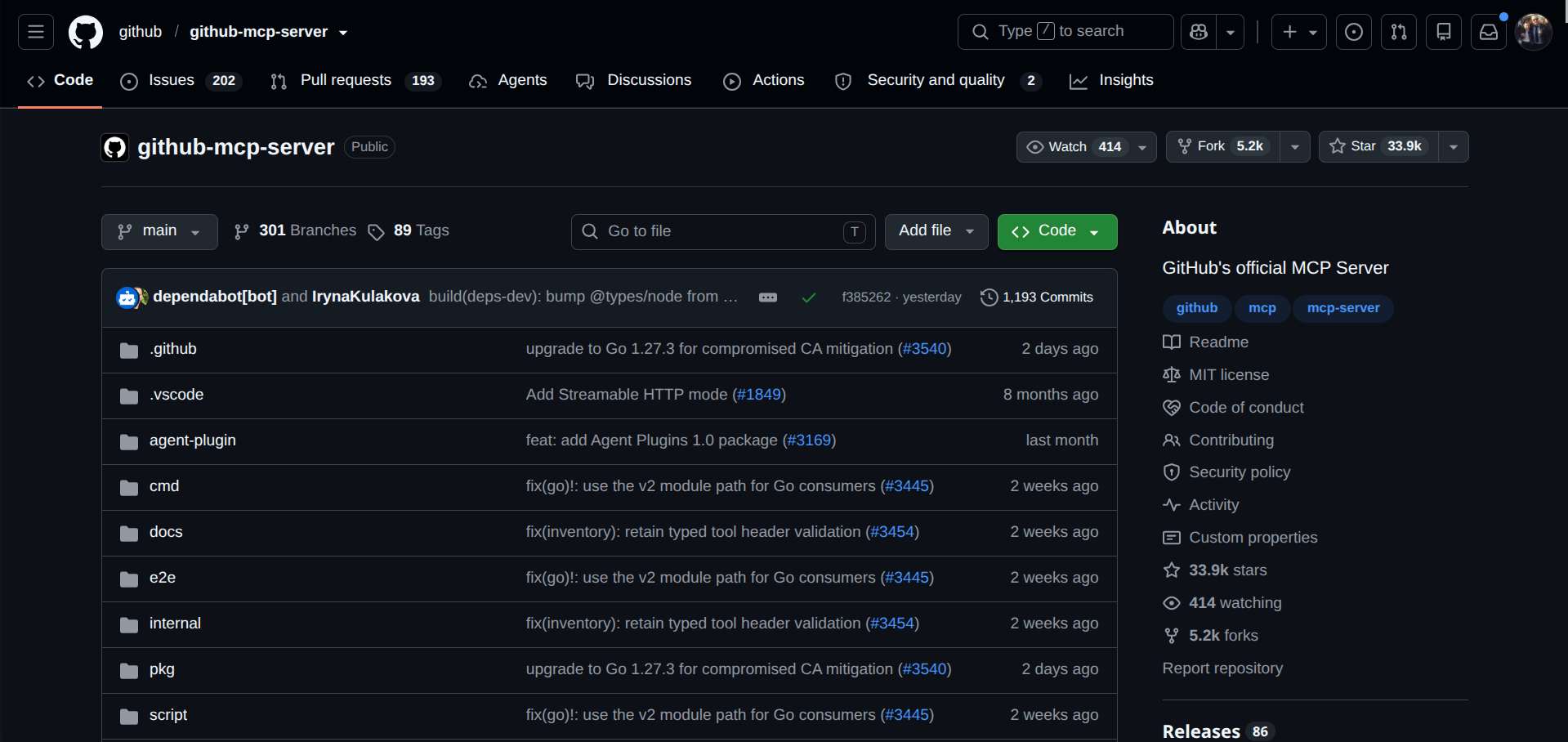
GitHub's official server lets your assistant read repositories, search code, manage issues and pull requests, and check GitHub Actions runs, so "why did CI fail on that branch" becomes a question you ask in chat instead of a tab hunt. It's open source with more than 30,000 stars and comes as a hosted remote server or a local Docker image.
The default toolsets cover repos, issues, pull requests and users, and extras like Actions and code security can be switched on when you need them. Keeping the list short also keeps the model's tool menu short, which helps it pick the right tool.
The quickest route in Claude Code uses a personal access token against the hosted server:
bash
claude mcp add --transport http github https://api.githubcopilot.com/mcp/ \
  --header "Authorization: Bearer YOUR_GITHUB_TOKEN"
In Cursor, add the same URL and header under mcpServers in your global config. Use a fine-grained token limited to the repositories you actually need, and keep it out of any config file that ends up in version control.
2. Context7: best for current documentation
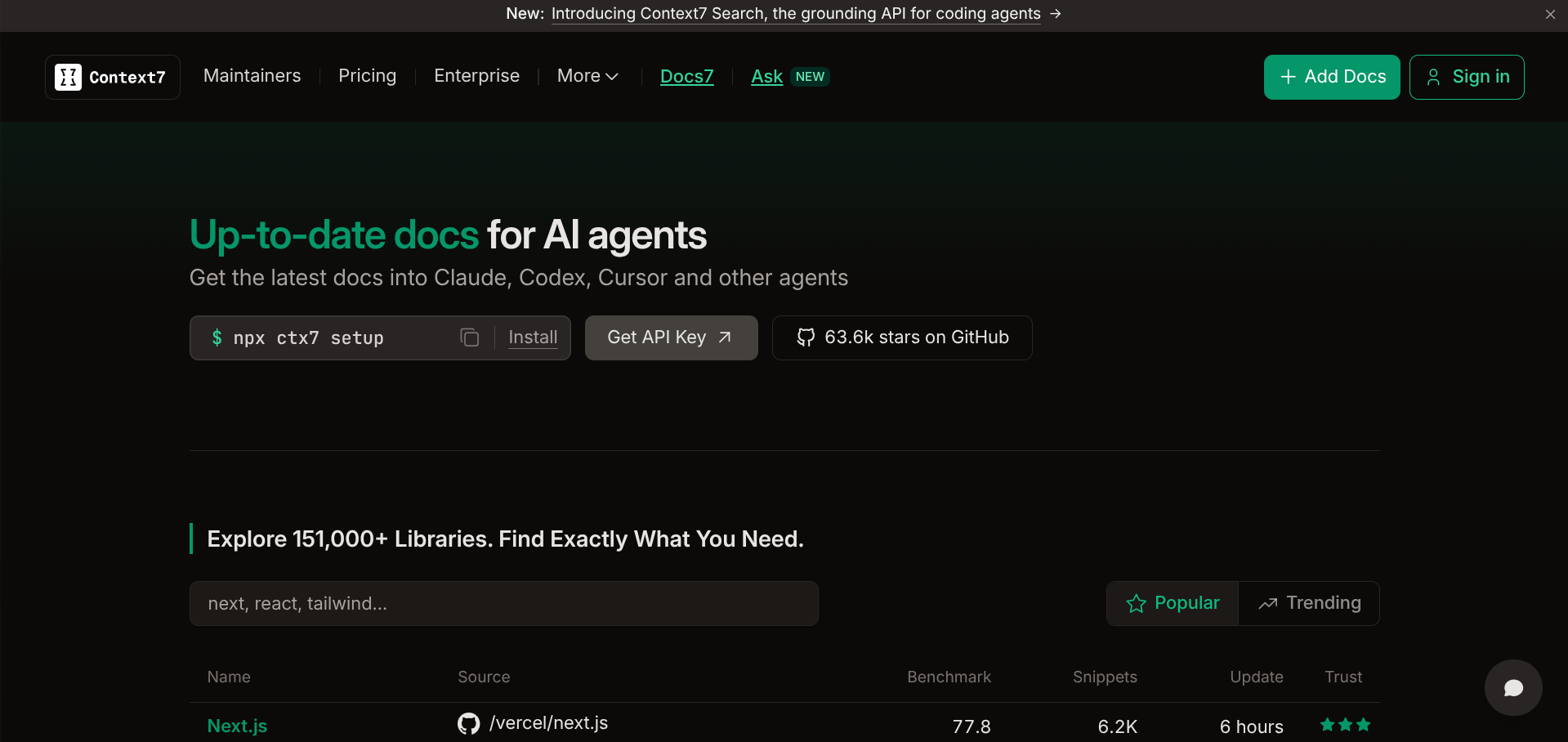
Models learn from a snapshot of the internet, so they write confident code for the version of a library that was current a year ago.
Context7, built by Upstash, fetches version-specific documentation and examples and places them straight into your prompt, which is why it keeps turning up near the top of comparison lists. It pays off most with fast-moving frameworks such as Next.js, Astro and React, or any SDK that changes faster than model training cycles.
bash
claude mcp add --transport http context7 https://mcp.context7.com/mcpOnce it's connected, adding "use context7" to a prompt tells the assistant to pull fresh docs before it writes anything. A local version also exists if you'd rather run it through npx -y @upstash/context7-mcp.
3. Playwright MCP: best for testing in a real browser
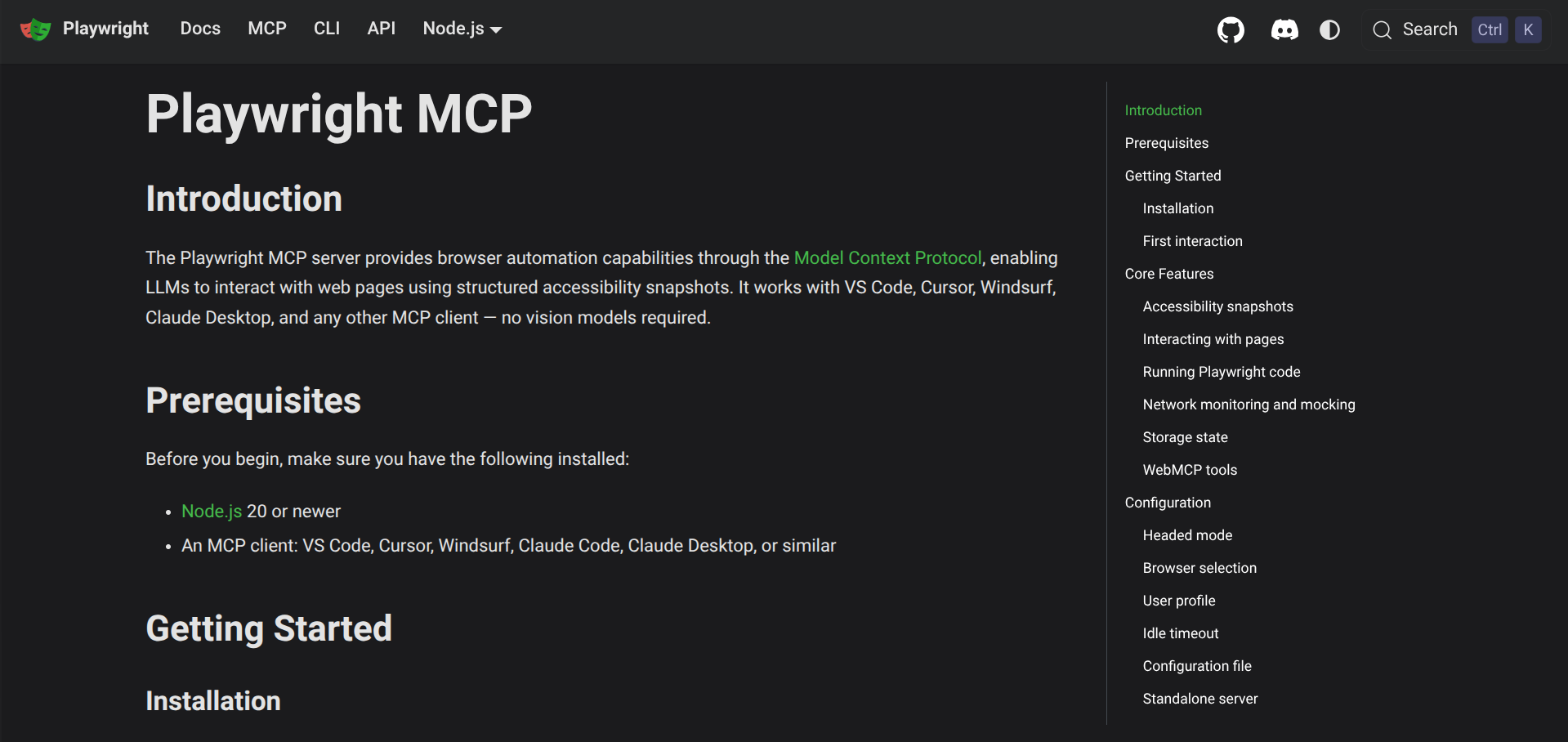
Microsoft's Playwright server lets your assistant drive an actual browser, and it works from the page's accessibility tree, which is structured text, rather than screenshots. That makes actions faster and more dependable than a model guessing at pixels.
A typical request is to open your local dev server, click through the signup flow and report what broke, which turns "works on my machine" into something the assistant can check itself.
bash
claude mcp add playwright -- npx -y @playwright/mcp@latestYou'll need Node.js 18 or newer, and the first run may ask you to install a browser with npx playwright install chromium. If you'd rather have it work from screenshots, the server has a --vision flag for that.
4. Sentry MCP: best for debugging production
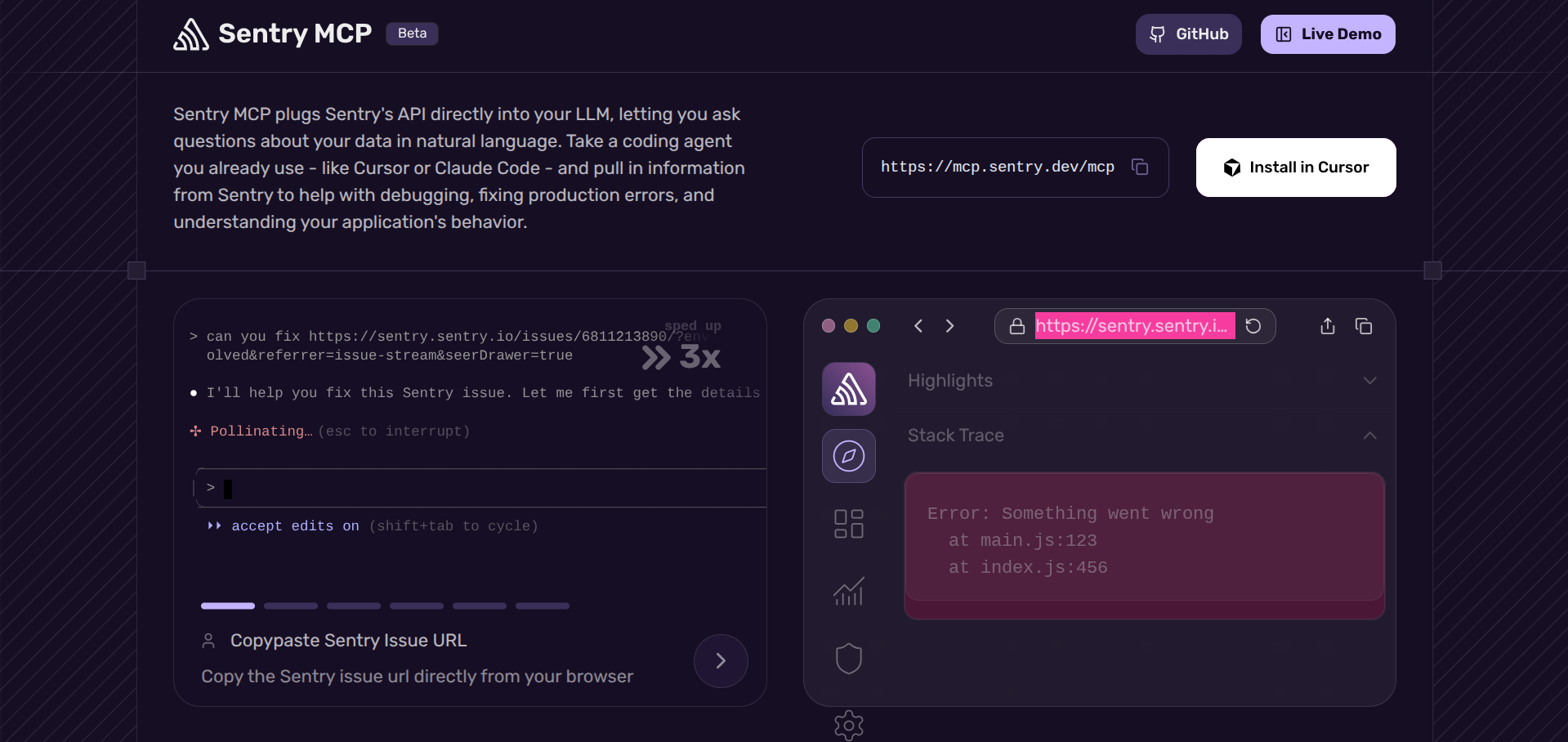
Sentry runs a hosted server at mcp.sentry.dev/mcp that connects your assistant to issues, errors, traces and releases, and every connection goes through OAuth. The useful trick is scoping: you can append your organization and project to the URL so the assistant only sees the project you're working on.
Paste an error link into chat, ask for the likely cause, and the assistant can read the stack trace and recent events instead of working from your description of them.
bash
claude mcp add --transport http sentry https://mcp.sentry.dev/mcpRun /mcp inside Claude Code afterward to complete the browser sign-in. Teams on self-hosted Sentry can use the @sentry/mcp-server package with a user token instead.
5. Supabase MCP: best for database work, with seatbelts
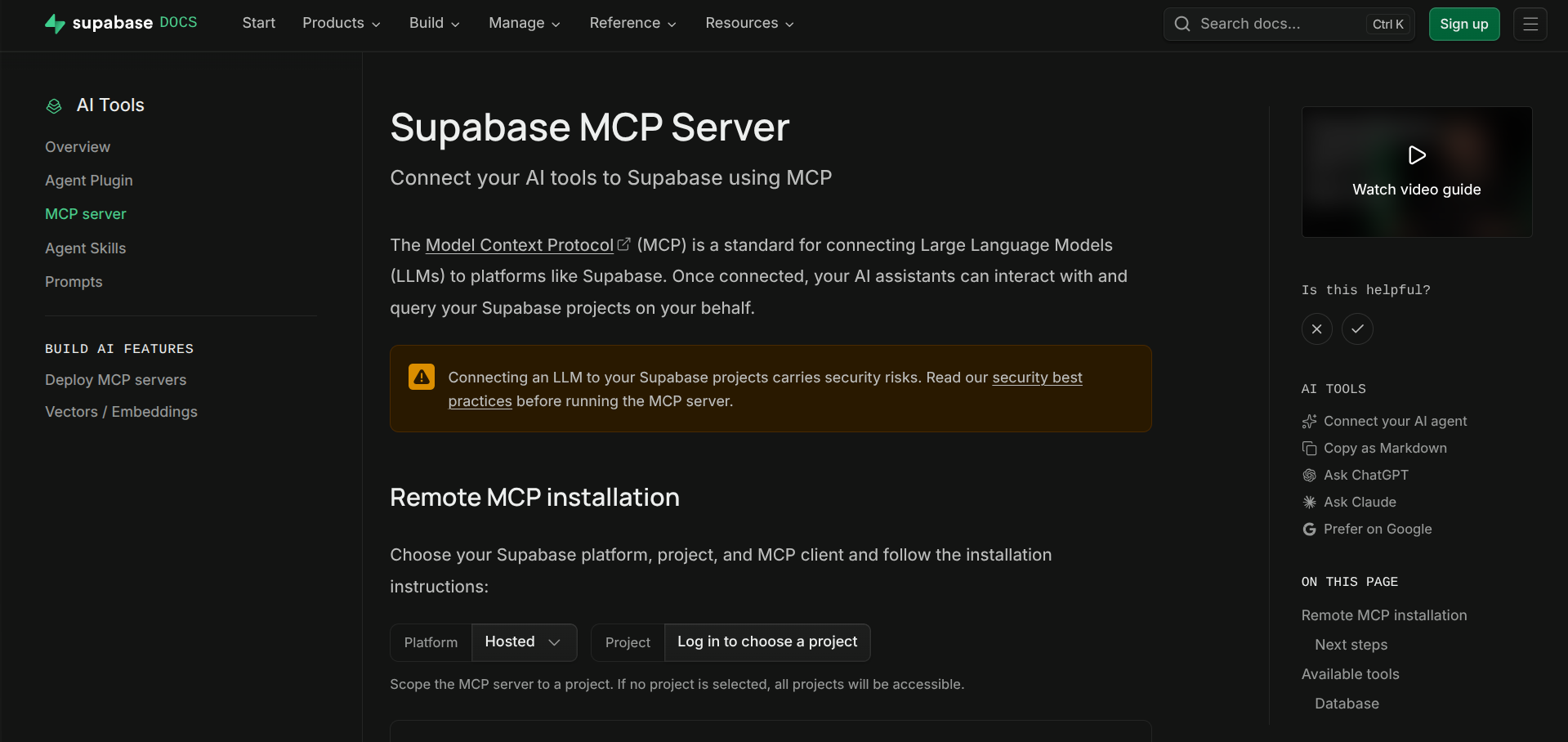
Supabase hosts its server at mcp.supabase.com/mcp with OAuth, and it can inspect tables, run queries, apply migrations and look through logs. It also carries the clearest warning on this list: Supabase's own documentation says the server is designed for development and testing, and that prompt injection is the main risk when you connect an LLM to your data.
Two settings reduce the exposure, read_only=true to run queries as a read-only Postgres user and project_ref to limit the server to a single project.
bash
claude mcp add --scope project --transport http supabase \
  "https://mcp.supabase.com/mcp?project_ref=YOUR_PROJECT_REF&read_only=true"
Point it at a development project and leave production alone. If you're still working out which Supabase tier you need, our Supabase pricing breakdown covers every plan.
6. Stripe MCP: best for payments work
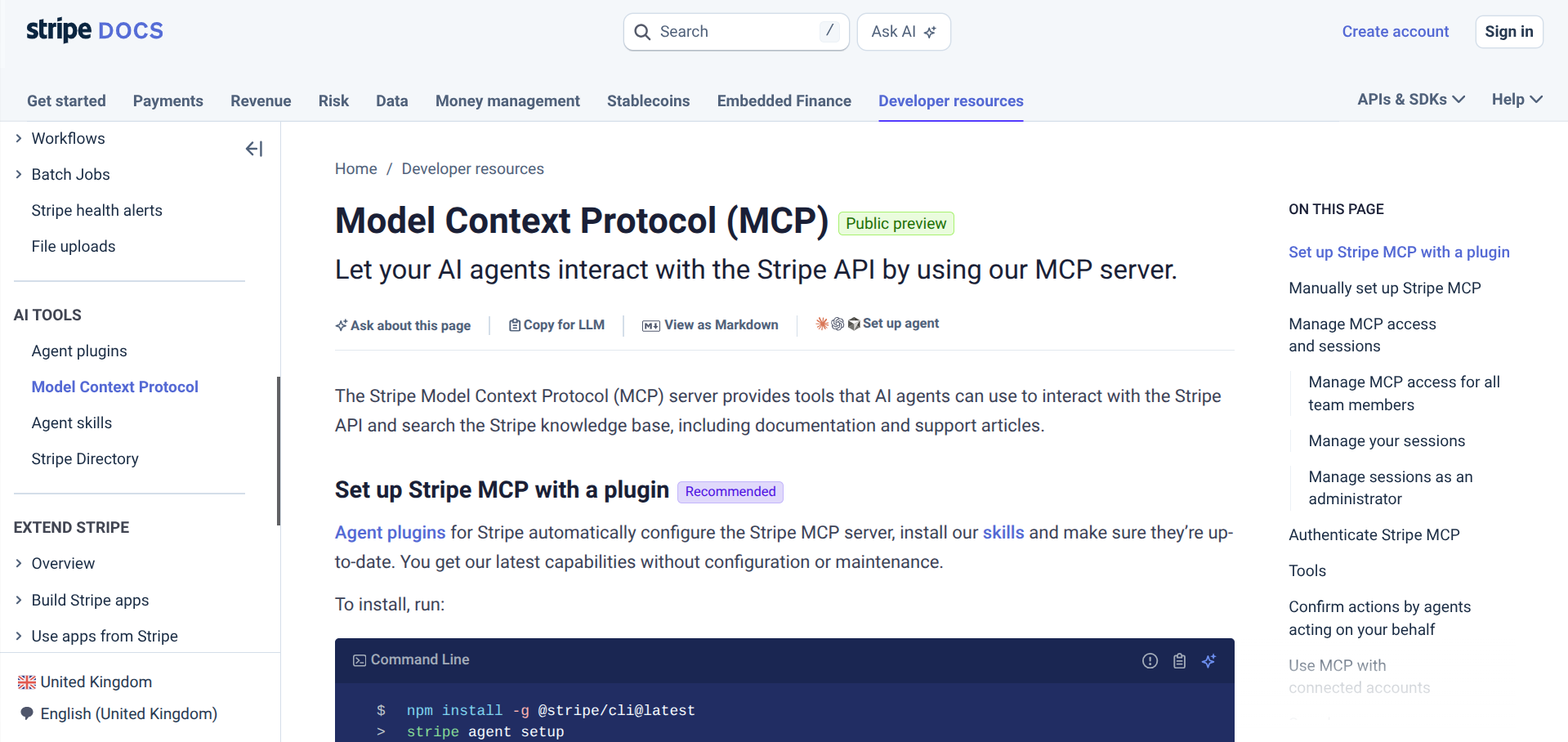
Stripe hosts a remote server at mcp.stripe.com that lets your assistant interact with Stripe's API, with OAuth or an API key for access.
It's most useful while you're building checkout and subscription flows and want the assistant to look up objects and test your setup without you copying IDs between tabs. Start in test mode and use a restricted key, since a mistaken prompt against live payments is an expensive way to learn.
bash
claude mcp add --transport http stripe https://mcp.stripe.comFor the money side of things, our UK guide to Stripe fees shows what each transaction actually costs.
7. Cloudflare MCP servers: best for edge and deployments
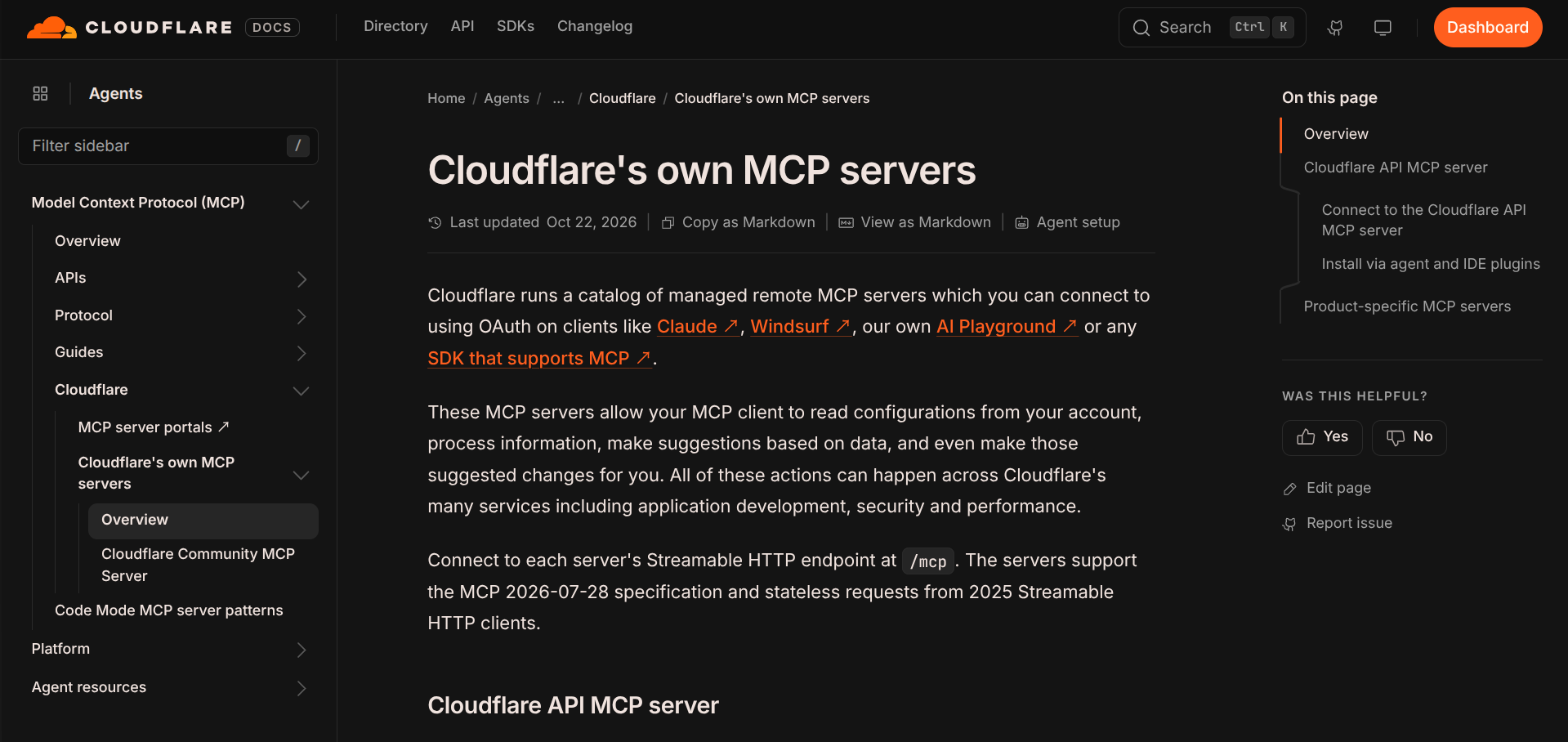
Cloudflare publishes several remote servers rather than one, covering documentation, Workers, logs and other parts of the platform, and authentication varies by server. Connect only the ones that match your stack. The documentation server is a good first pick because it needs no access to your account.
bash
claude mcp add --transport http cloudflare-docs https://docs.mcp.cloudflare.com/mcpIf you deploy on Vercel instead, it has its own MCP server too, and our Vercel pricing guide covers the hosting costs.
8. Linear MCP: best for tickets and project tracking
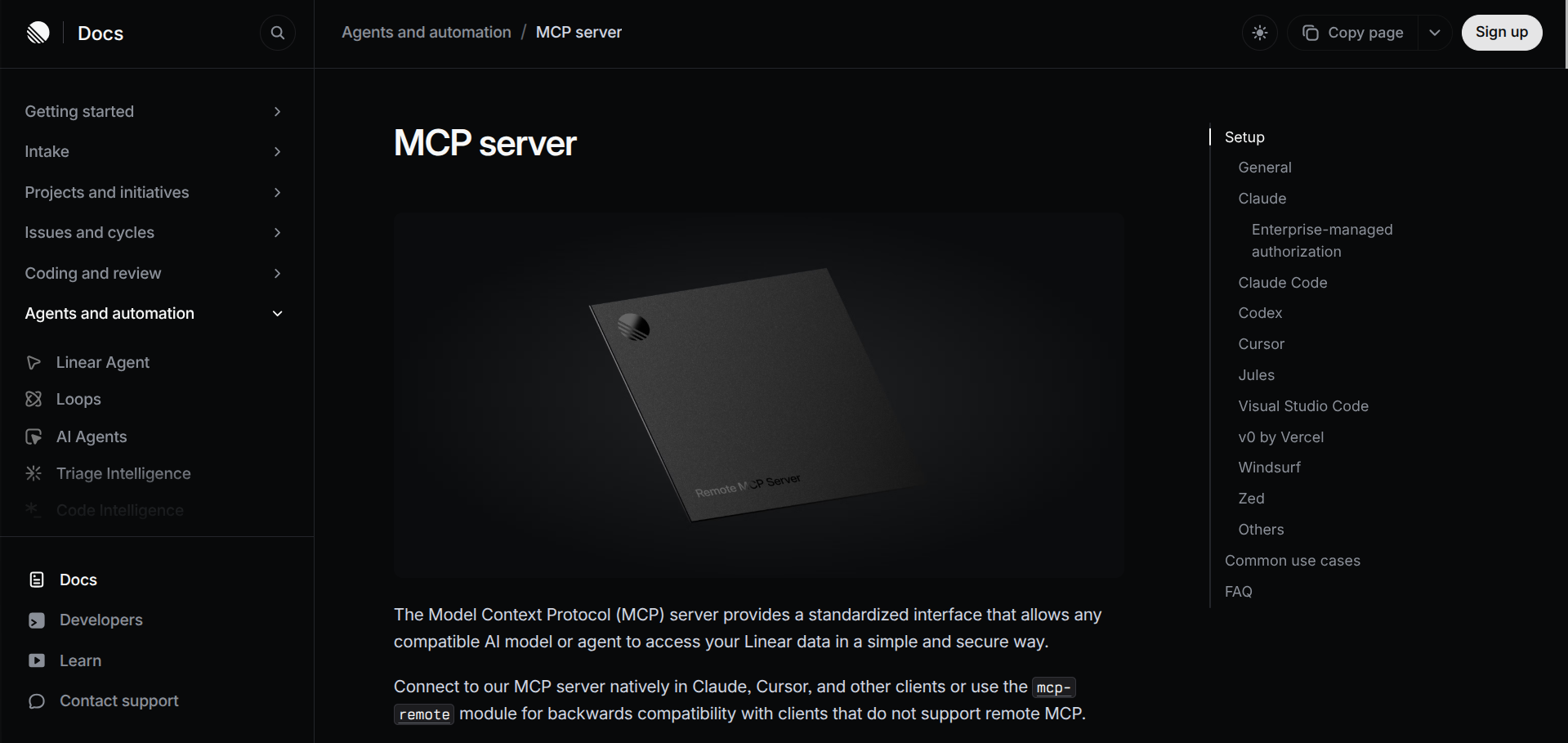
Linear's hosted server at mcp.linear.app/mcp lets your assistant work with your issues, using OAuth or an API key. The workflow that sells it is pulling a ticket into the conversation, building against its description, and keeping the ticket in step with the code.
Jira teams have an equivalent in the Atlassian Rovo MCP server, which became generally available in 2026 and supports OAuth 2.1 or API tokens. Not sure which tracker suits your team? Our Linear vs Jira comparison walks through the trade-offs.
bash
claude mcp add --transport http linear https://mcp.linear.app/mcpBest for: small teams that already run their sprints in Linear.
9. Notion MCP: best for specs and team docs
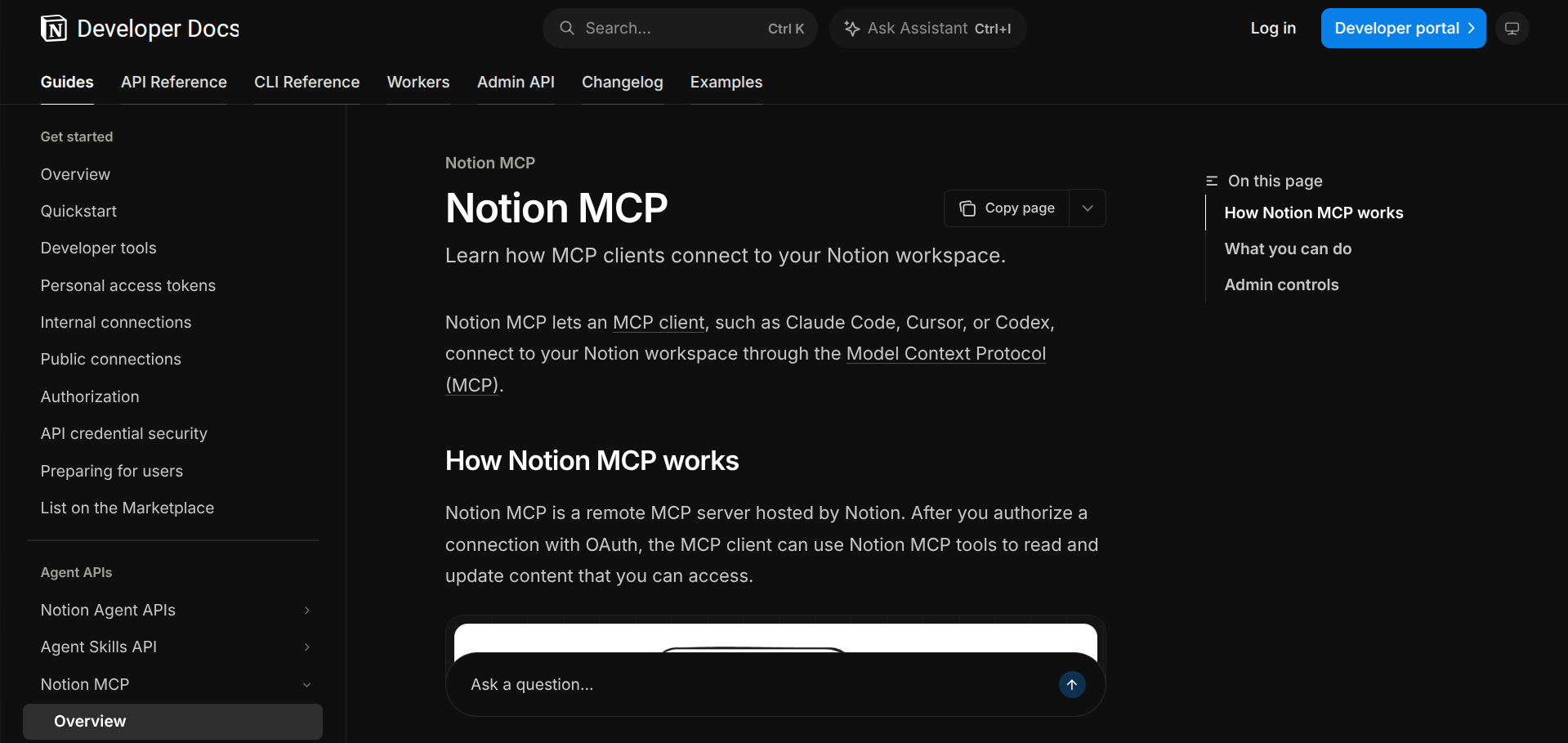
Notion runs a hosted server at mcp.notion.com/mcp that uses OAuth, and it's the one to add if your product specs, meeting notes or onboarding docs live there. Point the assistant at a spec page and ask it to build against it, and you skip the copy and paste step that usually leaves half the requirements behind.
If you're weighing up where your docs should live in the first place, we've rounded up Notion alternatives for founders who want less setup.
bash
claude mcp add --transport http notion https://mcp.notion.com/mcp10. Sequential Thinking: best for hard decisions
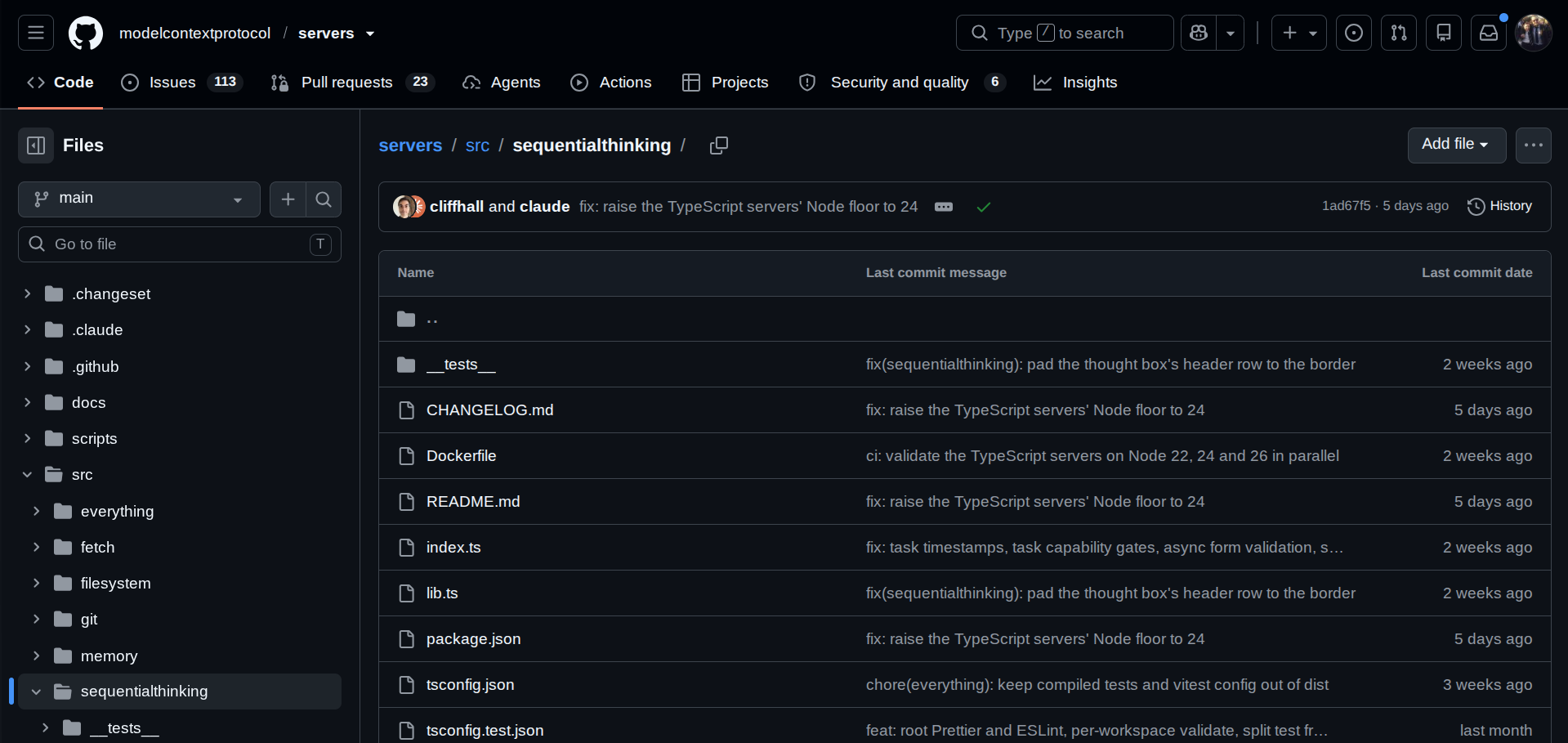
This reference server from the MCP project gives the model a structured, step-by-step way to work through a problem.
It comes with a real cost, because responses take longer while the model reasons through each step, so it's the wrong choice for boilerplate and a good one for architecture decisions, tangled debugging and system design. Enable it when you need it and switch it off when you don't.
bash
claude mcp add sequential-thinking -- npx -y @modelcontextprotocol/server-sequential-thinkingHow to add an MCP server in Cursor and Claude Code
Cursor reads its MCP configuration from a JSON file, either ~/.cursor/mcp.json for servers you want everywhere or .cursor/mcp.json inside a project for project-specific ones, and the two are combined. You can also add servers through Settings and the MCP page. Remote servers take a URL, and local ones take a command:
json
{
  "mcpServers": {
    "context7": {
      "url": "https://mcp.context7.com/mcp"
    },
    "playwright": {
      "command": "npx",
      "args": ["-y", "@playwright/mcp@latest"]
    }
  }
}
Cursor supports OAuth for servers that need it and asks for your approval before running MCP tools by default, so leave auto-run off until you trust a server. The Cursor MCP docs have the full details, and our write-up on Cursor 3 covers what else has changed in the editor.
Claude Code manages everything through the claude mcp command. Use --transport http for hosted servers, add --scope project to write a .mcp.json file you can share with your team, or --scope user to make a server available across all your projects. claude mcp list shows what's connected, claude mcp get <name> shows the details, claude mcp remove <name> takes one out, and typing /mcp inside a session lets you check status and finish OAuth sign-ins.
How to avoid getting burned
Most of the risk in MCP comes from the same few places, and each has a straightforward fix.
Prompt injection: anything a server returns, whether that's a GitHub issue, a Sentry event or a row in your database, can contain text written to steer your assistant. Supabase calls this its number one concern even in read-only mode, so treat connected data as untrusted input and keep a human in the loop for anything that writes.
Over-broad access: scope servers to one project or organization where the option exists, use read-only modes for anything near real data, and prefer OAuth over long-lived tokens.
Unknown servers: Cursor's own guidance is to install servers only from developers and repositories you trust, and a server runs with whatever access you give it. Stick to official or vendor-run servers unless you've read the code.
Committed secrets: a project-level .cursor/mcp.json or .mcp.json can end up in git, so keep tokens in your global config or use OAuth.
Too many tools: every connected server adds tool definitions the model has to read before it answers, so a long list costs you context and can make tool selection worse. Connect what you use, and disable individual tools from the chat when you don't need them. MCP connectivity is a configuration feature rather than a paid add-on, though the extra tool output still counts toward your model usage, which is worth knowing if you're watching your Cursor spend.
What we left out
A few popular names didn't make the cut. The Filesystem server is redundant in Cursor and Claude Code because both already read and write your project files. Web search servers such as Brave Search are useful in a plain chat app, but most AI coding tools ship with their own search.
If you're on plain Postgres rather than Supabase, Postgres MCP Pro kept appearing in comparisons and has a restricted mode worth enabling. Terraform, Docker Hub and Kubernetes servers are strong picks for infrastructure-heavy teams, though they're a narrower audience than this list targets.
To browse beyond these ten, the official MCP Registry is the closest thing to an app store for servers.
FAQ
What is an MCP server?
It's a small program that exposes a tool or data source, such as GitHub, a database or a documentation index, to an AI assistant through the Model Context Protocol. Your editor connects to it, and the assistant can then use that tool during a conversation.
What's the best MCP server for beginners?
GitHub and Context7 are the easiest starting point. Both have hosted versions, clear documentation, and an obvious payoff the first time you use them.
Do MCP servers work in both Cursor and Claude Code?
Yes, the servers are the same and only the configuration differs. Cursor uses a JSON file, and Claude Code uses the claude mcp add command.
Are MCP servers safe to use?
They're as safe as the access you grant them. Use official servers, scope them to a single project, choose read-only modes near real data, and keep approvals switched on for write actions.
How many MCP servers should I install?
Start with three and add more only when you hit a real gap. Each server adds tool definitions to your model's context, so a long list tends to cost more than it returns.
Do MCP servers cost money?
The servers in this list are free to install, though the services behind them, such as Sentry, Supabase and Stripe, have their own plans and pricing. The extra tool output also counts toward whatever model usage your editor bills.
Where can I find more MCP servers?
The official MCP Registry at registry.modelcontextprotocol.io is the best starting point, and most vendors list their own server in their developer docs.
The short version
Start with GitHub, Context7 and Playwright, add Sentry and a scoped, read-only Supabase connection when you have users and data, and bring in Stripe, Linear or Notion when your workflow calls for them. Five or six well-chosen servers will do more for your assistant than twenty you connected on a whim.
If you're building with AI tools and want to tighten the rest of your setup, our master vibe coding prompting guide pairs well with a few of these servers, and the founders stack for 2026 covers the rest of what a lean startup runs on. For a head-to-head on the editors themselves, see Cursor vs GitHub Copilot.