🔥 This article is getting a lot of attention. Showcase your project to 10,000 visitors a month.Contact us for placement opportunities.
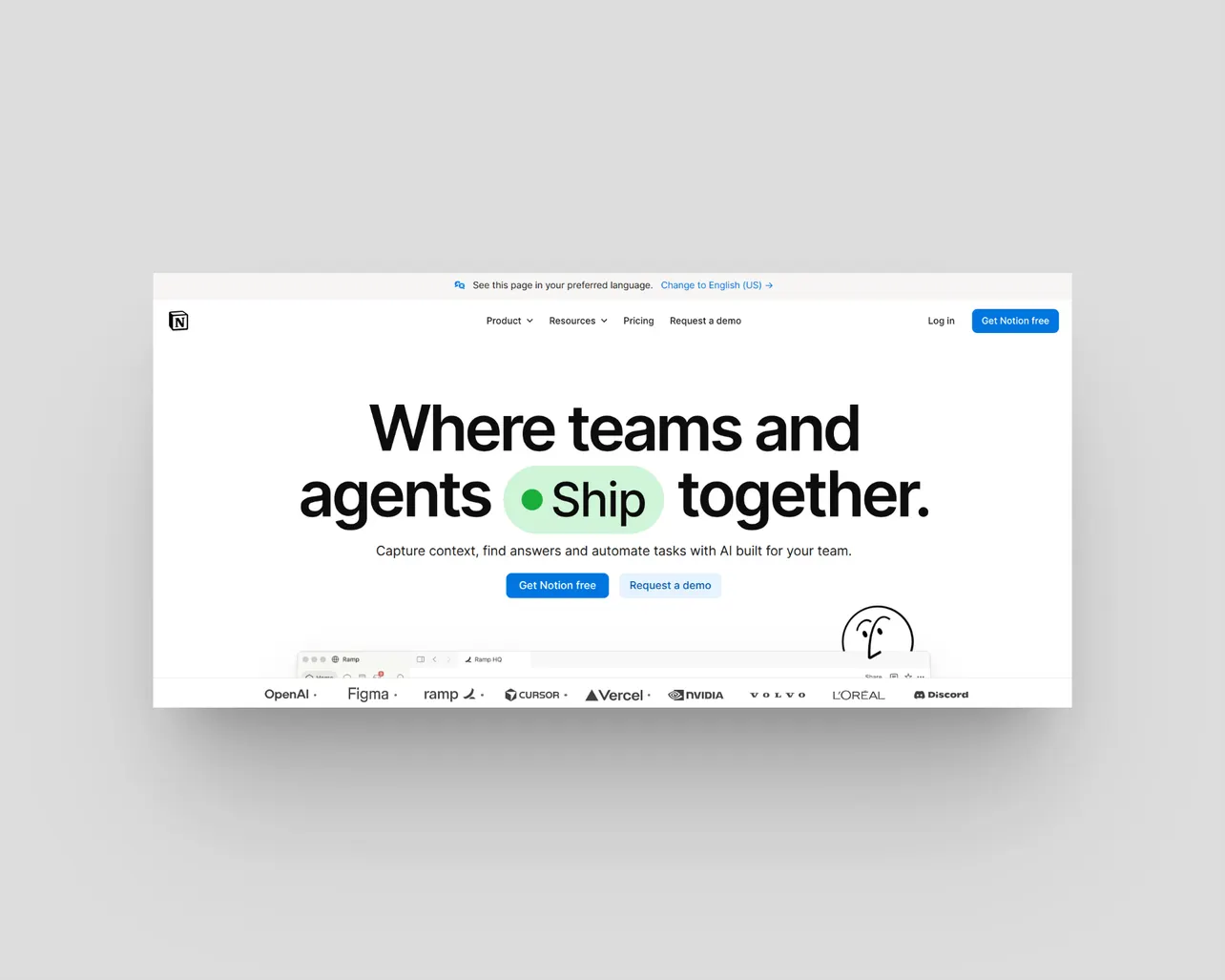
Notion did the thing every SaaS company eventually does. It took the feature everyone actually wanted and moved it up a tier.
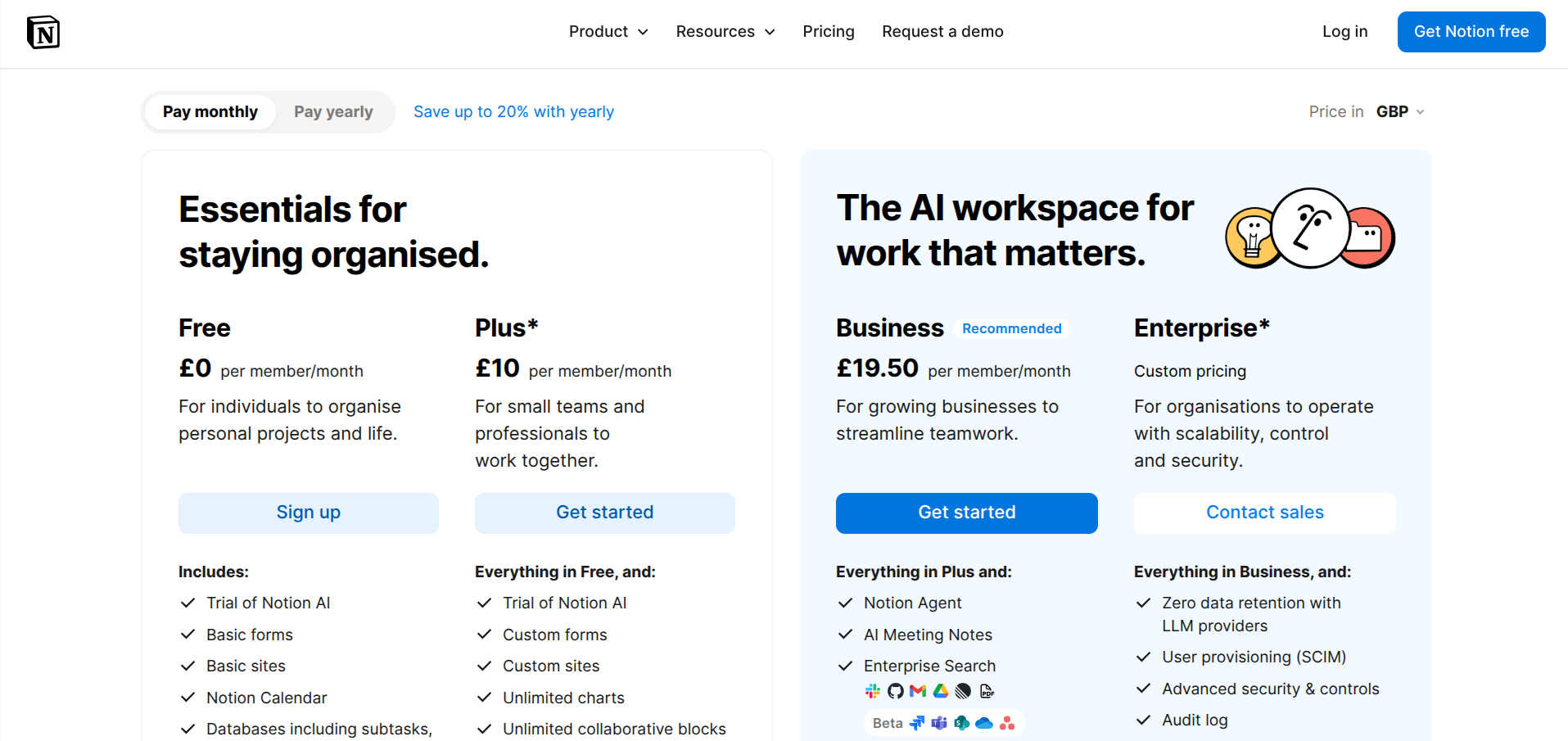
Until 2025 you could bolt Notion AI onto any plan for around $8 to $10 per member. That option is gone for new accounts. Full Notion AI now lives on the Business plan at $20 per seat per month on annual billing, or $24 if you pay monthly.
For a four-person team that wants AI, the bill went from roughly $72 a month to $80 a month, and the only way down is to give up the AI entirely. Custom Agents added a second meter in May 2026, charging $10 per 1,000 credits on top of your seats with no rollover.
That pricing change is the single biggest reason founders start Googling alternatives. The second biggest reason is much older, and it has nothing to do with money.
Notion is a box of Lego. Brilliant if you enjoy building. Exhausting if you just want a place to write things down and find them again three weeks later. Plenty of founders open Notion, spend four hours building a beautiful CRM template, and never enter a single customer into it.
So this list is built around one filter: how quickly can you get value out of the tool without designing a system first?
How we picked these
Four criteria, all of them practical:
Time to first useful page. If you need to watch a YouTube tutorial before you can write a doc, the tool loses points.
Honest pricing. Per-seat costs that scale predictably, and free tiers that survive contact with a second team member.
Export and portability. Your notes should leave in a format you can actually read. Markdown, ideally.
Genuinely different, not a reskin. There are hundreds of Notion clones. Most of them are Notion with fewer features and a worse mobile app.
Prices below are annual-billing rates verified in August 2026. SaaS pricing moves constantly, so check the vendor page before you commit to anything.
1. Nuclino
The fastest tool on this list, and the one most likely to survive a team that hates documentation.
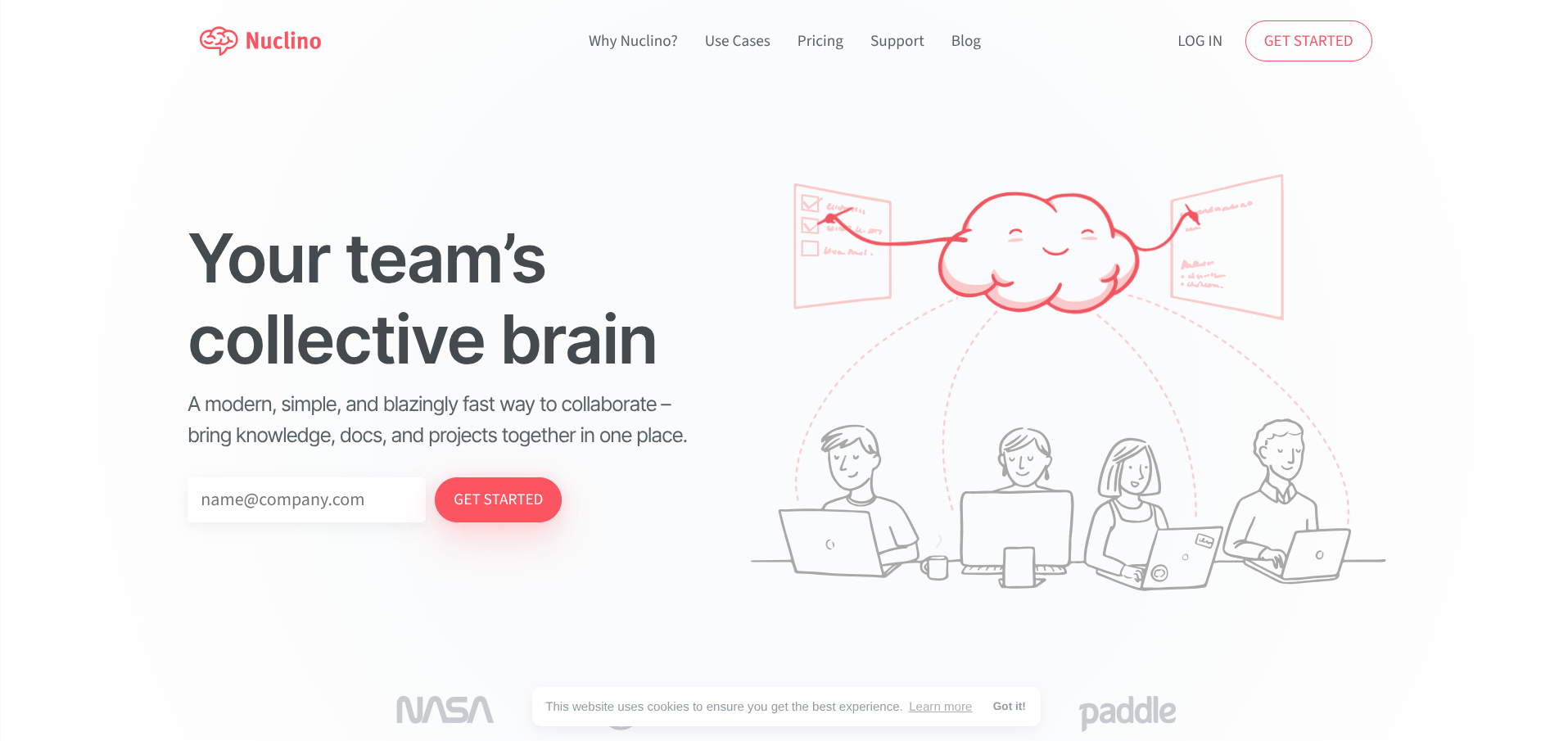
Nuclino is deliberately narrow. Pages, collections, real-time editing, and a search bar that returns results before you finish typing. There are four ways to view your content (list, board, table, graph) and that is the entire configuration surface. You cannot spend a weekend building a system in Nuclino because there is no system to build.
⚡Nuclino — pricing
50 items, 2 GB total storage, core collaboration
Unlimited items, 10 GB per user, 30-day history
Full Sidekick AI, SSO, audit logs, unlimited history
That constraint is the product. Teams who bounced off Notion because nobody kept it updated often stick with Nuclino, because the cost of adding a page is close to zero.
The free plan caps at 50 items and 2 GB of storage, which is enough to run a genuine trial rather than a demo. Starter is $6 per user per month on annual billing ($8 monthly) and removes the item limit. Business at $10 per user per month annually ($12.50 monthly) adds the full Sidekick AI, SSO, and audit logs.
One thing to watch: every person counts as a billed user, including guests and read-only members. There is no free viewer tier.
2. Superhuman Docs (formerly Coda)
If you loved Coda, it still exists. It just answers to a different name now.
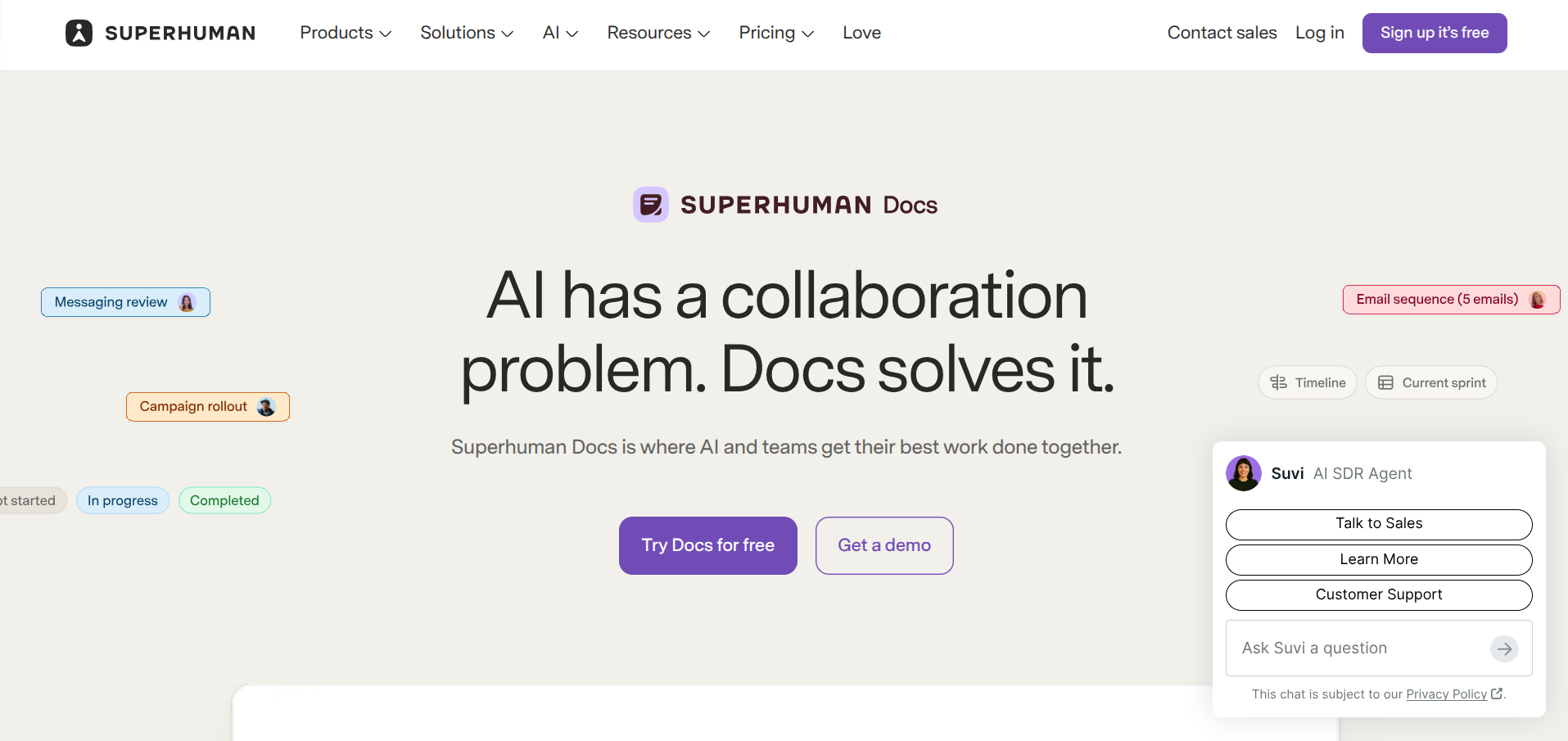
Grammarly acquired Coda, then renamed the whole company Superhuman in October 2025, and on 8 July 2026 Coda officially became Superhuman Docs. Existing docs, Packs, automations, and formulas carried over.
Old coda.io links redirect. The product got a new font, new icons, and a rebuilt AI assistant that can construct trackers and intake workflows inside the page rather than sitting in a sidebar.
📄Superhuman Docs — pricing
Unlimited pages and objects for personal use, Docs AI trial
Unlimited doc size, 1 GB per doc, 30-day version history
Cross-doc sync, doc locking, folder controls, Team Packs
SSO and SCIM, audit logging, advanced AI controls
Superhuman Docs is the closest structural match to Notion on this list, and it beats Notion on one specific thing: billing. You pay per Doc Maker, meaning the people who build docs.
Everyone who reads, comments, or edits existing content is free. A twenty-person team with three builders pays for three seats. Notion charges you for all twenty.
Pricing is in flux following the rebrand and the introduction of the bundled Superhuman suite, which is priced per seat rather than per Maker. Check the current rates before you buy, because the Maker model and the suite model are billed differently and the difference is significant at scale.
3. Obsidian
The answer for anyone who has ever worried about what happens when the company hosting their second brain runs out of runway.
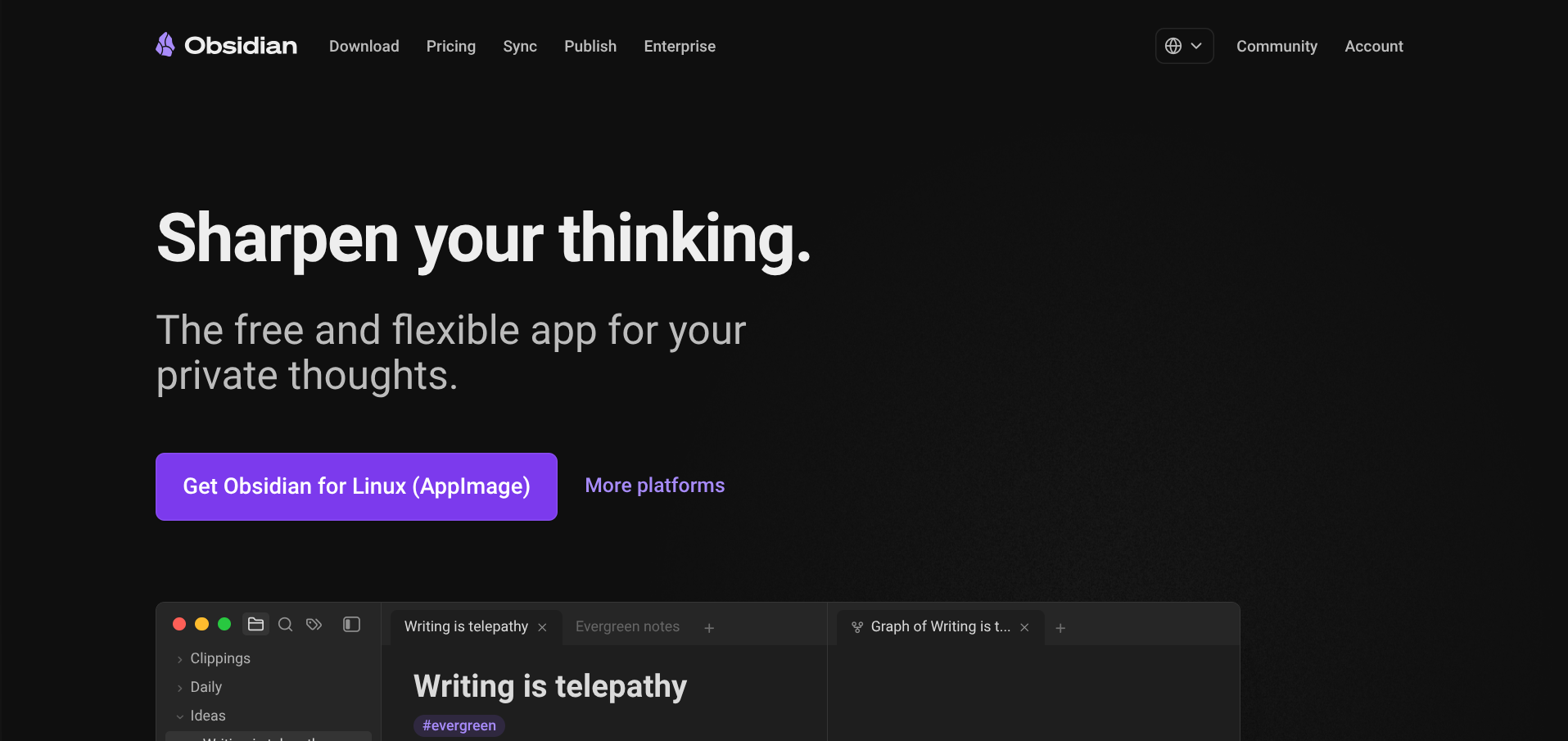
Obsidian stores your notes as plain Markdown files in a folder on your machine. No database, no proprietary format, no export step. If Obsidian shut down tomorrow, every note you own would still open in TextEdit. For founders who keep investor notes, product decisions, and half-formed strategy in one place, that guarantee is worth a lot.
The app itself is free, including for commercial use. You pay only for optional add-ons. Sync runs about $4 per user per month on annual billing ($5 monthly) for end-to-end encrypted multi-device syncing with version history.
🪨Obsidian — pricing
Unlimited vaults, all core features, commercial use
Encrypted multi-device sync with version history
Turn a vault into a searchable public website
Voluntary licence supporting independent development
Publish costs around $8 per site per month annually ($10 monthly) if you want to turn a vault into a public website. There is a voluntary $50 per user per year commercial licence that supports development, and a $25 one-off Catalyst tip.
You can also skip Sync entirely by dropping the folder in iCloud, Dropbox, or a private Git repo. That works fine on desktop and gets fiddly on mobile.
The honest limitation: Obsidian is a single-player tool wearing a very good plugin ecosystem. Real-time collaboration is not what it does.
4. Airtable
Pick this one if the database was always the point and the pages were incidental.
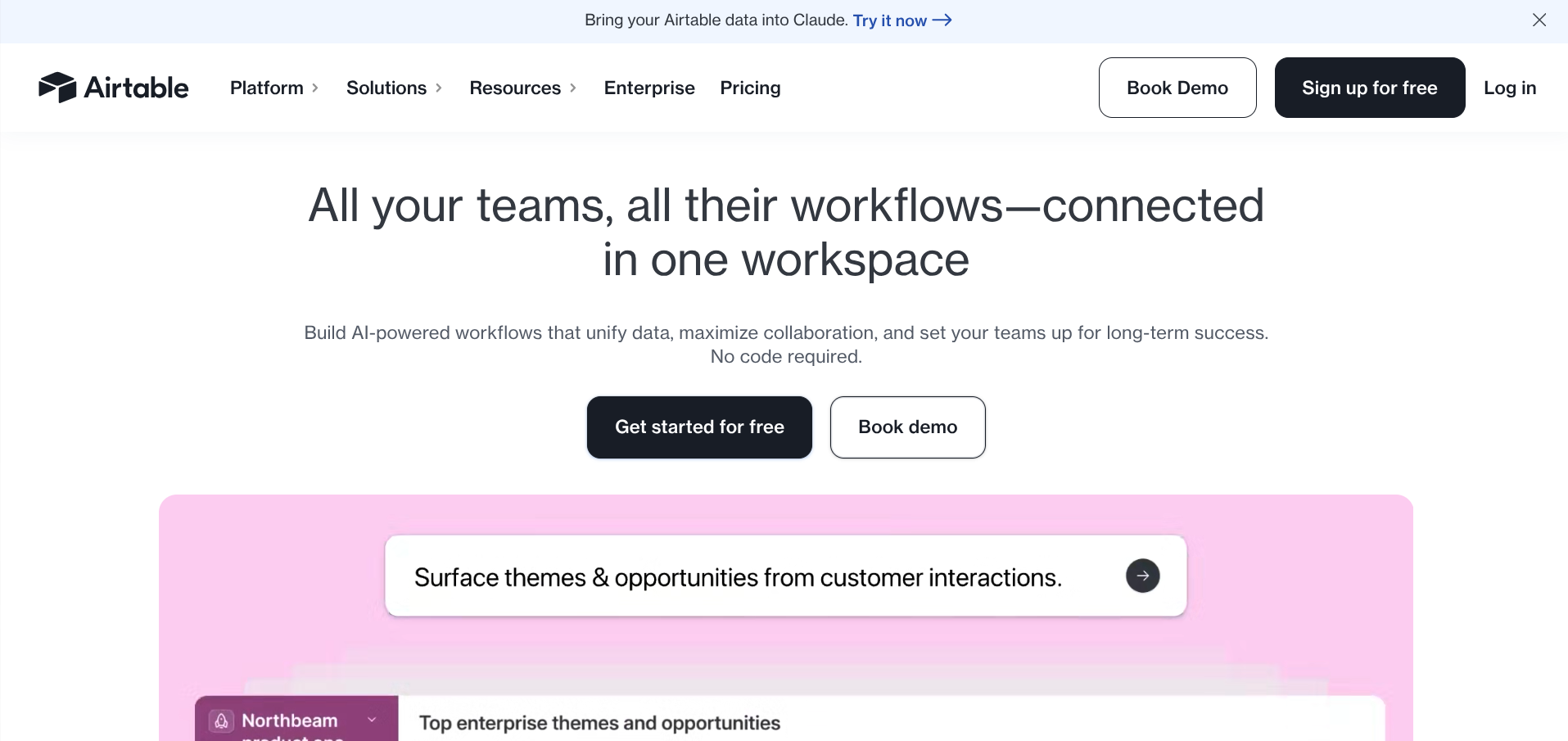
Plenty of founders use Notion for exactly one job: a structured table of customers, deals, content, or applicants, with a few views on top. Airtable does that job better, faster, and with far more powerful automations, filtering, and interface building.
The free plan gives you unlimited bases with 1,000 records each and up to five editors. Team is $20 per seat per month on annual billing ($24 monthly) with 50,000 records per base. Business jumps to $45 per seat annually ($54 monthly) for 125,000 records and SSO.
🗂️Airtable — pricing
1,000 records per base, up to 5 editors
50,000 records, 20 GB, 25,000 automation runs
125,000 records, 100 GB, SAML SSO
Around 500,000 records, governance and audit logs
Read that jump carefully, because it is the trap. Airtable bills per editor, every month, whether or not they logged in. Viewers and form submitters are free, so the discipline is keeping people out of the editor column.
Three meters can force an upgrade: record count, automation runs, and AI credits. A six-person team on monthly billing is $144 before a single add-on. Airtable is expensive at scale and excellent below it. Know which side of that line you sit on.
5. ClickUp
The move for teams whose Notion workspace has slowly turned into a badly built project tracker.
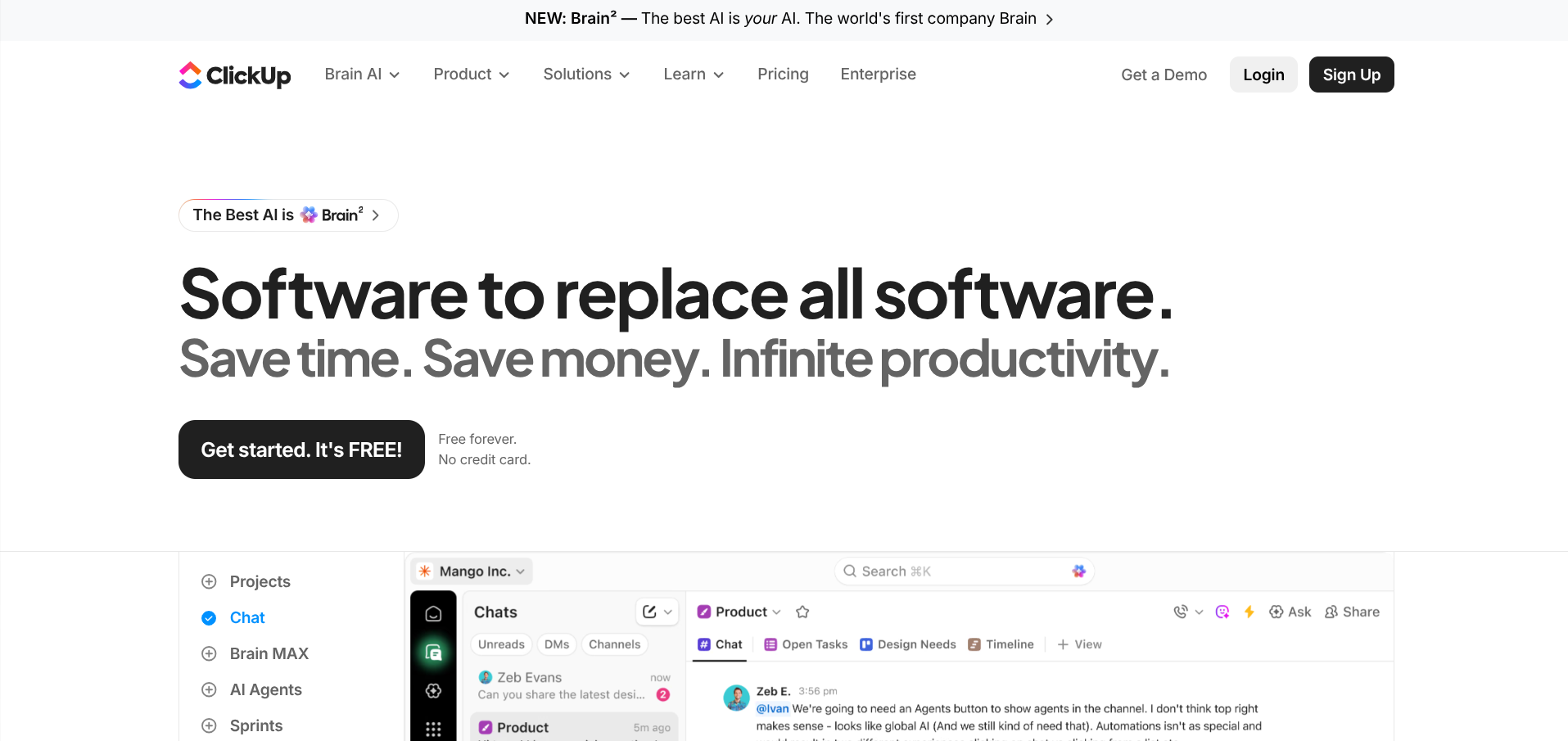
ClickUp comes at the problem from the opposite direction. It is a project management tool that added docs, rather than a doc tool that added databases. If your team's real bottleneck is knowing who owns what and when it is due, ClickUp handles that natively instead of asking you to construct it from relations and rollups.
✅ClickUp — pricing
Unlimited members and tasks, capped storage
Unlimited storage, integrations, dashboards
Workload management, timesheets, unlimited teams
Custom roles, granular permissions, team sharing
The Free Forever plan supports unlimited members and unlimited tasks, capped on storage and automation runs. Unlimited is $7 per user per month on annual billing (roughly $10 monthly). Business is $12 annually ($19 monthly) and adds workload management, timesheets, and unlimited teams. Business Plus sits at $19.
Budget for the AI separately. ClickUp Brain is an add-on of roughly $7 to $9 per user per month on top of your plan, which pushes a Business seat to around $20. Confirm the current Brain pricing before you assume it is included.
The fair criticism of ClickUp is that it is dense. There are a lot of buttons. Coming from Notion looking for simplicity, this is a lateral move.
6. Slite
A team wiki with AI search that answers questions instead of returning a list of pages.
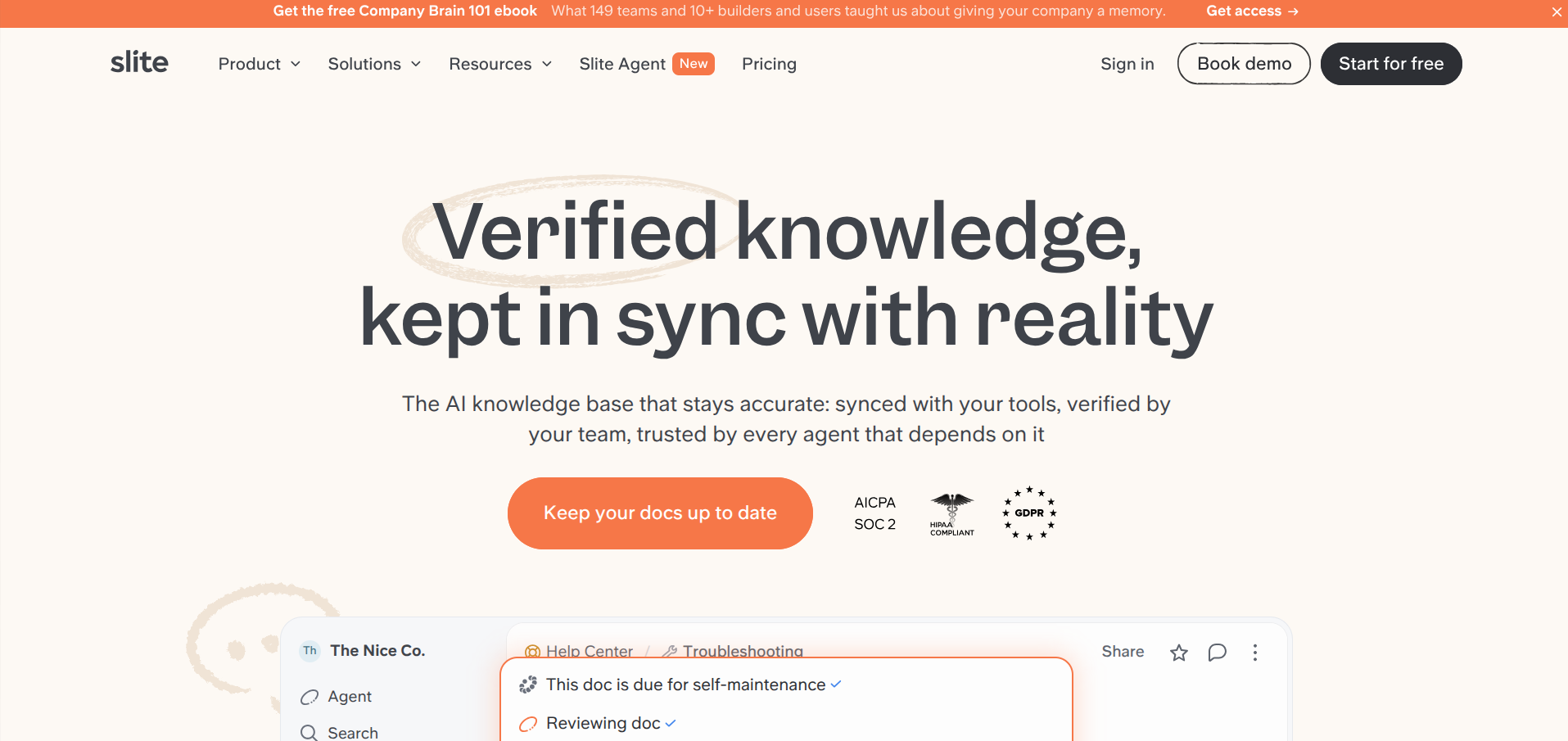
Slite's pitch is documentation that stays current. It flags docs that have gone stale, verifies content against connected tools, and lets people ask questions in plain English rather than guessing at keywords. For a team where onboarding knowledge lives in six different Slack threads, that is the actual problem solved.
🔎Slite — pricing
Unlimited docs, Ask AI with 30 questions per user, API access
Slite Agent cross-references connected tools and flags stale docs
Advanced governance, audit logs, migration assistance
Slite relaunched its plan structure in mid-2026, and public pricing sources disagree about the current tiers.
Reported figures range from around $8 per member per month at the entry level up to roughly $20 to $25 for the AI-heavy tier, with some sources indicating the free plan was retired in favour of a 14-day trial. Check slite.com directly before budgeting, because the numbers floating around review sites are out of date.
7. Craft
The one you choose because the documents look good.
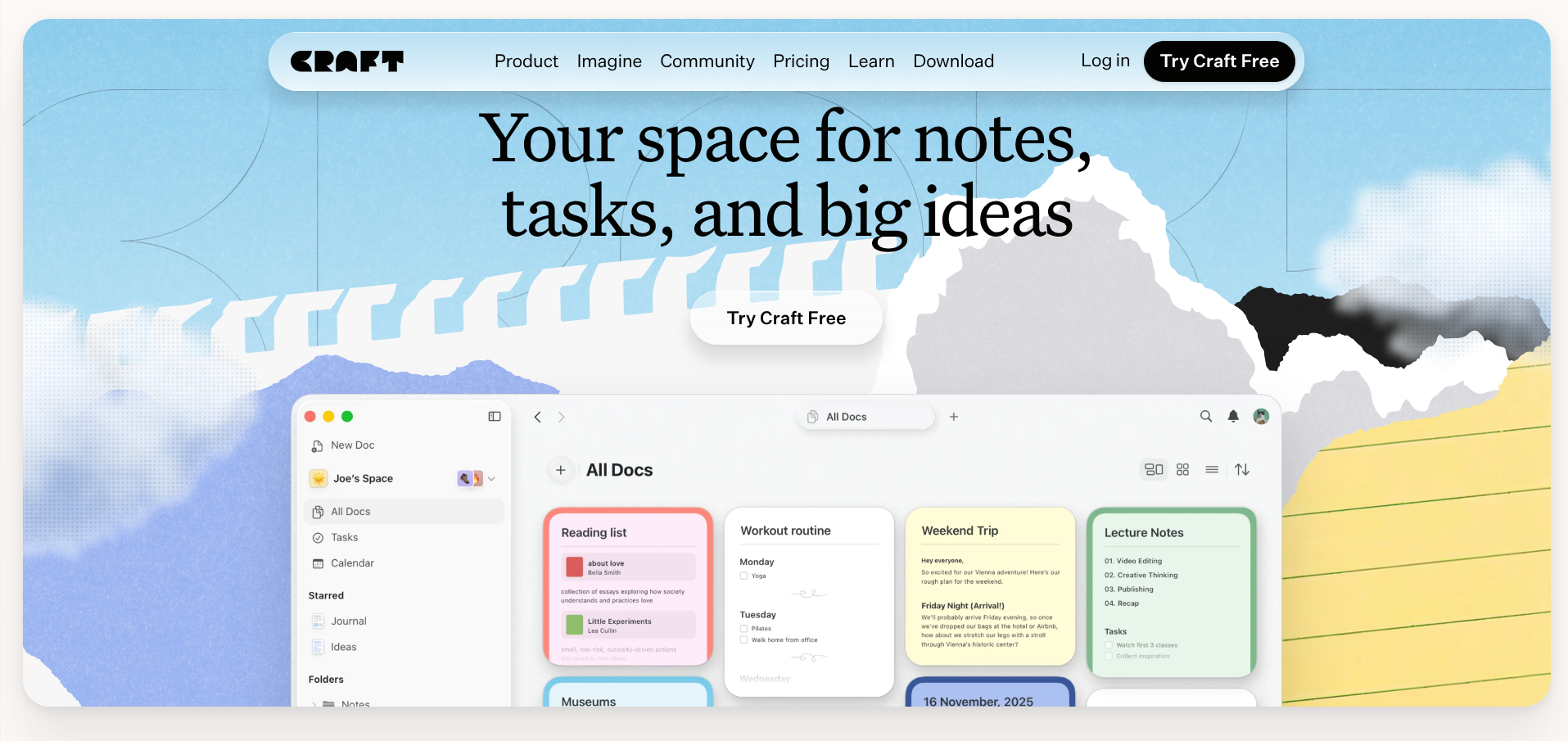
Craft is a design-first writing tool. Documents have proper typography, images sit where you put them, and shared pages look like something you would send to an investor rather than a wiki page with a link preview. If you write client proposals, one-pagers, or memos that leave the building, Craft is doing something the others are not.
Up to 10 documents, then 2 more added each week
Unlimited documents, storage, and version history
Two to six accounts sharing one subscription
Shared spaces and admin controls, 10-seat minimum