


If you're bootstrapping in 2026, the question is not whether you can afford the tools. It is whether you can stop yourself from signing up for too many.
Free tiers have got absurdly generous over the past two years.
Database hosting, AI assistance, hosting, email, design, accounting: all free, all the way up to a level of usage that would make a 2020 founder weep. The trap is that "free" lists usually pad themselves with 14-day trials and dark patterns. This one does not.
Every tool below has a free plan that stays free as long as you stay inside its limits. No expiring credits. No "free during beta." No surprise downgrade after 30 days. We have grouped them by job, because that is how you actually pick tools when you are building.
TL;DR: You can stand up a complete bootstrapped stack for $0 in 2026. The tools below cover building, hosting, designing, marketing, supporting, and counting your money, without a single credit card required to start. Skim to the section that maps to whatever you are stuck on right now.
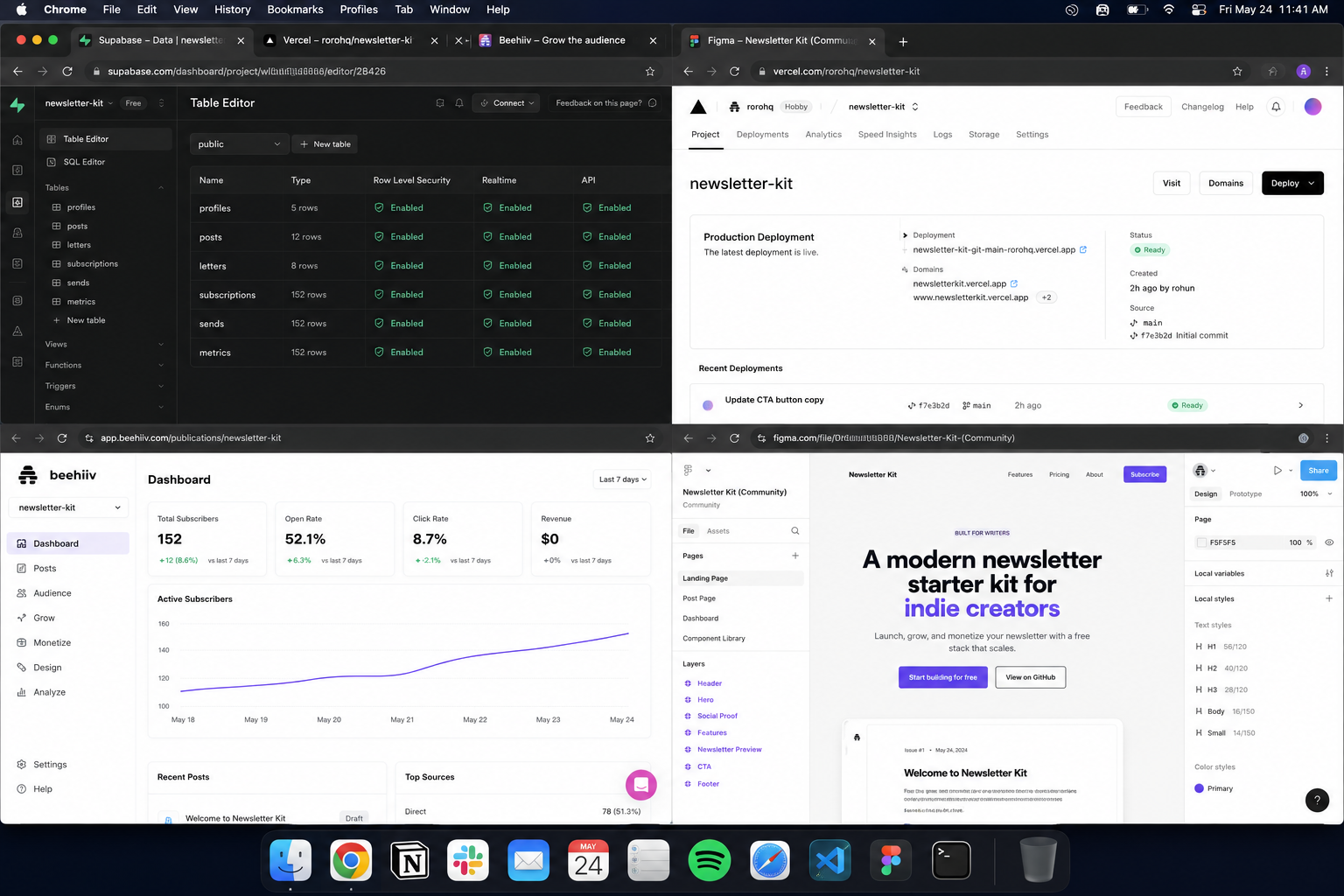
How we picked these tools
The criteria were brutal. To make this list, a tool had to:
- Have a permanent free plan, not a time-limited trial
- Be usable for real work, not crippled to the point of pointlessness
- Scale to a meaningful threshold before forcing an upgrade (think hundreds of users, not five)
- Require no credit card to start
If a tool only offers a free trial, it did not make the cut. We covered cheap-but-paid stacks in Founders Stack 2026: What's the Cheapest Way to Run a $10k MRR Startup This Year? and The Founder Friendly Tech Stack.
This article is strictly the $0 layer underneath those.
Building and shipping the product
This is where free tiers have moved the furthest. You can run a real product in production on $0 indefinitely if you are deliberate about it.
Supabase: backend, auth, and database
Supabase is the closest thing the bootstrapped world has to a "Firebase, but the bill does not surprise you." Its free tier covers Postgres, authentication, file storage, realtime subscriptions, and edge functions in one place.
The 2026 free plan includes 500 MB of database storage, 1 GB of file storage, 5 GB of bandwidth, 50,000 monthly active users for authentication, and 500,000 edge function invocations a month.
That is genuinely enough to run a real product.
The catch worth knowing about: free projects pause after 7 days of inactivity, and there are no automatic backups. Both are reasons to upgrade to the $25/month Pro plan once you have paying customers, not before.
Vercel: hosting for web apps
Vercel's Hobby plan stays free for personal projects and side ventures forever. You connect a GitHub repo, push code, and it deploys globally on a CDN. For most early-stage SaaS products, the free tier handles real production traffic without issue.
The licensing detail to read carefully: the Hobby plan is restricted to non-commercial use. The moment you have paying customers or run ads, you are technically meant to upgrade to Pro at $20/month.
Plenty of founders ignore this until they have meaningful revenue. Just know it is in the terms. Need a more detailed Vercel pricing breakdown? We've got you covered.
GitHub: version control and CI
Free private repos, unlimited collaborators, 2,000 GitHub Actions minutes per month for private repos, and unlimited Actions minutes for public repos. For solo founders or small teams, you can run your entire build pipeline on the free plan without hitting the wall.
Cursor or Claude Code: AI coding assistance
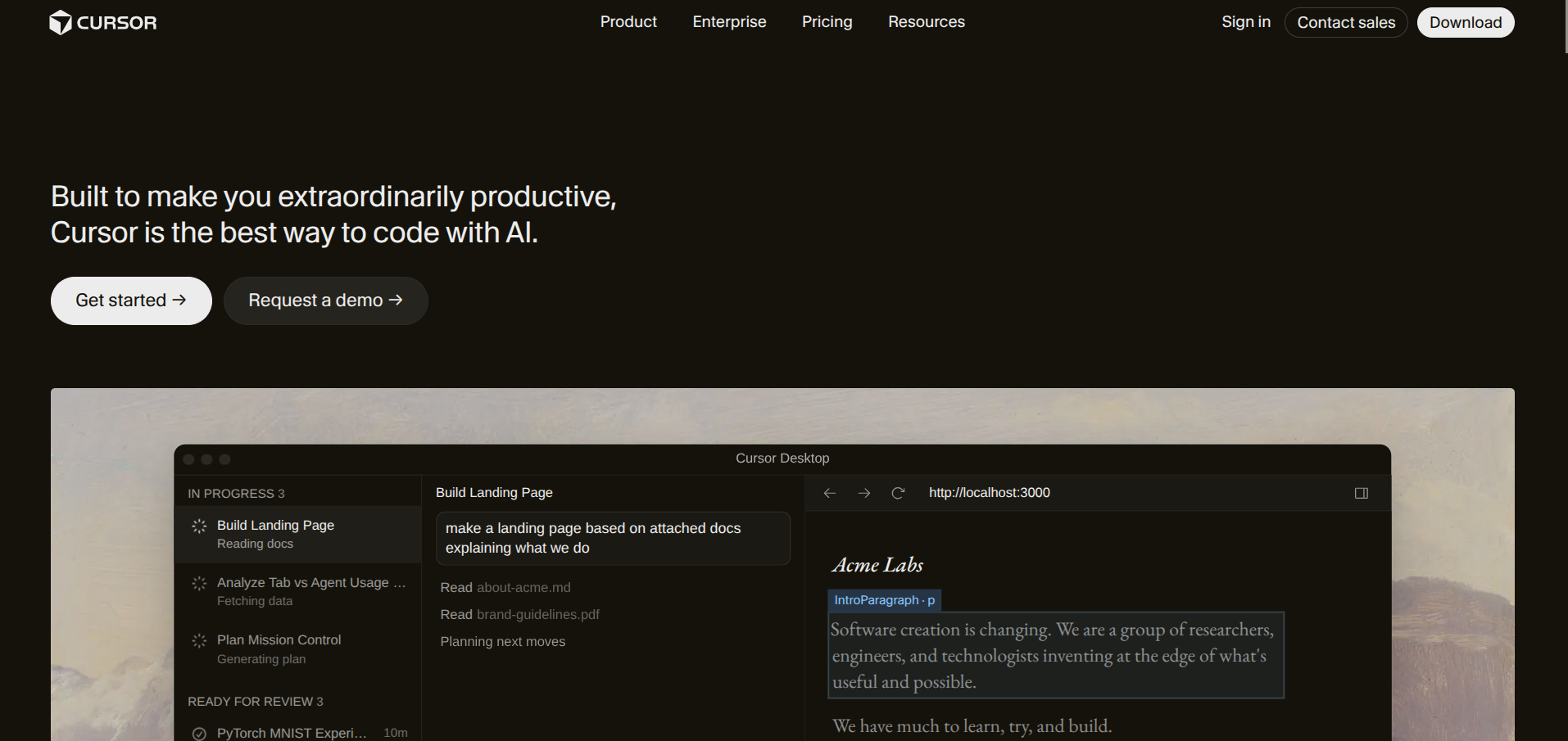
Both have free tiers worth using. Cursor's free plan gives you limited fast model requests per month and slower unlimited use, which is plenty for evening-and-weekend builders. If you need a deeper comparison of the AI coding tool landscape, our Cursor vs Windsurf vs Claude Code cluster has the breakdowns.
 Chloe Ferguson
Cloudflare: CDN, DNS, and edge workers
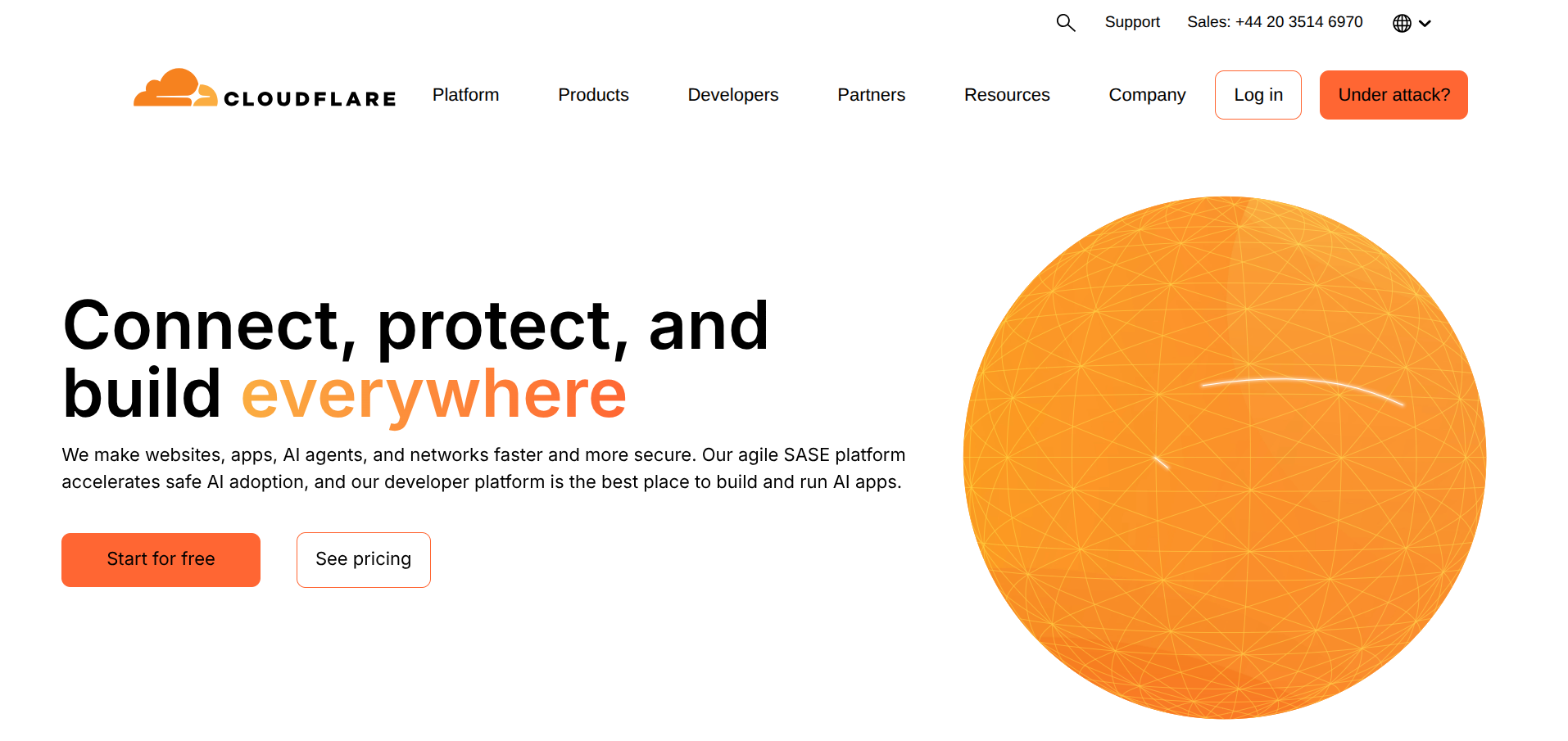
Cloudflare's free plan is genuinely embarrassing for the rest of the industry. You get unmetered DDoS protection, free SSL, a global CDN, DNS, and 100,000 free Workers requests per day. For a bootstrapped product, this is "set it and forget it" infrastructure that scales further than most founders ever need it to.
Designing and prototyping
Figma: interface design
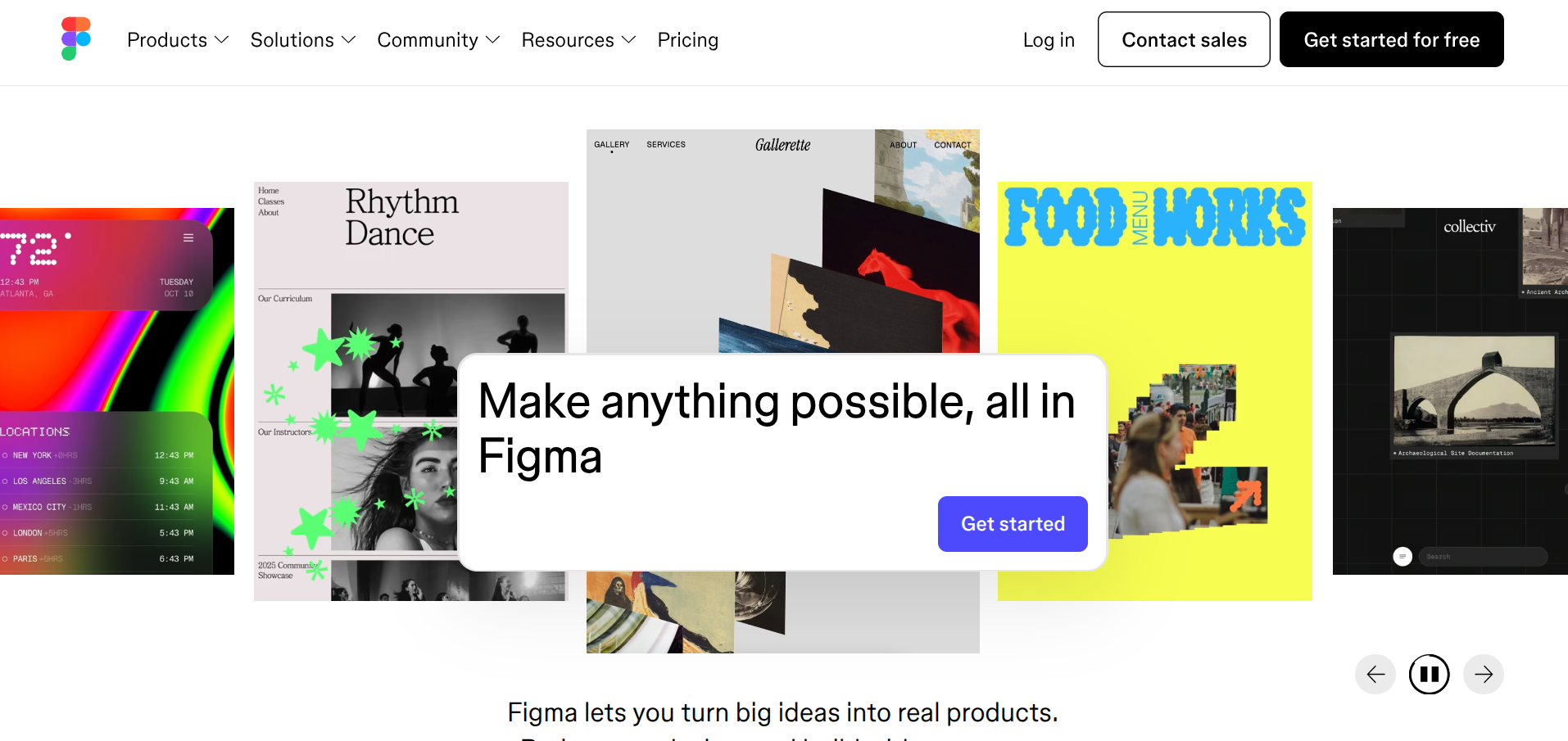
Figma's free Starter plan covers three Figma files, three FigJam boards, and unlimited collaborators on those files. For a solo founder or a two-person team designing one product, that is enough to ship a real interface.
The Figma community is also where you find thousands of free UI kits to clone, so you do not start from a blank canvas.
 Chris Kernaghan
Canva: marketing assets
Free plan covers most of what an early-stage founder needs for social graphics, simple ads, and pitch deck visuals. The free template library is the actual reason to use it. You will not be making fine art, but you will be making things that ship.
For the story of how Canva built that template-first model into a $40B company, read our Canva case study.
Excalidraw: diagrams and whiteboarding
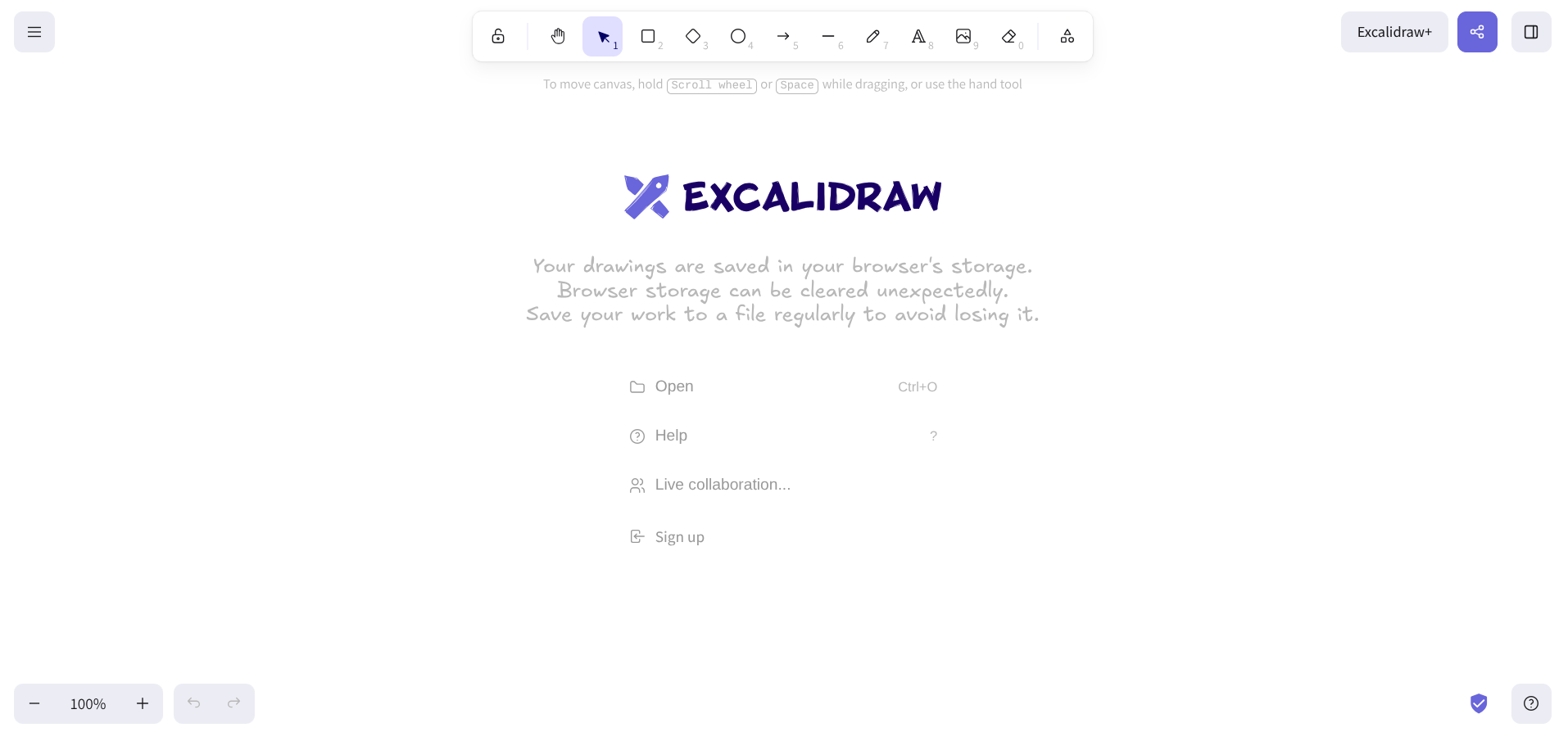
Free, open-source, browser-based. For sketching architecture diagrams, user flows, or anything you would otherwise scrawl on a napkin, it is faster than any "proper" tool.
Save the files locally and you never need an account.
Marketing and audience building
This is the section where free tiers vary wildly in honesty. The ones below are the ones that genuinely stay useful.
Beehiiv: newsletter and audience
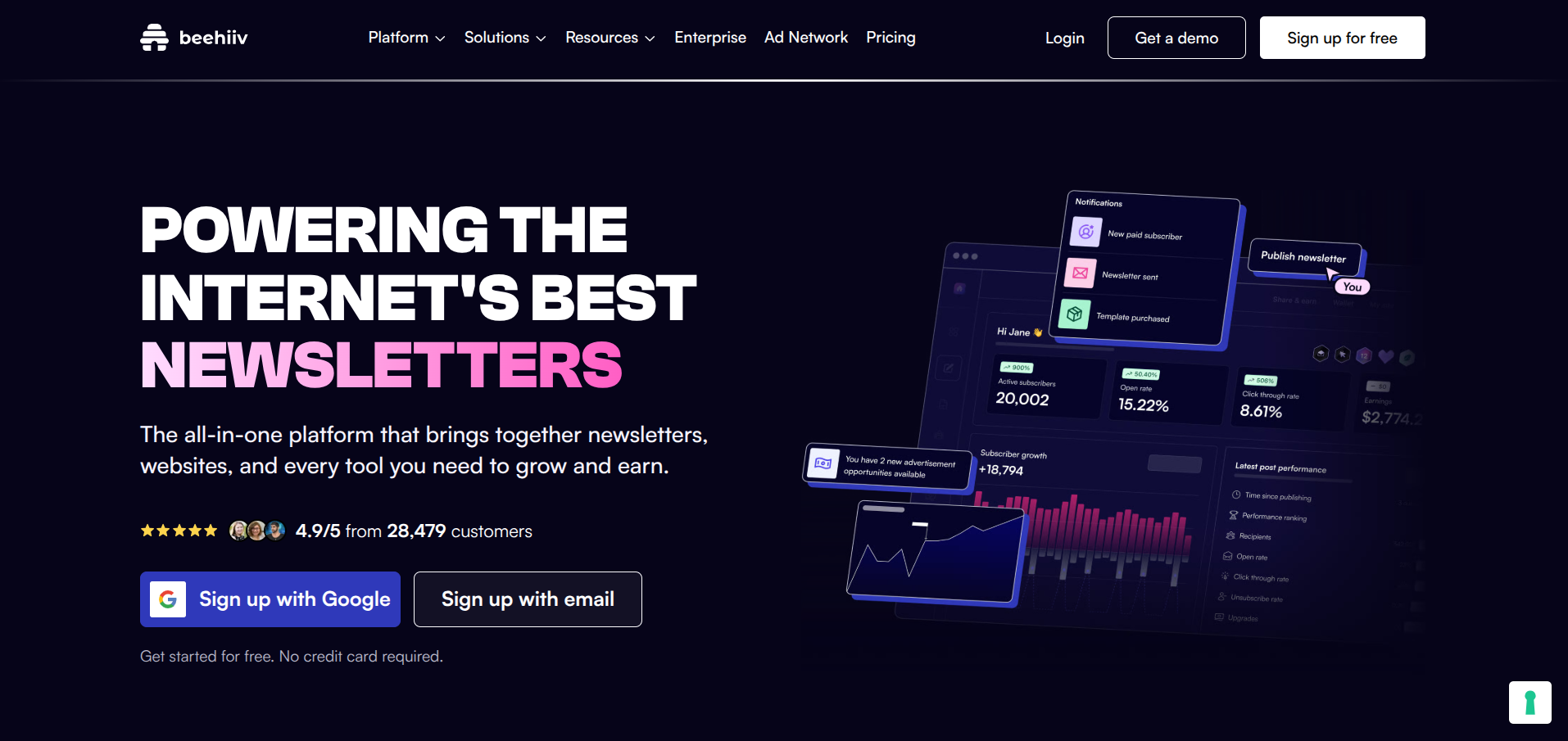
The free Launch plan covers up to 2,500 subscribers with unlimited email sends, custom domains, audience segmentation, API access, and the recommendation network. That is more than most paid newsletter tools offer at any tier. Beehiiv also takes 0% on paid subscriptions when you eventually monetize, which is rare in the space.
If you are weighing options, our Mailchimp alternatives breakdown covers Beehiiv against Loops and Kit.
Buffer: social scheduling
Free plan covers three social channels with up to 10 scheduled posts each. For a bootstrapped startup posting to LinkedIn, X, and one other platform, this is the entire scheduling strategy. Upgrade only when you are posting consistently enough that the limits actually pinch.
Plausible (community edition) or Umami: analytics
Both are open-source, privacy-friendly Google Analytics alternatives. Plausible has a hosted free tier on their community edition, and Umami is fully self-hostable on free Vercel hosting. Either gives you the metrics that actually matter for an early-stage product without the GA4 learning curve.
Google Search Console: SEO data
Free, official, and the single most useful tool for understanding how organic search treats your site. If you are publishing content as a growth channel, this is non-negotiable. Pair it with Google Analytics 4 (also free) for traffic source data.
Customer support
Crisp: live chat and shared inbox
The Crisp free plan gives you live chat, basic shared inbox functionality, and two team seats. For a solo or duo founder team, that is enough to handle every customer conversation in one place. We covered the trade-offs in Best Customer Support Tools for Early-Stage Startups.
Tawk.to: live chat
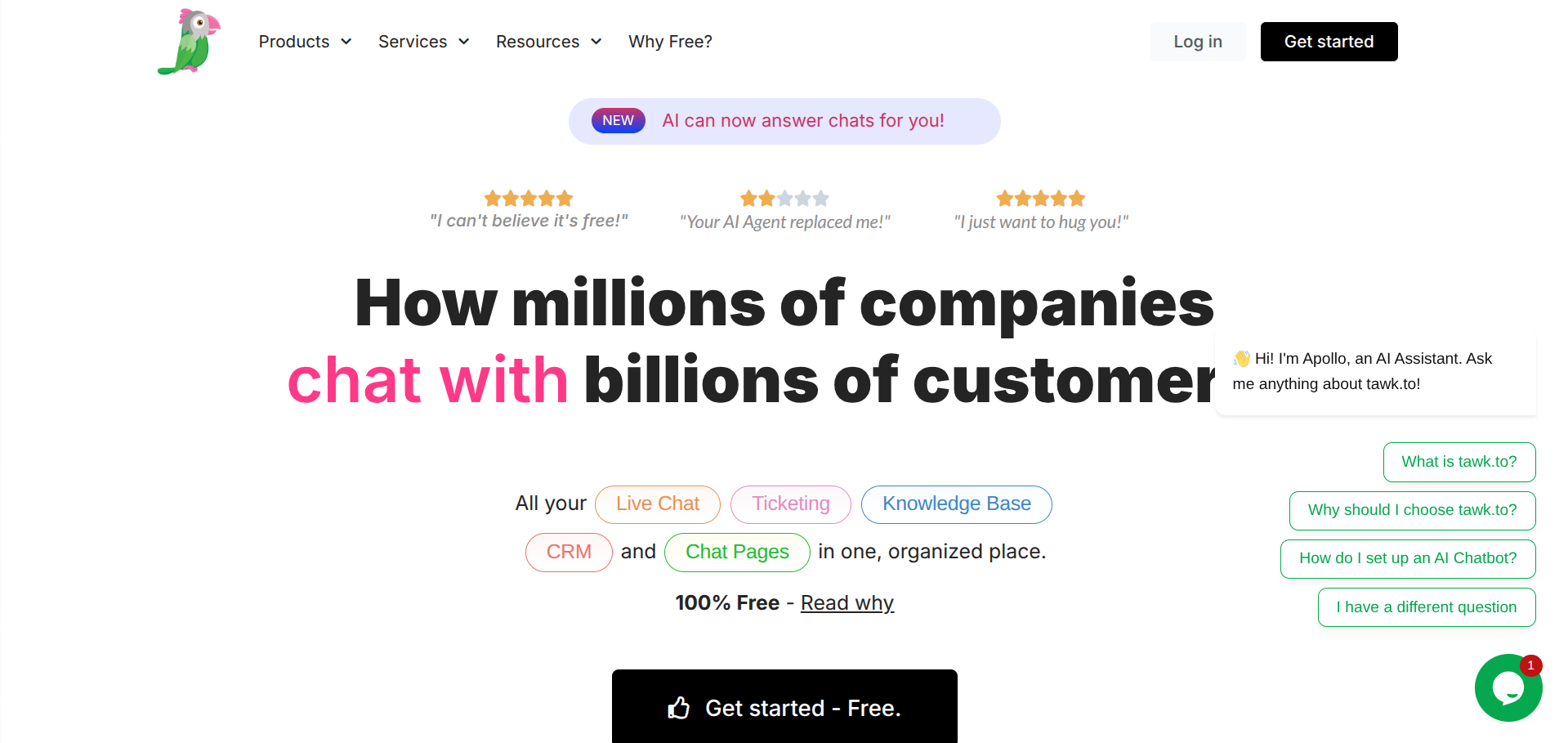
Genuinely free forever, including unlimited agents and chat conversations. The interface is "fine, not amazing." For B2C products moving fast and not yet ready to invest in support tooling, this is the right answer. For B2B with paying customers, look at Crisp or Help Scout instead.
Money, banking, and accounting
Wave: free accounting
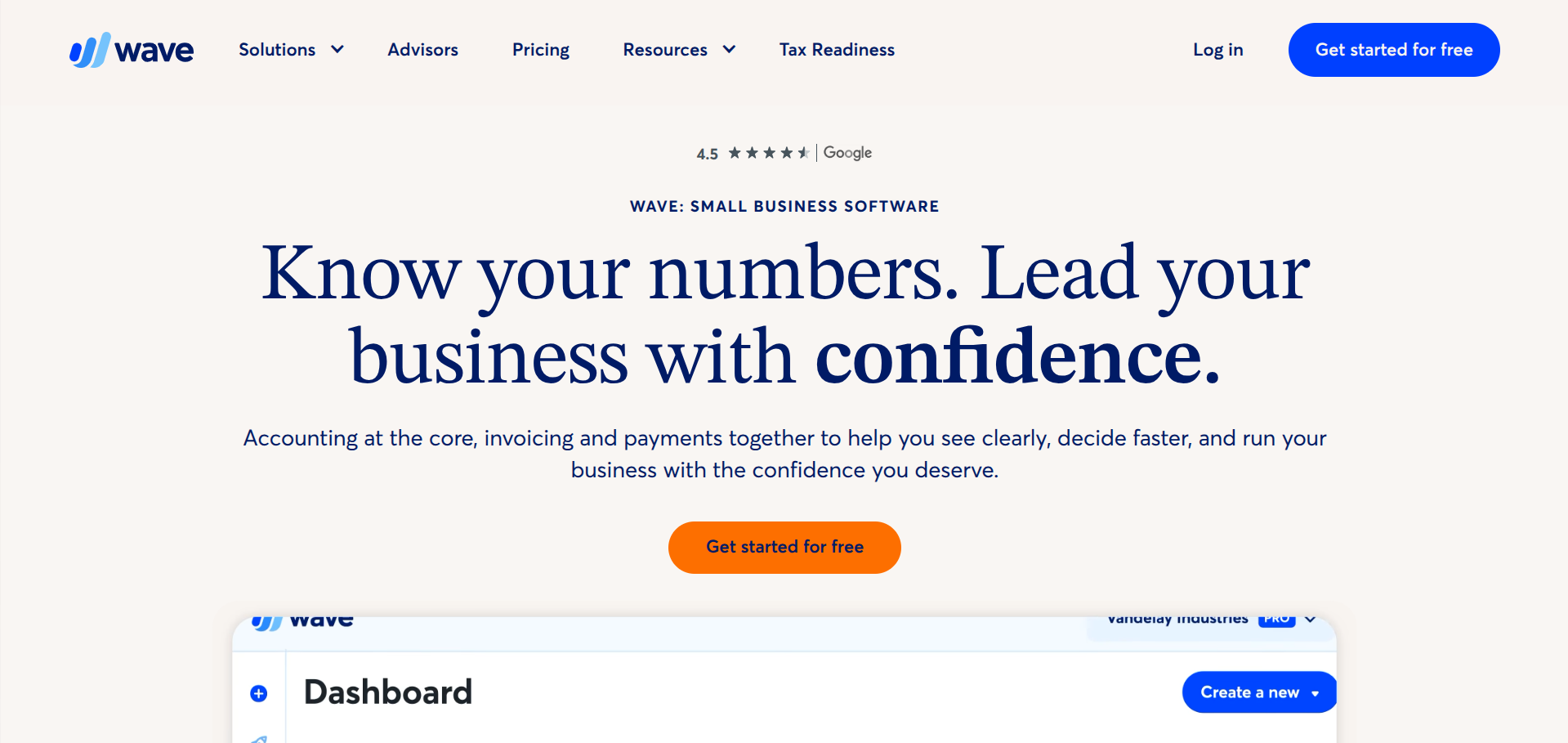
Wave is free, full stop. Free invoicing, free expense tracking, free receipt scanning, free basic accounting. They make money by selling payment processing and payroll, both of which you can ignore until you need them. For pre-revenue and early-revenue founders, Wave handles everything.
Stripe: payments
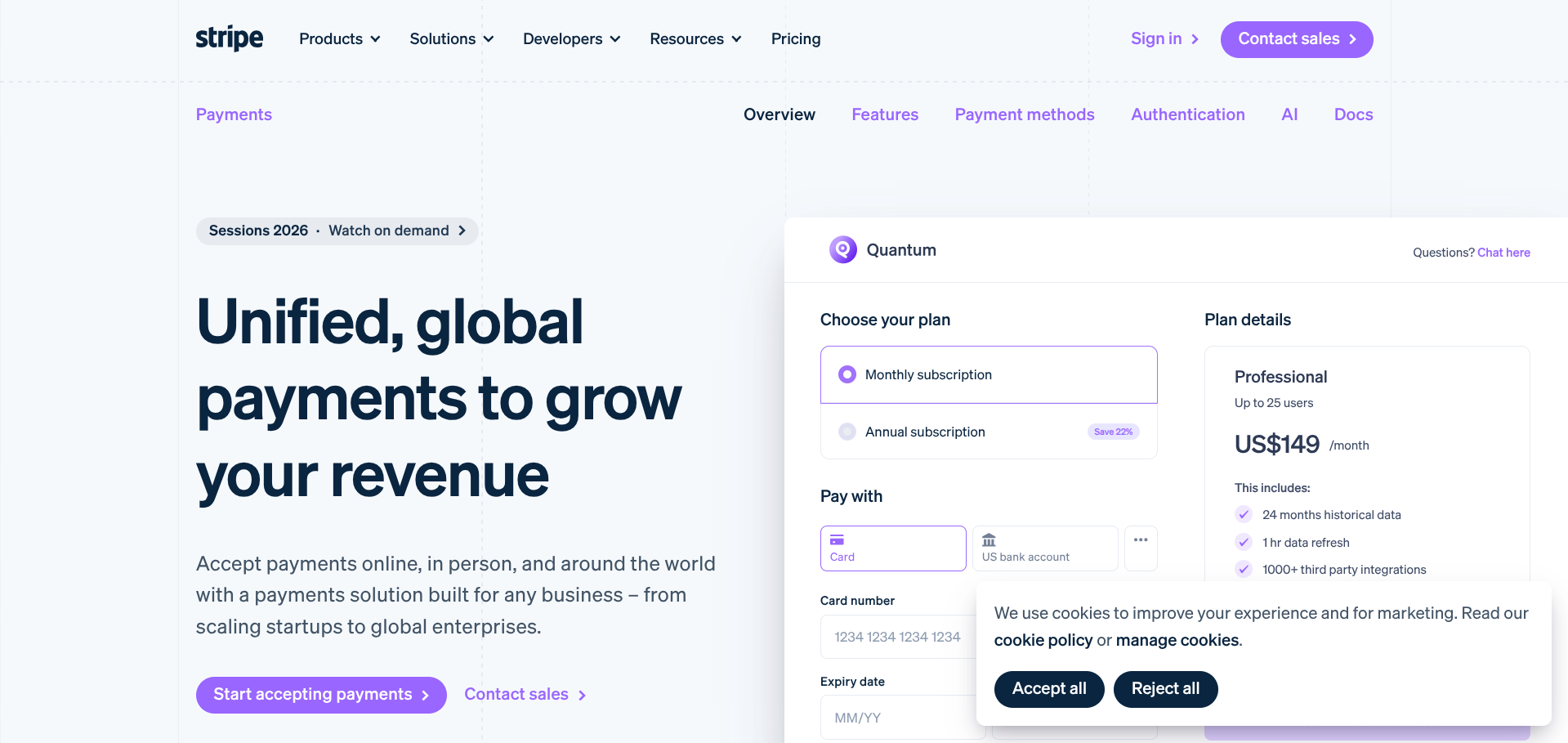
Stripe is not "free" in the sense that it costs you 2.9% + 30¢ per transaction, but there is no monthly fee, no setup cost, and no subscription. You only pay when you make money, which is the right model for a bootstrapped business. Combine it with Stripe Atlas if you need to incorporate.
Novo or Mercury: business banking
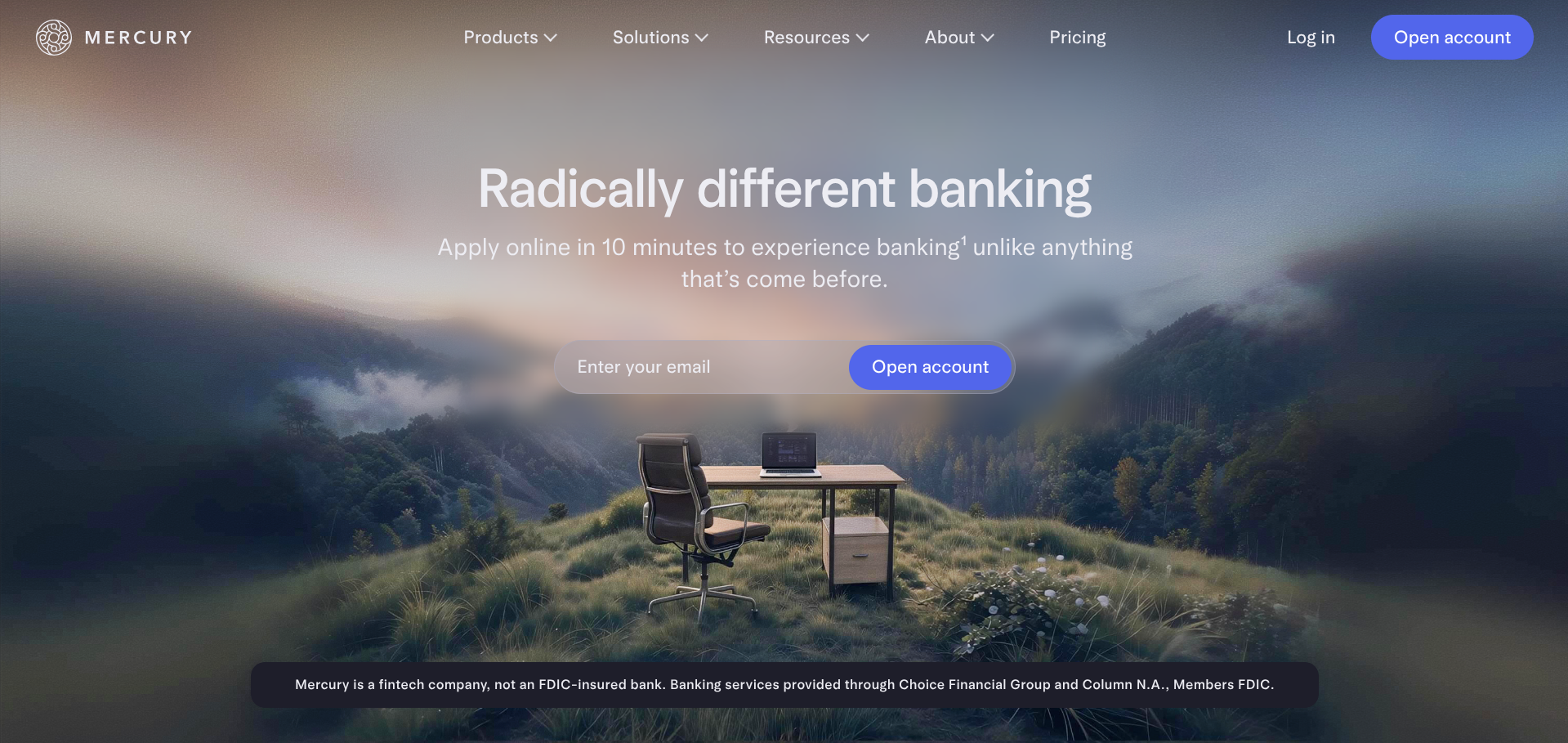
Both offer free business banking with no minimums, no monthly fees, and decent online tooling. Novo skews toward small business and freelancers; Mercury skews toward tech startups. Either is fine for a first business account.
Operations and team
Notion: docs and project management
Notion's free plan covers unlimited pages and blocks for personal use, plus 10 guests for shared workspaces. For a solo founder or a small team, this is your wiki, your project tracker, your CRM, and your second brain in one place. Most bootstrapped startups never need to upgrade.
Slack or Discord: team communication
Slack's free plan limits message history to 90 days, which annoys some teams. Discord is unlimited and free forever, originally built for gamers but increasingly used by indie hacker teams. If you are five people or fewer, Discord covers it.
Google Workspace alternative: free tier
If you are pre-Google Workspace, you can run on free Gmail, Google Drive (15 GB), Google Docs, Sheets, and Calendar indefinitely. The branded email address with your custom domain is the reason to upgrade eventually, but it is not urgent.
A complete free stack at a glance
Here is what a fully bootstrapped, $0 stack looks like for a typical SaaS founder shipping their first product:
🛠️ The Complete $0 Bootstrapped StackJobToolFree Tier Headline
Best for: A solo founder or two-person team validating a SaaS idea before charging customers. Total monthly cost: $0.
Where free tiers actually break
Knowing where the free plan limits will eventually catch you matters more than the headline numbers. A few patterns to watch for:
User growth catches up faster than data. You will hit 50,000 MAUs on Supabase auth long before you hit 500 MB of database storage if your app is even mildly successful. Plan to upgrade auth limits first.
Bandwidth is the silent killer. Image-heavy or media-heavy products burn through "free" bandwidth in days. Use Cloudflare or a CDN aggressively to keep traffic off your origin servers and out of your free-tier quotas.
The "no monetization" clauses are real. Vercel's Hobby plan and a few other "free" tiers technically prohibit commercial use. Read the terms before scaling traffic on something that quietly says "personal projects only."
The first real customer is the right time to upgrade some things. Backups on Supabase, custom domains where they are gated, and team seats on shared inboxes. Pay for those before you regret not paying for them.
Comparison: free tier headline limits
| Tool | Free tier | Best for | Watch out for |
|---|---|---|---|
| Supabase | 500 MB DB, 50K MAUs | MVPs, prototypes, real apps | Project pauses after 7 days idle |
| Vercel | Hobby plan | Personal projects, side ventures | Commercial use restrictions |
| GitHub | Unlimited private repos | All code projects | 2K Actions minutes/month |
| Cloudflare | Unmetered CDN | Any web app | Workers paid above 100K/day |
| Beehiiv | 2,500 subscribers | Newsletters, audience-building | Monetization gated to paid plans |
| Buffer | 3 channels, 10 posts each | Early-stage social | Limits pinch fast at scale |
| Notion | Unlimited pages | Solo and small teams | Block limits in shared workspaces |
| Wave | Fully free accounting | Pre-revenue and early revenue | Monetised through payments/payroll |
FAQ
Are these tools really free, or just free trials?
Every tool listed has a permanent free plan, not an expiring trial. The limits will eventually pinch if you grow, but the plan does not silently downgrade or charge you after 30 days.
Which free tool should I pick first?
Start with the one that solves your biggest current pain. If you are still validating, that is probably Beehiiv or a Notion landing page. If you are mid-build, it is Supabase plus Vercel. Stack the rest as you need them.
Will I get penalised for using the free tier of a SaaS tool?
Generally no, with two exceptions: tools that gate monetization features behind paid plans (most newsletter tools), and tools whose free plan terms restrict commercial use (Vercel Hobby being the obvious one). Read the terms once and you are fine.
When should I start paying?
When the cost of the limit is higher than the cost of the upgrade. For Supabase, that is usually around your first paying customer because of backups. For Beehiiv, it is when you want to monetize. For Buffer, it is when you are posting to more than three channels consistently. There is no general rule beyond "let your usage tell you."
Is there a free CRM worth using?
HubSpot's free CRM is genuinely usable for early-stage founders: unlimited users, contact records, deals, and tasks. We did not include it in the main stack because most founders do not need a CRM until they have a sales motion, but it belongs in your back pocket.
A complete bootstrapped stack costs $0 in 2026. The hard part is no longer the cost of tools, it is the discipline to stop researching them and start building. If you are reading this looking for permission to launch with what you already have, take it.
For more on building lean, our bootstrapping guide covers the broader principles, and Bootstrapped to $10M walks through the playbook for getting from $0 to a real business without outside capital.
The tools below this paragraph are not the article. The article is: pick five of them, set them up tomorrow, and stop reading lists like this one.