


If you're trying to automate something in 2026, two names keep coming up: Lindy and n8n.
They sit in the same broad category (workflow automation) but they're there for very different reasons. Lindy builds AI agents that read context, make decisions, and handle tasks the way a junior teammate might.
If you want the full picture on Lindy specifically, start with our review and come back here for the comparison. n8n is an open-source automation platform that connects APIs and runs deterministic workflows you've designed step by step. One leans on AI judgment. The other leans on developer control.
The question isn't which is better. It's which one fits the work you're trying to get done.
TL;DR: When to Pick Which
Quick version, before we get into the detail:
Pick Lindy
If you want AI agents that understand context, draft emails, manage your inbox, qualify leads, or handle tasks that require judgment rather than rigid logic. You don't want to design every step. You want to describe the outcome and have the agent figure it out.
Pick n8n
If you have technical resources, you want full control over deterministic workflows, you care about self-hosting and data sovereignty, or you're connecting APIs in ways that need to be predictable, repeatable, and debuggable.
Pick Both
If your stack has tasks that benefit from AI judgment and tasks that need deterministic plumbing. This is more common than people admit.
What Lindy Actually Does
Lindy is an AI agent builder.
You describe what you want in plain English, and Lindy creates an agent (a "Lindy") that handles the task. The agents can read emails, manage your calendar, do lead research, draft responses, take meeting notes, and trigger follow-ups across your stack.
The pitch isn't "automate this five-step workflow." It's "delegate this responsibility to an AI that can reason about context."
A few examples of where Lindy shines:
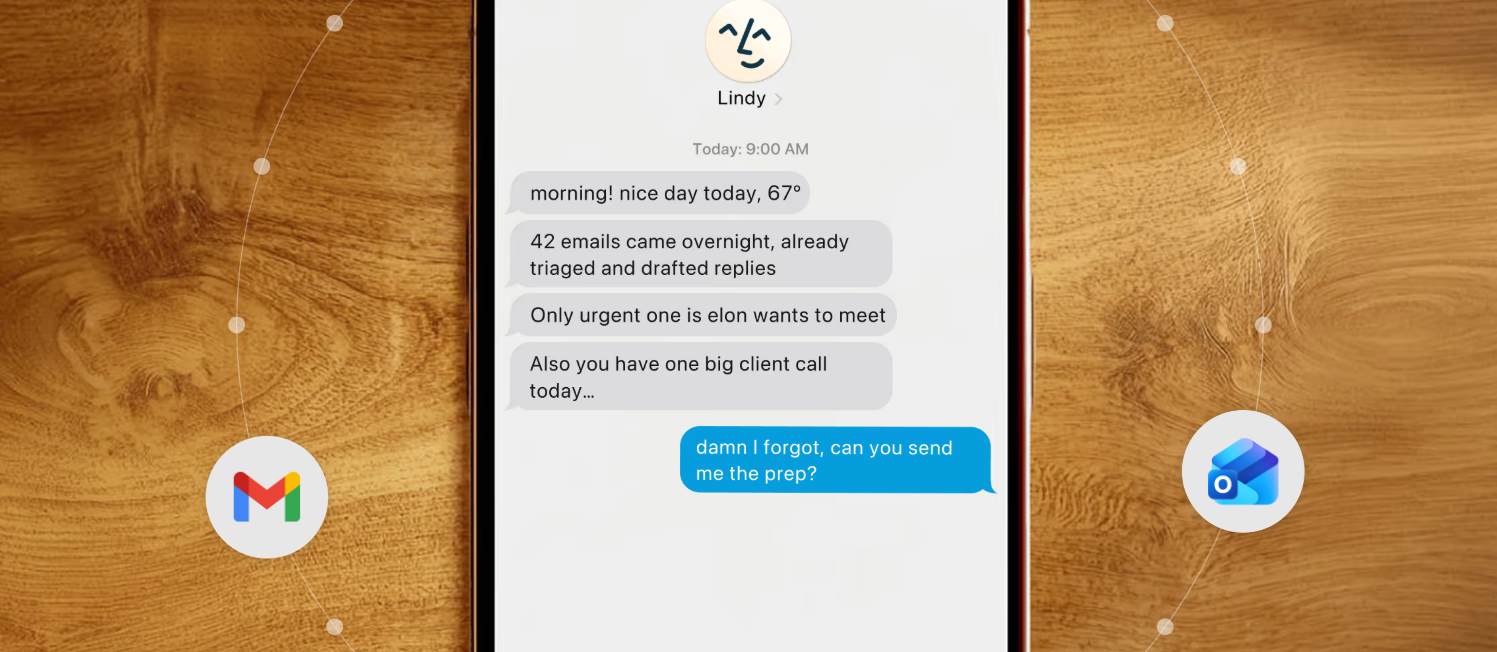
- Inbox triage and reply drafting: Lindy reads incoming email, classifies intent, drafts a response, and either sends or queues for review. The drafts adapt based on sender history and message context.
- Meeting management: Lindy schedules meetings, takes notes, drafts follow-ups, and updates your CRM, without you stitching together three separate tools.
- Lead qualification: Lindy researches a prospect, scores them against your criteria, and routes the lead with context attached.
- Customer support routing: Lindy reads tickets, pulls relevant docs, drafts a response, and escalates only when needed.
The thing that separates Lindy from a deterministic automation tool is that it doesn't need rigid rules. It interprets. That's the whole value proposition.
Lindy Pricing (Quick View)
Lindy uses a credit-based model with paid plans starting from around $49.99/mo, plus a 7-day free trial that includes credits to test the platform. There's a free tier with limited credits, paid tiers for solo operators and small teams, and Enterprise pricing on request.
Things worth knowing:
- Credits are consumed per action, not per workflow. Simple actions use one credit, complex multi-step ones can use 5-10+
- Voice calls burn credits faster than text-based actions
- Annual billing typically saves around 17%
For most solo operators and small teams, the entry-level paid plan is the realistic starting point. The free tier is fine for testing but tight for actual production use.
Verify current pricing on Lindy's pricing page before committing, since tiers and credit allowances do shift.
What n8n Actually Does
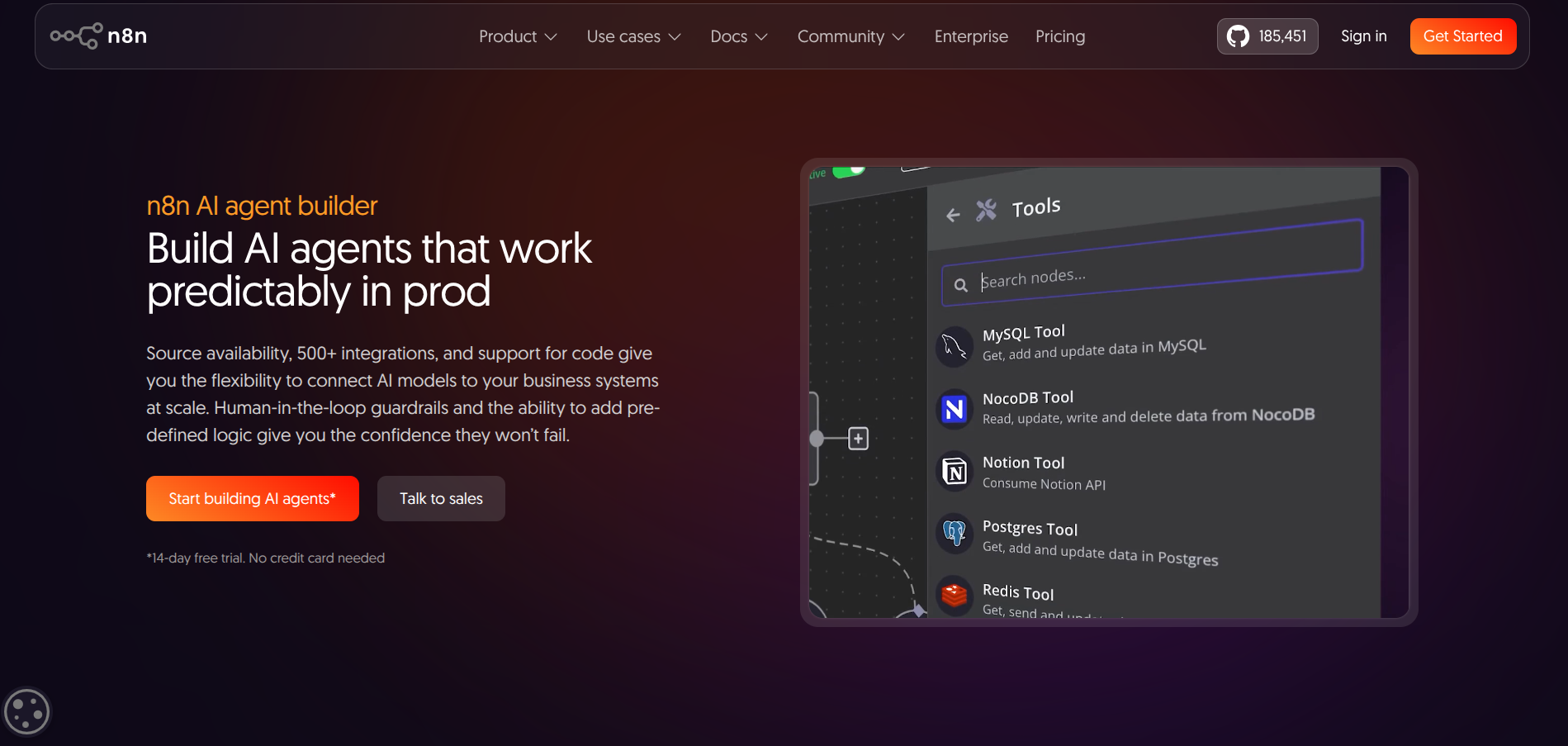
n8n is an open-source workflow automation platform. You build workflows visually using nodes (each node is a step), connect them in sequence, and run them on a schedule, via webhook, or on demand.
If you've used Zapier or Make, n8n is in the same broad family, but with a few key differences that matter:
- You can self-host it for free. The Community Edition has unlimited executions, no feature gates, and runs on any server you've got
- It charges per workflow execution, not per step. A 10-step workflow on n8n costs the same as a 1-step workflow per run, where Zapier would charge you 10 tasks
- It has full code access. You can drop into JavaScript or Python whenever the visual nodes don't cover your case
- It has 400+ native integrations plus the ability to hit any API directly
This is a developer's automation tool. It rewards technical fluency and punishes teams that just want plug-and-play.
A few examples of where n8n shines:
- CRM and database sync: Keep records updated across systems on a schedule with deterministic logic
- Lead enrichment pipelines: Pull from one API, transform the data, push it somewhere else, repeat reliably
- Internal reporting and notifications: Trigger Slack or email alerts based on events in your stack
- Custom integrations: Connect tools that don't have a Zapier or Make connector by hitting their API directly
Where Lindy says "let the AI figure it out," n8n says "tell the system exactly what to do, and it'll do it forever."
n8n Pricing (Quick View)
n8n has a free self-hosted option and three paid cloud tiers. Cloud pricing is execution-based: one full workflow run = one execution, no matter how many steps it contains.
Annual billing typically saves around 17% on cloud plans. Self-hosting on a basic VPS runs around $5-20/month depending on workload, before you factor in DevOps time.
Verify current pricing on n8n's pricing page before committing.
Use Case Fit: When to Use Which
This is the part that actually matters. The pricing differences are real but secondary. The real question is whether your problem looks like an AI judgment problem or a deterministic logic problem.
Use Lindy when the work requires judgment
If the task involves understanding context, drafting language, classifying intent, or making a decision based on incomplete information, Lindy is the right shape of tool.
Examples:
- Reading an inbound email and deciding whether it's a sales lead, support request, or spam
- Drafting a reply that adapts to the sender, the thread history, and your tone of voice
- Researching a prospect and writing a summary that pulls relevant context from across the web
- Running a follow-up sequence that adjusts based on engagement signals
- Triaging tickets and pulling relevant documentation into a draft response
Use n8n when the work requires precision
If the task involves moving structured data between systems on a predictable schedule, n8n is the right shape of tool.
Examples:
- Syncing new HubSpot contacts to Airtable every hour
- Pulling daily metrics from your analytics stack and posting them to Slack
- Triggering a webhook from Stripe and updating customer records in your database
- Running a nightly enrichment job that pulls data from three APIs, transforms it, and pushes it to your warehouse
- Sending welcome emails when new users sign up via a webhook trigger
Use both when your stack has both
This is the realistic answer for most growing teams in 2026.
You'll have judgment-heavy tasks (qualifying inbound leads, drafting customer responses) where Lindy is genuinely faster than building it yourself. And you'll have deterministic plumbing (data sync, alerts, scheduled reports) where n8n is the obvious fit.
A common pattern: Lindy handles the front-end of customer interactions where context matters, n8n handles the back-end of moving data around so your tools stay in sync. They don't compete for the same job.
Lindy vs n8n: Side-by-Side
| Factor | Lindy | n8n |
|---|---|---|
| Core approach | AI agents that reason about tasks | Deterministic workflows you design step by step |
| Best for | Inbox, meetings, lead research, customer-facing tasks | Data sync, scheduled jobs, API plumbing, dev workflows |
| Setup style | Natural language: describe the outcome | Visual nodes: design every step |
| Learning curve | 🟢 Low for non-technical users | 🟡 Moderate, easier with developer experience |
| Pricing model | Credits per action | Executions per workflow run |
| Free tier | Limited credits, 7-day trial | Self-hosted Community Edition (unlimited) |
| Self-host option | 🔴 No | 🟢 Yes, free and unlimited |
| Code access | 🔴 Limited | 🟢 Full JavaScript and Python |
| Integrations | 4,000+ via native and connectors | 400+ native, plus any API directly |
| Ideal user | Founders, ops, sales, customer success | Developers, technical ops, agencies |
What About the Hidden Costs?
Both tools have pricing footguns worth flagging.
Lindy's Credit Model can Surprise You
Simple actions are cheap, but complex actions (web research, multi-step reasoning, voice calls) burn through credits fast. A workflow that looks affordable in isolation can drain your monthly allowance when it runs hundreds of times. The fix is to pilot before committing and watch credit consumption during the trial.
n8n's Execution Model has its Own Trap
Polling triggers count as executions even when they return no results. A workflow polling every 5 minutes uses around 8,640 executions per month from a single trigger. The Starter plan (2,500 executions) won't survive that. If you're running polling-heavy workflows, jump to Pro or self-host. Webhook-triggered workflows are far cheaper because they only fire when there's actual data.
Self-Hosting n8n Isn't Free
A basic VPS runs $5-20/month, plus a managed Postgres database adds $15-50/month if you want reliability, plus the engineering time to set it up, monitor it, and patch it. Budget realistically. For most solo operators, the cloud Starter or Pro plan ends up cheaper once you factor in DevOps time.
Frequently Asked Questions
Can Lindy do what n8n does?
Lindy can connect to your tools and trigger actions, but it's not designed to replace deterministic API plumbing. If you need a workflow that runs the exact same way every time without AI interpretation, n8n is the better fit. Lindy is at its best where AI judgment adds value, not where you're moving structured data on a schedule.
Can n8n do what Lindy does?
n8n has AI nodes that can call language models and run agent-like logic, so technically yes, you can build something agent-shaped in n8n. But you'll be doing a lot of design work that Lindy handles natively. If your goal is "build an AI agent that drafts emails," Lindy gets you there faster. If your goal is "build a workflow with one AI step in the middle," n8n is fine.
Which is cheaper for small teams?
It depends entirely on what you're automating. For solo operators running a handful of judgment-heavy tasks (inbox, meetings, follow-ups), Lindy's entry-level paid plan is often cheaper than the engineering time to build the same thing in n8n. For teams running deterministic data sync and scheduled jobs, n8n self-hosted is essentially free at small scale.
Can I use both?
Yes, and many teams do. Lindy handles the customer-facing AI work, n8n handles the backend plumbing. They integrate via webhooks and APIs, so you can have Lindy trigger n8n workflows or n8n hand off context to Lindy agents.
Is n8n really open source?
n8n uses a fair-code license. The Community Edition is free to self-host with unlimited executions and all integrations, but some enterprise features (SSO, advanced permissions, log streaming) require a paid license. For most use cases, the Community Edition is fully functional.
Which one should a non-technical founder pick?
Lindy. The whole point of the platform is that you don't need to design workflows step by step. If you're not comfortable in a code editor or running a server, n8n's cloud version is doable but the learning curve is real. Lindy meets non-technical users where they are.
Lindy and n8n aren't really competitors. They're complementary tools that happen to share a category.
If you've spent time trying to wrangle Zapier into doing things it wasn't designed for, you'll appreciate why both of these exist. Lindy handles the "this needs to think" work. n8n handles the "this needs to be reliable" work. Most growing teams in 2026 will end up using both, and that's fine.
If you're just starting out and need to pick one, the question is simple: does your most painful manual task look more like writing emails (Lindy) or moving data (n8n)? Start there.
Try Lindy free here (affiliate link), or check out n8n's cloud trial if you want to test the workflow side first.
