
If you're a founder, you're in meetings constantly.
Investor pitches. Customer discovery calls. Async-killing standups with your two engineers in different time zones. Sales calls where you're also the one closing. The note-taking problem isn't that there's too much to remember; it's that you can't be present in the conversation and capturing it cleanly at the same time.
That's where AI meeting note tools come in, and 2026 is the year the category finally got useful. Transcription accuracy is largely a solved problem now. Most of the top tools land somewhere between 90% and 95% accuracy on clean audio.
The real differences are bot vs bot-free recording, how well notes flow into the rest of your stack, what the free tiers actually let you do, and whether the tool understands the difference between a sales call and a 1:1.
There's also a new wrinkle worth knowing about. Google rolled out a Meet update in March 2026 that flags third-party note-taker bots as "potential risk" and defaults to denying their entry.
That's tilted the field meaningfully toward bot-free tools, especially for founders running customer interviews on Google Meet where you don't want a friction step every call.
Here are the ten AI meeting note tools we'd actually recommend to founders in 2026, with honest takes on where each one fits and where it falls short.
Quick comparison
| Tool | Best for | Bot or bot-free | Free tier | Paid plans start at |
|---|---|---|---|---|
| Granola | Founders running investor and customer calls | Bot-free | Limited history | $14/user/mo |
| Fathom | Solo founders on a tight budget | Bot | Unlimited recordings, 5 AI summaries/mo | ~$15/mo |
| tl;dv | UK and EU founders who care about GDPR | Both | 10 AI summaries/mo | ~$18/user/mo |
| Otter.ai | Founders who do in-person investor meetings | Bot + mobile | 300 mins/mo | ~$8/user/mo |
| Fireflies.ai | Sales-led founders living in their CRM | Bot | 800 mins/mo | ~$10/user/mo |
| Jamie | Privacy-focused founders | Bot-free | 10 summaries/mo | ~$24/mo |
| Krisp | Founders working from cafes and co-working spaces | Bot-free | Limited transcription | ~$8/user/mo |
| Fellow | Founders running structured team meetings | Both | Limited | ~$7/user/mo |
| Bluedot | Multilingual teams | Bot-free | Limited | Paid plans available |
| Sonnet | Sales founders who want CRM-first workflows | Both | Limited | Paid plans available |
Pricing varies by plan and billing cycle. We've kept the figures deliberately rounded because this category churns its pricing pages constantly. Always check the live page before committing.
What to look for in a founder-friendly meeting tool
Bot or Bot-Free?
This is the single biggest decision you'll make. Bot-based tools (Fathom, Fireflies, Otter) join your call as a visible participant, which can feel awkward in investor calls or customer interviews where you'd rather not introduce a third party.
Bot-free tools (Granola, Jamie, Krisp, Bluedot) capture audio directly from your device with nothing showing up on the call. Bot-free is winning ground in 2026, partly because of the Google Meet change mentioned above and partly because clients increasingly notice and care.
Free Tier Honesty
Some tools have free plans you can genuinely run a small business on. Others use "free" as a 14-day trial wearing a costume. Fathom's free plan gives unlimited recordings but caps AI summaries at five per month. Caps AI summaries at ten per month. Granola's free plan limits meeting history rather than meeting count. None of these are dealbreakers, but they shape who the tool is actually for.
CRM and Tooling Integrations
If you're running a sales-heavy founder workflow, the value of a meeting tool isn't the transcript; it's the auto-logged HubSpot deal note. Fireflies leads on CRM breadth (HubSpot, Salesforce, Pipedrive, Zoho). Granola, Jamie, and tl;dv all sync with HubSpot at minimum. If your CRM is Attio or Affinity, your shortlist narrows fast.
Privacy and GDPR
UK and EU founders should care about where data is stored, whether it's used to train AI, and whether the tool is SOC 2 and GDPR-compliant. tl;dv is built in Europe with explicit EU data residency and a no-training pledge. Granola is GDPR-aligned but only offers default model training opt-out on the Enterprise plan, which is worth knowing if you're a regulated industry founder.
The Post-Meeting Workflow
The best meeting tool isn't the one with the cleanest transcript; it's the one that makes the next steps actually happen. Look for action item extraction, follow-up email drafting, and CRM field syncing rather than just summary generation.
The 10 best AI meeting note tools for founders in 2026
1. Granola — best for founders running investor and customer calls
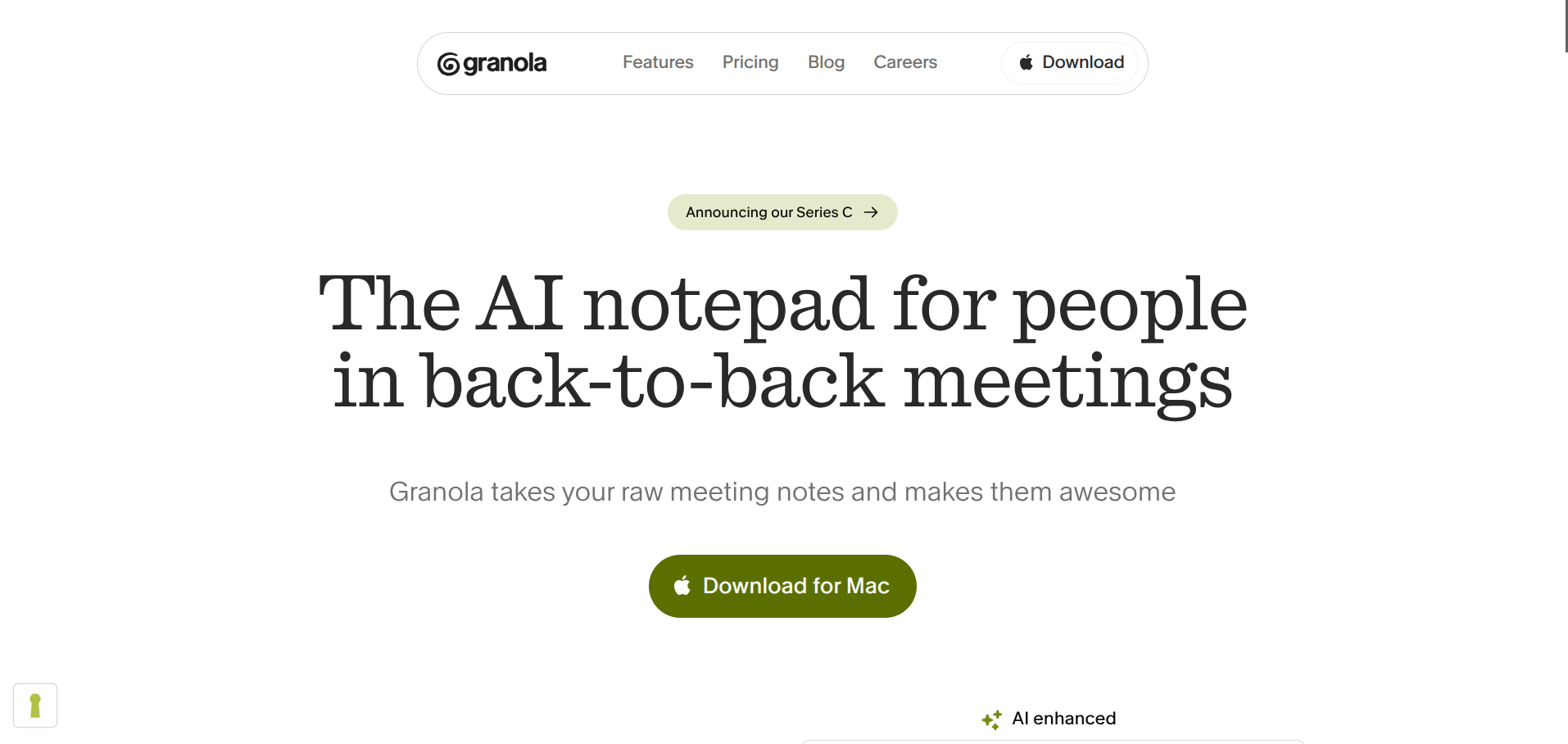
Granola is the tool most founders we know are quietly switching to. It runs as a Mac or Windows app that captures audio directly from your device, so nothing joins your call as a visible bot.
You type rough notes during the meeting and Granola enhances them afterward with AI-generated summaries, action items, and decisions pulled from the full transcript.
Why Founders Pick it
No bot in your investor pitch. No awkward "and we'll have a note-taker join us" line in your customer interview. The interface is clean and unobtrusive, and the notes feel like something you actually wrote, just better organised. Founders running fundraising rounds particularly like that nothing about the tool is visible to the people on the other side of the call.
What it Does Well
Bot-free recording is the headline feature, but the way Granola merges your live typing with AI enhancement post-meeting is the actual differentiator. You can search across all your meetings by person or organisation, which is useful when you're trying to remember what a specific investor said three weeks ago. It also has a personal API now (on Business and Enterprise plans) so you can pipe meeting context into other AI tools.
Where it Falls Short
Granola does not store audio recordings, only transcripts, which means you cannot play back a meeting to verify a quote. Speaker identification can struggle in larger group calls. And the model training opt-out is only default on the Enterprise plan, which is worth knowing if you handle sensitive data.
Pricing
The free Basic plan limits meeting history. Business is $14 per user per month with unlimited history and integrations. Enterprise starts around $35 per user per month.
Worth Knowing for Founders
Granola gives a free year of the paid plan to startups under 30 employees that have raised pre-seed or seed funding. Students at accredited universities in the US, UK, and Canada also get a free year. If you fit either category, it's effectively free.
2. Fathom — best for solo founders on a tight budget
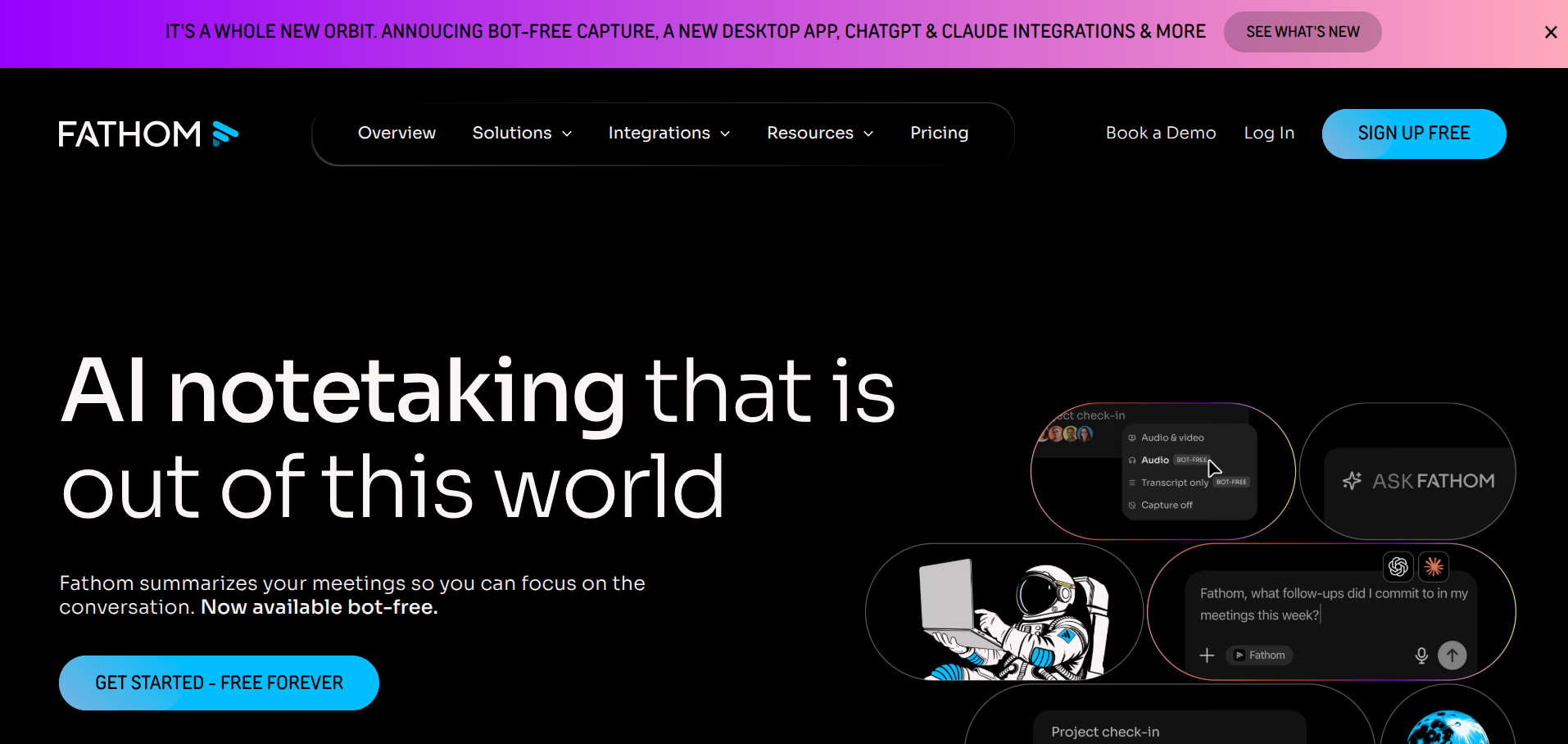
Fathom built its reputation on having one of the most generous free tiers in the category. You get unlimited meeting recordings, unlimited transcription, and unlimited storage at no cost. The catch is that AI summaries on the free plan are capped at five meetings per month, and CRM integration is paywalled higher up.
Why Founders Pick it
It's free in a way that actually means something. If you're a solo founder running a few sales calls a week and you mostly need recordings and transcripts you can revisit, Fathom's free tier covers it indefinitely. It also has a 5-rating on G2 and was named HubSpot's Most Used App of the Year for 2025, so the integration story is real.
What it Does Well
Fast AI summaries (under 30 seconds after a call ends), accurate transcripts, clean structure. The HubSpot and Salesforce integrations are well built. The "Ask Fathom" search-across-meetings feature is genuinely useful once you have a few months of calls in there.
Where it Falls Short
Fathom uses a visible bot, which can feel intrusive in client-facing calls. There's no mobile app, which rules it out for in-person founder meetings. AI summaries are shorter and less detailed than Fellow or Bluedot, which suits some people and frustrates others. And the 5-summary cap on the free plan turns into a hard limit fast if you're meeting-heavy.
Pricing
Free plan with unlimited recordings and 5 AI summaries per month. Premium is around $15 per month annually for unlimited AI summaries. Team Edition starts around $19 per user per month. Business with CRM field sync is around $25 per user per month.
3. tl;dv — best for UK and EU founders who care about GDPR
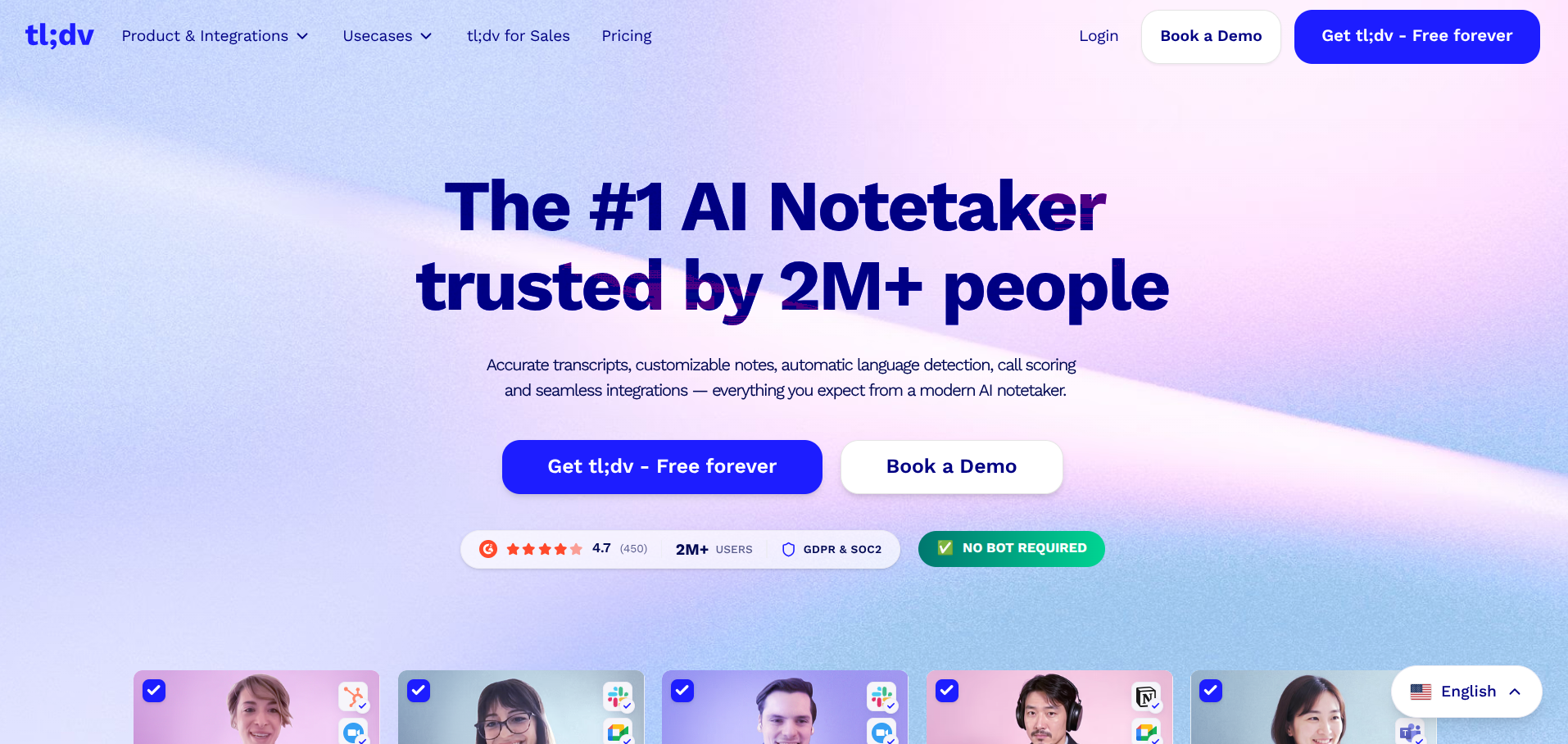
tl;dv is built in Europe and treats GDPR as structural rather than a compliance checkbox. It offers EU data residency, is SOC 2 certified, and explicitly does not use customer data to train its AI models.
For UK and EU founders selling into regulated industries, that's a meaningful difference from US-built competitors.
Why Founder Pick it
GDPR posture, multilingual support (30+ languages), and a free tier that actually does the job for solo founders. tl;dv also handles the Google Meet bot-blocking problem well: if you're a Meet user, the native desktop app captures audio directly from your device with no admin approval needed.
What it Does Well
Multilingual transcription is genuinely strong, which matters if you're working with international customers or investors. The clip and share features are useful when you want to send a 30-second highlight from a customer call to your engineering team. CRM integrations cover HubSpot, Salesforce, and Pipedrive.
Where it Falls Short
The free tier caps AI summaries at 10 per month for the lifetime of the account, not per month, which is genuinely tight. The jump from Pro to Business pricing is steep. And like Fathom, it uses a bot by default in most platforms.
Pricing
Free plan with unlimited recordings and 10 AI summaries (lifetime cap on the account). Pro is around $18 per user per month annually, around $29 per user per month if billed monthly. Business jumps significantly higher, around $59-98 per user per month depending on billing.
4. Otter.ai — best for founders who do in-person investor meetings
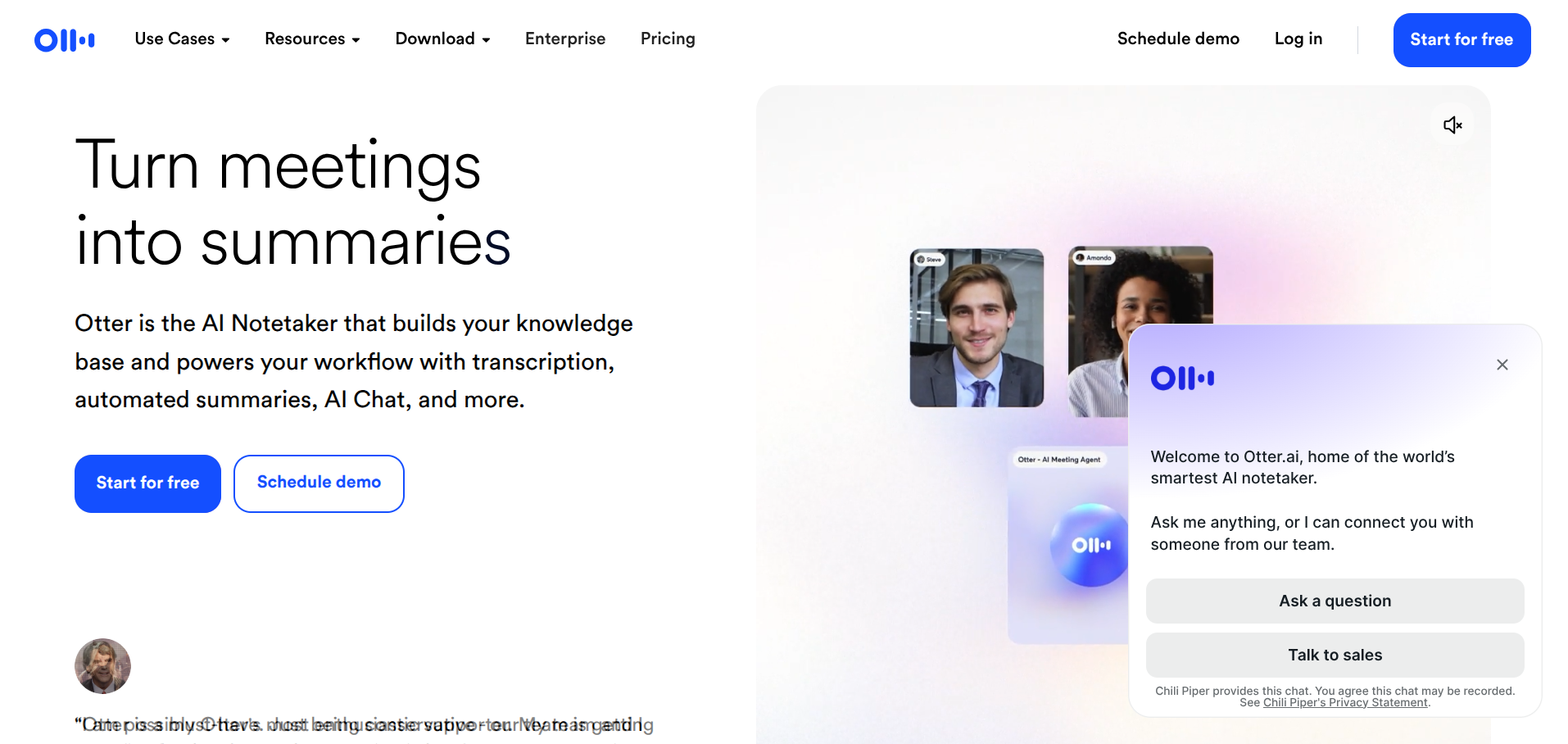
Otter is the most recognisable name in the space and the one tool on this list with a genuinely useful mobile app for in-person transcription. If you take coffee meetings with angels or do live customer interviews at conferences, Otter handles those situations better than anything else here.
Why Founders Pick it
Real-time transcription, speaker identification, mobile app for in-person meetings, and a long history of integrations. Otter has been in this market longer than most of its competitors and the product reflects that.
What it Does Well
Live transcription that you can read during the call. Slide capture during screen shares. The Otter Pilot can join meetings on your behalf if you're double-booked. Salesforce and HubSpot integrations work, though Salesforce requires the Enterprise plan.
Where it Falls Short
Transcription accuracy is solid but not category-leading anymore. In our research it lands around 85-88%, slightly below Granola and Fireflies. The free tier caps you at 300 minutes per month, which goes fast.
Pricing
Free plan covers around 300 minutes per month. Pro starts around $8 per user per month annually with 1,200 minutes.
5. Fireflies.ai — best for sales-led founders living in their CRM
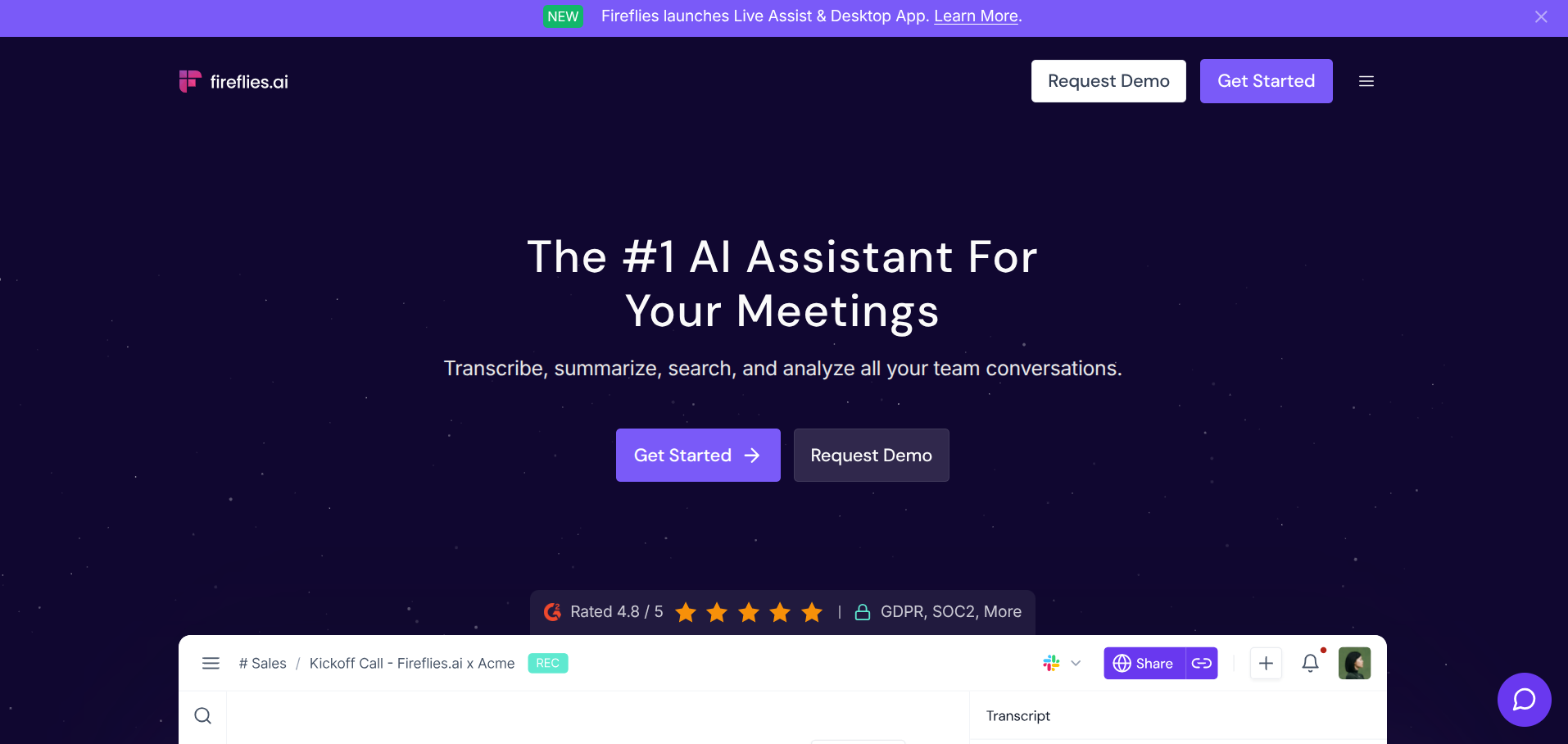
If your founder workflow is built around a CRM, Fireflies is the tool with the deepest integration story in this list. It connects to HubSpot, Salesforce, Pipedrive, Zoho, and Dynamics 365, and auto-logs notes and action items to the right deals and contacts.
Why Founders Pick it
CRM auto-logging that actually saves you the manual data entry founders hate. The free tier is more usable than most (800 transcription minutes per month), and the AI features are competitive.
What it Does Well
CRM breadth is the headline. Fireflies also has strong conversation intelligence features that get useful as your team grows: tracking topics across calls, surfacing trends in customer feedback, identifying coaching moments for sales reps.
Where it Falls Short
The visible bot can feel sales-y in customer calls where you'd rather not signal that you're recording for CRM. Some users report mixed accuracy on accents and technical vocabulary.
Pricing
Free plan with 800 transcription minutes per month. Pro starts around $10 per user per month annually. Business and Enterprise tiers add advanced features.
6. Jamie — best for privacy-focused founders
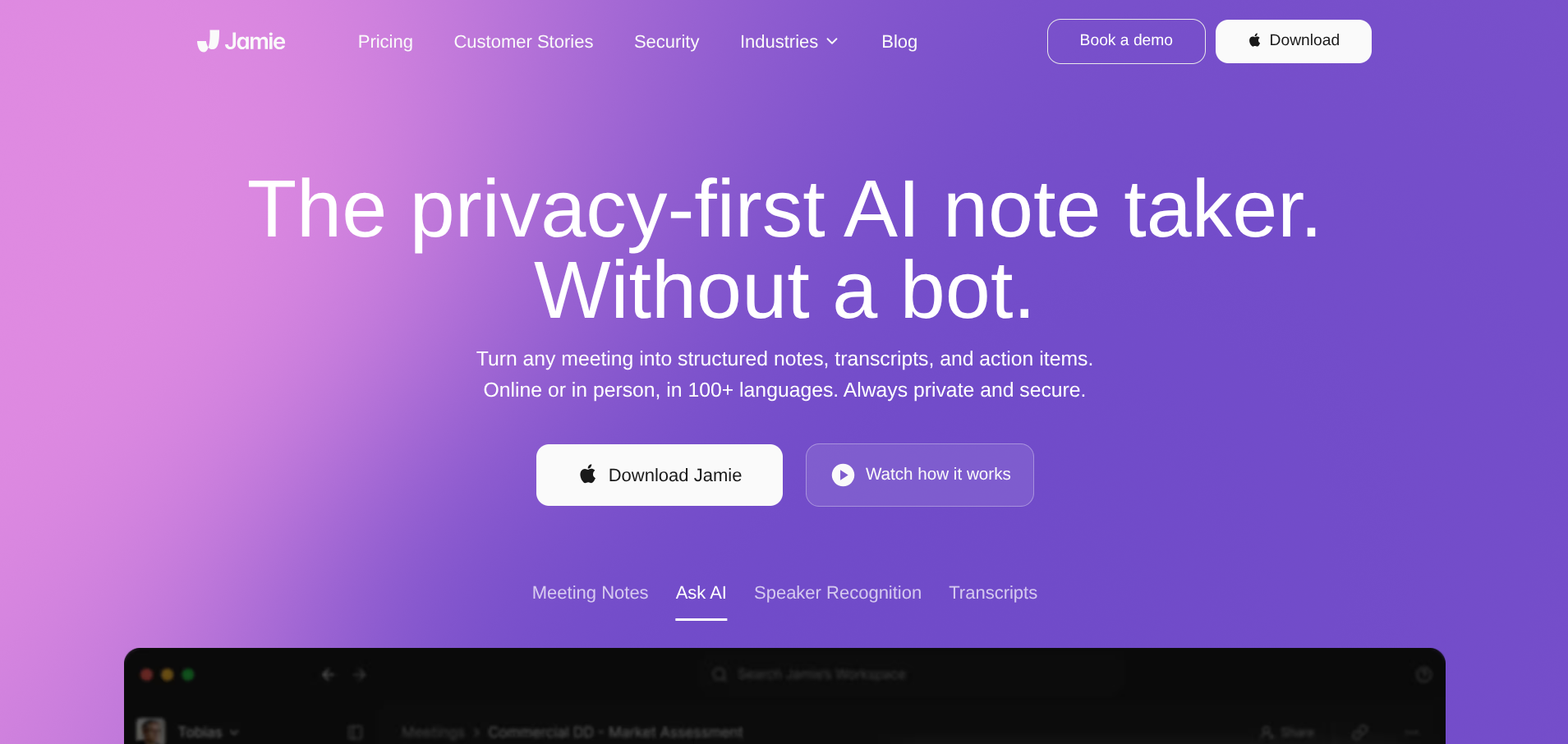
Jamie is the most explicitly privacy-first tool on this list. It's built in Germany, is GDPR-compliant by design, runs bot-free across any meeting platform, and has a clear no-training policy on customer data.
Why Founders Pick it
No bot, GDPR-native, 100+ language support, and it works on any meeting platform including offline conversations. Jamie also syncs with HubSpot, Salesforce, Attio, Pipedrive, and Dynamics 365 Sales without a bot ever joining your call.
What it Does Well
Speaker memory across meetings is a quietly useful feature. Multilingual support is genuinely broad. The integrations are clean.
Where it Falls Short
Pricing sits at the higher end of the category. Some users report the free tier feels more like a demo than a real free plan.
Pricing
Free tier with 10 summaries per month. Paid plans start around $24 per month.
7. Krisp — best for founders working from cafes and co-working spaces
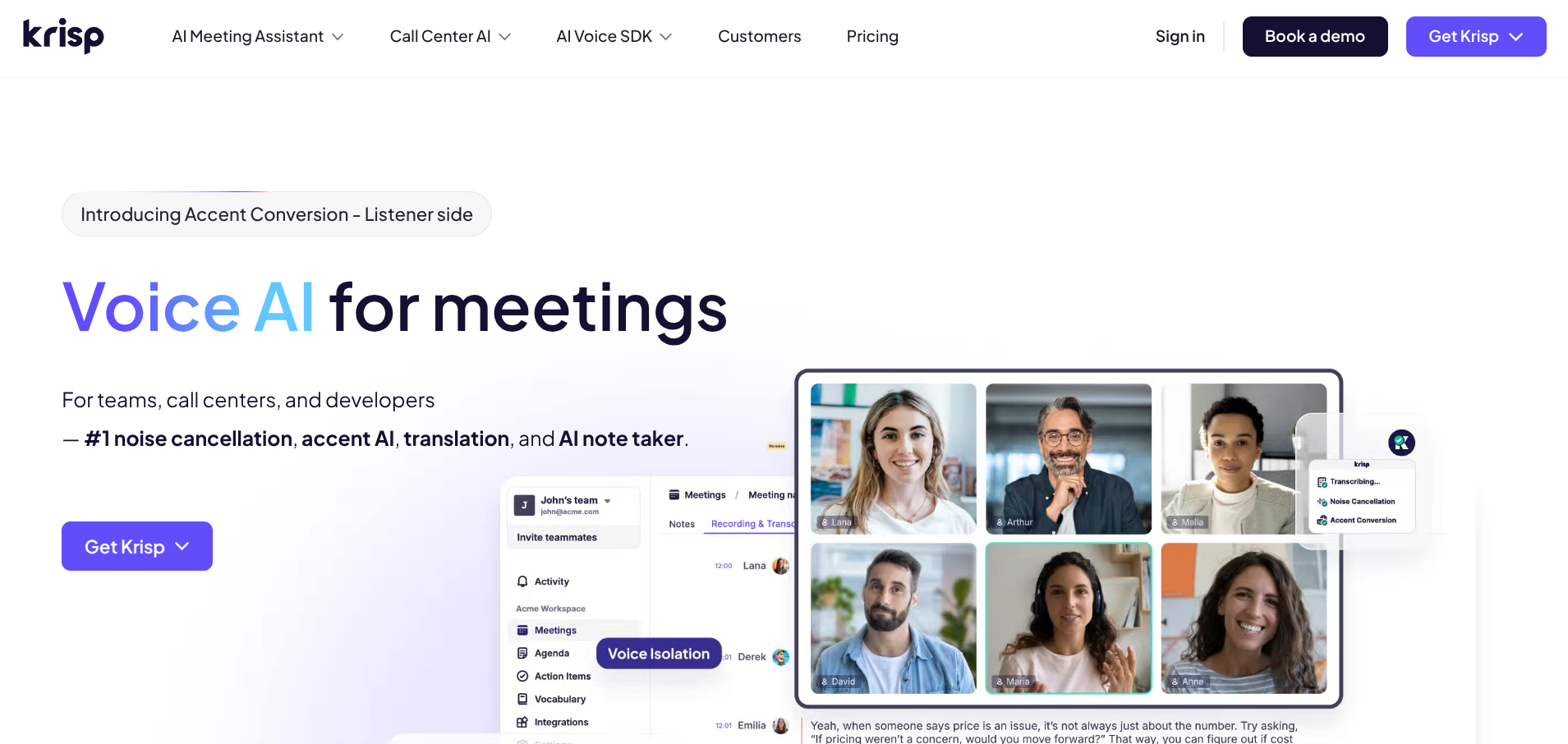
Krisp started as a noise cancellation tool and added AI note-taking as a natural extension. The combination is genuinely useful for the realistic founder workflow: a Zoom call from a busy cafe, a customer interview from a co-working space, a investor pitch from a hotel lobby. Krisp handles the audio quality and the notes simultaneously.
Why Founders Pick it
Two-sided noise cancellation that improves audio for both you and the person you're talking to, and it does the note-taking too. Bot-free, so nothing extra joins the call. Also works for in-person meetings where you upload audio after.
What it Does Well
Audio quality genuinely improves transcription accuracy in noisy environments. Accent AI is a useful feature for global teams. CRM integration on paid plans covers HubSpot, Salesforce, Pipedrive, and Affinity.
Where it Falls Short
The notes-and-summaries side is solid but not as polished as Granola or Fellow if you're judging on output quality alone. The full feature set sits behind paid tiers.
Pricing
Free tier with limited transcription. Paid plans start around $8 per user per month.
8. Fellow — best for founders running structured team meetings
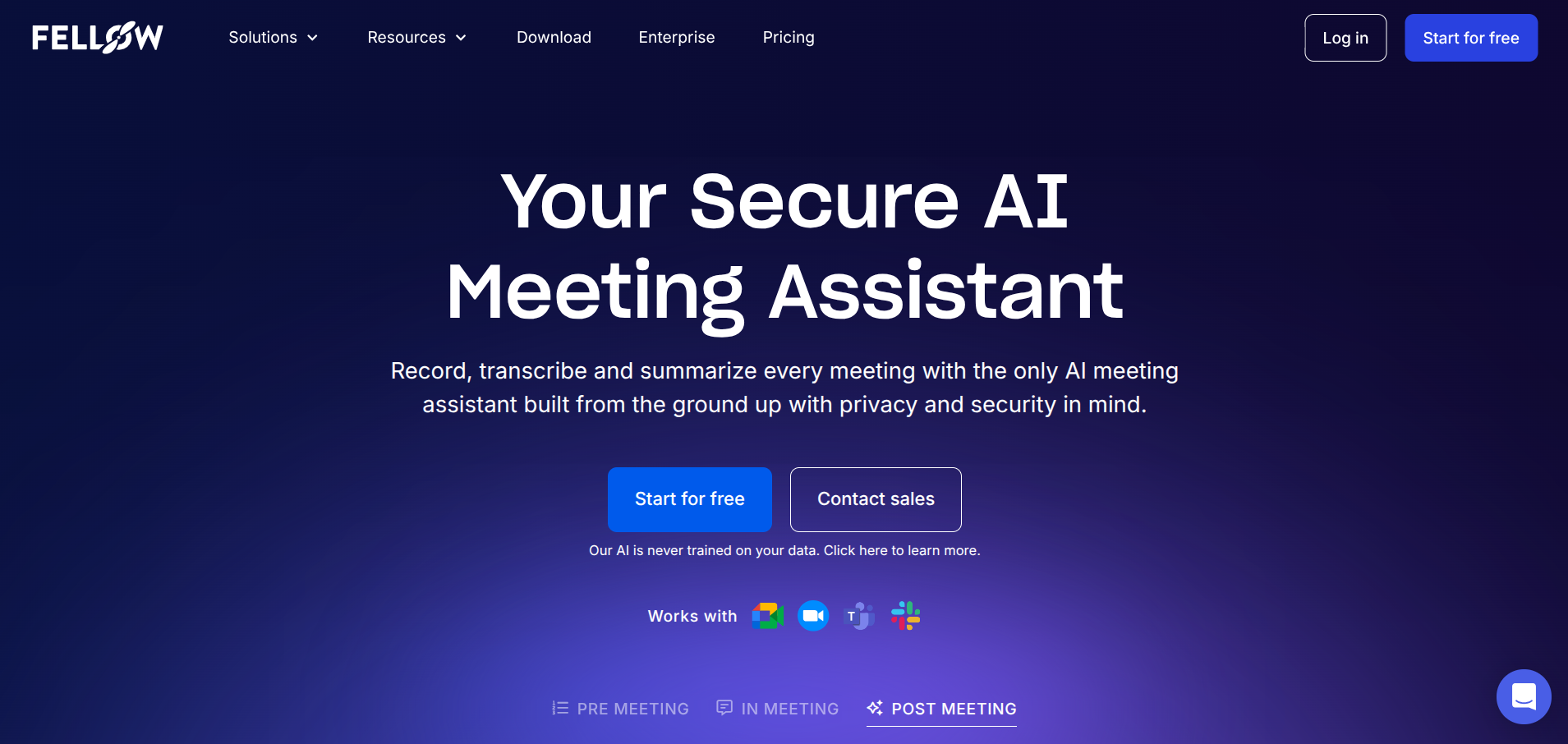
Fellow goes beyond note-taking into full meeting management. Collaborative agendas, real-time notes, action item tracking, post-meeting follow-ups, and the ability to choose between a visible bot or bot-free recording at the IT-policy level.
Why Founders Pick it
It's the right pick if your team is past the "two engineers and a Slack channel" stage and you're starting to run structured 1:1s, planning sessions, and retros. Fellow turns meetings into a system rather than a series of one-off recordings.
What it Does Well
Collaborative agenda building before the meeting, structured note capture during, and action item tracking after. The 50+ integrations are broader than most tools on this list.
Where it Falls Short
It's more tool than a solo founder needs. The pricing also climbs faster than competitors as you add seats.
Pricing
Paid plans start around $7 per user per month, with a free trial available.
9. Bluedot — best for multilingual teams
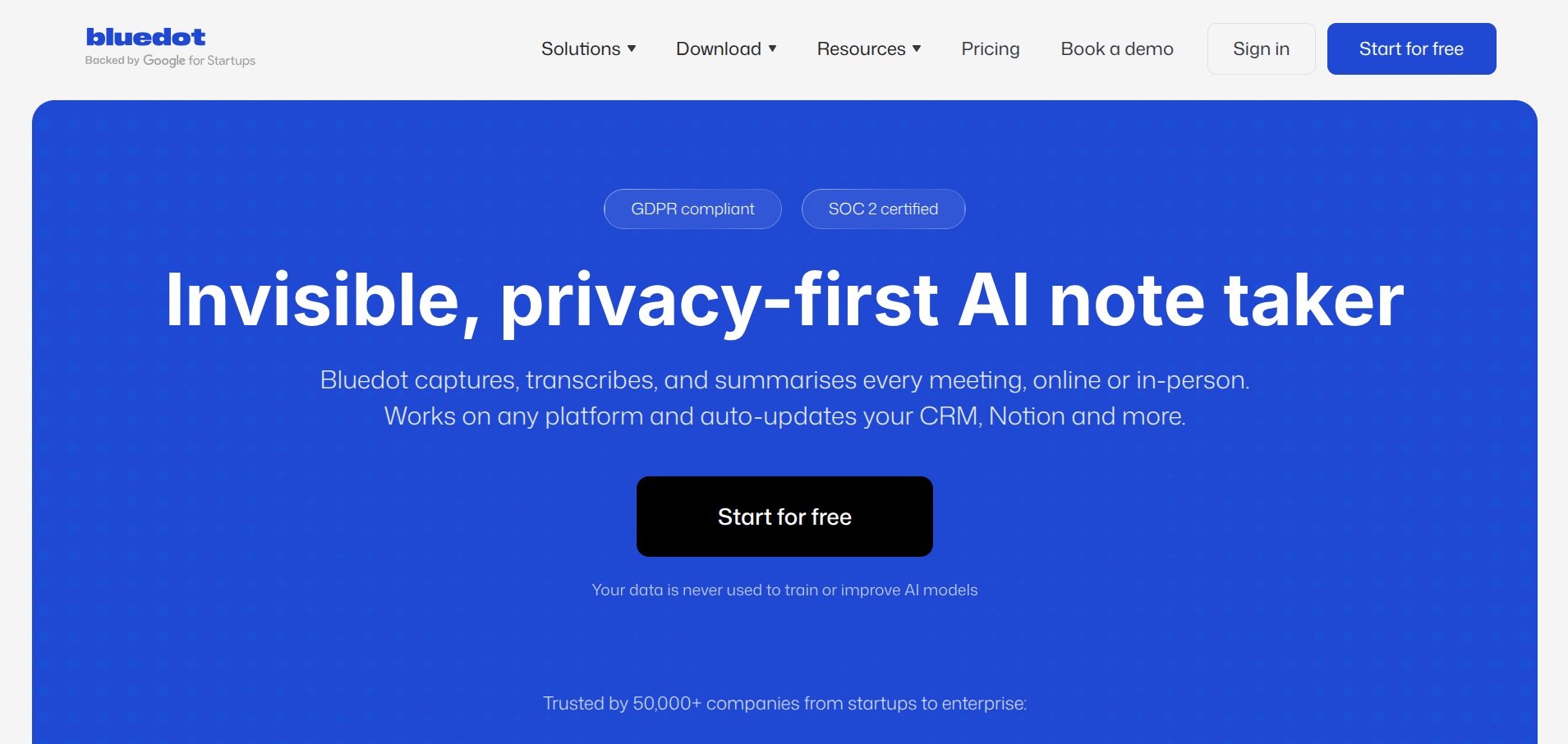
Bluedot is a lightweight bot-free option with a particularly broad language support story (100+ languages) and a useful feature: it automatically removes filler words ("um," "uh," "like") from both transcripts and recordings. The result feels closer to a clean podcast edit than a raw call recording.
Why Founders Pick it
Bot-free recording, broad multilingual support, and a genuinely streamlined output that's easier to share with stakeholders than a full transcript dump.
What it Does Well
Editing flexibility, both for the transcript and the video. Good for founders who want to repurpose meeting clips for marketing or customer testimonials.
Where it Falls Short
Less feature-heavy than Granola or Fellow. The free tier limitations are not always clearly documented.
Pricing
Paid plans available; pricing varies. Check the live page for current rates.
10. Sonnet — best for sales founders who want CRM-first workflows
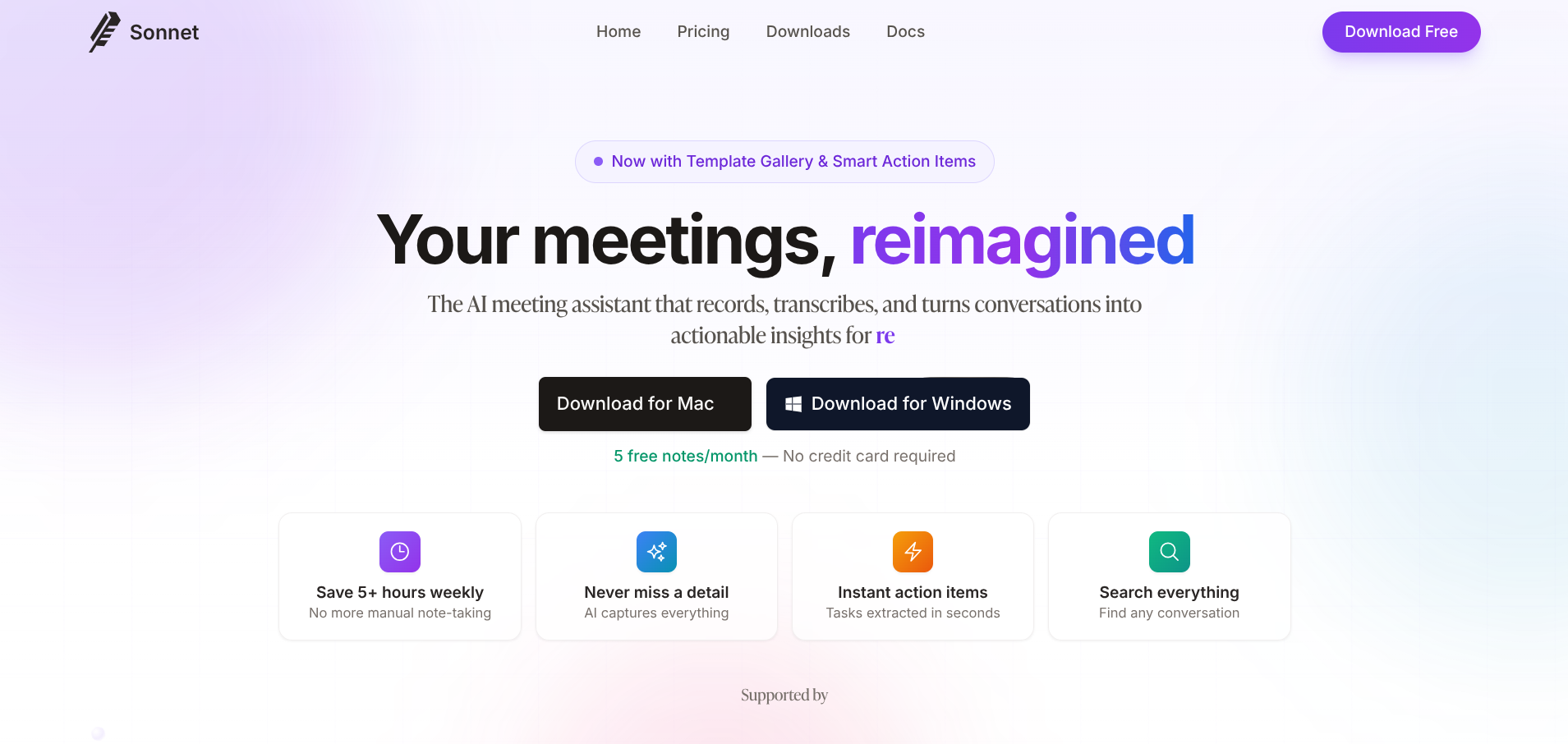
Sonnet is purpose-built for CRM automation in a way most note-takers are not. It pulls participant context from your CRM before the meeting starts, captures the conversation, and logs structured notes plus follow-up tasks back into the CRM after.
Why Founders Pick it
If your day is calls into CRM updates into follow-ups, Sonnet collapses the workflow into the meeting itself. You spend less time on data entry and more time actually selling.
What it Does Well
CRM-native design throughout. Pre-call research, in-call capture, post-call task creation, all happening inside the CRM rather than as a separate workflow.
Where it Falls Short
It's narrower than the broader meeting tools. If your primary use case is internal team meetings or customer interviews rather than sales calls, you'll get more value from Granola or Fellow.
Pricing
Paid plans available; check the live page for current rates.
How to choose the right tool for your founder workflow
The right tool depends entirely on what your weeks actually look like. Here's a fast decision tree:
You're a solo founder doing investor and customer calls. Granola (or Jamie if budget is no object). Bot-free, clean, doesn't introduce friction into pitch meetings.
You want a free tool you can use indefinitely. Fathom. The free tier with unlimited recordings is genuinely useful even with the 5-summary cap.
You're UK or EU-based and care about GDPR. tl;dv or Jamie. Both treat European compliance as structural rather than an afterthought.
You run a sales-led startup and live in HubSpot or Salesforce. Fireflies for breadth, Sonnet if you want CRM-native workflow, Fathom Business if you want a balanced option.
You take in-person investor meetings or do live customer interviews at conferences. Otter, for the mobile app.
You record from cafes, co-working spaces, or other noisy environments. Krisp, for the noise cancellation and notes combo.
Your team works across multiple languages. Bluedot or tl;dv. Both have genuinely broad language support.
You're past the early stage and want meeting structure as a system. Fellow.
FAQ
Are AI meeting note bots a problem in client calls?
For some clients, yes. Customer interviews, sales calls with prospects, and investor pitches are all situations where introducing a visible bot can shift the dynamic. Bot-free tools (Granola, Jamie, Krisp, Bluedot) avoid this entirely. Bot-based tools (Fathom, Fireflies, Otter) are still fine for internal meetings and most B2B contexts where the recording is expected.
How accurate are AI meeting transcripts in 2026?
Top tools land between 90% and 95% on clean single-speaker English audio. Multi-speaker calls with accents or technical vocabulary drop to 85-92%. Granola, Fireflies, and Otter are roughly comparable on accuracy. Fathom sits slightly below at 85-90% in independent testing.
Do I need to tell people I'm recording the meeting?
In most jurisdictions, yes. UK and EU GDPR rules generally require consent before recording or transcribing, even with bot-free tools where nothing visible joins the call. Most tools handle the consent prompt automatically when a bot joins, but bot-free tools leave the disclosure to you. A simple "I'm using a tool to take notes for me, just so you know" at the start of a call is usually enough.
What's the catch with free tiers?
Different tools paywall different things. Fathom caps AI summaries at five per month. tl;dv caps at 10 per month for the lifetime of the account. Granola limits meeting history. Otter caps minutes. Fireflies caps minutes. Pick a free tier that aligns with how you actually use the tool, not just on the headline "free" claim.
Will these tools work with Zoom, Google Meet, and Microsoft Teams?
Most cover all three. Note that Google rolled out an update in March 2026 that flags third-party note-taker bots as "potential risk" on Meet and defaults to denying their entry. If you're a heavy Meet user, bot-free tools (Granola, Jamie, tl;dv's desktop app, Krisp, Bluedot) are now meaningfully easier than the bot-based alternatives.
Which tool should I pick if I just want one and I don't want to think about it?
Granola if you can pay (and free if you qualify for the startup year). Fathom if you want a no-cost option that does the basics well.
AI meeting note tools have stopped being optional infrastructure for founders. The transcription is good enough across the board that you can pick almost any of these and not regret it. The real question is which one matches your specific workflow.
For most founders we'd point at Granola first, particularly if you fit the under-30-employees seed-stage criteria for the free year. Fathom is the best free option. tl;dv is the right choice for UK and EU founders who need GDPR posture.
Fireflies wins if your day revolves around CRM hygiene. Pick based on the meetings you actually run, not the meetings you imagine you'll run once you scale.
- Best AI Writing Tools 2026
- Best AI Automation Tools for Startups 2026
- Best Zapier Alternatives 2026
- Lindy AI Review 2026
- Bot-free recording
- Unlimited meeting history
- Notion, HubSpot, Slack sync
- Free Basic plan available
- Free year for seed-stage startups
- Unlimited free recordings
- 5 AI summaries/mo on free plan
- HubSpot, Salesforce sync
- Visible bot in calls
- No mobile app
- EU-built, GDPR-native
- 30+ languages
- SOC 2 certified, no AI training
- Bot or bot-free desktop app
- Free tier limited to 10 summaries
- Real-time live transcription
- Strong mobile app for in-person
- Slide capture during screen share
- Salesforce on Enterprise only
- Free plan: 300 mins/month