
Here is the math that sends most founders looking for a Zapier alternative.
You build a lead workflow. New lead arrives, verify the email, score it, update the CRM, notify Slack, log it to a sheet. That is one trigger and five actions, so one run costs five tasks. Run it a hundred times a day for a month and you have burned 15,000 tasks.
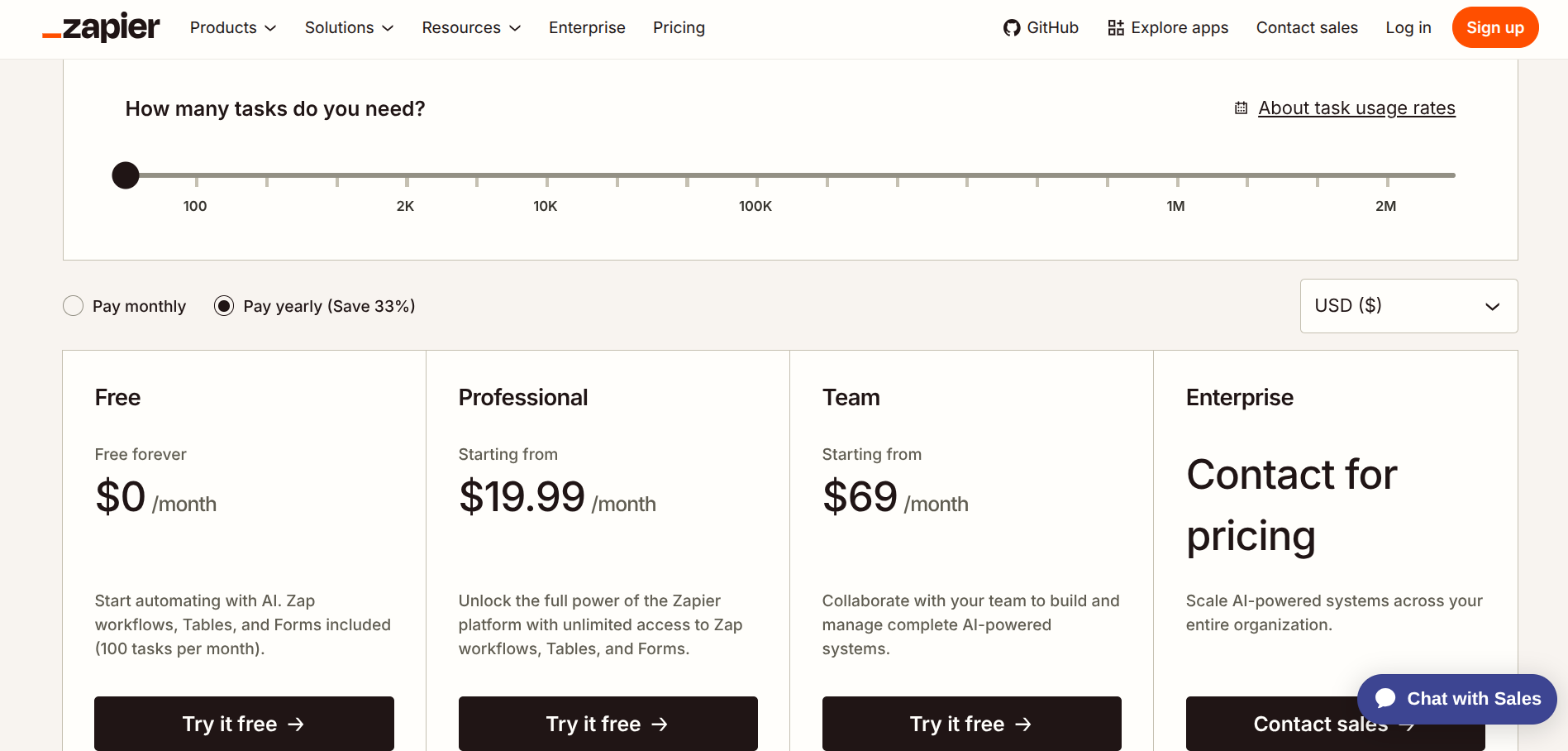
Zapier's Professional plan starts at $19.99 a month on annual billing ($29.99 monthly) and includes 750 tasks. Your workflow exhausts that in under two days. The task slider takes you up from there, and at 15,000 tasks a month you are looking at a bill in the hundreds.
The uncomfortable part is that your automation did not get better when it went from 750 runs to 15,000. It just ran more often. Per-task pricing scales with your success rather than with the value you get from each run.
That is the structural complaint, and it is the reason every tool below bills differently.
Migrating automations is a genuinely annoying weekend. Do this first, because a lot of Zapier bills are self-inflicted.
Not everything counts as a task. Triggers are free. So are Filters, Paths, Formatter, Delay, Looping, Digest, and steps that use Zapier Tables and Forms. Only actions that write to, read from, or ping a third-party app get metered. If your Zaps are full of formatting steps, you are already paying less than you think.
Filter early. A filter placed before your actions costs nothing and stops the expensive steps from running at all. A filter placed last means you paid for every action before deciding you did not need the result.
Watch the premium app multiplier. Some connectors, including several of the big CRMs, carry a task multiplier that can quietly double your effective usage.
Switch to annual. Zapier advertises roughly a third off for paying yearly. If you are staying put, that is the single easiest saving available.
If your bill is still ugly after that, keep reading.
1. Make
The straightforward swap, and the one most people land on.
Make does what Zapier does with a visual canvas instead of a linear step list, which is either a big improvement or mildly disorienting depending on how your brain works. It connects a comparable range of apps, and for most founder workflows you will not miss anything.
The pricing is where it wins. Make bills per module call, and its entry paid tier includes 10,000 of them, against Zapier Professional's 750 tasks at a similar price. For equivalent workflows most people report paying somewhere between a third and a fifth of their Zapier bill.
Make — plans
Free
$0
1,000 credits a month and 2 active scenarios, on a 15-minute interval
Core
~$10/mo
10,000 credits, unlimited scenarios, 1-minute scheduling
Pro
~$18/mo
Same 10,000 credits, plus priority execution and full log search
Teams
~$34/mo
Team roles, permissions, and a shared scenario library
Two things to know. Make renamed its billing unit from "operations" to "credits" in 2025, so any guide still saying "operations" is describing the same thing under an old name.
And published prices for the Core tier vary noticeably between sources, partly because annual and monthly rates get quoted interchangeably, so check the live page rather than trusting a comparison table. Expect Core to sit somewhere around $10 to $12 a month on annual billing.
The trap is that Make counts more things as billable than Zapier does. Triggers, iterators, and routers all consume credits. A scenario that looks like three steps on the canvas can easily spend eight to fifteen credits per run.
Design your triggers carefully: a "watch new rows" trigger that picks up 20 rows costs a fraction of a scenario that rescans a 400-row sheet every time.
One oddity worth knowing before you pick a tier. Pro includes exactly the same credit allowance as Core. You are paying the difference for priority execution and full-text log search, nothing else. If your workflows run on a schedule rather than needing near-instant response, stay on Core.
2. n8n
The one that actually changes the economics rather than just discounting them.
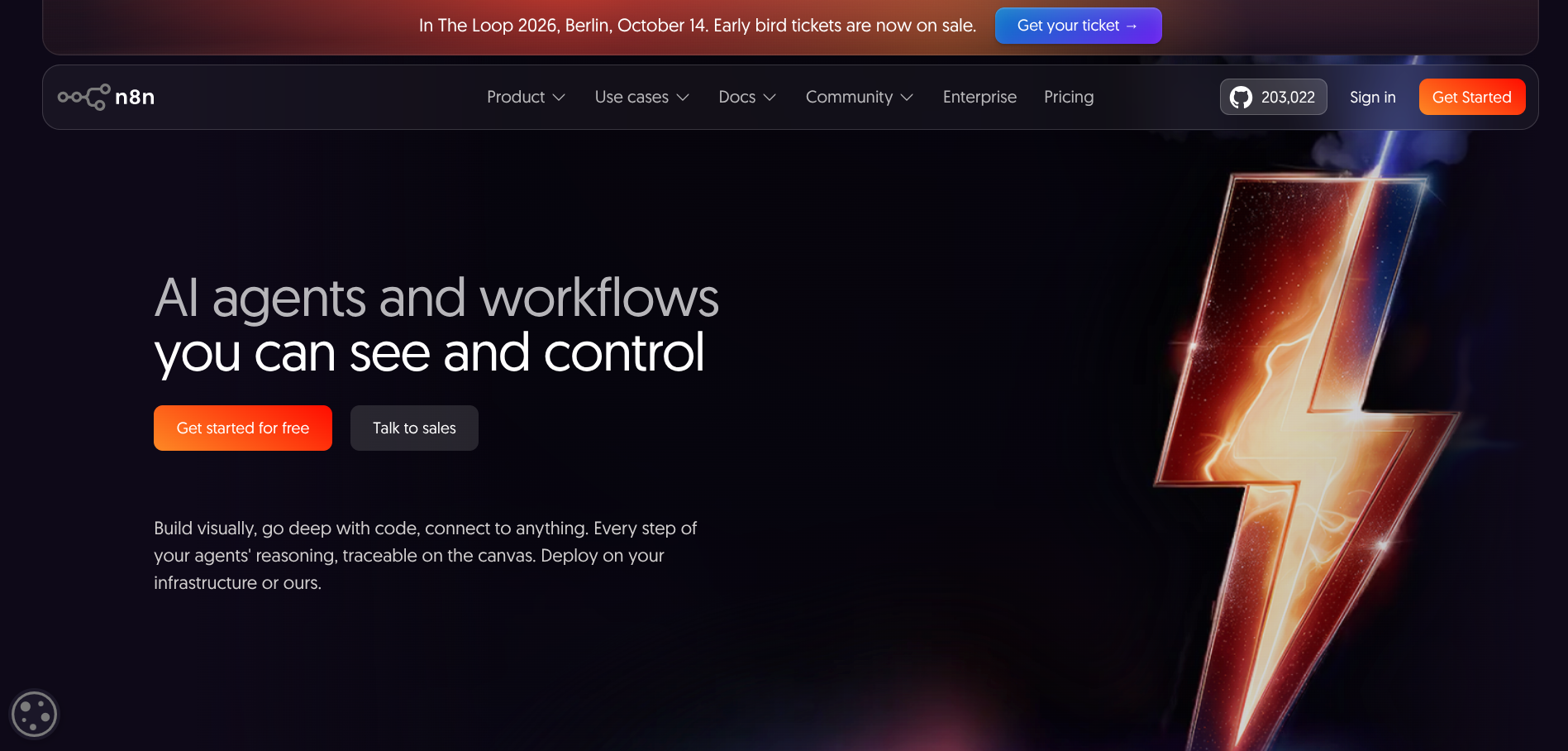
n8n bills per execution, where one execution is a single run of an entire workflow no matter how many steps sit inside it. A two-step workflow and a fifty-step workflow both cost exactly one execution. That is a different pricing model, not a cheaper version of the same one, and it is why n8n gets dramatically cheaper as your workflows get more complex.
Run the earlier example through it. The five-action lead workflow that burned 15,000 Zapier tasks costs 3,000 n8n executions, because each run is one execution rather than five tasks.
Cloud Starter is €20 a month on annual billing (€24 monthly) for 2,500 executions. Pro is €50 annually (€60 monthly) for 10,000. There is a self-hosted Business tier well into the hundreds, and custom Enterprise pricing above that. n8n prices in euros, so US buyers pay the dollar equivalent on the day.
n8n — plans
Community
€0
Self-hosted, unlimited executions, unlimited users. You supply the server
Starter
€20/mo
2,500 executions a month, unlimited workflows and users. €24 monthly
Pro
€50/mo
10,000 executions, admin roles, longer history and search. €60 monthly
Business
€667/mo
40,000 executions self-hosted, with SSO and Git version control
Since April 2026 every cloud plan includes unlimited workflows and unlimited users, so execution volume is the only thing that moves your bill.
Two warnings. There is no permanent free cloud plan any more, just a 14-day trial. And on Starter and Pro there is no overage billing: when you hit your execution cap, n8n pauses every workflow until the cycle resets. For anything business-critical, forecast your volume with room to spare.
The other route is the self-hosted Community Edition, which is free software with no execution meter at all. Your only real costs are a server, somewhere between $5 and $15 a month for typical loads, and your own time patching and monitoring it. That is the cheapest automation on this list by a distance, provided you are the sort of person who is fine being paged when it breaks.
3. Pabbly Connect
The only serious tool here you can buy once and stop paying for.
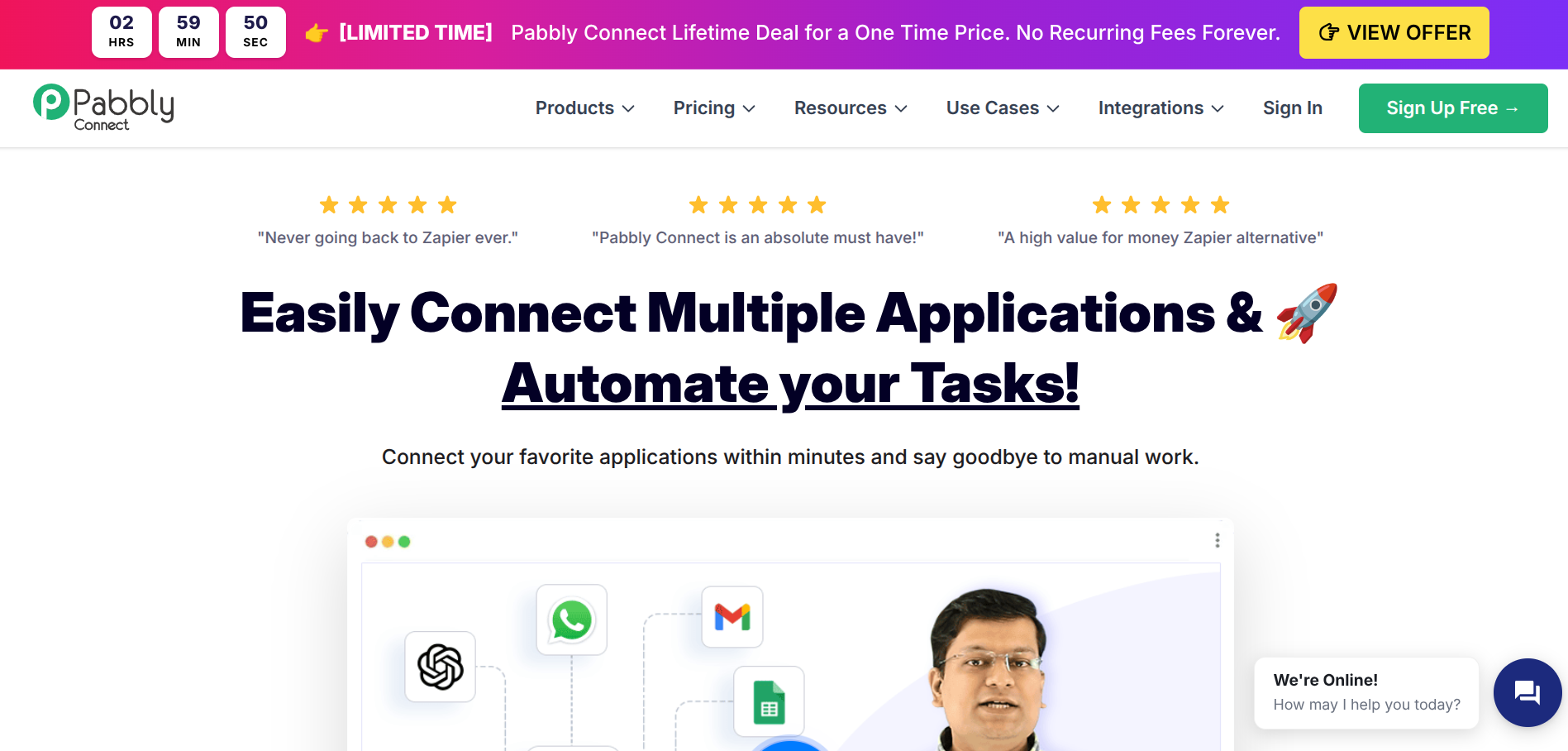
Pabbly Connect sells one-time lifetime plans alongside normal subscriptions, which is close to unheard of in this category. You pay a single amount, get a fixed monthly task allowance, and never see another invoice. For a founder with predictable automation needs and a strong dislike of recurring costs, that maths works out quickly.
Pricing needs a caveat. Pabbly runs near-constant promotions and the lifetime tiers move around a lot; published figures across review sites range from roughly $249 up past $1,200 depending on the tier and which sale was running when the article was written.
Treat around $249 as the realistic entry point for the lowest lifetime tier and confirm the live number before you buy. Monthly subscriptions sit in the high teens for the entry plan.
Pabbly Connect — plans
Free
$0
100 tasks a month with no time limit. Enough to test your integrations
Standard
~$16/mo
Higher task allowance, all features, unlimited workflows and team members
Lifetime
~$249one-time
A fixed monthly task allowance, paid once. Promotional pricing moves often
Two structural things in Pabbly's favour. Only action steps count as tasks, so internal steps stretch your allowance further than Zapier's equivalent. And every paid plan unlocks all features with unlimited workflows and unlimited team members, so the only difference between tiers is the task count.
The honest downside is that the app catalogue is meaningfully smaller than Zapier's, and the interface feels a generation behind. Check that your specific apps are supported before you buy anything non-refundable. There is a 30-day money-back guarantee, which takes some of the risk out.
4. Activepieces
The open-source option, MIT licensed, with a self-hosted edition that has no meter at all.
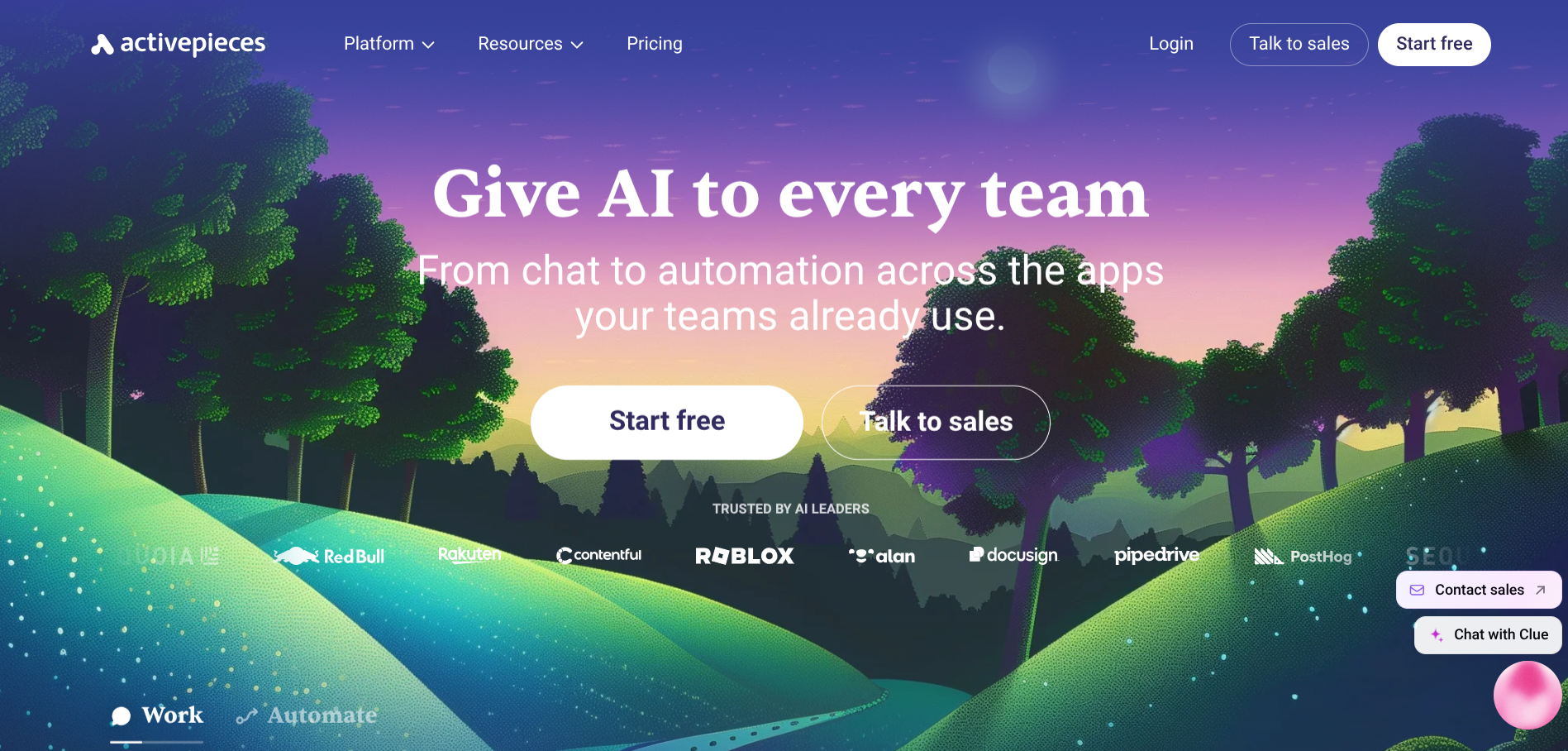
Activepieces is a visual builder with 700-plus integrations, native AI steps, and MCP server support. The Community Edition is genuinely open source, runs on Docker with a Postgres database, and has no cap on runs, flows, or users. If you already run infrastructure, this is close to free automation with full data control.
The cloud pricing needs a health warning. Activepieces has changed its billing model twice during 2026, moving from task-based tiers to per-active-flow pricing and then to credits.
Activepieces — plans
Community
$0
MIT licensed, self-hosted, no cap on runs, flows, or users
Cloud Free
$0
A free managed tier exists. The allowance changed twice during 2026
Cloud Paid
Verify
Billing moved from tasks to per-flow to credits this year. Check the live page
Every published comparison I found described a different model, and several were contradicting each other within the same month. There is a free cloud tier. Beyond that, go to the pricing page directly, because anything you read elsewhere is probably describing a model that no longer exists.
The real trade-off is the connector count. Seven hundred integrations sounds like plenty until the one app your business depends on is not among them. You can build a piece yourself in TypeScript, which is a fine answer if you have engineering time and a poor one if you do not.
5. Staying on Zapier, deliberately
Worth saying plainly, because the honest answer for a lot of founders is that Zapier is still the right tool.
Nothing else connects 9,000-plus apps. If your stack includes something niche, Zapier is frequently the only platform that talks to it, and the cost of a migration that ends with you rebuilding one workflow by hand is worse than the subscription you were trying to escape.
Zapier is also the most reliable of the group, and the one where a broken automation is least likely to be your problem to fix at 2am. For workflows that touch money or customers, that is worth paying for.
The version of this that makes sense is a split. Keep the handful of workflows that genuinely need Zapier's connector library or its reliability, move the high-volume grunt work to Make or n8n, and let the Zapier task count fall back down to something the entry plan covers.
Zapier — plans
Free
$0
100 tasks a month, two-step Zaps only, no webhooks. A sandbox, not a tool
Professional
$19.99/mo
750 tasks with a slider up to 2 million. Multi-step Zaps and premium apps
Team
$69/mo
2,000 tasks, shared workspace, multiple users. $103.50 billed monthly
Enterprise
Custom
Unlimited users, advanced admin, annual contract
Quick-Reference Comparison
| Tool | Billing Model | Free Tier | Entry Paid Price | Best For |
|---|---|---|---|---|
| Zapier | Per action step (task) | 100 tasks, 2-step Zaps | From $19.99/mo annual | Niche integrations, reliability |
| Make | Per module call (credit) | 1,000 credits, 2 scenarios | Around $10-12/mo annual | Like-for-like swap, lower bill |
| n8n | Per whole workflow run | Self-hosted only | €20/mo annual (2,500 runs) | Long multi-step workflows |
| Pabbly Connect | Per action step (task) | 100 tasks/month | From ~$249 one-time | Killing the subscription entirely |
| Activepieces | Changed twice in 2026 | Yes, cloud and self-hosted | Verify on pricing page | Open source, self-hosting |
Which one should you actually pick
Your workflows are short and there are not many of them
Make. The entry tier gives you more headroom than Zapier at a similar price and the migration is the least painful on this list.
Your workflows are long
n8n, and it is not close. Per-execution billing means a fifteen-step workflow costs the same as a two-step one, which is exactly backwards from how everything else charges you.
You are technical and volume is high
Self-hosted n8n or Activepieces Community Edition. A $5 server and unlimited executions beats every managed plan here, as long as you accept that you are now the on-call engineer.
Your needs are settled and you hate subscriptions
Pabbly Connect's lifetime tier, after you have checked your apps are supported.
You have one weird integration nothing else supports
Stay on Zapier for that workflow and move everything else.
One last thing. Before you migrate anything, export a list of every Zap you are running and mark which ones fired in the last 30 days. Most people find a third of them are dead. Deleting those is faster than any migration and costs nothing.
🔥 This article is getting a lot of attention. Showcase your project to 10,000 visitors a month.Contact us for placement opportunities.
Frequently asked questions
What actually counts as a task in Zapier?
One task is one action step that runs successfully. Triggers are free, and so are Filters, Paths, Formatter, Delay, Looping, Digest, Tables, and Forms. As of 2026, AI steps, code steps, and MCP and SDK calls all draw from the same task pool as regular actions.
Is Make really cheaper than Zapier?
For most workflows, yes, though the gap is narrower than the headline prices suggest because Make counts triggers, iterators, and routers as billable where Zapier does not count triggers. Expect meaningful savings rather than the 5x some comparisons claim.
Is self-hosting n8n actually free?
The software is free with no execution limit. You still pay for a server, typically $5 to $15 a month for moderate loads, plus your own time on setup, patching, and monitoring. Budget four to eight hours to get it running properly.
What happens if I exceed my plan limits?
It varies, and it matters. Zapier bills overages per task. Make sells additional credit packs at a markup. n8n Starter and Pro pause every workflow until your cycle resets, with no overage option at all.
Can I run two automation tools at once?
Yes, and plenty of founders do. Keeping niche integrations on Zapier while moving high-volume work to Make or n8n is usually cheaper than forcing everything onto one platform.
Related reading
- 9 Notion Alternatives for Founders Who Want Less Setup
- Best AI Automation Tools for Startups in 2026
- Best Free Tools for Bootstrapped Founders in 2026
- The We Are Founders Tools Directory
Pricing verified August 2026. Automation pricing changes frequently and several tools here changed their billing model during 2026, so confirm current rates on the vendor's own pricing page before purchasing.
Disclosure: Some links in this article may be affiliate links. If you sign up through them, we may earn a commission at no extra cost to you. We only recommend tools we believe are worth using.