


A one-person business is a stack of jobs wearing a single hat.
You are the founder, the marketer, the bookkeeper, the designer, and the person who has to remember to actually send the invoice. The right tools do not just tick boxes. They quietly take whole jobs off your plate so you can spend your hours on the work that pays.
Most "best solopreneur tools" lists hand you forty apps sorted by category and let you drown. This one is different.
We have organised it by the actual jobs a one-person business has to get done, and for each job we give you one lead pick worth starting with, plus the alternatives worth knowing. Start lean. Add a tool only when a real bottleneck demands it.
Here is the full stack, job by job.
How to think about your stack first
Before you buy anything, three rules save you money and regret.
Start with your biggest bottleneck, not the shiniest tool. If email eats your mornings, fix email first. If unpaid invoices are the problem, start there. Everything else can wait.
Lean on free tiers. Most tools below have a genuinely usable free plan. Run on it until a paid feature will clearly save you time or make you money, then upgrade.
Avoid annual plans until you have used a tool for three months. The discount is not worth locking into software you will abandon by spring.
Now the tools.
Write and think: Claude or ChatGPT
Lead pick: Claude (or ChatGPT, if you prefer)
Every one-person business runs on words. Client emails, landing-page copy, proposal drafts, the newsletter you keep meaning to send. A general-purpose AI assistant is the single highest-leverage tool you can add, because it speeds up nearly every other job on this list.
Use it to draft first versions, summarise long documents, brainstorm angles, and turn a bullet list into a clean client update. The free tiers are genuinely useful, and the paid plans (around $20/month) are worth it the moment you are using one daily.

Which to pick comes down to feel. We break down the differences in our full comparison, but for most solo operators either one will earn its keep in the first week.
 Mia Jones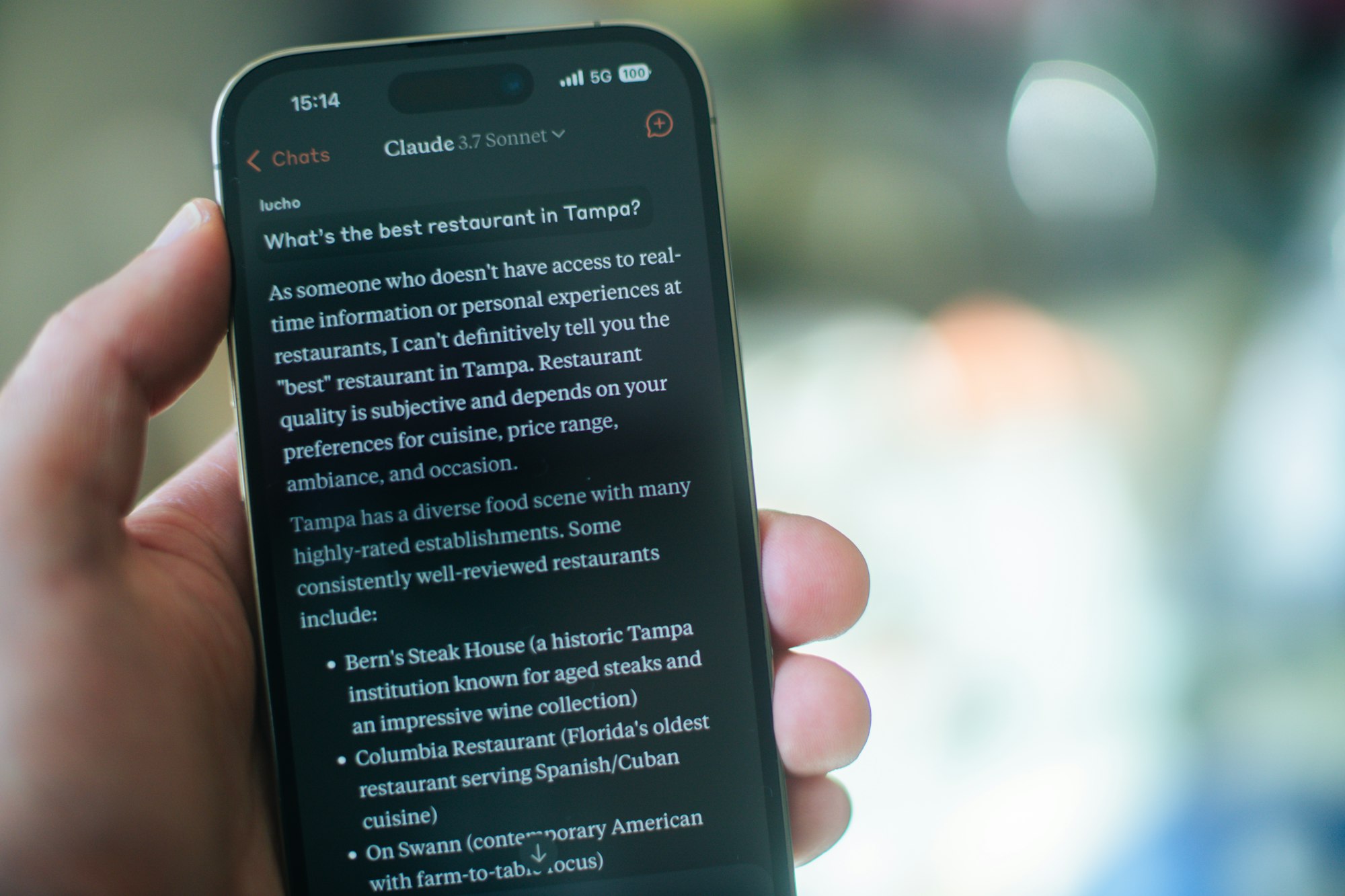
Build the product: AI coding tools
Lead pick: an AI code editor
If your one-person business ships software, a digital product, or even just a landing page, AI coding tools have collapsed what used to take a team into something one person can do in an afternoon.
They write, explain, and debug code from plain-language prompts, which means non-technical founders can get further than ever before touching a developer.
There is real choice here now, and the right pick depends on whether you want a full editor, a lightweight assistant, or something that builds whole apps from a prompt. We compare the main options in depth so you can match the tool to how technical you actually are.
 Mia Jones
Get paid: a digital product platform
Lead pick: the platform that matches your product
Getting paid should be the easiest job in your business, and yet the platform you choose quietly decides how much of every sale you keep. Selling an ebook, a template, or a course is a different problem from selling SaaS, and the fee structures vary more than the headline rates suggest.
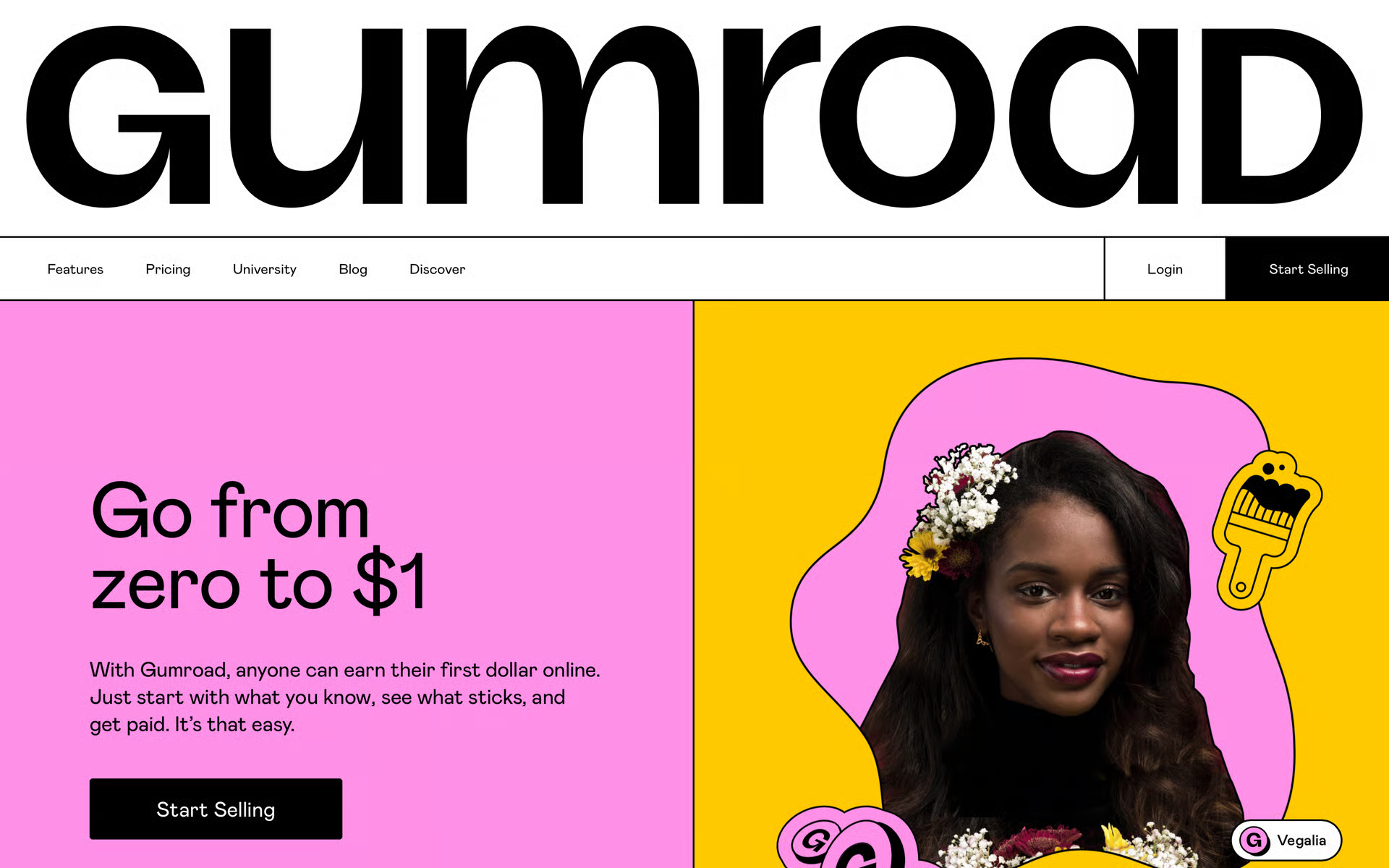
The short version: Gumroad gets you live in ten minutes but charges the most per sale. Payhip works out cheapest once you are past a few hundred dollars a month. Lemon Squeezy handles global tax compliance as a merchant of record, which is worth real money if you sell software internationally.
We have done the full fee maths across every revenue level so you can see exactly what you would keep on each.
 Chris Kernaghan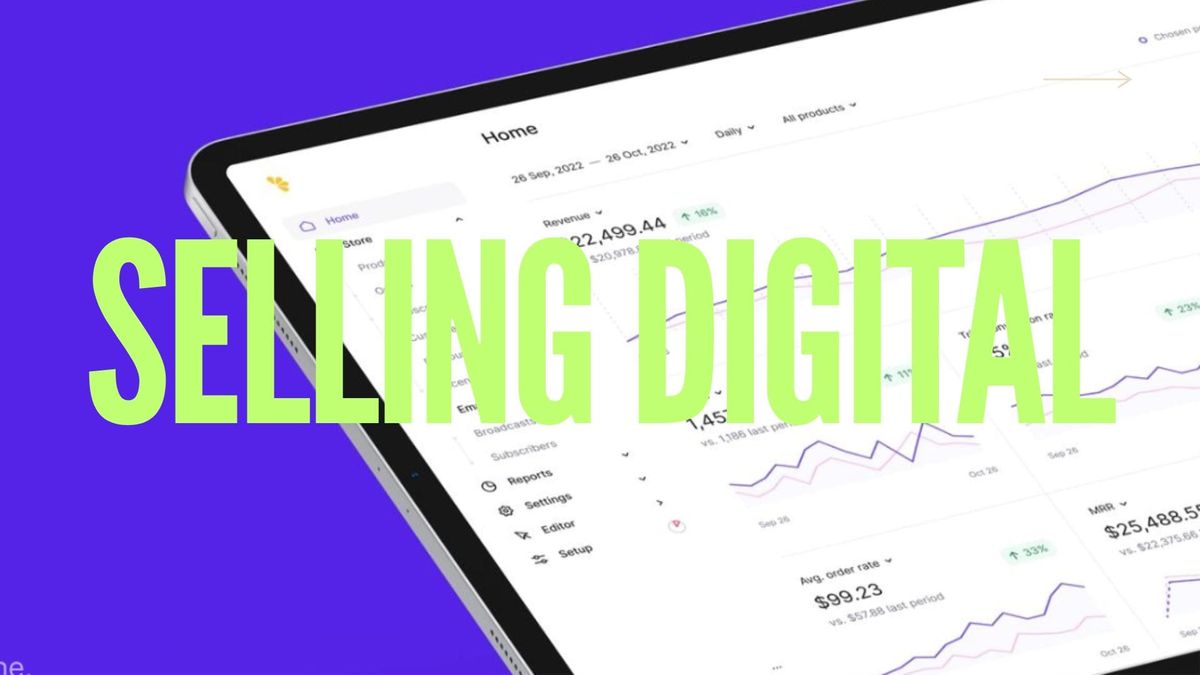
Do the books: accounting software
Lead pick: dedicated accounting software, not a spreadsheet
The moment money starts moving, a spreadsheet stops being enough. Proper accounting software tracks income and expenses, chases nothing but your patience, and turns tax season from a two-week panic into an afternoon.
For a one-person business the right tool costs less than an hour of an accountant's time and saves you many.
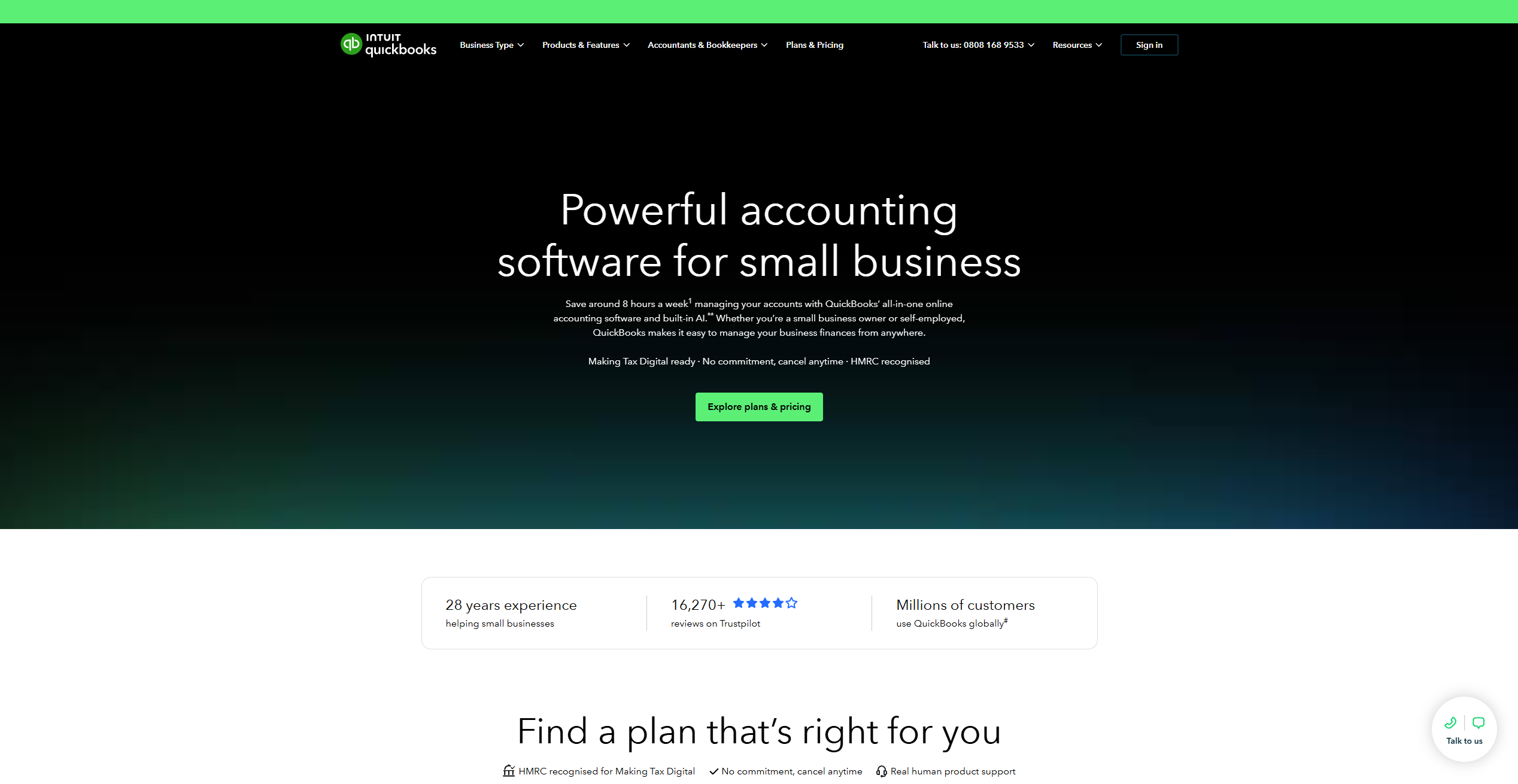
What you need depends on whether you are a freelancer invoicing clients or a founder tracking product revenue. We break down the best options for solo operators, including the picks that keep it simple without cutting the corners that matter at tax time.
 Chris Kernaghan
Move money across borders: Wise, Revolut, or Airwallex
Lead pick: depends on where your clients are
If you invoice clients abroad or pay overseas contractors, your regular bank is quietly charging you a fortune in exchange-rate markup. A dedicated multi-currency account fixes that, holding and converting money at rates close to the real mid-market one.
Wise is the simplest for occasional international invoices. Revolut bundles spending and business tools. Airwallex goes deepest for founders running real cross-border volume, with local receiving accounts in multiple currencies. The right one comes down to how much money crosses borders and how often.
 Kai Chen
Automate the busywork: Lindy
Lead pick: Lindy
The tax on being a one-person business is admin. Inbox triage, follow-ups, scheduling, lead research, the endless small tasks that sit between you and paid work. Lindy is an AI automation platform that hands those jobs to agents you build in plain English, no code required. Point it at your inbox and it drafts replies in your voice. Give it a workflow and it runs it while you sleep.
It lives where you already are, including iMessage, and connects to thousands of tools from Gmail to your CRM. Pricing starts at $49.99/month after a 7-day free trial, and it runs on a credit system worth understanding before you scale usage, which we cover in detail.

The honest trade-off: the credit model makes heavy usage less predictable than a flat fee, so it suits solo operators with a contained set of recurring workflows better than anyone needing to run thousands of tasks a month.
For most one-person businesses drowning in email and follow-ups, it pays for itself in reclaimed hours fast. If you'd rather stitch tools together yourself, Make and Zapier are the classic alternatives, cheaper per task but more hands-on to set up.
 Chloe Ferguson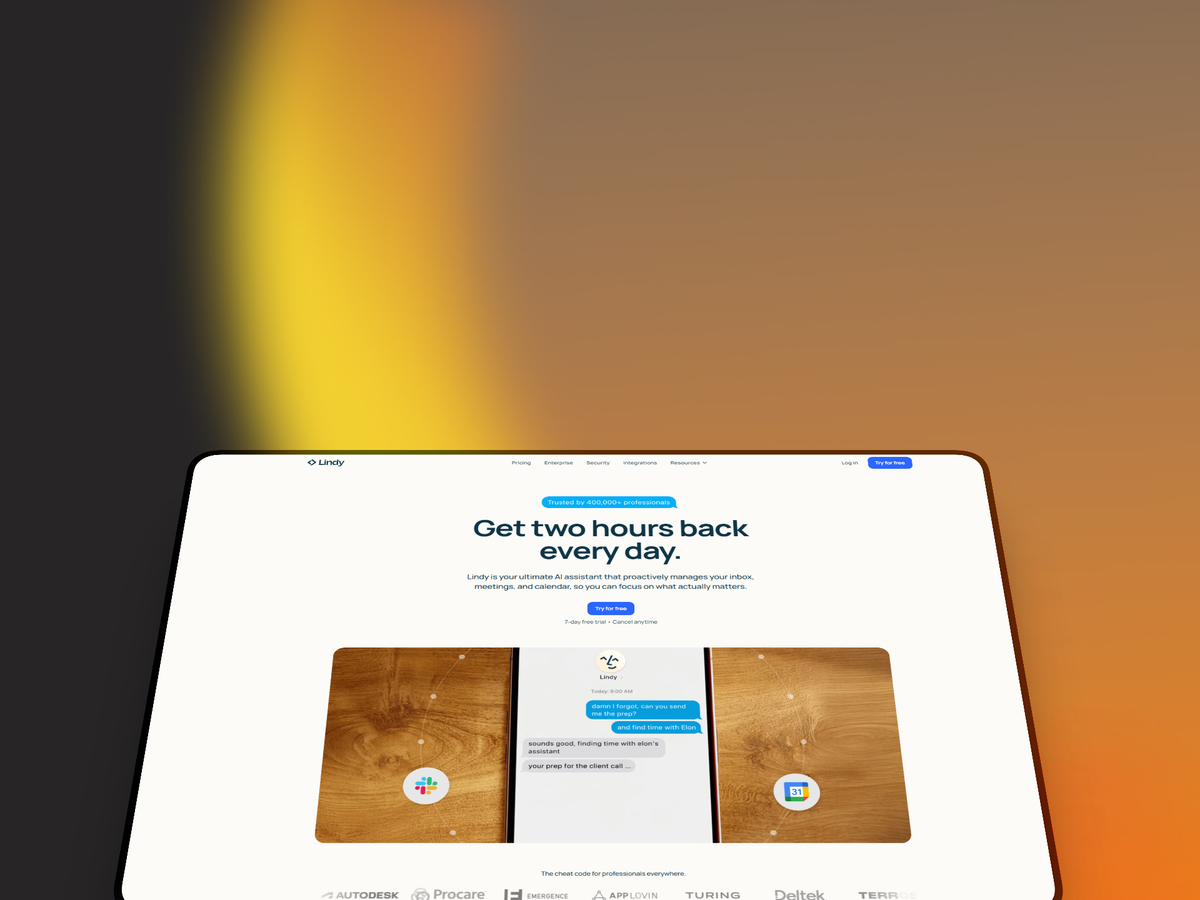
Grow on social: Hypefury
Lead pick: Hypefury
Building an audience is a job, not an accident, and doing it manually will eat your week. Hypefury is built for founders and creators growing on X and LinkedIn. It schedules posts and threads, recycles your best-performing content on a loop, and automates the engagement work (replies, autoplugs, DMs to new followers) that normally ties you to the app all day.

It covers six platforms, but the whole product is built around X workflows, so it is strongest if that is your primary channel. Pricing runs from $29/month for the Starter plan up to $65/month for Creator, which is the tier most active users actually need. There is a 7-day free trial to test the workflow before committing.
 Chris Kernaghan
If X is not your focus and you mainly want clean scheduling with AI writing, Typefully is the cheaper, simpler alternative. We compare the two directly for creators trying to choose.
Growing on social gets you found by people.
Increasingly, you also need to know if you're findable by AI. Tools like the AI visibility checker show whether your brand actually shows up when someone asks ChatGPT or Perplexity about your space, which social scheduling alone won't tell you.
Stay focused: a focus or habit app
Lead pick: whatever kills your specific distraction
None of the tools above matter if you cannot sit down and do the work. Running a one-person business means nobody is watching whether you actually start, so the systems that protect your attention are as much a business tool as your invoicing software.
A distraction blocker walls off the apps and sites that pull you away. A habit tracker keeps the daily routines that compound (writing, outreach, shipping) from quietly slipping. The best pick depends on whether your problem is starting, staying, or coming back the next day.
We have tested and ranked the options for both, from free open-source trackers to the apps that make blocking genuinely stick.
 Chris Kernaghan
Look professional: a design tool
Lead pick: Canva for speed, Kittl for print
You are the design department too, and looking amateur costs you sales you never hear about. A good browser-based design tool lets you produce social graphics, a logo, a pitch deck, and product mockups without hiring anyone or learning Illustrator.
Canva is the fastest route to good-enough graphics across social, slides, and marketing, with a huge template library and a generous free tier. Kittl is the stronger pick if typography-heavy or print-on-demand work is central to what you sell. We cover the best options, including the Canva alternatives worth switching for.
 Mia Jones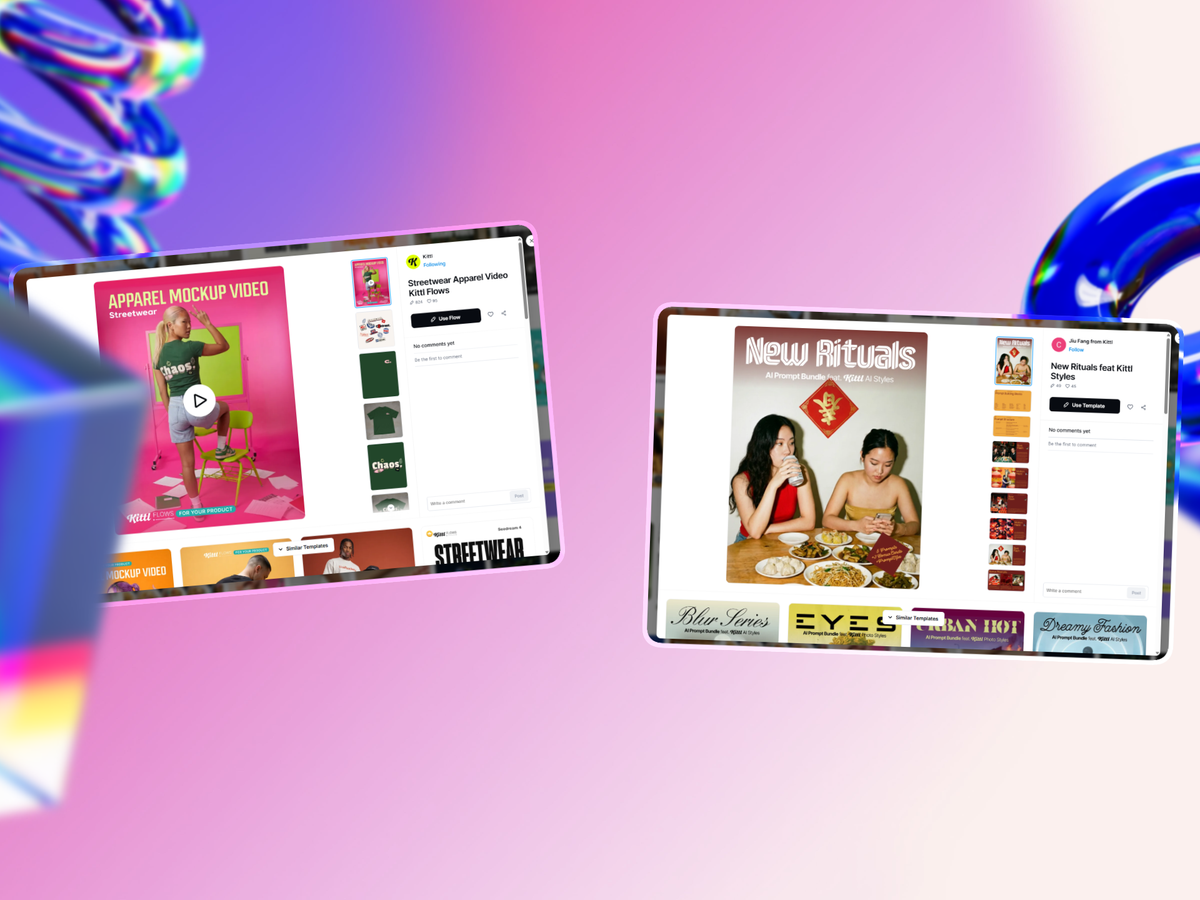
The one-person business stack at a glance
| Job | Lead pick | Alternatives | Starts at |
|---|---|---|---|
| Write & think | Claude / ChatGPT | Gemini, Notion AI | Free, ~$20/mo paid |
| Build the product | AI code editor | Lightweight assistants, app builders | Free tiers available |
| Get paid | Payhip | Gumroad, Lemon Squeezy | Free tier, then per-sale |
| Do the books | Accounting software | Spreadsheet (early only) | From ~$10/mo |
| Move money abroad | Wise | Revolut, Airwallex | Free account, low FX fees |
| Automate admin | Lindy | Make, Zapier | From $49.99/mo (7-day trial) |
| Grow on social | Hypefury | Typefully, Buffer | From $29/mo (7-day trial) |
| Stay focused | Focus / habit app | Open-source trackers | Free options available |
| Look professional | Canva | Kittl, Adobe Express | Free tier, then ~$13/mo |
How to choose your first three tools
You do not need all nine on day one. Buying the whole stack before you have a business is how solopreneurs end up paying $120 a month to feel busy.
Build in layers, starting with the job that is costing you the most time right now.
If admin is drowning you, start with an AI assistant for writing and Lindy for automation. Those two take the biggest bite out of the busywork for under $70 a month combined.
If you are pre-revenue and just want to sell something, start with an AI assistant, a payment platform, and a design tool. That is enough to make a product, make it look real, and get paid.
If focus is the actual problem (and for many solo operators it quietly is) start there before you spend a penny on anything else. No tool fixes a business you never sit down to run.
Add the next layer only when a real bottleneck appears. The best one-person business stack is the smallest one that keeps the work moving.
Frequently asked questions
What tools do you actually need to run a one-person business?
At the absolute minimum: a way to get paid, a way to look professional, and an AI assistant to speed up your writing and admin. Everything else, from automation to social scheduling, is a layer you add as specific bottlenecks appear. Most solo operators run a complete stack for under $75 a month by leaning on free tiers.
How much should a solopreneur spend on tools per month?
A lean stack runs $45 to $75 a month for most one-person businesses. Start on free tiers, upgrade only when a paid feature clearly saves time or earns money, and avoid annual commitments until you have used a tool for three months.
Can one person really run a whole business on these tools?
Yes, and increasingly they do. AI assistants and automation now handle the work that used to need a virtual assistant, a junior marketer, and a bookkeeper. The constraint on a one-person business in 2026 is rarely the tools. It is your attention, which is why the focus layer matters as much as any app.
What is the best free tool for a one-person business?
A general-purpose AI assistant has the most generous genuinely-useful free tier relative to its impact, since it speeds up nearly every other job. Beyond that, most tools here, from design to payment platforms to habit trackers, offer free plans that carry you well past launch.
