
Every founder hits the automation wall eventually.
You're copying data between apps, sending the same follow-up emails, formatting spreadsheets at 11pm on a Tuesday. You know there's a better way, and three tools keep appearing in every "best automation" list you read: Lindy, Zapier, and Make.
The problem is they're often lumped together like they're interchangeable. They're not. Zapier is the reliable workhorse that connects your apps. Make is the visual builder for people who want to see their workflows as diagrams. Lindy is the AI-first platform that makes automation decisions for you.
We've used all three across real founder workflows. Here's how they actually compare in 2026, what they cost, and how to pick the right one for where you are right now.
The Quick Answer
If you want the TL;DR before we get into it:
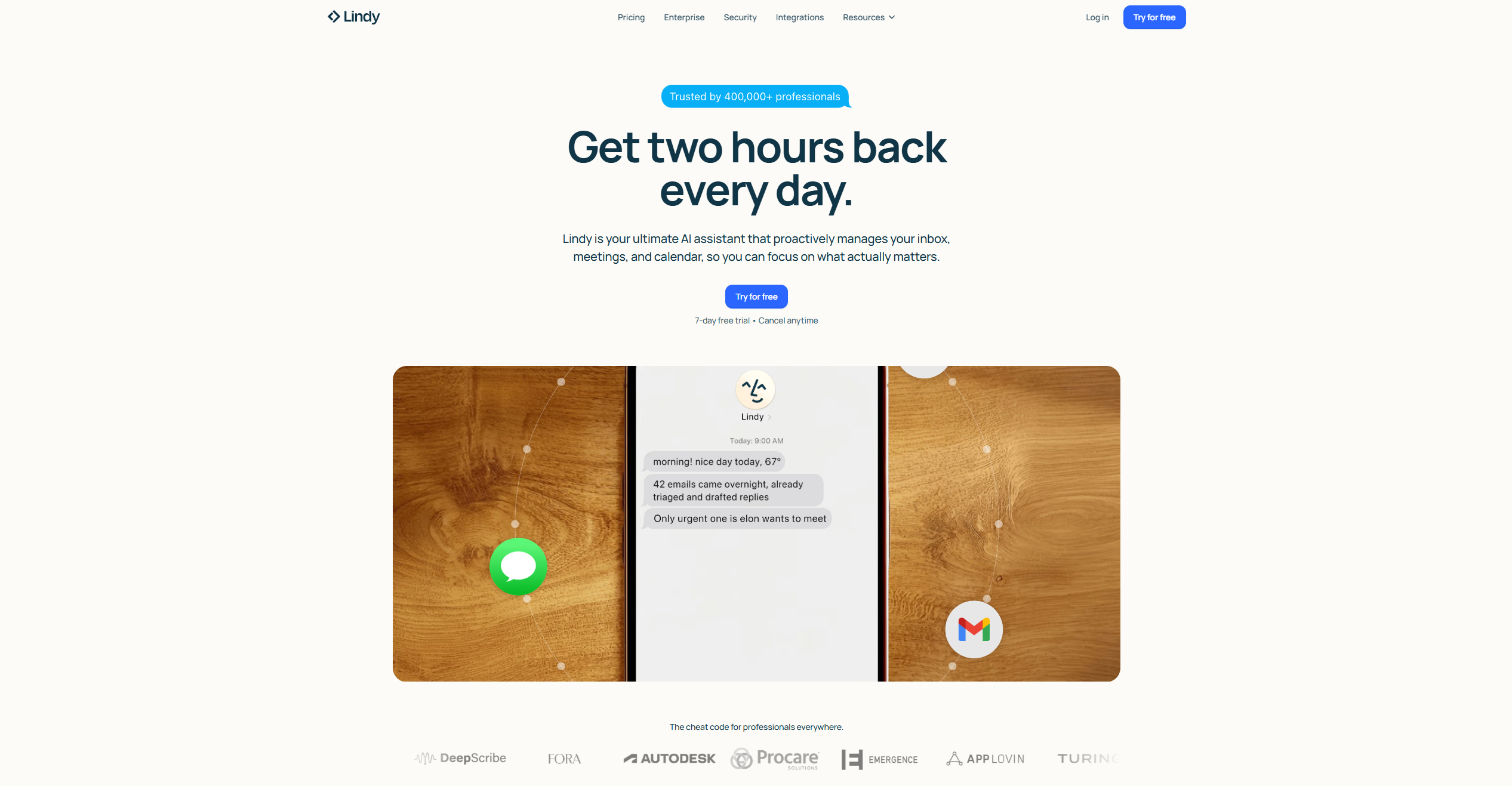
- Choose Lindy if your workflows need AI judgment: drafting emails, qualifying leads, prepping for meetings, handling messy inputs. Anything where "figure out the right answer" is part of the job.
- Choose Zapier if you need rock-solid, predictable automation across the largest app library on the market. Best for teams that want set-and-forget workflows with minimal surprises.
- Choose Make if you're comfortable with visual logic and want the most operations for your money. Best for complex, multi-branch workflows where cost efficiency matters.
Now the detailed breakdown.
What Each Tool Actually Is
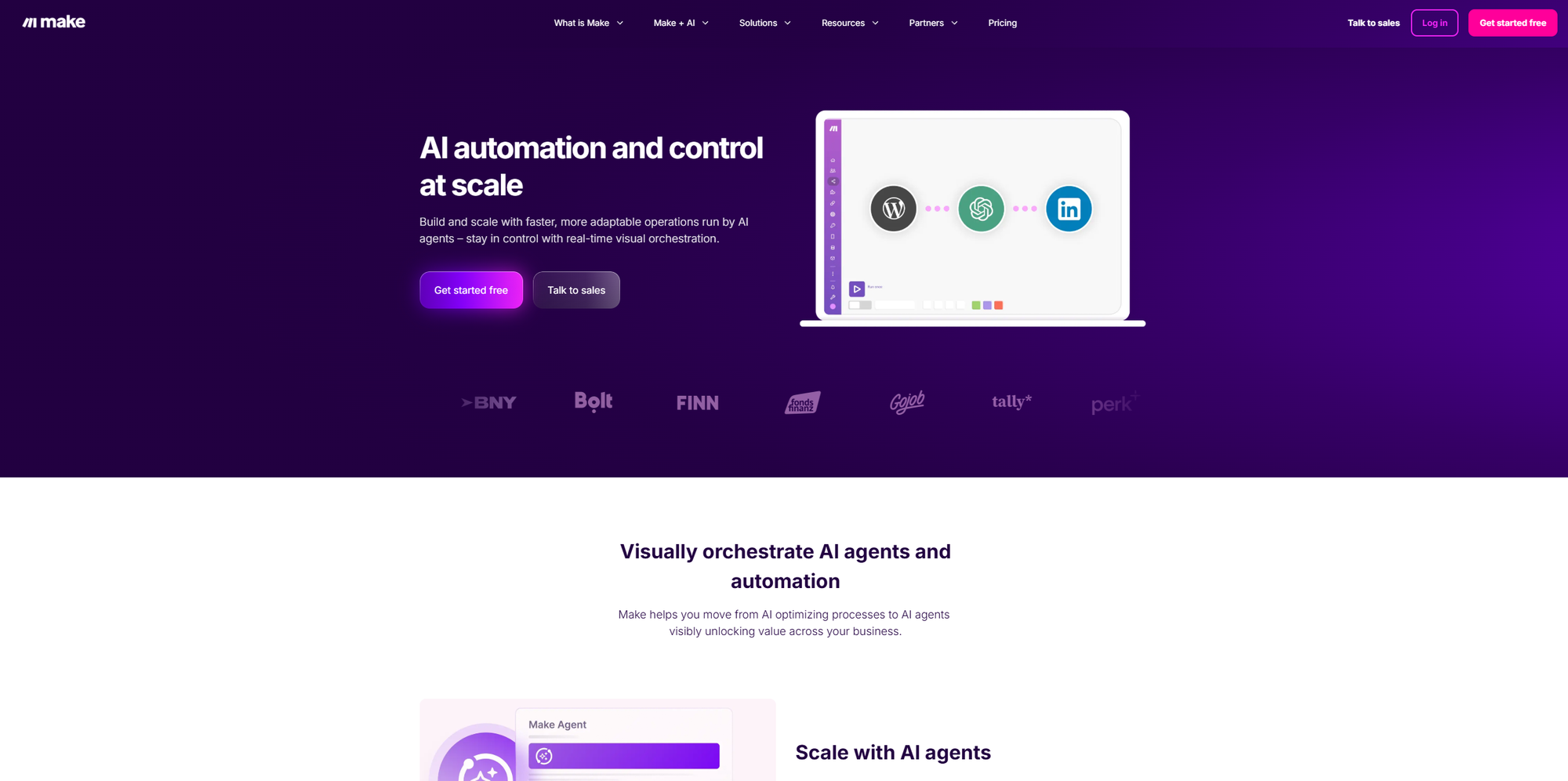
Lindy
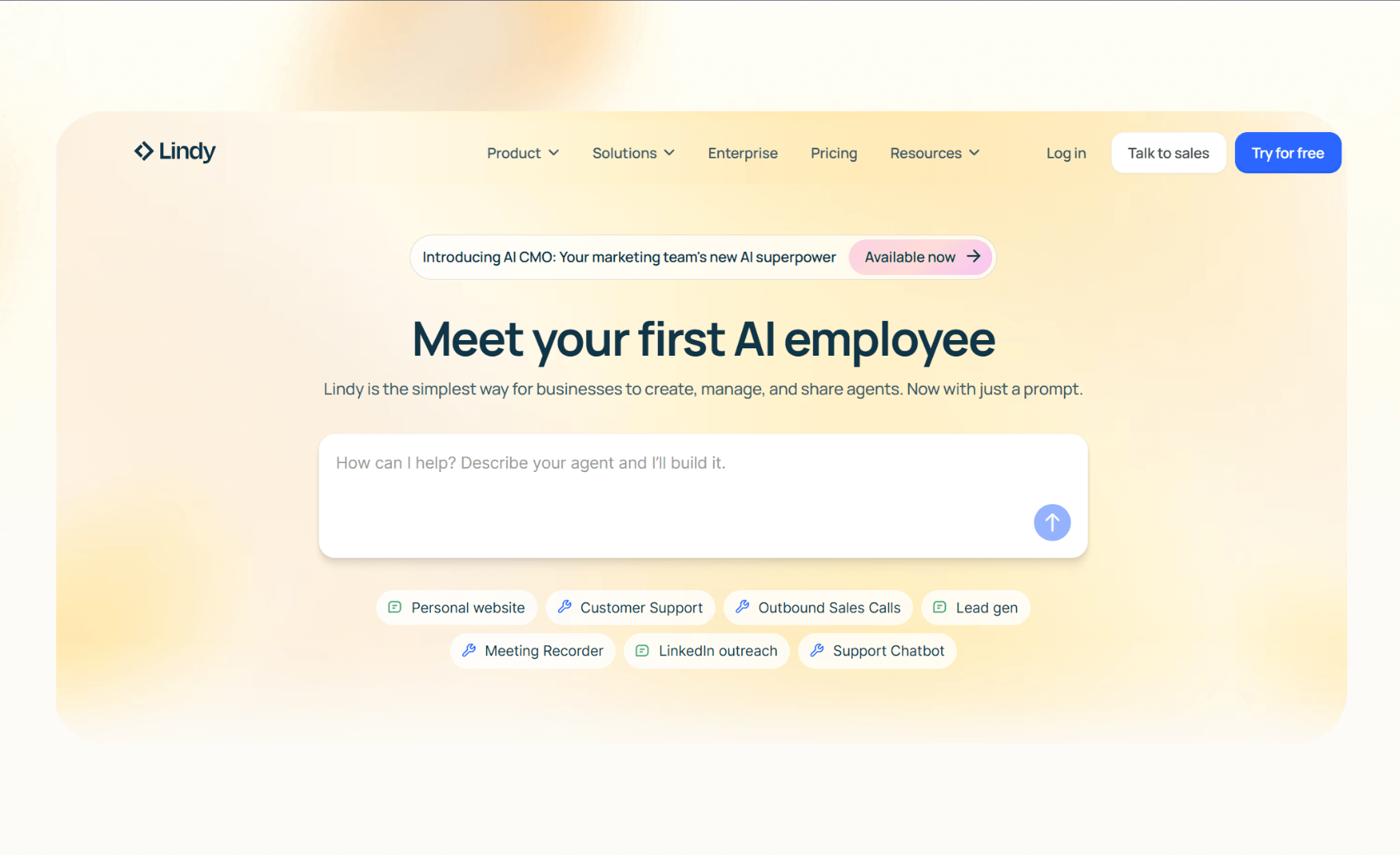
You describe what you want a "Lindy" to do in plain English, and it builds an agent that can understand context, make decisions, and execute multi-step tasks across your tools. It supports multiple AI models (Claude, GPT-4, Gemini) and includes Computer Use, which lets agents navigate web interfaces that don't have APIs.
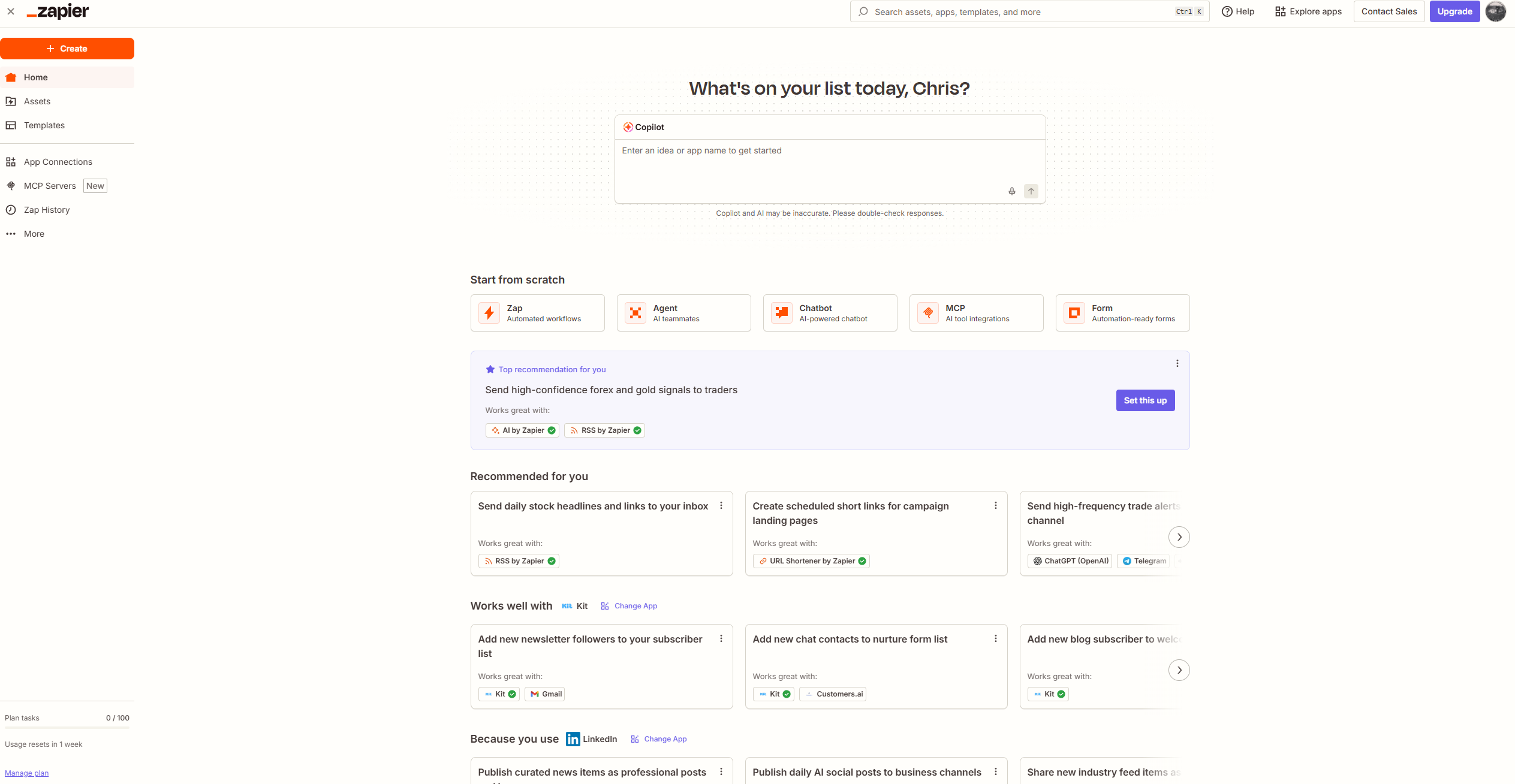
Zapier
The original no-code automation platform. It connects apps through trigger-action workflows called Zaps. You pick a trigger ("new email in Gmail"), pick actions ("add row to Google Sheets, send Slack message"), and Zapier handles the rest. It has the largest integration library in the space, with 7,000+ apps.
While these software platforms excel at orchestrating digital workflows, the underlying physical infrastructure and machinery often require their own specialized forms of automation, necessitating reliable sourcing for high-quality components.
Ensuring compatibility and seamless integration of these physical parts is crucial for manufacturing lines or industrial processes to operate efficiently, making a trusted automation components supplier essential for maintaining peak performance and avoiding costly downtime.
Make (Formerly Integromat)
A visual workflow builder. You drag modules onto a canvas and connect them to build scenarios. It's more technical than Zapier but significantly cheaper per operation, and the visual interface makes complex logic easier to debug.
Pricing Compared
Pricing is where these tools diverge sharply. Each uses a different unit of measurement, which makes direct comparison tricky.
Lindy Pricing
Lindy uses a credit-based system:
Credit consumption varies with task complexity.
A simple database lookup might use 1 credit; a phone call through the platform can use 250+ credits per interaction. Premium AI models (Claude Opus, GPT-4o) burn credits faster than default options.
This is the big caveat with Lindy: your monthly cost is predictable only if your workflows are predictable. If you're running lots of AI-heavy tasks with premium models, expect to buy top-up credits (typically $10 per 1,000 additional credits).
Zapier Pricing
Zapier charges per "task," where each successful action in a workflow counts as one task. A 4-step Zap (trigger + 3 actions) uses 3 tasks per run.
Monthly billing costs around 33% more than annual. Enterprise pricing is custom. Task limits scale up on each plan (you can buy higher tiers of Professional with more tasks).
The task model punishes high-volume workflows. 500 e-commerce orders running through a 5-step Zap would consume 2,000 tasks, hitting the Team plan's limit from a single workflow. This is the main reason scaling businesses migrate Zapier volume to Make.
Make Pricing
Make uses operations (or credits, as of the August 2025 rebrand). One operation roughly equals one module run.
Teams plan sits above Pro at around $34/month for team features. Enterprise is custom.
The catch Make doesn't advertise: operations count differently than tasks. A single Zapier task might equal 3-8 Make operations because Make counts each module run separately.
So Make is cheaper, but not quite as cheap as the headline numbers suggest. Even with that adjustment, it's still 2-5x better value than Zapier for equivalent workflows at volume.
AI Capabilities
This is where the three tools have genuinely diverged in 2026.
Lindy
Every workflow is built around an AI agent that reasons through tasks rather than following rigid if-then rules. You can feed it messy, unstructured inputs (a customer email, a sales call transcript) and it'll figure out what to do. It supports Computer Use for navigating apps without APIs, which is a genuine differentiator.
Zapier
Recently added AI features but they sit on top of the existing trigger-action model. Zapier Agents launched in 2026 as a separate product with its own pricing, aimed at conversational AI tasks. Within standard Zaps, you can use OpenAI and Anthropic steps, but the core platform isn't built around AI decision-making.
Make
Includes native modules for OpenAI, Anthropic, Google Gemini, and Stability AI. You can build AI content pipelines, research workflows, and chatbot integrations inside scenarios. It's more flexible than Zapier's AI integrations but still fundamentally a workflow tool, not an agent builder.
Integration Libraries
Zapier
Wins this category outright with 7,000+ app integrations. If you're using a niche SaaS tool, Zapier almost certainly supports it. This is the main reason non-technical teams default to Zapier: it just works with whatever you already use.
Make
Supports 3,000+ apps, including all the major business tools. The gaps are usually in obscure or industry-specific software.
Lindy
Connects to 4,000+ tools and, thanks to Computer Use, can also automate apps that don't have APIs. This is a meaningful advantage for workflows involving legacy software or web-only tools.
Learning Curve
Zapier
Has the gentlest learning curve. If you can describe what you want in terms of "when X happens, do Y," you can build a Zap. Most founders can get their first workflow running in under 30 minutes.
Lindy
Is surprisingly approachable because you're describing agents in plain English. The learning curve hits later, when you need to fine-tune credit consumption or chain multiple agents together.
Make
Has the steepest curve. The visual builder is powerful but assumes you understand concepts like arrays, data mapping, and iterators. Expect 2-3 hours to feel comfortable with basic scenarios, and longer to build complex ones confidently.
When Each Tool Wins
Lindy wins when:
- Your workflow needs contextual understanding (drafting personalised emails, qualifying leads from messy inputs)
- You need to automate apps without APIs (Computer Use)
- You want natural language workflow creation
- AI-driven decision-making is the point, not an add-on
Zapier wins when:
- You need reliability more than features
- Your workflows are predictable "when X, do Y" rules
- You use niche SaaS tools (Zapier's integration library is unmatched)
- You want minimal learning curve for non-technical team members
Make wins when:
- You're running high-volume automations and cost matters
- Your workflows have complex branching logic
- You're comfortable with visual programming
- You want to see and debug what's happening in real time
Comparison Table
| Feature | Lindy | Zapier | Make |
|---|---|---|---|
| Starting paid price | $49.99/mo | From $19.99/mo | From $10.59/mo |
| Free plan | 400 credits | 100 tasks | 1,000 operations |
| Pricing model | Credits (AI-weighted) | Tasks (per action) | Operations (per module) |
| Integrations | 4,000+ | 7,000+ | 3,000+ |
| AI-native | Yes | No (add-on) | No (modules) |
| Computer Use (no-API automation) | Yes | No | No |
| Visual builder | Chat-based | Simple editor | Canvas/nodes |
| Learning curve | Low-medium | Low | Medium-high |
| Best for | AI-driven workflows | App-to-app automation | Complex, high-volume scenarios |
The Honest Take
Most founders don't actually need to choose just one.
Lots of teams run Zapier for their "set it and forget it" workflows (new Stripe customer → add to CRM → send welcome email), use Make for the high-volume stuff where task costs would get ridiculous, and bring in Lindy for the AI-heavy work where the agent is doing real thinking.
If you're just starting out and want to pick one, start with Lindy if your day involves lots of email triage, research, or drafting. Start with Zapier if you mostly need to connect SaaS tools. Start with Make if you're comfortable with visual logic and want to squeeze the most value out of every dollar.
The wrong move is assuming one tool replaces the others. They solve different problems.
FAQ
Is Lindy actually worth it over Zapier for most founders?
If your workflows are "when X happens, do Y" style rules, Zapier will cost less and cause fewer surprises. Lindy earns its price when the task requires reasoning, judgment, or generating content rather than shuffling data between apps.
Can I migrate from Zapier to Make to save money?
Yes, and many businesses do once they hit volume. There's no automated migration tool, but most Zaps can be recreated in Make in 15-30 minutes each because the concepts are similar. Budget a day or two for a full migration.
Does Zapier have AI agents now?
Zapier launched Agents as a separate product in 2026 with its own pricing tiers. They handle conversational, multi-turn tasks that don't fit the standard trigger-action model. They're not included with standard Zapier plans.
Which tool is cheapest at scale?
Make is consistently 2-5x cheaper than Zapier for equivalent automation volume. Lindy is hard to compare directly because credit consumption depends heavily on which AI models you're using and whether your workflows include expensive actions like phone calls or Computer Use.
Can I use all three together?
Yes, and plenty of teams do. A common setup: Zapier for simple app connections, Make for high-volume data workflows, Lindy for AI-driven tasks. The tools don't compete for the same job.
Which has the best free plan?
Make's free plan (1,000 operations) is the most generous for real testing. Zapier's free plan (100 tasks) is functional but limited. Lindy's free plan (400 credits) is enough to try 1-2 simple agents but will run out quickly if you're doing anything AI-heavy.
Start with the tool that matches your biggest time sink.
If you spend hours on email, meetings, or research, try Lindy free{: rel="sponsored noopener" target="_blank"} — it's the only one built to handle reasoning-heavy work.
If you're drowning in manual data entry between SaaS apps, Zapier is still the safest bet.
If you're already running automations and want to cut costs or build something more sophisticated, Make will pay for itself within a month.
You can always add another tool later. The goal isn't to pick the perfect platform on day one. It's to start automating the worst part of your week and buy back some time.
 Chris Kernaghan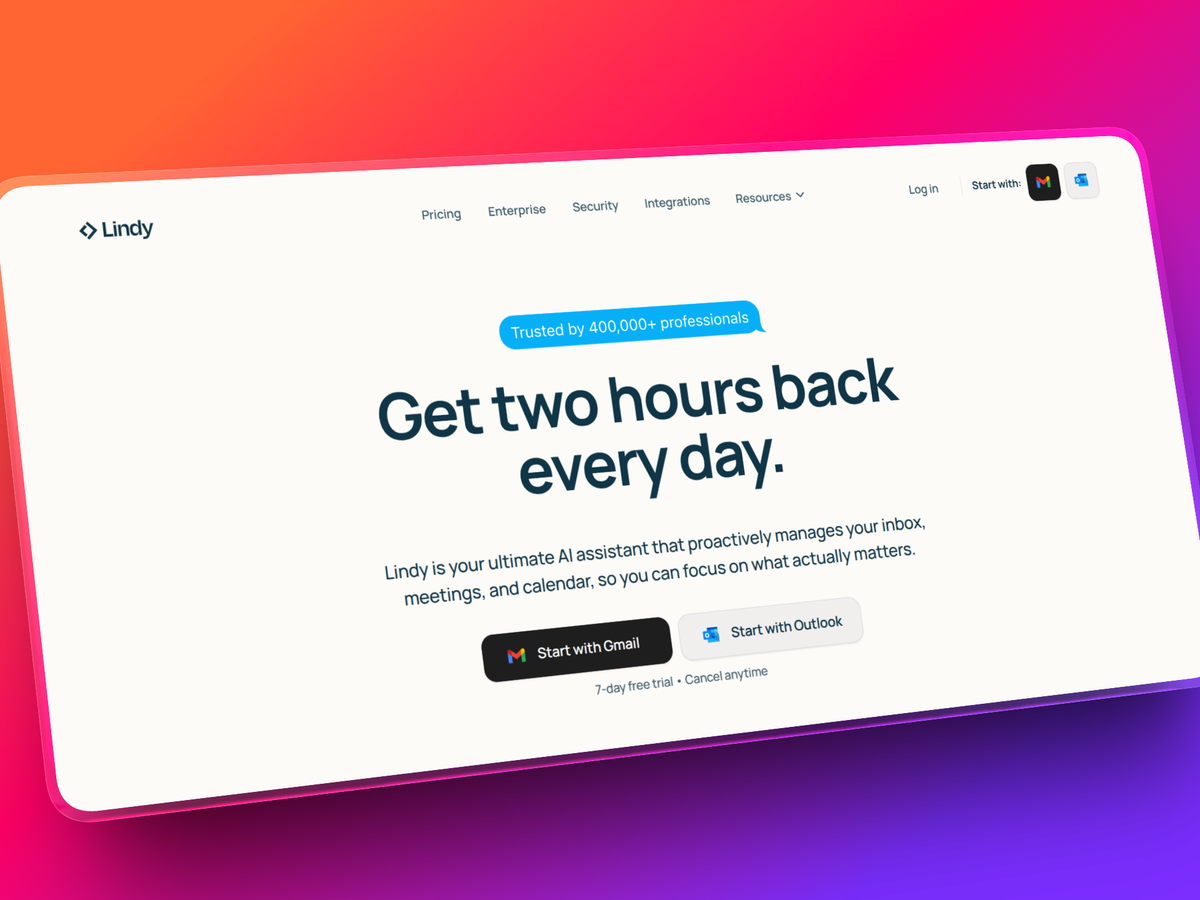
Related reading: