

Getting paid shouldn't be the hardest part of freelancing. But if you're still copying invoice numbers into spreadsheets or chasing payments through email threads, it probably is.
The right invoicing app handles the tedious stuff: branded templates, automatic payment reminders, online card and bank payments, expense tracking, and tax-ready reports. The wrong one either costs too much for what it does or locks essential features behind tiers you don't need yet.
We looked at the most popular invoicing tools available to freelancers in 2026, tested their free plans and trials, and compared them on the things that actually matter:
- How fast you can create and send an invoice
- How quickly you get paid,
- What the real costs look like (including transaction fees most platforms bury in the fine print)
- Whether the tool grows with you or forces an expensive migration six months in.
Here's what we found.
Quick Comparison: Best Invoicing Apps for Freelancers at a Glance
Before we dig into each tool, here's the overview. Pricing shown is for monthly billing unless stated otherwise.
🧾 Best Invoicing Apps — 2026 Pricing Overview
Wave
$0 Starter
Unlimited invoices, expense tracking, basic accounting. Pro at $16/mo.
Zoho Invoice
$0 forever
500 invoices/year, 2 users, client portal. No paid tiers.
FreshBooks
$23/mo
Invoicing + accounting + time tracking. Plans from $23 to $70/mo.
Bonsai
$25/user/mo
Proposals, contracts, e-signatures, invoicing in one workflow.
HoneyBook
$36/mo
Combined proposal-contract-invoice docs. Built for creatives.
Invoice Ninja
$0 (50 clients)
Open-source, self-hostable. Pro at $10/mo removes cap.
Harvest
$12/user/mo
Time tracking that converts hours into invoices. Unlimited projects.
Now let's break each one down.
1. Wave: Best Free Invoicing App Overall
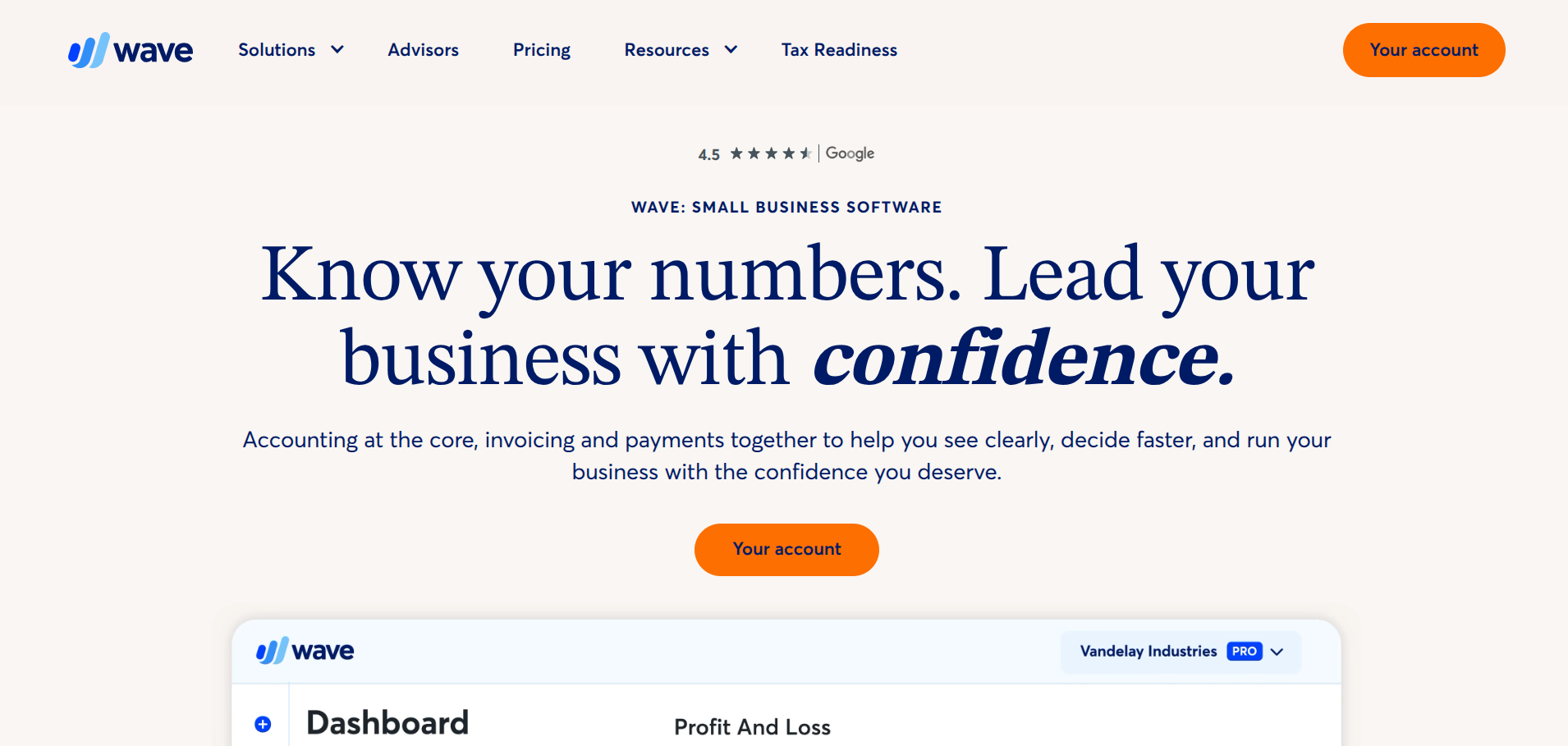
If you're a freelancer who needs professional invoicing without paying a monthly subscription, Wave is the strongest option available right now.
The Starter plan is genuinely free with no time limit. You get unlimited invoices, unlimited estimates, expense tracking, and basic accounting reports. There's no cap on the number of clients you can bill, and the invoice templates are clean enough to send to corporate clients without embarrassment.
🌊 Wave — 2026 Pricing
Starter
$0
Unlimited invoices and clients. Expense tracking. Basic accounting. Email-only support.
Pro
$16/mo
Auto bank imports, receipt scanning, remove branding. First 10 payments/mo fee-free.
The catch is transaction fees.
The transaction fees are the catch. On a $2,000 invoice paid by credit card, you're handing back about $58.60. Those rates are competitive with Stripe and PayPal, but they add up if you process a lot of volume. The Pro plan's fee waiver on the first 10 payments each month is a decent offset if you send a handful of larger invoices.
Where Wave Falls Short
No time tracking built in. No project management features. Customer support on the free plan is email-only with slow response times. And if you outgrow Wave, there's no seamless upgrade path: you'll need to migrate to a different platform entirely.
2. Zoho Invoice: Best Completely Free Option
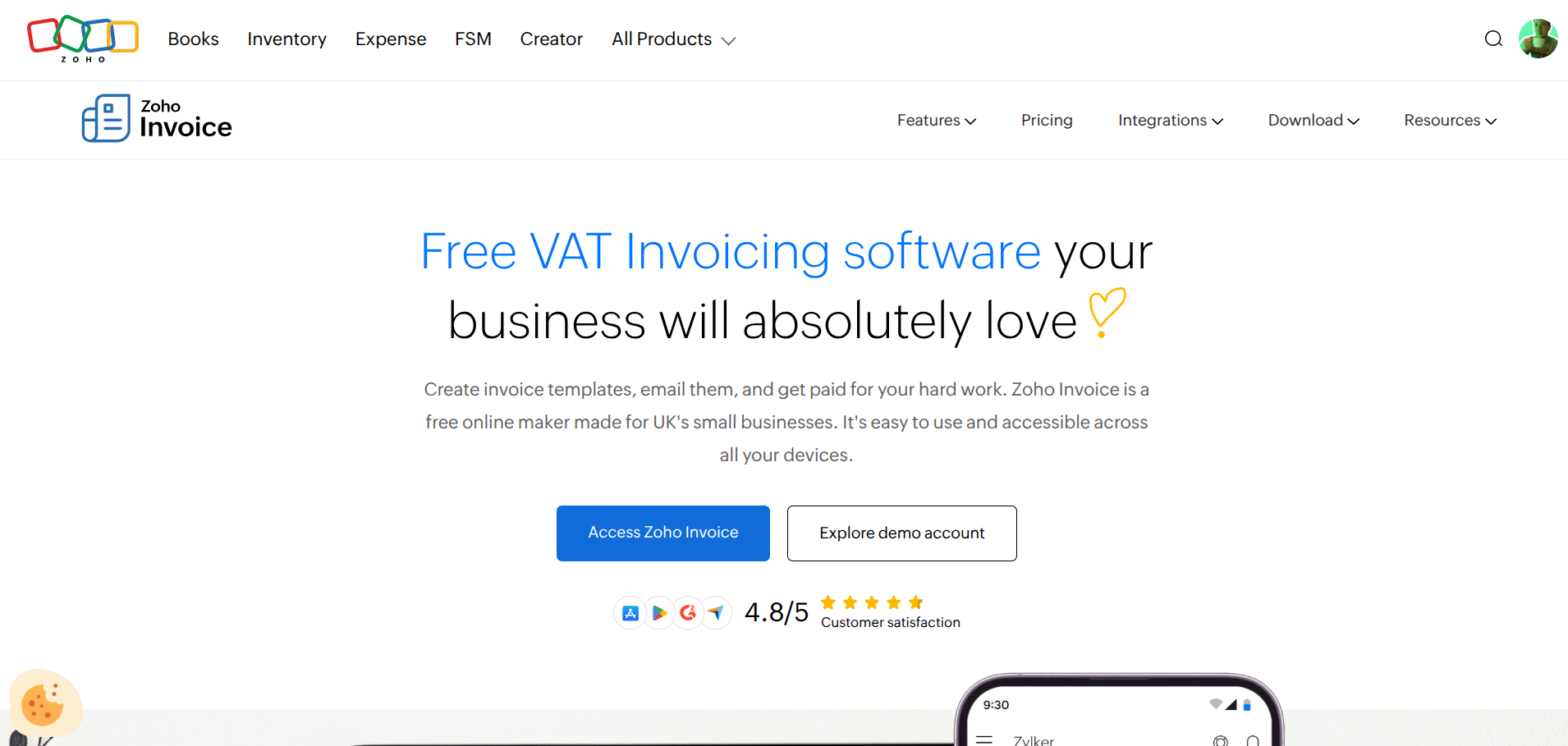
Zoho Invoice is one of the few genuinely free invoicing tools that doesn't monetise through transaction fees or advertising. Every feature is included, there are no paid tiers within Zoho Invoice itself, and Zoho explicitly says the product is free to support small businesses.
📋 Zoho Invoice — 2026 Pricing
Zoho Invoice
$0 forever
500 invoices/year. 2 users. 3 projects. Client portal. Multi-currency. Mobile apps.
Zoho Books
$15/mo
Upgrade path when you outgrow Invoice. Full accounting, 5,000 invoices/year. Separate product.
You get customisable invoice templates, automated payment reminders, time tracking for up to three projects, a client self-service portal, and expense tracking. The mobile apps for iOS and Android are well-reviewed and let you create and send invoices on the move.
The limits are the tradeoff. For a solo freelancer sending a few invoices a week, 500 per year (roughly 40 per month) is perfectly fine. But if you're running a busier operation, you'll hit the ceiling fast. Every invoice also carries "Powered by Zoho Invoice" branding.
Where Zoho Invoice Falls Short
The 500-invoice annual cap is restrictive for anyone doing high-volume project work. Support is email-only. And the three-project limit on time tracking is tight if you juggle more than a handful of active clients.
3. FreshBooks: Best for Invoicing Plus Accounting
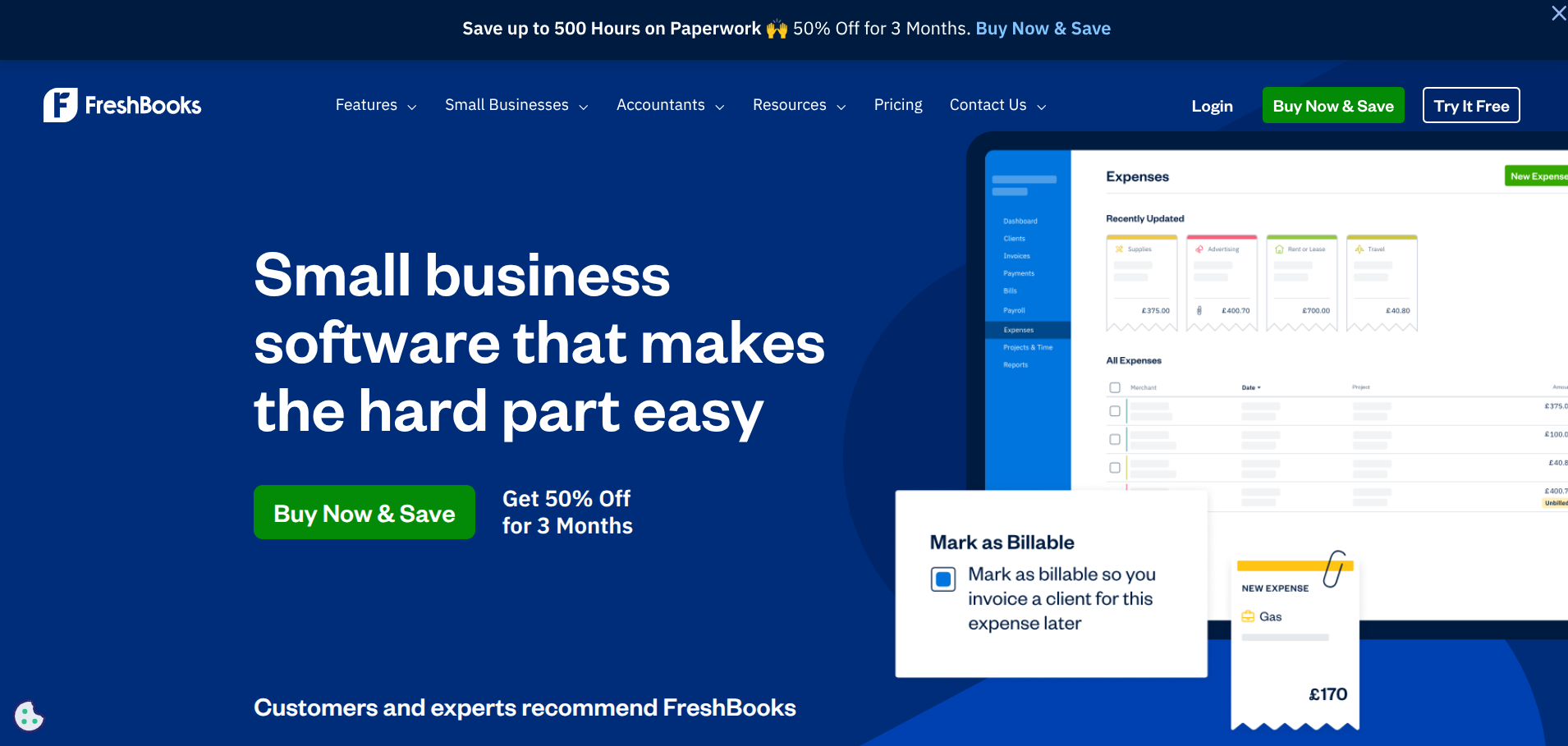
FreshBooks has been one of the go-to platforms for freelancers for over a decade, and the 2026 version continues to justify its popularity. It's not the cheapest option, but it does more than just invoicing: you get double-entry accounting, expense tracking, time tracking, mileage logging, project profitability reports, and a client portal, all in one platform.
The invoicing experience itself is polished. Templates are customisable with your branding, and you can set up recurring invoices, automatic late payment reminders, and even automatic late fees. Clients can pay directly from the invoice via credit card, ACH, Apple Pay, or Google Pay.
📒 FreshBooks — 2026 Pricing
Lite
$23/mo
Up to 5 clients. Unlimited invoices. Expense tracking. 1 user included.
Plus
$43/mo
Up to 50 clients. Recurring invoices. Auto late fees. Receipt scanning. Double-entry reports.
Premium
$70/mo
Unlimited clients. Project profitability tracking. 2 team accounts. Custom email templates.
FreshBooks frequently runs introductory discounts (often 60-70% off for the first three to four months), so the initial cost can be very low. Annual billing saves 10% across all tiers. Extra users cost $11/month each.
Where FreshBooks Falls Short
The 5-client limit on Lite is restrictive enough that most active freelancers will need Plus within a few months. The per-user pricing makes it expensive for small teams. And while the accounting features are solid, they're not as deep as dedicated platforms like Xero or QuickBooks for complex financial reporting.
4. Bonsai: Best All-in-One for Proposals, Contracts, and Invoicing
Bonsai takes a different approach to invoicing. Rather than being a standalone billing tool, it's built as an end-to-end business management platform for freelancers: proposals, contracts with e-signatures, project management, time tracking, expense tracking, and invoicing all flow together in a single workspace.
The headline feature is workflow automation. When a client signs a contract, Bonsai can automatically request an upfront deposit, generate the first invoice, and create a project workspace. Recurring invoices, late payment reminders, and retainer billing are all built in.
🌿 Bonsai — 2026 Pricing (per user)
Basic
$15/user/mo
Time tracking, tasks, CRM, mobile apps. No invoicing, no contracts.
Essentials
$25/user/mo
Proposals, contracts, e-signatures, scheduling, invoicing, payments.
Premium
$39/user/mo
White-label branding, advanced client management, automations, custom reports.
Annual billing drops the costs meaningfully: Essentials comes down to around $17/user/month. The Basic plan's omission of invoicing is worth flagging: you're paying $15/month for a freelance tool that can't actually send invoices.
Where Bonsai Falls Short
The Basic plan's omission of invoicing is frustrating: you're paying $15/month for a freelance tool that can't send invoices. Per-user pricing makes it expensive for small teams. The accounting features are lighter than FreshBooks or Wave. And the invoice template customisation is more limited than dedicated invoicing platforms.
5. HoneyBook: Best for Creative Professionals
HoneyBook is built for a specific type of freelancer: photographers, event planners, designers, and consultants who run project-based businesses with significant client interaction. Its standout feature is the ability to combine proposals, contracts, and invoices into one interactive document that clients can review, sign, and pay in a single step.
The platform includes a client portal, booking automation, scheduling, expense tracking, and basic financial reporting.
🍯 HoneyBook — 2026 Pricing
Starter
$36/mo
Invoicing, contracts, templates, calendar, time tracking. No automation.
Essentials
$59/mo
Automation workflows, scheduler, custom branding, reporting.
Premium
$129/mo
Team access, priority support, advanced reports, onboarding specialist.
Annual billing drops prices to $29, $49, and $109/month respectively. On top of the subscription, HoneyBook charges processing fees: 2.9% + $0.25 per card transaction and 1.5% for ACH. For a freelancer processing $100,000 in annual revenue through the platform, card fees alone add roughly $2,900.
The February 2025 price hike (an 89% increase on the Starter plan, from $19 to $36) has been a sore point with existing users.
Where HoneyBook Falls Short
The February 2025 price hike (an 89% increase on the Starter plan) has been a sore point with existing users. There's no free plan. Automation workflows require the Essentials tier at minimum. And the invoicing features, while adequate, aren't as detailed as FreshBooks or Wave for freelancers who need granular financial reporting.
6. Invoice Ninja: Best Open-Source Option
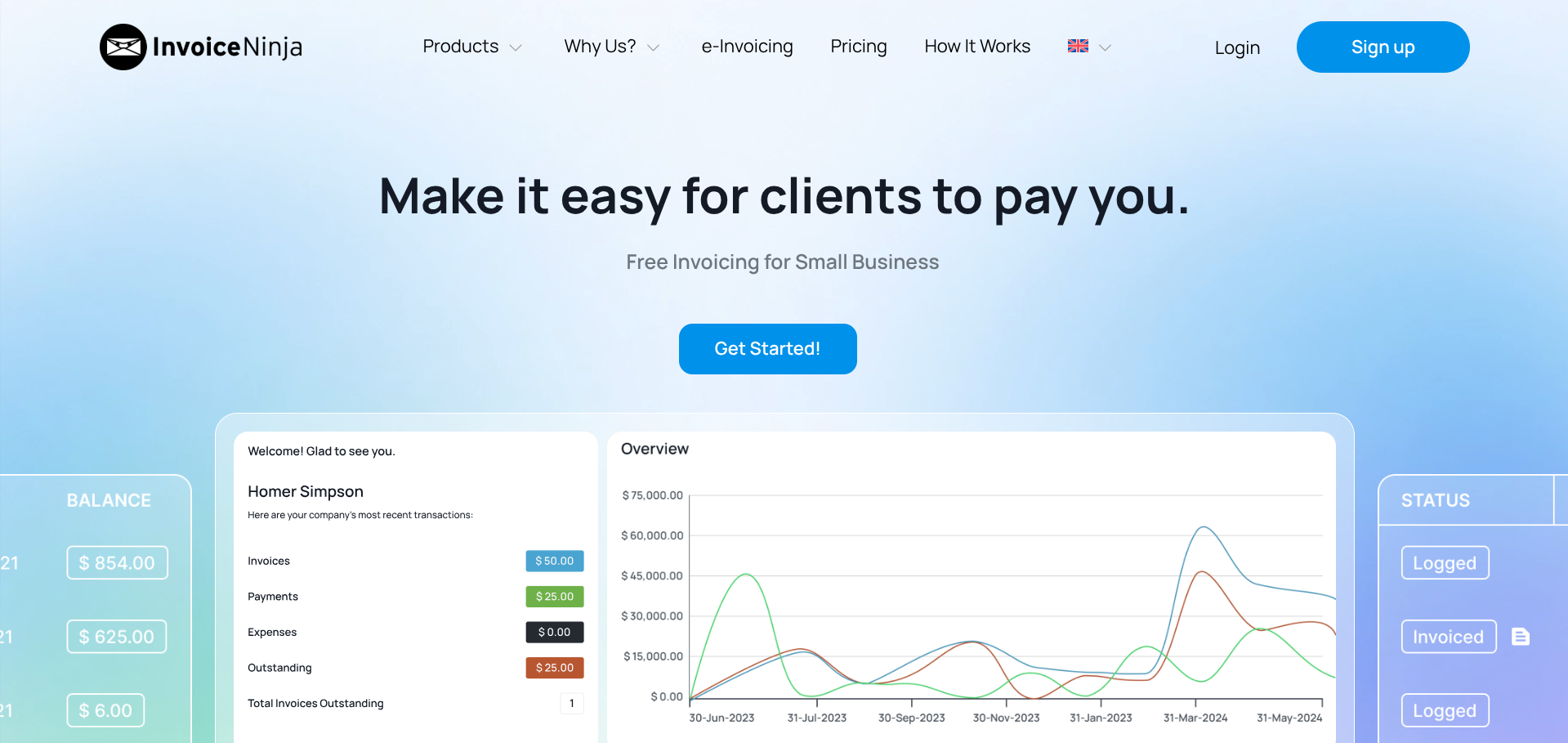
Invoice Ninja is the pick for freelancers who want maximum control over their invoicing setup. It's open-source, which means you can inspect the code, self-host it on your own server, and customise it to your exact requirements.
🥷 Invoice Ninja — 2026 Pricing
Free
$0 (50 clients)
Unlimited invoices and quotes. Time tracking. Expense management. Self-host option.
Pro
$10/mo
Unlimited clients. Custom branding. Priority support.
Enterprise
$14/mo
Multi-user, advanced permissions, priority support.
For technical freelancers (developers, designers, IT consultants), the self-hosting option is a significant draw. You own your data completely, pay nothing beyond hosting costs, and can modify the platform however you like. Invoice Ninja integrates with Stripe, PayPal, and a range of other payment gateways, so clients can pay directly from invoices.
Where Invoice Ninja Falls Short
The interface is functional but not as polished as FreshBooks or HoneyBook. Self-hosting requires technical skills that non-developers won't have. And the client portal, while usable, feels dated compared to newer platforms.
7. Harvest: Best for Hourly Billing
Harvest isn't a traditional invoicing platform. It's a time tracking tool that happens to be exceptional at turning tracked hours into accurate invoices. If your freelance work is primarily billed by the hour, that distinction matters.
The core workflow is straightforward: track time against projects and clients using the desktop app, mobile app, or browser extension. When it's time to bill, Harvest generates an invoice pre-populated with your logged hours, descriptions, and rates.
🕐 Harvest — 2026 Pricing
Free
$0
1 user, 2 projects. Basic time tracking and invoicing.
Pro
$12/user/mo
Unlimited projects, clients, invoices. Stripe + PayPal. 50+ integrations.
Harvest's integration ecosystem is one of its strongest points. It connects natively with Stripe, PayPal, QuickBooks, Xero, Asana, Trello, Slack, and dozens of other tools. For freelancers already embedded in a particular tool stack, Harvest plugs in without friction.
Where Harvest Falls Short
It's a time tracker first and an invoicing tool second. There's no proposal or contract management. Expense tracking is basic. And if you charge flat rates rather than hourly, Harvest doesn't add much value over a simpler invoicing tool.
What to Look for in a Freelance Invoicing App
Choosing the right invoicing tool depends on how you work and how you charge. Here are the factors worth weighing before you commit.
Transaction Fees vs. Subscription Costs
Free tools like Wave make their money on payment processing fees. Paid tools like FreshBooks charge a monthly subscription but may offer lower (or no additional) processing costs. If you send a lot of high-value invoices, the maths can flip: a $23/month subscription might cost less than 2.9% on every payment through a free platform.
Payment Speed
How quickly your clients can pay directly from an invoice matters more than most feature comparisons. Tools that support credit card, ACH, Apple Pay, and Google Pay embedded in the invoice consistently get freelancers paid faster than tools that require clients to navigate to a separate payment portal.
Automation
Automatic payment reminders, recurring invoices, and late fee enforcement save hours of awkward follow-up emails. If chasing payments is a regular part of your month, prioritise tools with strong automation.
Growth Path
The tool that works for five clients might not work for fifty. Check client caps, user limits, and what happens when you outgrow the current plan. A platform that forces a full migration to a different product (like Zoho Invoice to Zoho Books) costs time and creates risk.
Tax Readiness
At tax time, your invoicing tool should be able to generate income reports, categorise expenses, and export data your accountant can work with. Tools that double as basic accounting platforms (FreshBooks, Wave Pro) save you from maintaining a separate system.
FAQ
What is the best free invoicing app for freelancers?
Wave's Starter plan is the strongest free option for most freelancers. It offers unlimited invoices, expense tracking, and basic accounting at no monthly cost. Zoho Invoice is the runner-up: completely free with no paid tiers, but limited to 500 invoices per year and two users.
Do I need invoicing software, or can I just use a template?
You can start with a template, but you'll quickly lose time on manual payment tracking, reminder emails, and tax preparation. Invoicing software automates all of that and ensures you get paid faster through integrated online payments.
What transaction fees should I expect?
Most platforms charge between 2.5% and 3.5% per credit card transaction, plus a fixed fee (typically $0.25 to $0.60). ACH/bank transfers are cheaper, usually around 1% to 1.5%. These fees apply even on free plans.
Can I switch invoicing apps without losing my data?
Most tools allow you to export your invoice history, client list, and financial data as CSV files. The migration itself is manageable, but you'll need to rebuild templates and reconfigure automations in the new platform. It's easier to choose the right tool from the start than to switch later.
Which invoicing app is best for UK freelancers?
FreshBooks and Wave both support GBP invoicing and UK tax requirements. Zoho Invoice handles multi-currency well. For UK-specific accounting needs (like Making Tax Digital compliance), you may want to pair your invoicing tool with a UK-focused accounting platform like FreeAgent or Xero. If you invoice international clients in multiple currencies, Airwallex offers multi-currency receiving accounts and lower FX fees than what most invoicing tools charge by default.