

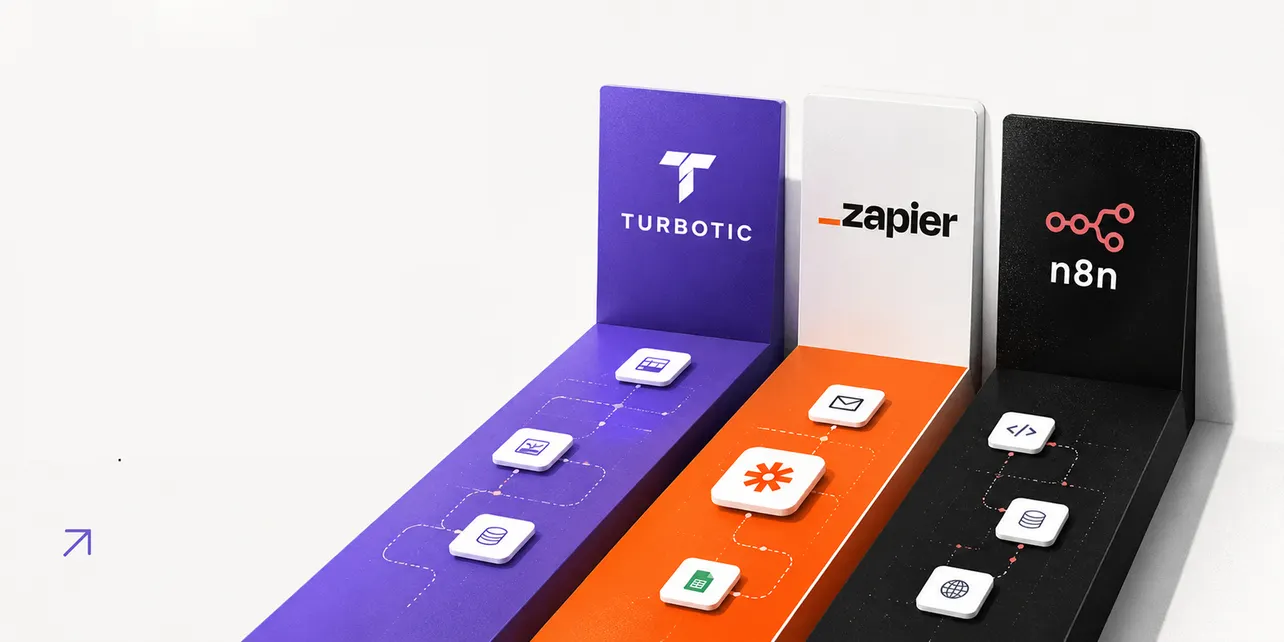
There are now more no-code automation platforms than there are useful ones. The market has split into three rough camps: AI-native builders that turn plain English into working workflows, integration-first platforms that connect every SaaS tool you've ever heard of, and developer-friendly engines that give you full control if you're willing to roll your sleeves up.
Turbotic, Zapier, and n8n each represent one of those camps. Picking the wrong one means paying for capability you'll never use, or hitting a ceiling on day three.
This is the honest comparison: how they actually work, what they cost, and which one fits which kind of team.
The short version
If you want the TL;DR before scrolling:
- Turbotic is the AI-native option. Describe what you want in plain English, get a working automation. Best for teams that don't want to think about triggers and actions.
- Zapier is the safe, established choice. The largest integration library, the gentlest learning curve, the highest per-task cost.
- n8n is the developer's pick. Open-source, self-hostable, execution-based pricing that stays cheap as you scale. Steeper setup, lower long-term cost.
Now the detail.
| Feature | 🟣 Turbotic | 🟠 Zapier | 🔵 n8n |
|---|---|---|---|
| Best for | AI-native automation, no setup overhead | Non-technical teams, broad integrations | Developers, high-volume workflows |
| Build style | Chat-based, plain English prompts | Visual triggers and actions | Visual canvas with code access |
| Pricing model | Per seat, monthly credits | Per task (every action counts) | Per execution (whole workflow = 1) |
| Starting price | From around $15/seat/mo | From around $19.99/mo | Free self-hosted, cloud from around $20/mo |
| Free plan | No (trial only) | Yes (100 tasks/mo) | Yes (self-hosted, unlimited) |
| Self-hosting | No | No | Yes (Community Edition) |
| Learning curve | Low | Low to medium | Medium to high |
Turbotic: AI-native automation for teams that don't want to learn another tool
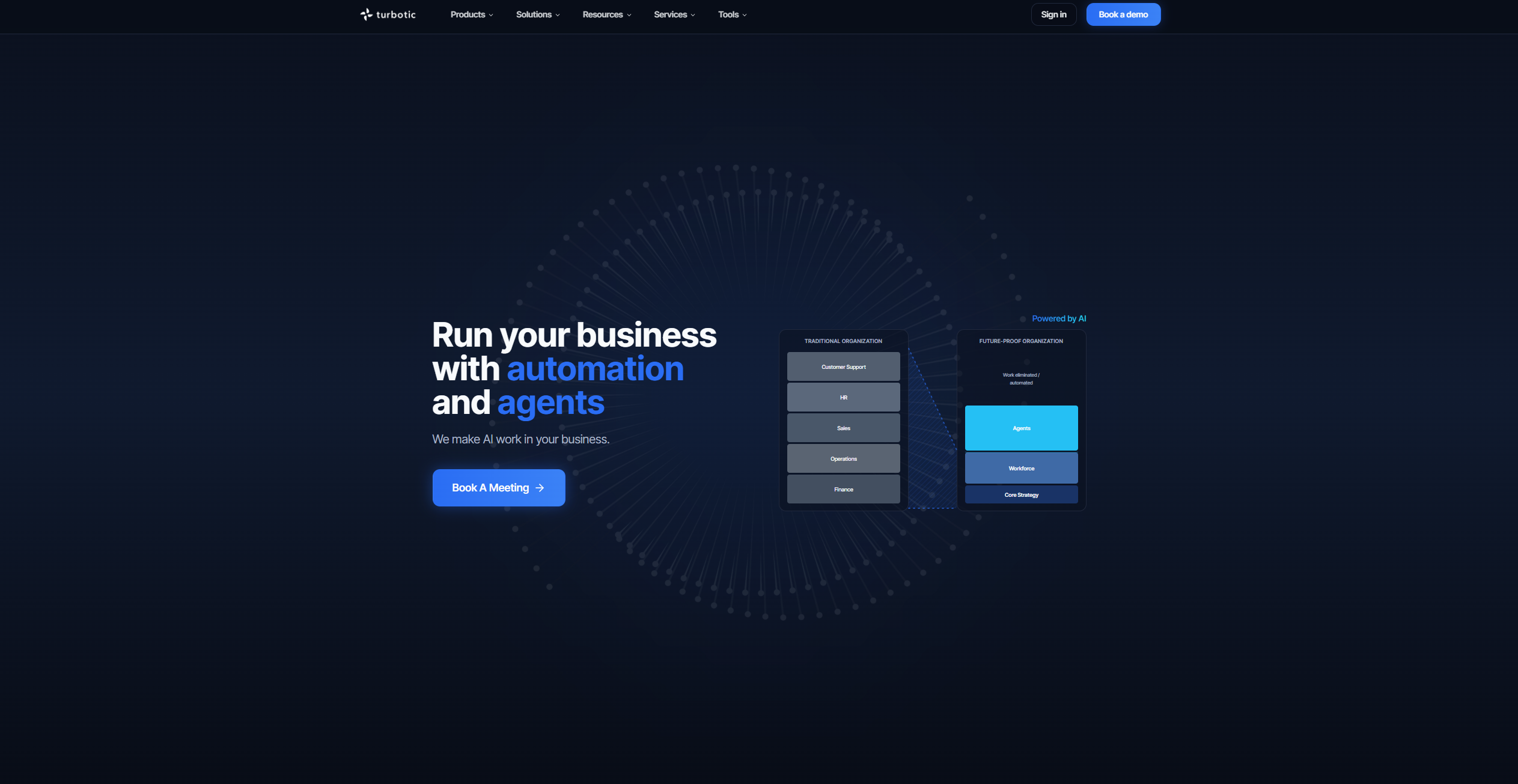
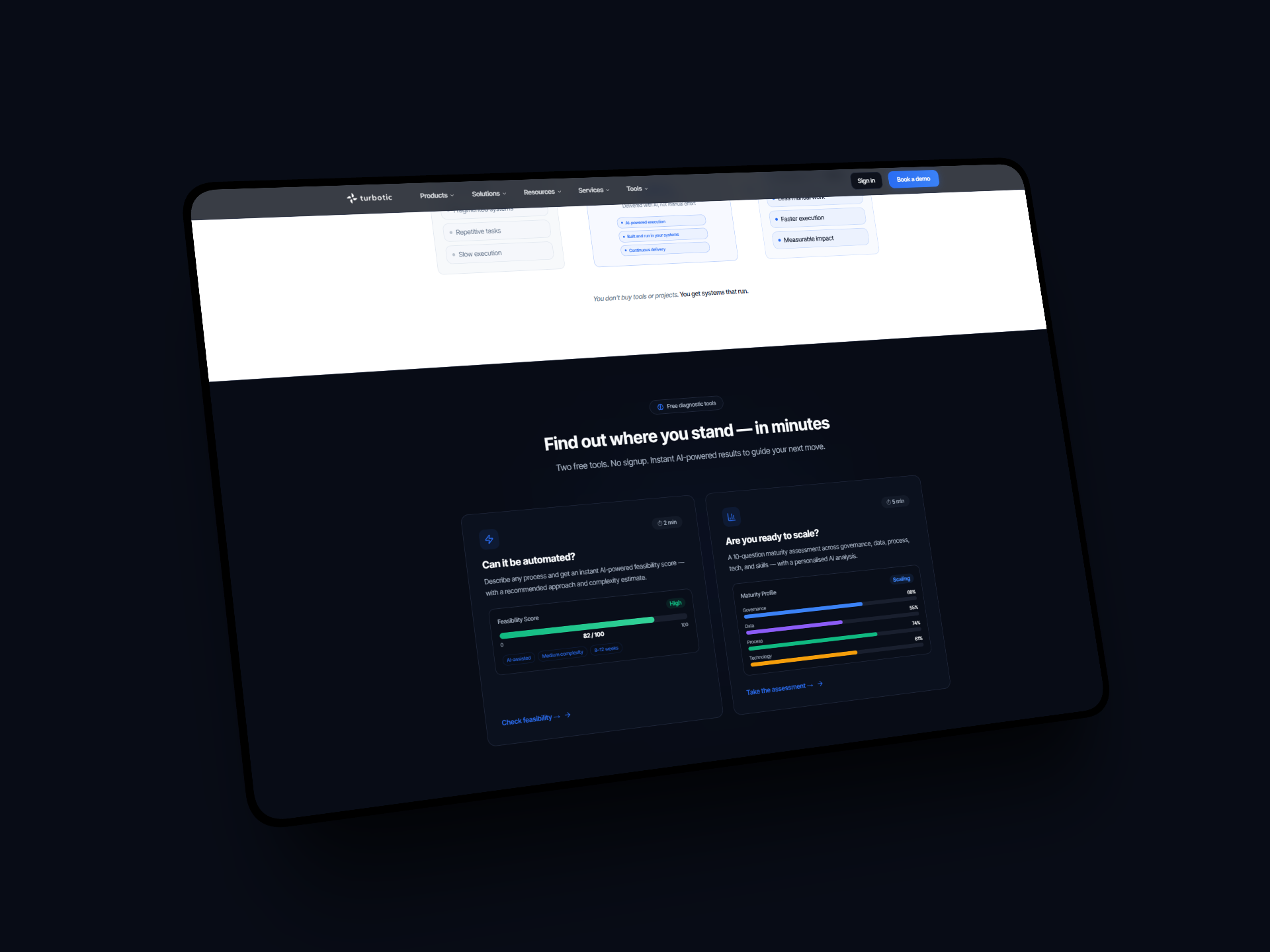
Turbotic launched its consumer-facing Automation AI product in late 2025, and it's a meaningfully different proposition to the older enterprise platform of the same name. The pitch is simple: you type what you want to automate, and the AI builds, tests, and runs it.
"Summarise my last five emails and send me a Word doc." "When a new lead lands in HubSpot, enrich them, score them, and ping me on Slack if they're hot." That's the interface. No nodes to drag, no triggers to configure, no JSON to debug at 11pm.
What Turbotic does well
- Speed from idea to live workflow. Most automations are running within five minutes of describing them.
- Self-healing. When an integration changes or a step fails, Turbotic attempts to fix the workflow automatically before flagging it.
- Built-in agents. The meeting agent transcribes and summarises calls, the document agent generates business cases and process docs, and you can build custom assistants tied to your own data.
- Enterprise-grade security. Built on Microsoft Azure with ISO 27001 and SOC 2 Type 2 compliance, which matters if you're automating anything that touches customer data.
What to watch for
- Newer platform, smaller integration library. Zapier still has the edge on raw breadth.
- Credit-based usage. Heavier workflows burn through credits faster, so estimate before you commit.
- Less granular control. If you want to inspect every step of a workflow and tweak the data transformations by hand, this isn't that kind of tool.
Turbotic pricing
Turbotic's Professional plan starts from around $15 per seat per month and includes a monthly credit allowance for AI executions.
There's no permanent free plan, though trials are available. Enterprise plans with dedicated account management and custom integrations are quoted separately.
For solo founders and small teams, the per-seat model is predictable. For larger orgs, the unlimited-seats Professional tier is unusual in this market and worth flagging.
Zapier: the integration giant that everyone defaults to
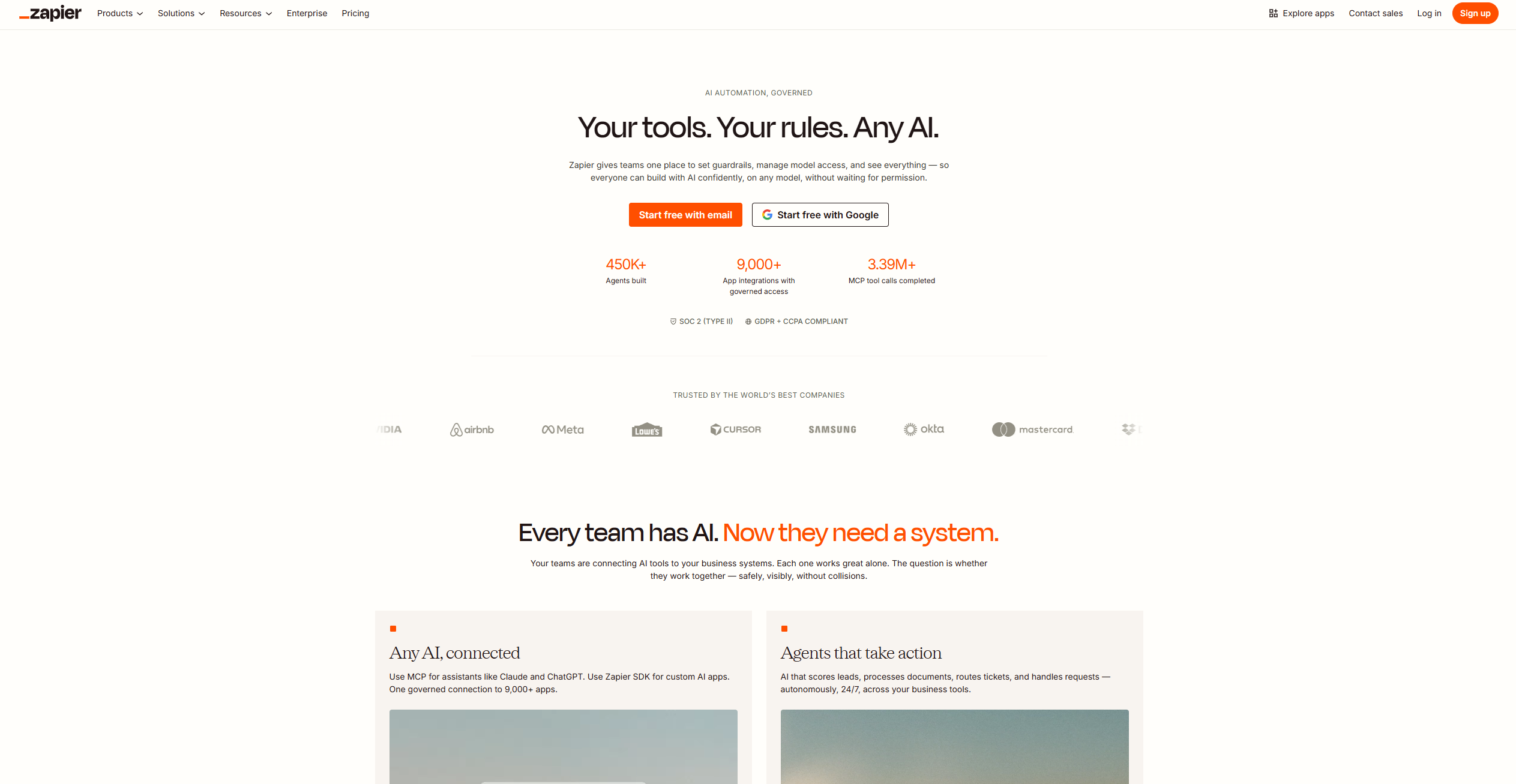
Zapier has been the default automation platform for a decade for a reason. The integration library is unmatched (8,000+ apps), the UI is friendly enough for non-technical users, and the documentation is comprehensive. If you can describe the workflow, you can probably build it in Zapier within an hour.
The 2026 update bundled Tables, Forms, and Zapier MCP into every paid tier, which removes the previous nickel-and-dime feeling of needing add-ons for basic data storage. AI Agents launched as a separate product line, with their own pricing tied to interaction volume rather than tasks.
What Zapier does well
- The integration library. Whatever obscure SaaS tool you're using, Zapier probably connects to it.
- Reliability. Zapier's uptime and execution consistency is the benchmark every other platform measures itself against.
- Setup speed for simple workflows. A two-step Zap takes less than five minutes from sign-up to live.
- Templates. Thousands of pre-built workflows you can copy and customise.
What to watch for
- Task-based pricing scales fast. Every action in a multi-step Zap counts as a task. A four-step workflow running 500 times a month uses 2,000 tasks. The Professional plan caps out at 2,000 tasks before you're upgrading.
- Premium app gating. Some integrations (Salesforce, NetSuite, advanced database connectors) require paid tiers.
- Cost at scale. High-volume users routinely report monthly bills of $300 to $600+ once they're running serious workflow volume.
Zapier pricing
Zapier offers five tiers in 2026:
- Free: 100 tasks/month, single-step Zaps only
- Professional: From around $19.99/month (annual) for 750 tasks
- Team: From around $69/month for shared workspaces and more tasks
- Enterprise: Custom pricing with SSO, SAML, dedicated support
Annual billing saves around 33% versus month-to-month. The exact numbers shift periodically, so check the current Zapier pricing page before committing.
n8n: the developer's automation engine
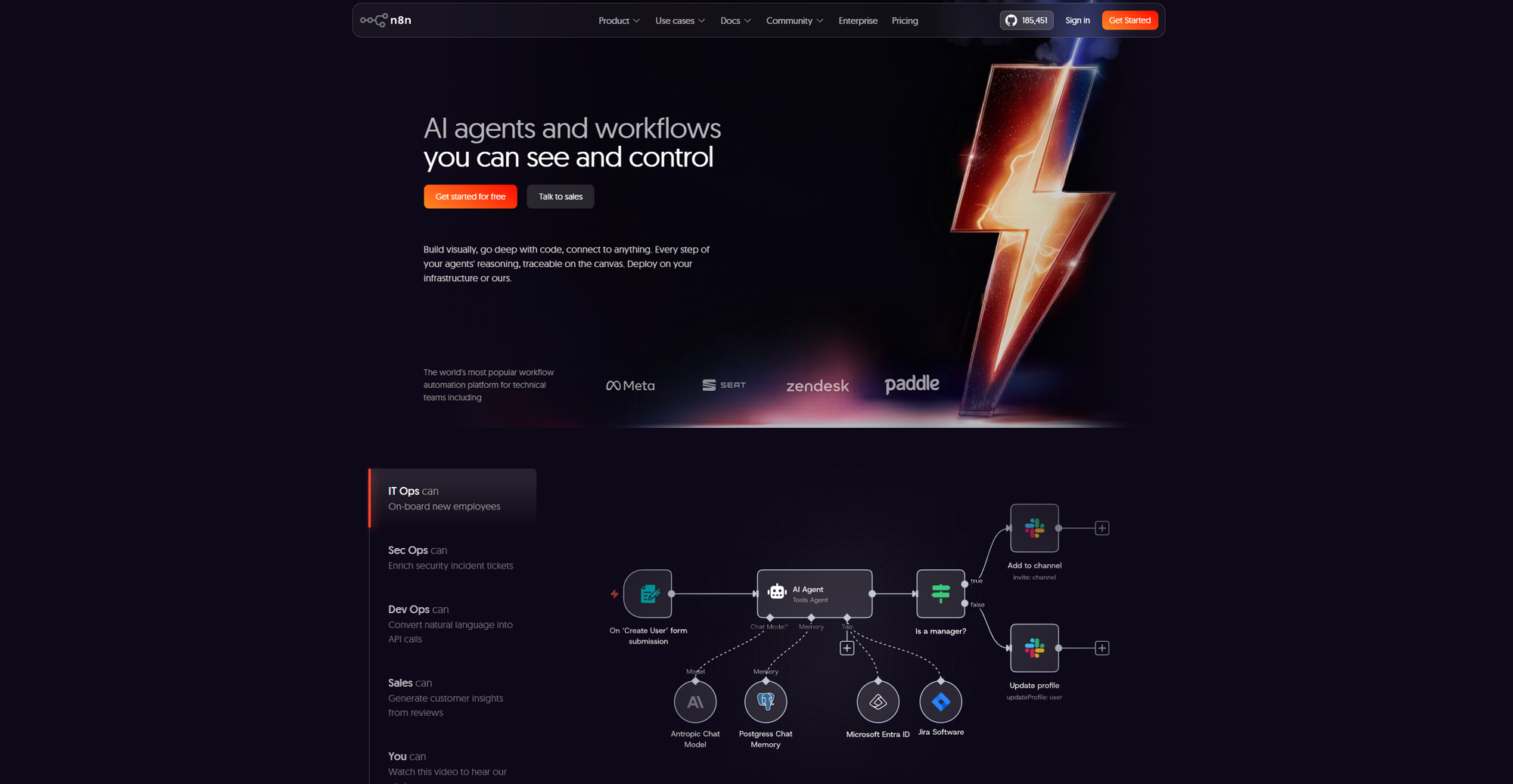
n8n is the platform technical founders quietly switch to when their Zapier bill gets uncomfortable. It's open-source, you can self-host it for the cost of a small server, and the execution-based billing model makes it dramatically cheaper for complex workflows.
The killer feature for developers is full code access. You can drop a Code node into any workflow, write JavaScript or Python, and do things that would be impossible in Zapier without a paid third-party integration. There's also native AI agent support, with first-class integrations for Claude, GPT, Gemini, and major vector stores.
What n8n does well
- Execution-based pricing. One workflow run equals one execution, regardless of how many steps. A 10-step workflow on n8n costs the same as a 1-step workflow.
- Self-hosting. The Community Edition is free with unlimited executions. Run it on a $5/month VPS and you're done.
- Code-first flexibility. Drop in custom JavaScript or Python anywhere in a workflow.
- AI agent capabilities. Build agentic workflows with native support for major LLMs.
- No vendor lock-in. Your workflows live on infrastructure you control.
What to watch for
- Steeper learning curve. Non-technical users will struggle with the canvas and the credential management.
- Self-hosting overhead. "Free" self-hosting still costs you DevOps time for updates, monitoring, and backups.
- Cloud pricing isn't always cheap. The Cloud Starter plan is around $24/month for 2,500 executions, which sounds generous until you realise a polling trigger every five minutes burns 8,640 executions on its own.
n8n pricing
- Community Edition: Free, self-hosted, unlimited executions
- Cloud Starter: From around $24/month for 2,500 executions
- Cloud Pro: From around $60/month for 10,000 executions
- Business: From around $800/month with SSO and 40,000 executions
- Enterprise: Custom pricing
There's a 50% startup discount on the Business plan for companies with fewer than 20 employees. Annual billing saves around 17%.
Direct comparison: how they stack up on what matters
Build experience
Turbotic wins for raw speed if you can describe what you want clearly. Zapier wins for visual clarity and the gentlest onboarding. n8n wins for control and long-term flexibility, but you'll spend longer building.
Integration breadth
Zapier is still the leader at 8,000+ apps. n8n has 400+ native integrations plus the ability to hit any API directly. Turbotic's library is smaller but growing.
Pricing at scale
n8n self-hosted is unbeatable on cost for high-volume workflows. Turbotic's per-seat model is predictable for small teams. Zapier becomes expensive fast once you're past 2,000 tasks/month.
AI capabilities
Turbotic is AI-native by design. n8n has best-in-class agent capabilities for technical builders. Zapier added AI Agents as a separate product line, but it feels bolted on by comparison.
Reliability
Zapier remains the gold standard for uptime. n8n self-hosted is as reliable as your hosting setup. Turbotic is newer, with strong infrastructure (Azure-backed) but less of a track record.
Who should use what
Pick Turbotic if you're a non-technical founder or small team that wants automations running without learning trigger-and-action logic. The chat-based builder gets you to a working workflow faster than anything else, and the per-seat pricing is friendly for small teams.
Pick Zapier if integration breadth matters more than cost and your workflows are mostly two-to-three steps. The platform is the safe bet if you need an obscure SaaS connection or want the most polished onboarding for non-technical teammates.
Pick n8n if you're technical, you want to control your infrastructure, or your workflows are complex enough that Zapier's per-task model would bankrupt you. Self-hosted is the lowest-cost option in this comparison by a wide margin if you have someone on the team who can manage a server.
Most startups end up using more than one of these.
A Turbotic agent handling inbox triage, a Zapier connection moving leads between two tools that don't talk to each other, an n8n workflow running scheduled data syncs in the background. They're not mutually exclusive.
FAQ
Is Turbotic better than Zapier?
For AI-native automations and teams that want minimal setup, yes. For raw integration breadth and simple linear workflows, Zapier still wins. They solve slightly different problems.
Is n8n really free?
The self-hosted Community Edition is free with unlimited executions. You pay for hosting infrastructure (typically $5 to $20/month for a small VPS), and you'll spend time on setup and maintenance. n8n Cloud is paid from around $24/month.
Can I move from Zapier to n8n?
Yes, but you'll need to rebuild your workflows. There's no automatic migration tool. Most teams that switch start by moving their highest-cost workflows first, then expand from there.
What's the cheapest way to run automations at scale?
Self-hosted n8n on a small VPS, by some distance. You're looking at $5 to $20/month for unlimited executions, versus $300 to $600+/month for the same workload on Zapier.
Does Turbotic have a free plan?
No. Turbotic offers trials but doesn't have a permanent free tier. The Professional plan starts from around $15/seat/month.
The right automation platform depends entirely on what you're optimising for. Speed of setup, breadth of integrations, cost at scale, technical flexibility — each of these platforms wins on at least one of those axes.
The mistake most founders make is picking one based on what's popular rather than what fits their stack. Spend an afternoon with the free trials before committing to anything annual. The differences become obvious within an hour of actually building something.
For more on which automation tools are worth your time as a founder, see our Best AI Automation Tools for Startups in 2026 roundup. If you're leaning toward AI-native and want a deeper look at one of the strongest options in the space, the Lindy AI Review 2026 covers an alternative worth considering.