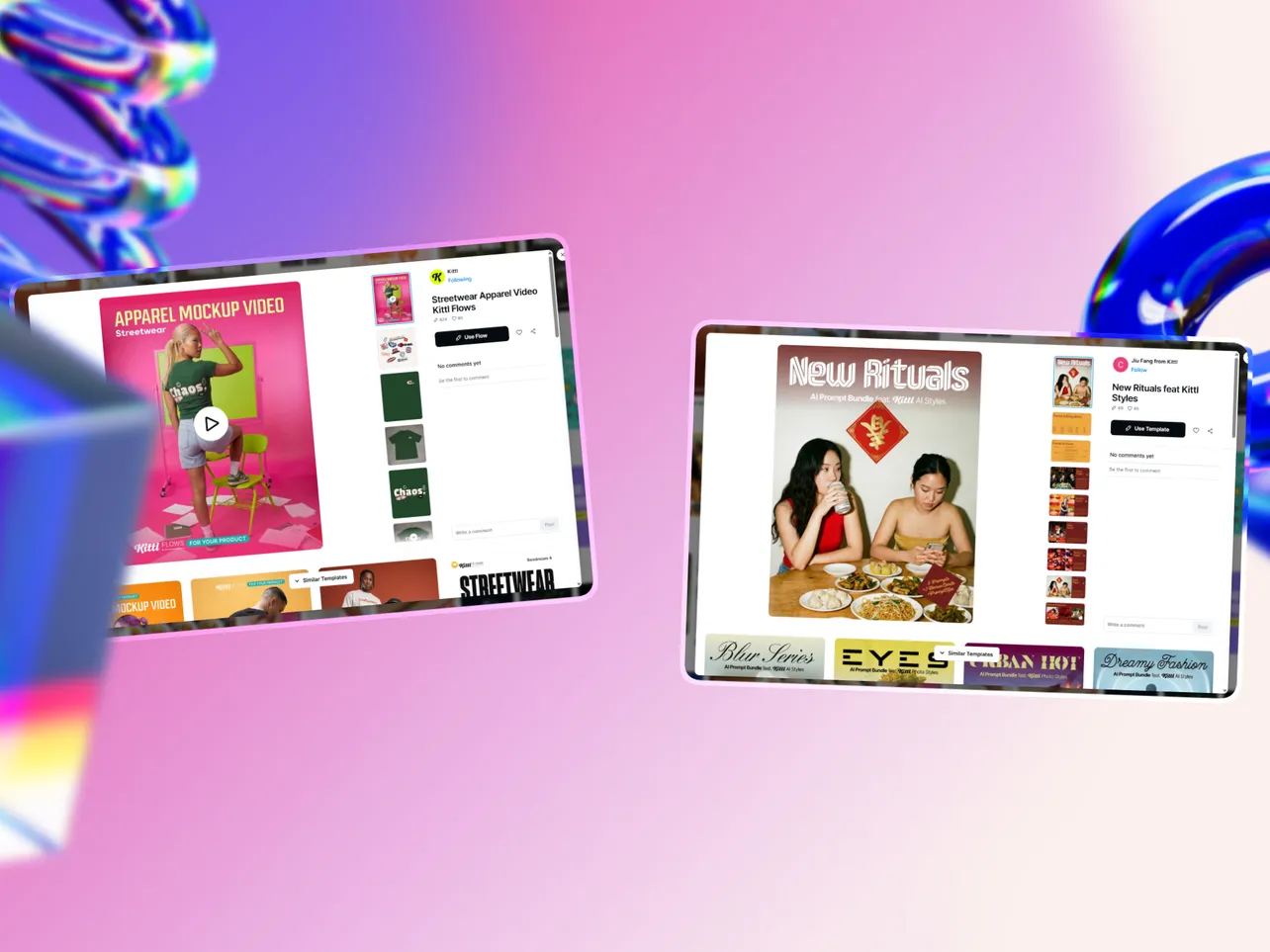
Need a graphic design tool that actually gets typography right?
Kittl has become the go-to platform for print-on-demand sellers, merch designers, and anyone who wants text effects that don't look like they came from a 2010 PowerPoint template.
This guide breaks down every Kittl plan, what you actually get at each tier, and whether it's worth your money in 2026.
What Is Kittl?
Kittl is a browser-based design platform that specialises in typography-heavy graphics, vector illustrations, and print-ready designs.
Originally launched as Heritage Type in 2020, the platform rebranded to Kittl in 2022 and has since grown to over 10 million users.
The platform positions itself as the design tool for creators who need more control over text than Canva offers, without the learning curve of Adobe Illustrator. It's particularly popular with:
- Print-on-demand sellers creating t-shirt and merch designs
- Logo designers and branding professionals
- Creators making vintage, retro, or typography-focused graphics
- Anyone who needs clean vector exports
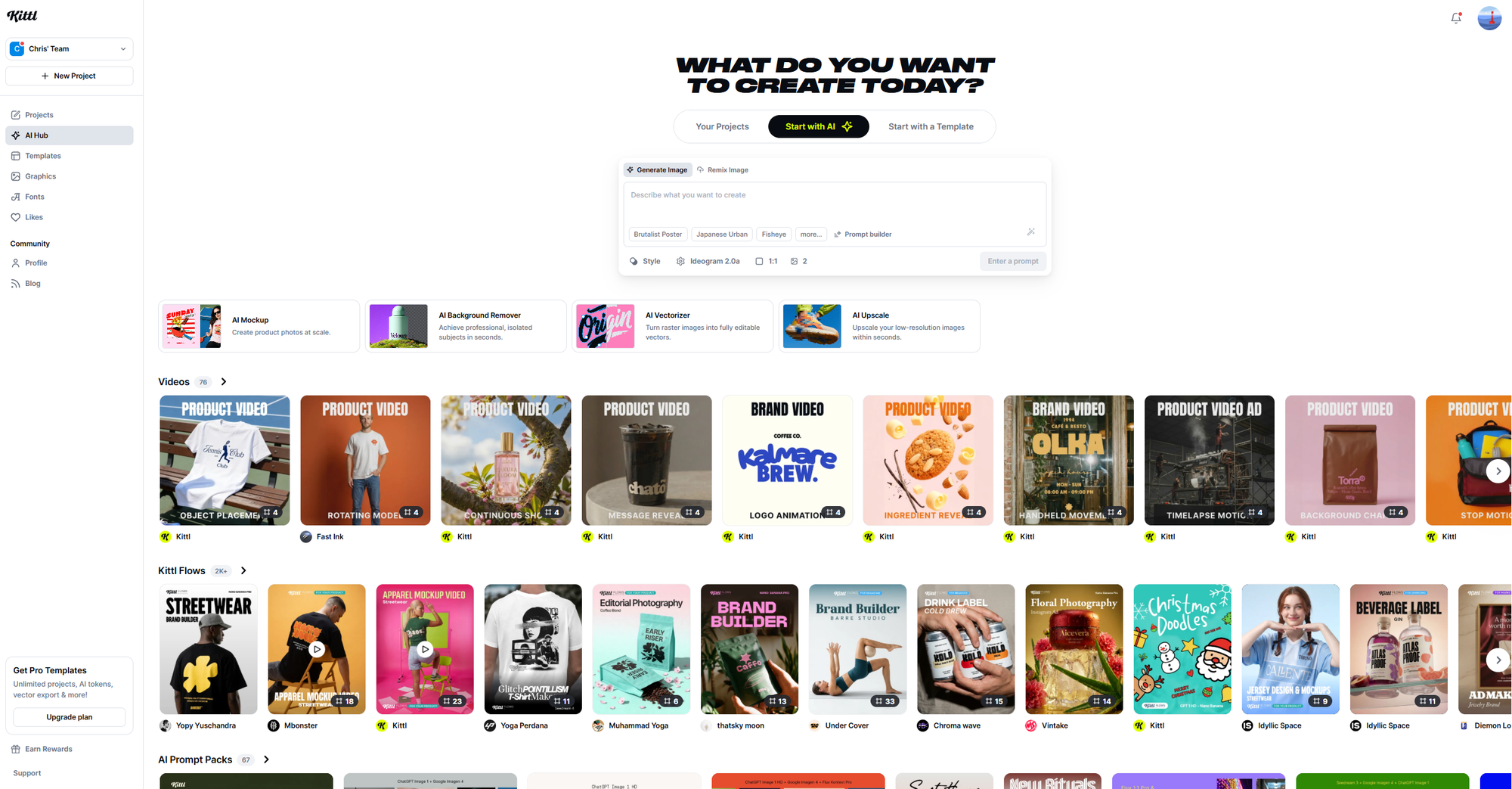
Kittl Pricing at a Glance
Kittl — pricing
Free
$0
5 projects, 500MB storage, low-res exports, personal use only
Pro
$15/mo
100 projects, vector exports, commercial licence, 1,000 AI tokens
Expert
$30/mo
Unlimited projects, Brand Kits, POD presets, 12,000 AI tokens
Business
Custom
Up to 5 users, unlimited AI tokens, team workspaces, enhanced licence
Kittl Free Plan
The free plan is genuinely usable for testing the platform and understanding whether Kittl's approach works for you. You get full access to the editor, core design tools, and a selection of templates.
What You Get
- 5 projects maximum — enough to test the platform, not enough for ongoing work
- 500MB storage — limited, but fine for text-based designs
- 100 AI tokens per month — roughly 50 AI image generations
- Low-resolution exports — fine for web mockups, not for print
- Access to free templates — a curated selection, not the full premium library
What You Don't Get
- Vector exports (SVG, PDF)
- High-resolution downloads
- Commercial licence (personal use only)
- Premium templates and fonts
- Brand kits
Kittl Pro Plan
$15/month (or $10/month billed annually)
Pro is where Kittl becomes a viable tool for creators who need to sell their work. The commercial licence alone justifies the upgrade if you're running any kind of design business.
What You Get
- 100 projects — plenty for most solo creators
- 10GB storage — enough for a substantial design library
- 1,000 AI tokens/month — roughly 500 AI image generations
- Unlimited vector exports — SVG and PDF at full resolution
- Commercial licence — sell your designs on up to 500,000 products
- All premium templates and fonts — including 1,400+ fonts with exclusive typefaces
Key Features Unlocked
Vector Exports: This is the big one. Kittl's strength is typography and vector graphics, and Pro unlocks the ability to export clean SVGs that scale to any size without quality loss.
Commercial Licence: You can use your designs for client work, print-on-demand products, packaging, and marketing materials. The 500,000 copy limit covers most use cases.
AI Tools: Access to the AI image generator, AI background remover, and AI upscaler. The 1,000 monthly tokens refresh each billing cycle.
Kittl Expert Plan
$30/month (or $24/month billed annually)
Expert is built for power users who rely on Kittl as their primary design tool. The unlimited project cap, expanded AI credits, and Brand Kits make it worthwhile for high-volume creators.
What You Get
- Unlimited projects — no caps whatsoever
- 100GB storage — ten times the Pro allocation
- 12,000 AI tokens/month — roughly 6,000 AI image generations
- High-resolution mockups — premium quality previews
- Brand Kits — save reusable fonts, colours, and styles
- POD presets — export dimensions optimised for Printful, Printify, Amazon Merch, Redbubble
Why Expert Matters for POD Sellers
The POD presets are a genuine time-saver. Instead of manually setting up canvas sizes for each platform, you select a preset and Kittl handles the dimensions automatically. When you're creating dozens of designs per week, this adds up.
Brand Kits let you save consistent visual styles across projects. If you're running multiple POD stores or working with different clients, you can switch between brand identities instantly.
Kittl Business Plan
Custom pricing (contact sales)
Business is Kittl's team tier, designed for agencies and companies with multiple designers. Pricing is quote-based depending on your requirements.
What You Get
- Everything in Expert
- Up to 5 users included
- Unlimited AI tokens — no monthly cap
- Team workspaces — shared projects and assets
- Custom brand management — organisation-wide style enforcement
- Enhanced licence — beyond the 500,000 copy limit
- Priority support — dedicated assistance
AI Tokens Explained
Kittl uses a token system for AI features. Each AI action consumes a certain number of tokens:
- AI image generation — 2 tokens per image
- AI vector generation — varies by complexity
- Background removal — 1 token
- Image upscaling — 1 token
Token Allocations by Plan
| Plan | Monthly Tokens | Approximate AI Images |
|---|---|---|
| Free | 100 | ~50 |
| Pro | 1,000 | ~500 |
| Expert | 12,000 | ~6,000 |
| Business | Unlimited | Unlimited |
Important: Tokens do not roll over. Your allocation resets each billing cycle. If you're running low, you can purchase additional tokens:
- 2,000 tokens (1,000 images): $16
- 8,000 tokens (4,000 images): $48
- 20,000 tokens (10,000 images): $60
What Makes Kittl Different From Canva?
The Kittl vs Canva question comes up constantly. Here's the honest breakdown:
Kittl Wins On
Typography: Kittl's text effects are significantly more advanced. You can apply transformations, shading, and decoration effects simultaneously, something Canva doesn't support. For vintage designs, logos, and text-heavy graphics, Kittl produces better results.
Vector Quality: Clean SVG exports that scale perfectly. Canva's vector support exists but isn't as refined.
POD Focus: Built-in presets for major print-on-demand platforms, high-resolution mockups, and templates designed specifically for merchandise.
Infinite Canvas: Work on multiple artboards in a single project. Useful for creating product variations.
Canva Wins On
Template Volume: Over 250,000 templates versus Kittl's 40,000+. For social media content and presentations, Canva has more variety.
Integrations: Direct publishing to social platforms, Google Drive sync, and hundreds of third-party apps.
Team Features: More mature collaboration tools at lower price points.
Video Editing: Canva handles video; Kittl is purely for static graphics.
Annual vs Monthly Billing
Going annual saves you 33% on Pro and 20% on Expert:
| Plan | Monthly | Annual (per month) | Annual Savings |
|---|---|---|---|
| Pro | $15/month | $10/month ($120/year) | $60/year |
| Expert | $30/month | $24/month ($288/year) | $72/year |
If you're confident you'll use Kittl for the full year, annual billing is the obvious choice. You can cancel at any time, and your access continues until the end of the billing period.
Student and Teacher Discounts
Kittl offers generous education pricing:
- 50% off Pro plans for verified students
- Free 1-year Pro plan for Student Ambassadors who invite 10 classmates
- Free 1-year Pro plan for teachers who invite 10 students
The education discount applies to K-12, university, and postgraduate students. You'll need to verify your status through their application process.
Commercial Licensing Explained
This matters if you're selling designs or working with clients.
Free Plan
Personal use only. You cannot sell designs or use them commercially.
Pro and Expert Plans
Commercial licence included. You can reproduce your designs on up to 500,000 copies across:
- Print-on-demand products
- Packaging and labels
- Marketing materials
- Client work
Business Plan
Enhanced licence with no copy limit. Required if you're producing designs for mass-market products or large-scale commercial use.
Real-World Cost Scenarios
POD Seller, Starting Out
Recommended: Pro ($10/month annual)
You're launching your first Etsy or Redbubble store. You need commercial licensing, vector exports, and access to premium templates. 100 projects is plenty for a growing catalogue.
Monthly cost: $10
Active POD Seller, Multiple Stores
Recommended: Expert ($24/month annual)
You're running multiple storefronts, producing 20+ designs per week, and using AI generation to speed up your workflow. Unlimited projects, 12,000 AI tokens, and POD presets save significant time.
Monthly cost: $24
Freelance Designer, Occasional Merch Work
Recommended: Pro ($10/month annual)
Merch design is part of your offering, not your entire business. Pro gives you everything you need without paying for features you won't use.
Monthly cost: $10
Small Agency, 3 Designers
Recommended: Business (custom pricing)
You need shared workspaces, team collaboration, and consistent branding across multiple client projects. Contact Kittl for a quote based on your specific requirements.
What About Kittl Flows?
Kittl Flows is a newer feature that lets you build creative pipelines with AI. Think of it as automating repetitive design tasks:
- Generate multiple colour variations automatically
- Create batch mockups from a single design
- Apply consistent effects across a series
Flows is available on Pro and Expert plans. It's particularly useful for POD sellers who need to produce variations quickly.
Hidden Costs to Consider
Token Overages
If you burn through your monthly AI tokens, you'll need to purchase more or wait for the next billing cycle. This mainly affects Expert users who rely heavily on AI generation.
Missing Mobile App
Kittl is browser-only. There's no mobile app for iOS or Android. If you need to design on the go, this is a limitation.
Learning Curve
While simpler than Illustrator, Kittl is more complex than Canva. The advanced typography tools take time to master. Factor in learning time if you're switching platforms.
Should You Get Kittl in 2026?
Get Kittl If:
- You create typography-heavy designs (logos, t-shirts, vintage graphics)
- You sell print-on-demand products
- You need clean vector exports
- Canva's text effects feel limiting
- You want AI tools specifically for design work
Skip Kittl If:
- You mostly need social media templates
- Video editing is part of your workflow
- You require extensive team collaboration
- Mobile design is essential
- You're happy with Canva's typography options
For most founders and creators, Kittl Pro at $10/month (annual) hits the sweet spot. You get commercial licensing, unlimited vector exports, and enough AI credits for regular use.
If you're running a serious POD operation with high volume, Expert at $24/month (annual) pays for itself through time savings alone. The POD presets and unlimited projects remove friction from your workflow.
Start with the free plan to test whether Kittl's approach works for you, then upgrade when you need commercial licensing or vector exports.
Prices accurate as of March 2026. Kittl may change pricing at any time.