Most people delay launching a project because they think a professional website requires a big budget or technical skills. In reality, the tools available today have made the "paywall" almost entirely optional for beginners.
You can move from an idea to a live link in forty-eight hours without spending any money. This guide outlines the exact steps to get your project online quickly and effectively.
Choosing the Right Free Tools
The key is to use platforms that offer "free-forever" tiers rather than short-term trials. This allows you to test your idea without the pressure of a looming bill.
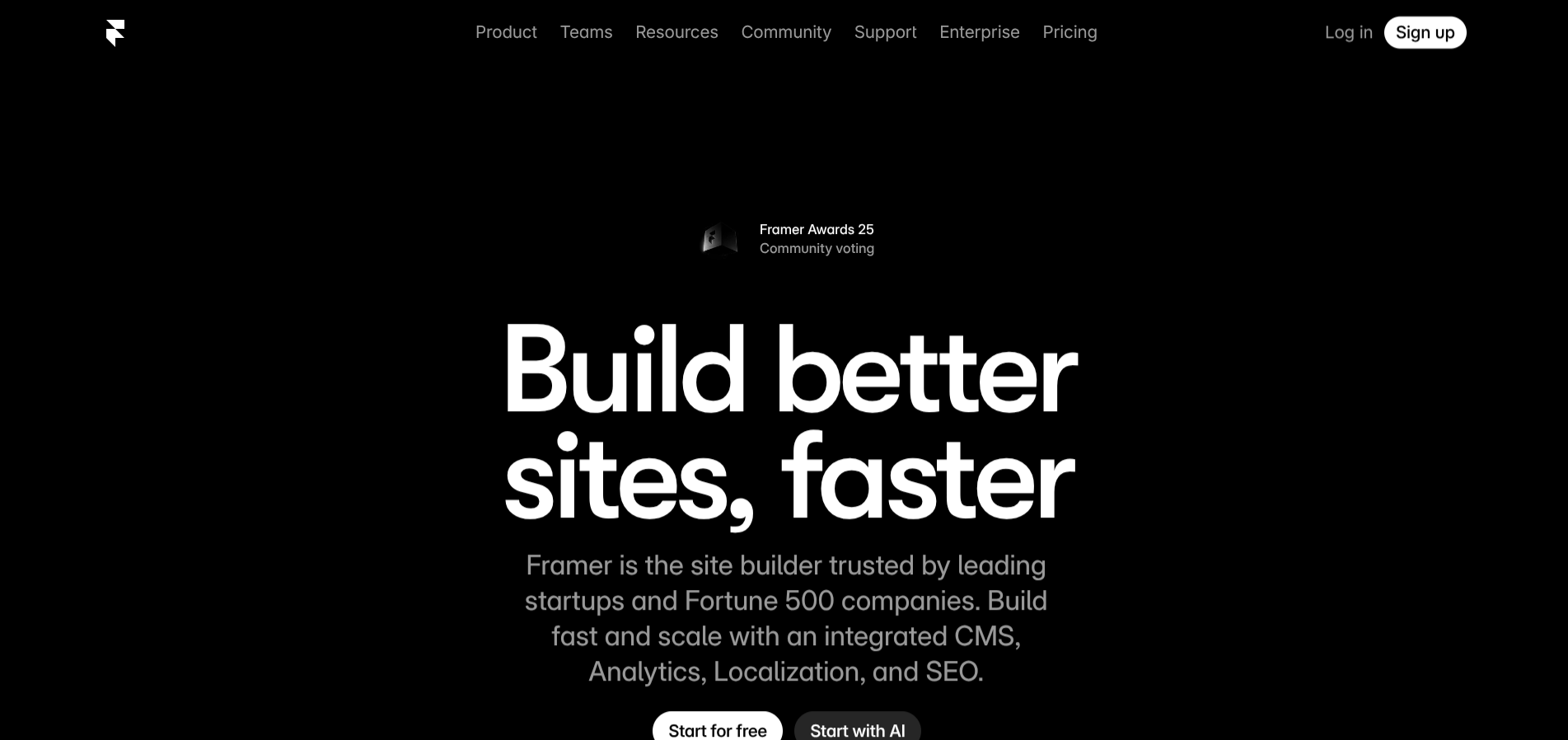
Framer: The Designer’s Choice If you are comfortable with design software like Figma or Sketch, Framer will feel intuitive. It uses a free-form canvas that allows you to drag and drop elements anywhere.
This freedom lets you build sites that look highly custom and expensive. The trade-off is the learning curve; it is easy to get lost in the details of animations and responsive resizing if you are not careful.
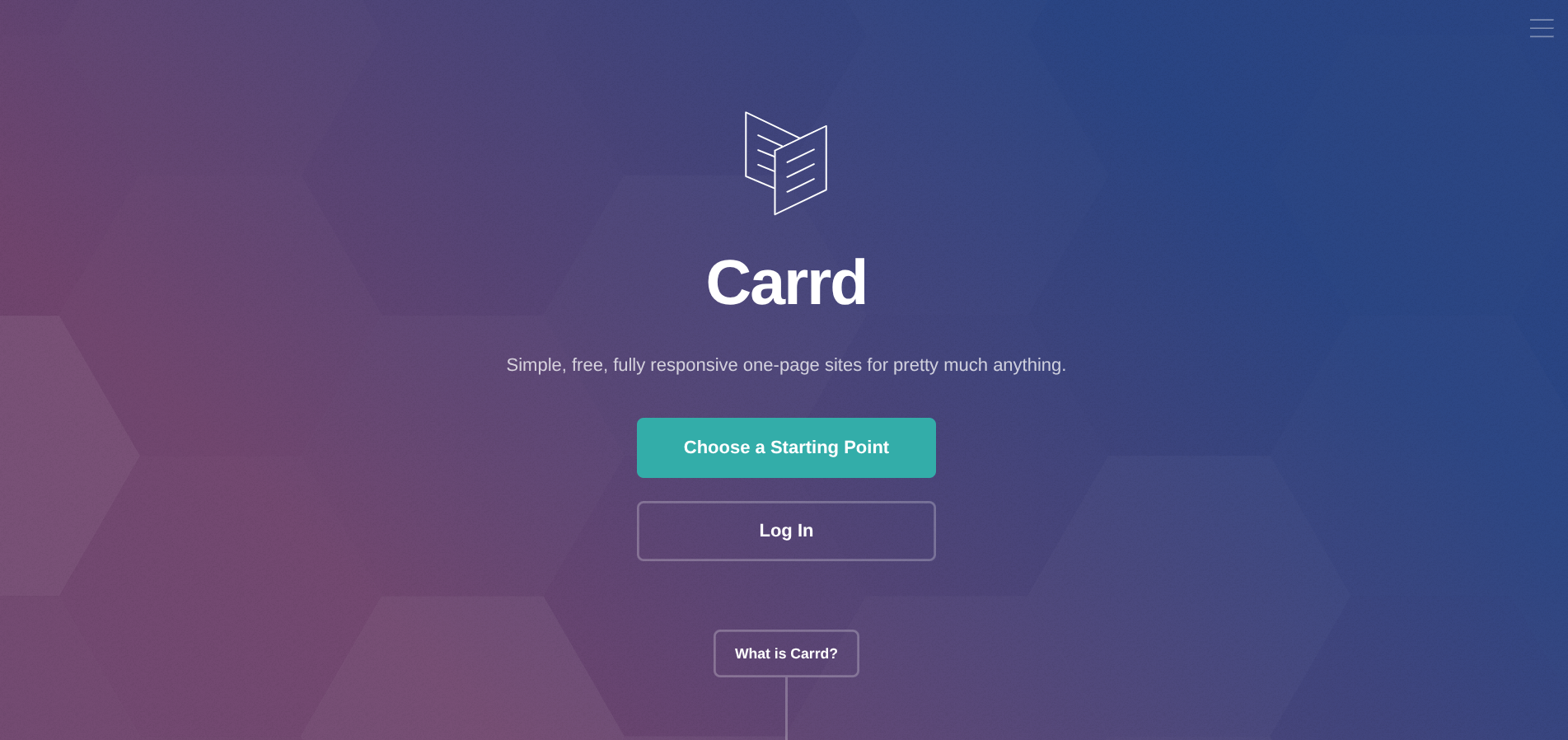
Carrd: The Validator’s Choice Carrd is built for speed. It forces you into a linear, responsive structure that is almost impossible to break. This constraint is its biggest strength. You cannot waste time tweaking the position of a button by three pixels because the tool handles the layout for you.
It is perfect for single-page sites where the only goal is to capture an email address or direct a user to a download.
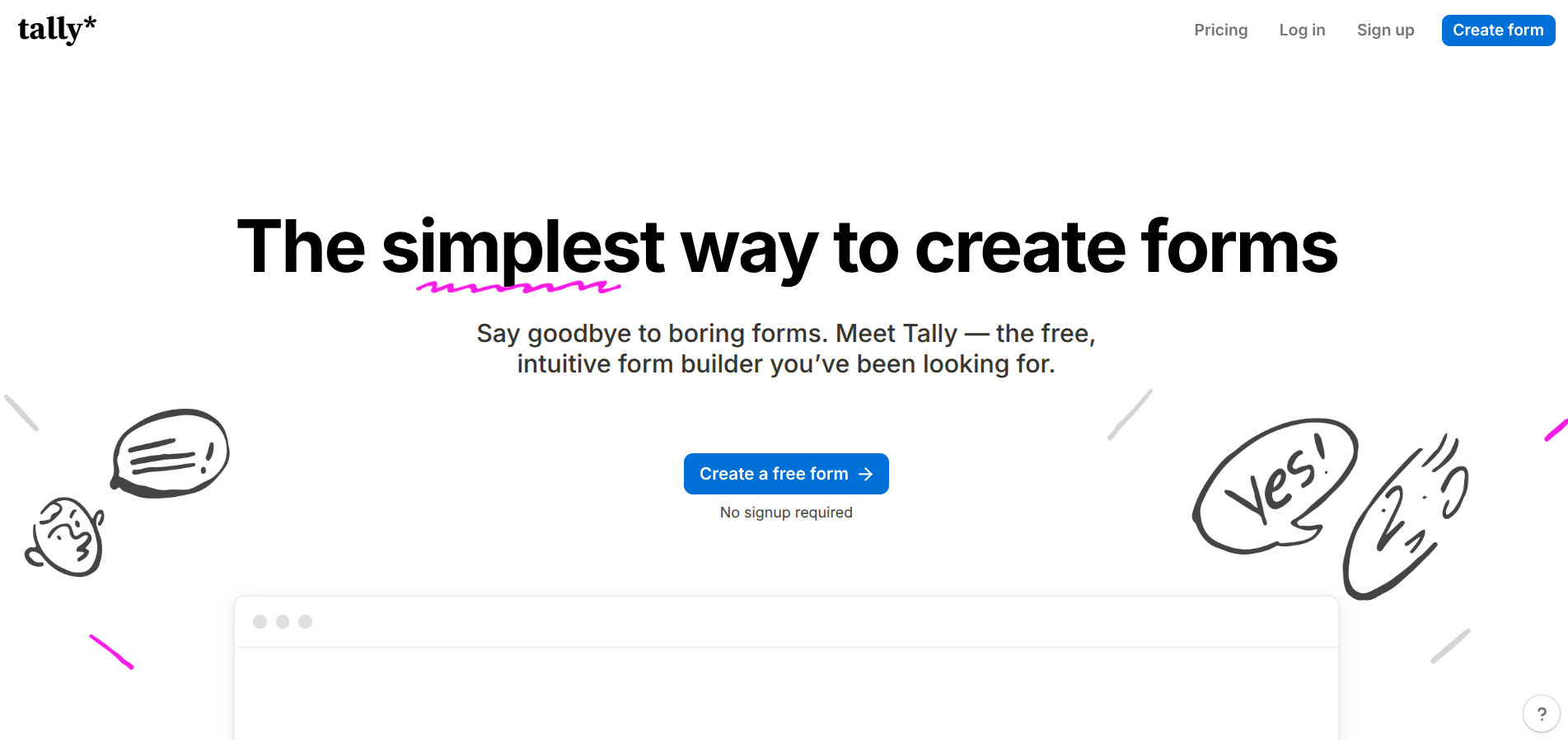
Tally: The Data Collector While not a website builder itself, Tally is the engine that powers your conversion. Most free form builders look unprofessional or slap their branding all over your site.
Tally offers a clean, Notion-style interface that blends seamlessly into any page. It allows you to collect unlimited responses and even accept payments on the free tier, which is rare for this category.
Saturday: Structure Your Message
It is tempting to start playing with fonts and colors immediately, but your words do the heavy lifting. Spend the first day focusing entirely on the content.
Identify the primary goal of your page. Are you trying to get people to join a mailing list, download a file, or click a link?
Write a headline that clearly states what the project is. Follow it with a brief explanation of why it matters to the reader. Use simple language and avoid industry jargon.
By Saturday evening, you should have a document containing all the text you need for the site.
Sunday: Design and Launch
On Sunday, your only job is to move your text into a template. Choose a layout that is clean and has plenty of white space.
Resist the urge to customize every detail. Templates are designed by professionals to ensure the site is readable and fast. Stick to a simple color palette of two or three shades to keep the look cohesive.
Check your site on a mobile device before you finish.
Most people will see your link on social media, so the mobile experience is often more important than the desktop version.
Sharing Your Work
Once you hit the publish button, the final step is to get the link in front of people. You do not need a marketing budget to find an audience.
Post the link in relevant online communities or share it with friends who have expressed interest in your topic. Focus on being helpful rather than promotional. Ask for specific feedback on the layout or the clarity of the message.
This initial engagement provides the momentum you need to keep the project growing.