Zapier is the default. You sign up, connect two apps, and watch the magic happen. For about five minutes, it feels like you've unlocked a cheat code.
Then the invoice hits.
Zapier's task-based pricing means every action in a workflow counts against your monthly cap. A simple three-step Zap that fires 500 times a month chews through 1,000 tasks.
The free plan gives you 100 tasks and limits you to single-step Zaps. The Starter plan bumps that to 750 tasks for $29.99/month. And the Professional plan, where most founders end up, runs $73.50/month for 2,000 tasks.
That's before you factor in the real kicker: filters and logic steps don't cost you tasks on Zapier, but every action step does. Scale to a handful of workflows and you'll burn through your task allowance faster than you expected.
⚡ Zapier — 2026 Pricing (for reference)
Free
$0
100 tasks/month, single-step Zaps only, 15-min trigger interval
Starter
$29.99/mo
750 tasks/month, multi-step Zaps, 3 premium apps
Professional
$73.50/mo
2,000 tasks/month, unlimited Zaps, webhooks, 2-min updates
Team
$103.50/mo
2,000 tasks/month, shared workspace, SSO, 25 users
There's nothing wrong with Zapier if it fits your budget and your workflows stay simple. But if you're a founder looking for more automations per dollar, deeper customisation, or AI-native features that Zapier still treats as add-ons, you have options.
Here are seven alternatives worth your time in 2026.
1. Make (formerly Integromat): Best for Visual Workflow Builders
Make is the tool most people land on first when Zapier's pricing stings. And for good reason: it gives you dramatically more automations per dollar.
Why Founders Pick it Over Zapier
Make's Core plan starts at around $10.59/month (billed annually) and includes 10,000 operations. Compare that to Zapier's 750 tasks at $29.99/month. Even accounting for the fact that Make counts operations differently (triggers, routers, and filters all consume operations), the cost gap is real. Most founders running moderate automation will spend 3-5x less on Make than on Zapier for equivalent workflows.
What it Does Well
Make's visual canvas is genuinely better than Zapier's for complex workflows. You can build multi-branch scenarios with conditional logic, error handling, and data transformation in ways that feel natural. If your automation needs anything beyond a straight A-to-B pipeline, Make handles it more elegantly.
The platform supports 3,000+ app integrations and now includes native AI modules for OpenAI, Claude, and Gemini. Make also rolled out a credit system in 2025, replacing the old operations model. For non-AI tasks, it's still one operation per credit.
Where it Falls Short
The learning curve is steeper than Zapier. Understanding routers, iterators, and aggregators takes a few hours of hands-on time. Make's documentation is solid, but you won't be productive in the first twenty minutes the way you might be with Zapier.
The integration library is also smaller: 3,000+ apps versus Zapier's 8,000+. If your stack includes niche SaaS tools, check Make's integration list before committing.
The Pricing at a Glance
🔧 Make — Pricing
Free
$0
1,000 operations/month, 2 active scenarios, 15-min intervals
Core
$10.59/mo
10,000 operations/month, unlimited scenarios, 1-min intervals
Pro
$18.82/mo
10,000 ops/month, priority execution, custom variables
Teams
$34.12/mo
10,000 ops/month, team roles, shared templates
2. n8n: Best for Technical Founders Who Want Full Control
n8n is the automation tool that technical founders quietly obsess over. It's open-source, self-hostable, and charges per workflow execution rather than per step, which fundamentally changes the pricing maths.
Why Founders Pick it Over Zapier
The billing model is the headline. On n8n, a 10-step workflow that runs once counts as a single execution. On Zapier, that same workflow would burn 10 tasks. For complex automations, n8n can be dramatically cheaper.
The self-hosted Community Edition is completely free with unlimited executions. You just pay for your own server, which typically costs $3-7/month on a basic VPS. That gives you unlimited workflows, unlimited steps, and full control over your data.
What it Does Well
n8n gives you a node-based visual editor that balances drag-and-drop simplicity with code-level power. You can drop in JavaScript or Python code nodes alongside no-code steps, which is perfect for founders who are technical enough to write a bit of code but don't want to build everything from scratch.
The platform supports webhooks, API calls, conditional logic, loops, and data transformations natively. It also has strong MCP (Model Context Protocol) support, making it a solid foundation for AI agent workflows.
Where it Falls Short
If you're not comfortable with Docker, environment variables, or managing a server, self-hosting n8n isn't for you. The cloud version exists, but it starts at $24/month for just 2,500 executions. A single polling workflow checking for new data every five minutes will eat through that limit in about nine days.
The cloud pricing undermines n8n's core value proposition. If you're going to use n8n Cloud at scale, you'll end up paying comparable rates to Zapier or Make. The real savings come from self-hosting.
The Pricing at a Glance
⚙️ n8n — Pricing
Community (Self-Hosted)
Free
Unlimited executions, unlimited workflows, you pay ~$3-7/mo for hosting
Cloud Starter
$24/mo
2,500 executions/month, 5 active workflows
Cloud Pro
$60/mo
10,000 executions/month, 50 workflows, priority support
Enterprise
Custom
SSO, audit logs, dedicated support, SLAs
3. Lindy: Best for AI-First Automation
Lindy takes a fundamentally different approach to automation. Instead of building trigger-action workflows, you create AI agents that can understand context, make decisions, and execute multi-step tasks using natural language.
Why Founders Pick it Over Zapier
Zapier added AI features, but they're bolted on. Lindy is built around AI from the ground up. You describe what you want an agent to do in plain English, and Lindy handles the workflow logic.
For tasks like inbox management, lead qualification, meeting prep, and follow-up emails, this approach can be faster to set up and more flexible than traditional automation.
Lindy also supports Computer Use, meaning its agents can navigate web interfaces and interact with applications that don't have APIs. That opens up automation possibilities that simply aren't available on Zapier or Make.
What it Does Well
The platform connects to 4,000+ tools and offers hundreds of pre-built templates for common workflows. You can text your Lindy agent via iMessage or SMS to trigger tasks, check information, or get updates. The multi-agent collaboration feature lets you chain agents together for complex business processes.
Lindy supports multiple AI models including Claude, GPT-4, and Gemini, so you can optimise for cost or quality depending on the task.
Where it Falls Short
The credit-based pricing can be unpredictable. Simple tasks consume one credit, but complex operations (especially those involving AI model calls or Computer Use) burn through credits faster. You'll need to monitor usage patterns to avoid surprise bills.
Lindy is also newer than Zapier and Make, so the community is smaller and you'll find fewer third-party tutorials and guides.
The Pricing at a Glance
🤖 Lindy — Pricing
Free
$0
400 credits/month, no credit card required
Starter
$19.99/mo
2,000 credits/month
Pro
$49.99/mo
5,000 credits (~1,500 tasks), 30 phone calls/month
Business
$299/mo
30,000 credits, 100 phone calls, multi-language voice
4. Pipedream: Best for Developer-Heavy Workflows
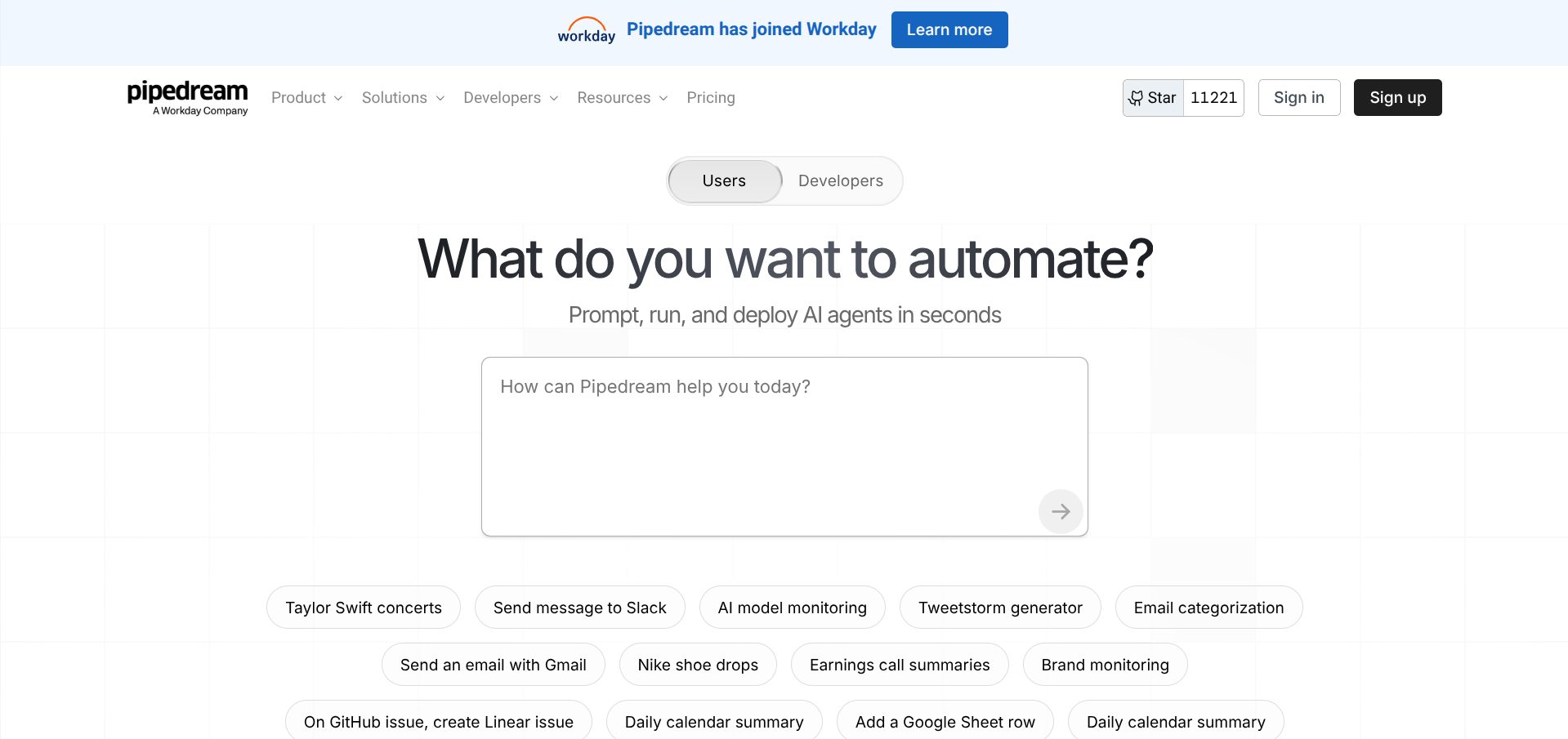
Pipedream is what happens when you build an automation platform for people who actually enjoy writing code. It supports Node.js, Python, Go, and Bash natively within workflows, and it charges based on compute time rather than task count.
Why Founders Pick it Over Zapier
The pricing model rewards efficient code. One credit equals 30 seconds of compute time at 256MB of memory. A 20-step workflow that completes in five seconds costs the same as a two-step workflow that takes five seconds. You're paying for actual computing resources, not arbitrary step counts.
Pipedream also has a genuinely useful free tier: 100 credits per day, three active workflows, and access to the full platform. For lightweight automations, you might never need to upgrade.
What it Does Well
The code-first approach means you can build custom integrations that would be impossible or painfully awkward in visual-only platforms. Need to parse a specific API response, transform data in a non-standard way, or build a custom Slack Block with interactive buttons? Pipedream handles it natively.
The platform includes over 3,000 pre-built integrations, webhooks, scheduled triggers, and a data store for persisting state between workflow runs. It also supports OAuth for connected accounts, so you don't have to manage API tokens manually.
Where it Falls Short
Pipedream is more complex than Zapier for non-technical users. If you're not comfortable reading and writing basic code, the learning curve will be steep.
The credit system can also catch you out. Credits scale with both execution time and memory allocation. A workflow running at 512MB uses 2x the credits, and at 1GB it's 4x. Long-running API calls to slow endpoints can consume credits faster than expected.
Pipedream also doesn't offer annual billing discounts, which is unusual for SaaS. Monthly and annual pricing are identical.
The Pricing at a Glance
🧑💻 Pipedream — Pricing
Free
$0
100 credits/day, 3 workflows, 3 connected accounts
Basic
$29/mo
2,000 credits/day, unlimited workflows
Advanced
$49/mo
10,000 credits/day, GitHub sync, 1-year event history
Business
Custom
Unlimited credits, SSO, audit logs, SLAs
5. Activepieces: Best Open-Source Alternative for Budget-Conscious Founders
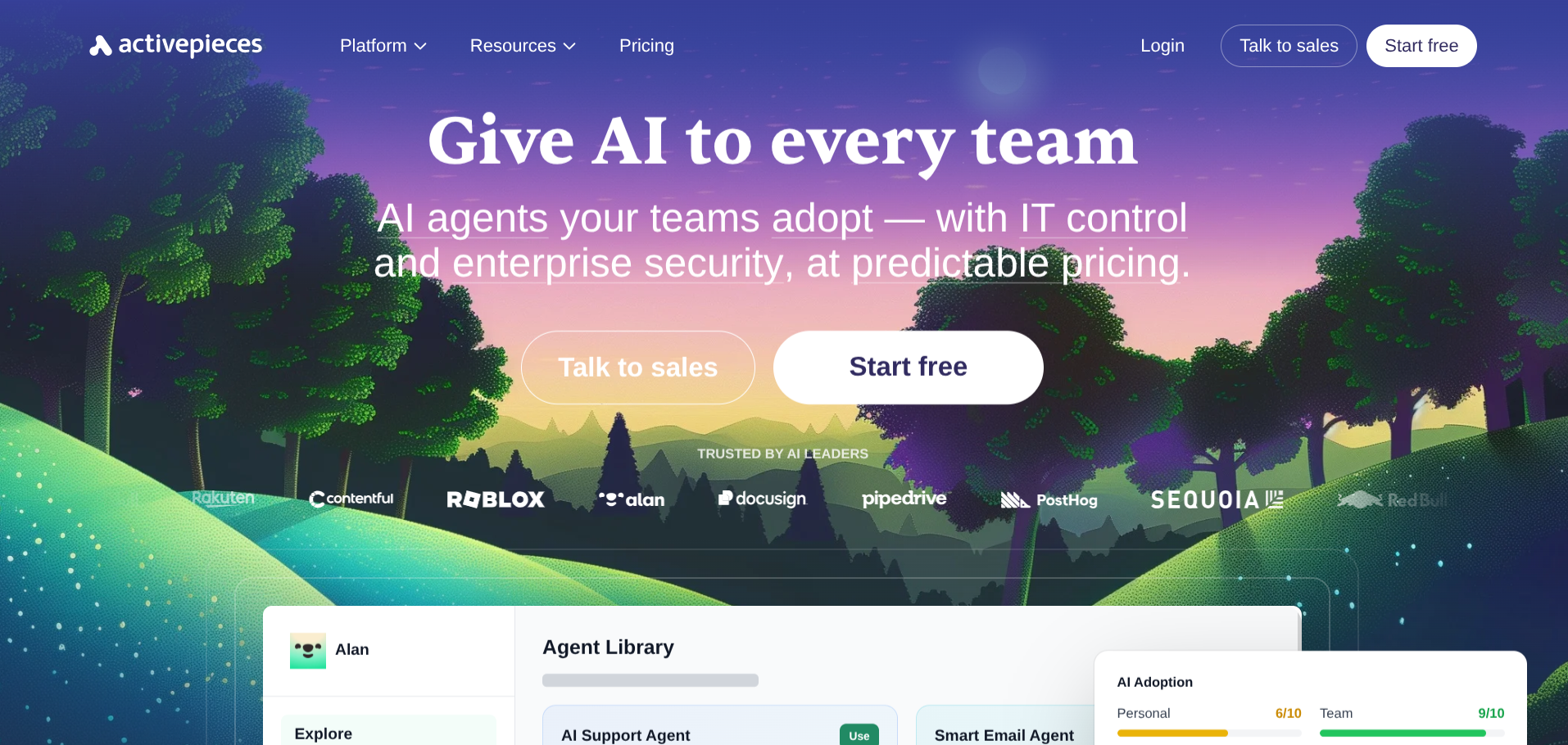
Activepieces is the open-source Zapier alternative that prioritises simplicity over technical depth. It's MIT-licensed, self-hostable, and offers unlimited task executions on its paid cloud plans, something neither Zapier nor Make can match.
Why Founders Pick it Over Zapier
The pricing model eliminates task anxiety. Activepieces' Plus plan costs $25/month and includes unlimited task executions. On Zapier, running the same workflows could easily cost $73.50/month or more once you exceed 750 tasks.
The open-source licence is also genuinely permissive. You can self-host Activepieces with Docker in minutes, customise the source code, and avoid vendor lock-in entirely. For founders with data privacy requirements or compliance constraints, this matters.
What it Does Well
The drag-and-drop builder is intuitive enough for non-technical users while supporting JavaScript code blocks and webhook triggers for more advanced scenarios. Activepieces has 300+ pre-built integrations covering most common business tools (Slack, Google Workspace, Stripe, HubSpot, Airtable).
The platform also includes AI agents and MCP server support. All Activepieces integrations are available as MCP servers, so you can use them with AI tools like Claude Desktop, Cursor, or Windsurf. That's a unique angle that none of the bigger platforms currently offer.
Where it Falls Short
The integration library is significantly smaller than Zapier's 8,000+ or Make's 3,000+. If your stack includes niche tools, you may need to build custom integrations using the HTTP/webhook connector.
The community is also younger. Fewer tutorials, fewer Stack Overflow answers, and fewer community-built templates compared to established platforms. The official documentation is solid, but the ecosystem around it is still growing.
The Pricing at a Glance
🧩 Activepieces — Pricing
Self-Hosted
Free
Unlimited tasks, MIT licence, full source code access
Cloud Free
$0
Limited features, great for testing
Plus
$25/mo
Unlimited tasks, AI agents, unlimited tables
Business
$150/mo
Team features, advanced permissions, priority support
6. Pabbly Connect: Best for Simple, Affordable Automation
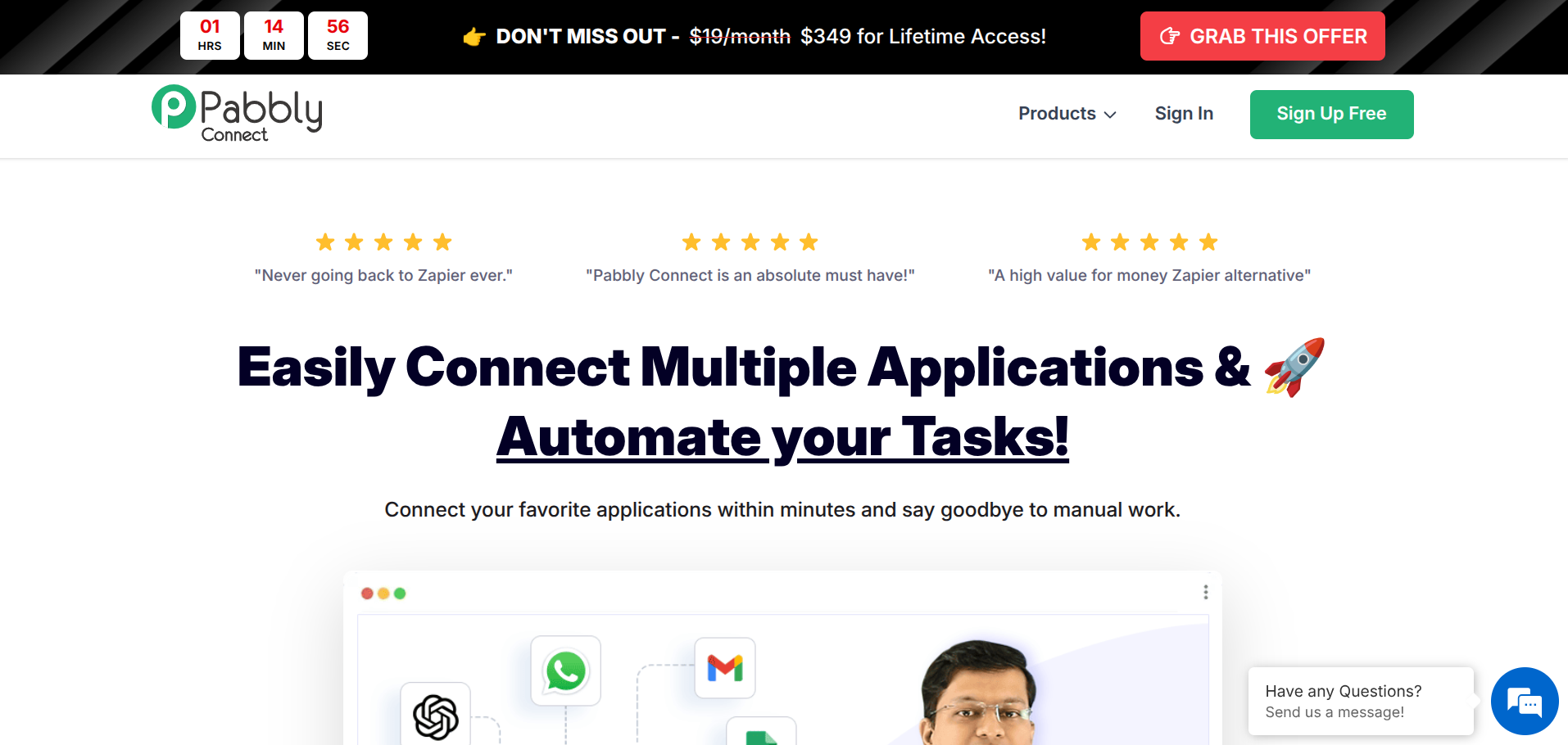
Pabbly Connect is the no-frills Zapier alternative for founders who need reliable automation without complexity. It doesn't try to be an AI platform or a developer tool. It just connects your apps and gets out of the way.
Why Founders Pick it Over Zapier
Pabbly's Standard plan costs $16/month and includes unlimited workflows. That's the entire pitch: simple automation, predictable pricing, no per-task gotchas. For founders running straightforward workflows (form submissions to CRM, email notifications, data syncing), Pabbly delivers the same outcome as Zapier at a fraction of the cost.
What it Does Well
Setup is genuinely fast. Pabbly focuses on the same trigger-action model as Zapier but strips away the complexity. Multi-step workflows, conditional logic (via router and filter steps), and scheduling are all supported. The interface won't win design awards, but it's functional and quick to navigate.
Pabbly also doesn't charge for internal processing steps. Filters, formatters, and routers don't count against your task limit. The platform supports webhooks and custom API requests for integrations not in their library.
Where it Falls Short
The integration library is smaller and less polished than Zapier or Make. Some connectors have limited trigger/action options compared to their equivalents on larger platforms. If you need deep integrations with complex SaaS tools, Pabbly might not cover all your use cases.
There are no AI-native features, no self-hosting option, and limited team collaboration tools. Pabbly is automation in its most straightforward form.
The Pricing at a Glance
🔌 Pabbly Connect — Pricing
Standard
$16/mo
Unlimited workflows, task limits vary by tier
Pro
$33/mo
Higher task cap, priority support
Ultimate
$67/mo
Highest task allowance, all features unlocked
Best for: Solo founders and small teams who want cheap, reliable automation for standard workflows.
7. IFTTT: Best for Simple Personal and IoT Automations
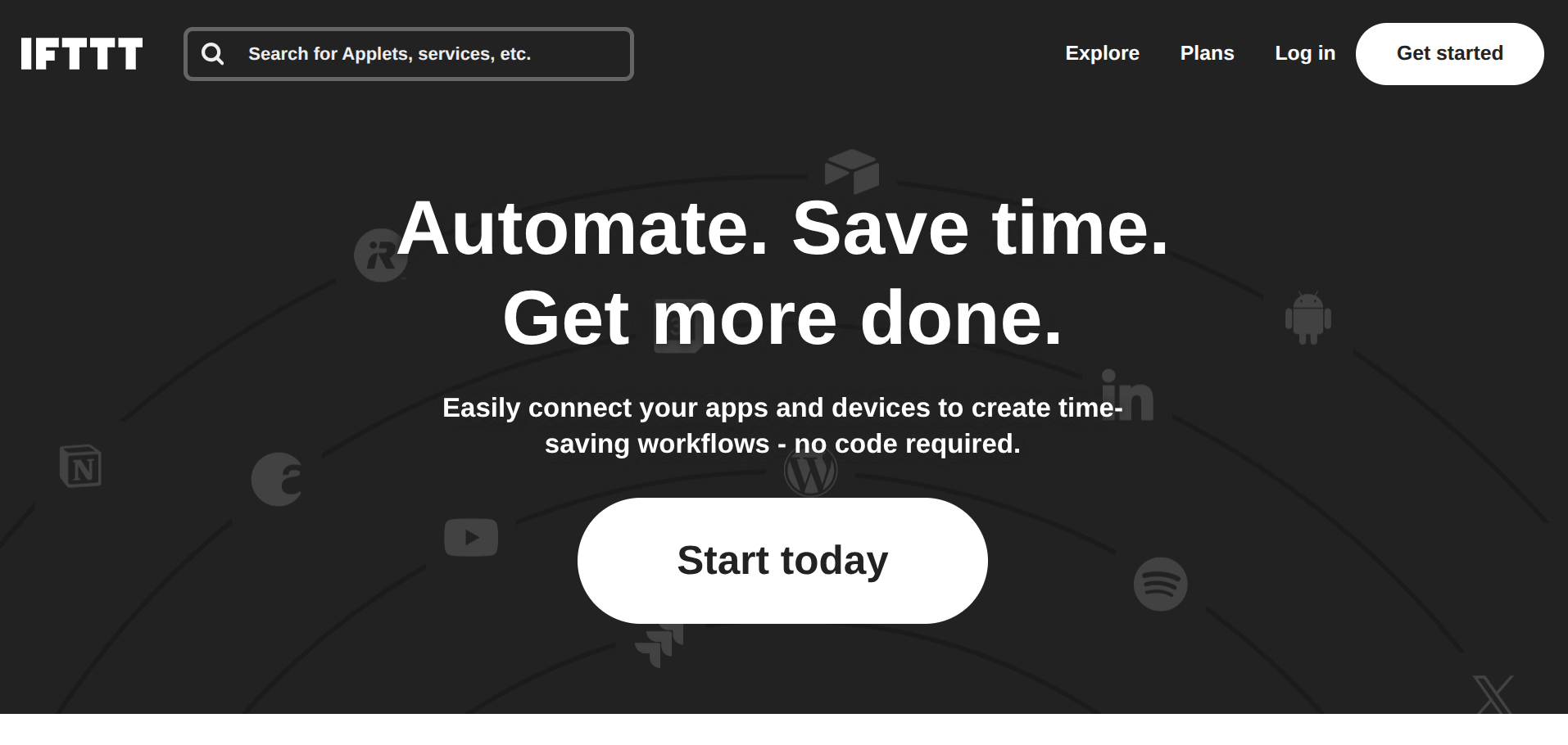
IFTTT (If This Then That) is the original automation platform, and it still has a place in 2026 for founders who need simple, one-to-two-step automations, especially those involving smart devices and IoT.
Why Founders Pick it Over Zapier
IFTTT's Pro plan costs $3.99/month for up to 20 applets (workflows). If your automation needs are basic, such as posting social media updates, syncing calendar events, or controlling smart office hardware, IFTTT is dramatically cheaper than any other option on this list.
What it Does Well
IFTTT excels at connecting consumer and IoT services that other automation platforms ignore. Smart lights, thermostats, voice assistants, fitness trackers, and home security systems all integrate natively. For founders running a home office and wanting to automate both business and personal workflows from one platform, IFTTT covers ground that Zapier doesn't.
The platform is also the simplest to use. If you can understand "if X happens, then do Y," you can build an IFTTT applet. No learning curve, no documentation required.
Where it Falls Short
IFTTT is severely limited for business automation. Applets are restricted to simple trigger-action pairs with minimal logic. There's no conditional branching, no data transformation, and no multi-step workflow support on most plans. If your automation needs involve anything more complex than a single trigger and a single action, you'll outgrow IFTTT immediately.
The Pro plan's 20-applet limit is also restrictive. The Pro+ plan ($14.99/month) removes this cap but still lacks the workflow complexity that business automation demands.
The Pricing at a Glance
💡 IFTTT — Pricing
Free
$0
2 applets, basic triggers and actions
Pro
$3.99/mo
20 applets, faster triggers, multi-action
Pro+
$14.99/mo
Unlimited applets, multi-step, queries, AI tools
How to Choose the Right Zapier Alternative
The right tool depends on two things: your technical comfort level and your automation volume.
If you're non-technical and running fewer than 20 workflows, start with Make. The visual builder is intuitive enough to learn in an afternoon, and the pricing gives you room to grow without constant tier upgrades.
If you're a developer or have one on your team, look at n8n (self-hosted) or Pipedream. Both give you code-level control and dramatically better economics at scale. n8n's execution-based billing is particularly generous for complex, multi-step workflows.
If you want AI handling your workflows rather than just connecting apps, Lindy is the most mature AI-agent automation platform available right now. It's a different paradigm from traditional trigger-action tools, and for the right use cases (email, scheduling, lead research), it's genuinely transformative.
If budget is the primary constraint, Activepieces (self-hosted) or Pabbly Connect will get you running for minimal cost. Activepieces offers more flexibility and a stronger long-term trajectory; Pabbly is simpler to get started with.
If your needs are genuinely basic, IFTTT at $3.99/month is hard to beat for simple automations and IoT integrations.
Quick Comparison
| Tool | Free Tier | Paid From | AI Native? | Best For | Integrations |
|---|---|---|---|---|---|
| Make | 1,000 ops/month | $10.59/month | Partial | Complex visual workflows | 3,000+ |
| n8n | Unlimited (self-hosted) | $24/month (cloud) | Via API | Developer-led automation | 500+ |
| Lindy | 400 credits/month | $19.99/month | Yes | AI agents for admin tasks | 4,000+ |
| Pipedream | 100 credits/day | $29/month | Partial | Code-first API workflows | 3,000+ |
| Activepieces | Unlimited (self-hosted) | $25/month | Yes | Budget-conscious founders | 300+ |
| Pabbly Connect | No | $16/month | No | Simple, cheap automation | 1,000+ |
| IFTTT | 2 applets | $3.99/month | No | Personal/IoT automations | 800+ |
FAQ
Is there a free Zapier alternative?
Several. n8n's Community Edition is free and open-source with unlimited executions if you self-host. Activepieces offers a similar deal under the MIT licence. Make and Pipedream both have free tiers with limited monthly allowances (1,000 operations and 100 daily credits, respectively). IFTTT's free plan allows two applets.
What's the cheapest Zapier alternative for startups?
For self-hosted: n8n or Activepieces, both free with server costs of $3-7/month. For cloud-hosted: Pabbly Connect at $16/month or Make's Core plan at ~$10.59/month offer the best value for most startup workflows.
Can I migrate my Zaps to another platform?
There's no one-click migration from Zapier to any alternative. You'll need to rebuild your workflows manually. The good news: most simple Zaps can be recreated on Make, n8n, or Activepieces in under 30 minutes. Start with your highest-volume workflows to maximise the cost savings immediately.
Which Zapier alternative has the most integrations?
Make leads with 3,000+ integrations. Pipedream and Lindy each support 3,000-4,000+. Activepieces has 300+. None match Zapier's 8,000+ library, but for most founders, the top 200-300 integrations cover the tools that actually matter.
Do I need a developer to use these tools?
Not for Make, Pabbly, Activepieces, Lindy, or IFTTT. All five are designed for non-technical users. n8n and Pipedream are significantly more powerful but expect some technical comfort, especially if you're self-hosting or writing custom code steps.
Looking for more tools to streamline your startup? Check out our guide to the best AI automation tools for startups in 2026.