Here's the reality of customer support at an early-stage startup: it's you. Maybe you and a co-founder.
Maybe one person doing it between building features and trying to figure out paid ads. You don't need an enterprise help desk with 200 integrations and a sales team that wants to hop on a call.
You need something that stops things falling through the cracks, doesn't cost a fortune, and takes less than an afternoon to set up.
This guide compares the tools that actually make sense when you're small, scrappy, and growing fast.
We've focused on what matters at this stage: can you afford it, can you set it up without a dedicated ops person, and will it still work when you've hired your first support rep?
TL;DR: The Quick Answer
Want free and simple? Crisp or Freshdesk. Both have genuinely usable free tiers.
Want something that feels premium but startup-friendly? Intercom, if you qualify for their Early Stage programme (90% off year one).
Want the best balance of power and simplicity? Help Scout. Clean, human, and affordable.
Just need live chat and nothing else? Crisp's free plan or Tawk.to.
Already using HubSpot for CRM/marketing? HubSpot Service Hub. Keep everything in one place.
Now let's break it down properly.
The Head-to-Head Comparison
| Crisp | Freshdesk | Help Scout | Intercom | HubSpot Service Hub | |
|---|---|---|---|---|---|
| Free plan | Yes (2 seats) | Yes (2 agents, 6 months) | Yes (5 users, limited) | No (14-day trial) | Yes (limited) |
| Paid from | €45/mo (workspace) | $15/agent/mo | $50/mo (billed annually) | $29/seat/mo | $15/seat/mo |
| Pricing model | Per workspace | Per agent | Per user | Per seat + usage | Per seat |
| Live chat | Yes | Yes | Yes | Yes | Yes |
| AI features | From €95/mo plan | From $49/agent/mo | $0.75/resolution | $0.99/resolution | Higher tiers |
| Knowledge base | From €95/mo | Free plan | All paid plans | All plans | Free plan |
| Startup programme | 50% off (nonprofits/students) | None notable | Yes (early-stage) | 90% off year one | Startup discounts |
| Best for | Budget-conscious teams | Feature breadth | Human-first support | AI-first, product-led | HubSpot ecosystem |
Crisp: Best for Bootstrapped Teams Who Want One Tool
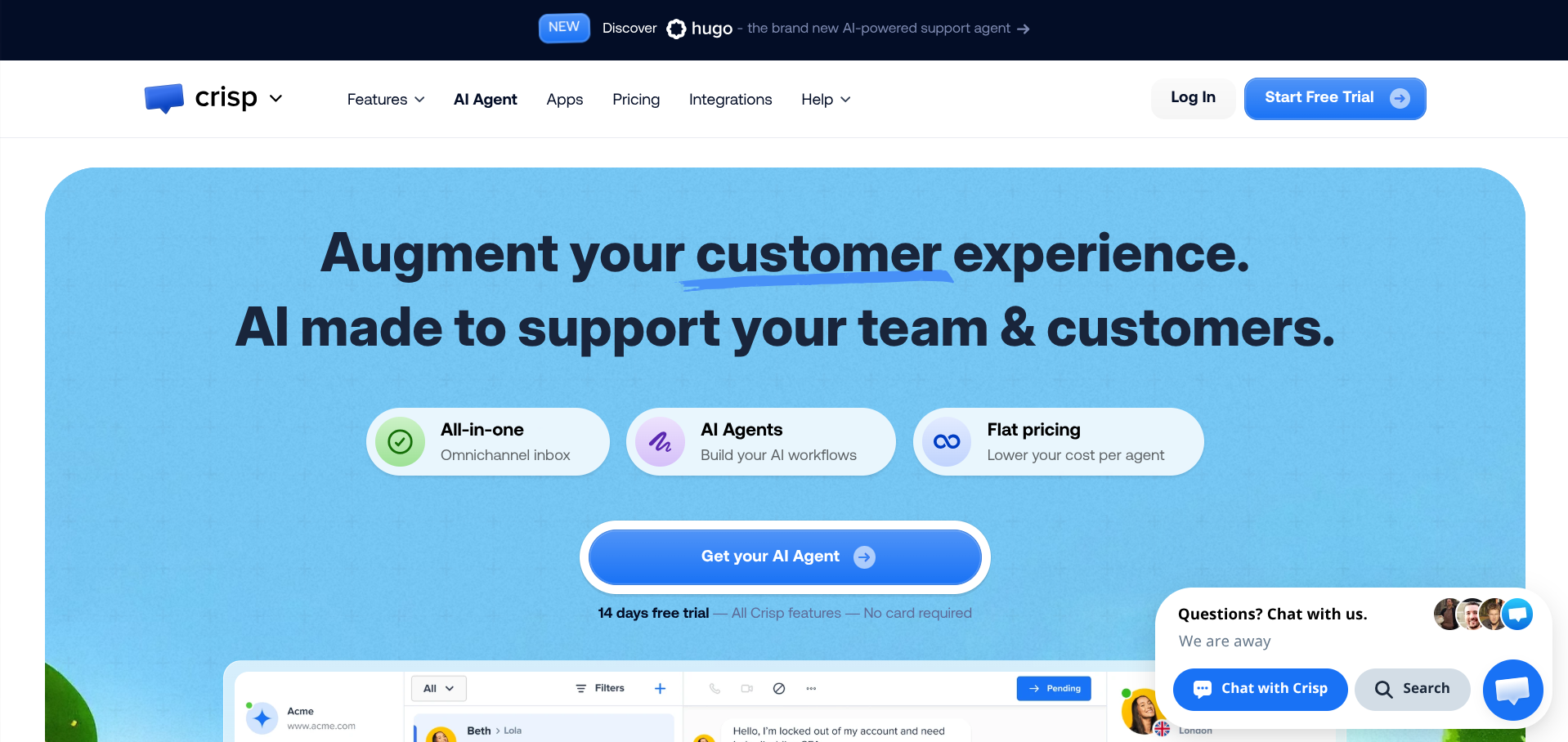
Crisp is a French, bootstrapped, all-in-one messaging platform that bundles live chat, shared inbox, knowledge base, chatbots, and a lightweight CRM into a single workspace. It's popular with European startups and SMBs, and its pricing model is the main differentiator: you pay per workspace, not per agent.
Pricing
The free plan gives you 2 seats with unlimited conversations, a shared inbox, and basic live chat. No time limit. That's more useful than most free tiers.
From there: Mini at €45/month (4 seats), Essentials at €95/month (10 seats, adds AI chatbot, knowledge base, omnichannel inbox), and Plus at €295/month (20+ seats, unlimited AI, ticketing, white-labelling).
Why Startups Like It
The per-workspace pricing means your costs don't spiral as you add team members. At €95/month for 10 seats with AI and omnichannel support, it's significantly cheaper than Intercom or Zendesk for similar functionality. Setup takes about 10 minutes. The co-browsing feature (where you can see a customer's screen) is genuinely useful for SaaS companies doing technical support.
Where It Falls Short
The free and Mini plans are very basic. You don't get a knowledge base, AI chatbot, or proper integrations until the €95/month Essentials plan. AI credits are capped on Essentials (50 uses/month), which is too low for any serious automation. Analytics are limited compared to Intercom.
And somewhat ironically for a chat platform, there's no live support on the lower plans.
The Verdict
If you're a small team that wants live chat, email, and messaging channels in one place without paying per agent, Crisp is excellent value. Just know that the really useful stuff starts at €95/month.
Freshdesk: Best Free Plan for Getting Started
Freshdesk (by Freshworks) has been around since 2010 and is one of the most widely used help desks globally. It's not sexy, but it works, and its free tier is one of the most functional on the market.
Pricing
The free plan includes email and social ticketing, a knowledge base, and basic reporting for up to 2 agents (limited to 6 months). After that, paid plans start at $15/agent/month (Growth), $49/agent/month (Pro, adds AI), and $79/agent/month (Enterprise).
Note: Freshworks also sells Freshchat (for chat), Freshcaller (for phone), and Freshdesk Omni (everything together). It can get confusing. For most early-stage startups, standard Freshdesk is the right starting point.
Why Startups Like It
The interface is intuitive. Onboarding is fast. The free plan includes features that many competitors lock behind paid tiers, including basic automation rules and a knowledge base. As you grow, the pricing scales reasonably without massive jumps. The gamification features (leaderboards for agents) are a nice touch for small teams.
Where It Falls Short
The product suite is fragmented. If you want live chat and phone alongside your ticketing, you're looking at separate products or the pricier Omni bundle. AI features require the Pro plan at $49/agent/month, which is a steep jump. The free plan's 6-month limit is annoying. You'll either need to pay up or migrate. And while it's great for structured ticketing, it's not built for the kind of conversational, real-time support that product-led startups often prefer.
The Verdict
If you need a proper ticketing system and want to start free, Freshdesk is hard to beat. Just plan for the inevitable upgrade, and be aware that adding chat and phone means more products and more cost.
Help Scout: Best for Teams Who Want Support to Feel Human
Help Scout takes a deliberately different approach. Where most tools in this space are racing to automate everything with AI, Help Scout prioritises simplicity, readability, and making support feel like a real conversation rather than a ticket number.
Pricing
There's a free plan (5 users, 1 shared inbox, 1 Docs site) that's useful but limited. Paid plans are $25/user/month (Standard), $50/user/month (Plus), and custom pricing for Pro. AI Answers costs $0.75 per resolution with a 3-month free trial included.
Help Scout also runs a startup programme for early-stage companies, though details require applying directly.
Why Startups Like It
The shared inbox is genuinely pleasant to use. It feels like email, which means zero training time for new team members. The knowledge base (Docs) is clean, well-designed, and included on all paid plans.
Internal notes and collision detection (seeing when someone else is replying) prevent the classic "two people answered the same email" problem. Customer profiles give you context without needing a separate CRM. For SaaS startups that value thoughtful, quality support interactions, it's a natural fit.
Where It Falls Short
AI capabilities are minimal compared to Intercom or even Crisp. If you want aggressive automation and bot-driven support, this isn't the tool. There's no phone support built in (you'd need an integration). Analytics are basic. The free plan is quite restricted, and Help Scout's per-user pricing means costs scale directly with headcount, which can sting as you grow.
The Verdict
If your brand identity depends on making customers feel like they're talking to a real person rather than a bot, Help Scout is the best option here. It's not the cheapest, but it's the one your support team will actually enjoy using.
Intercom: Best if You Can Get the Startup Discount
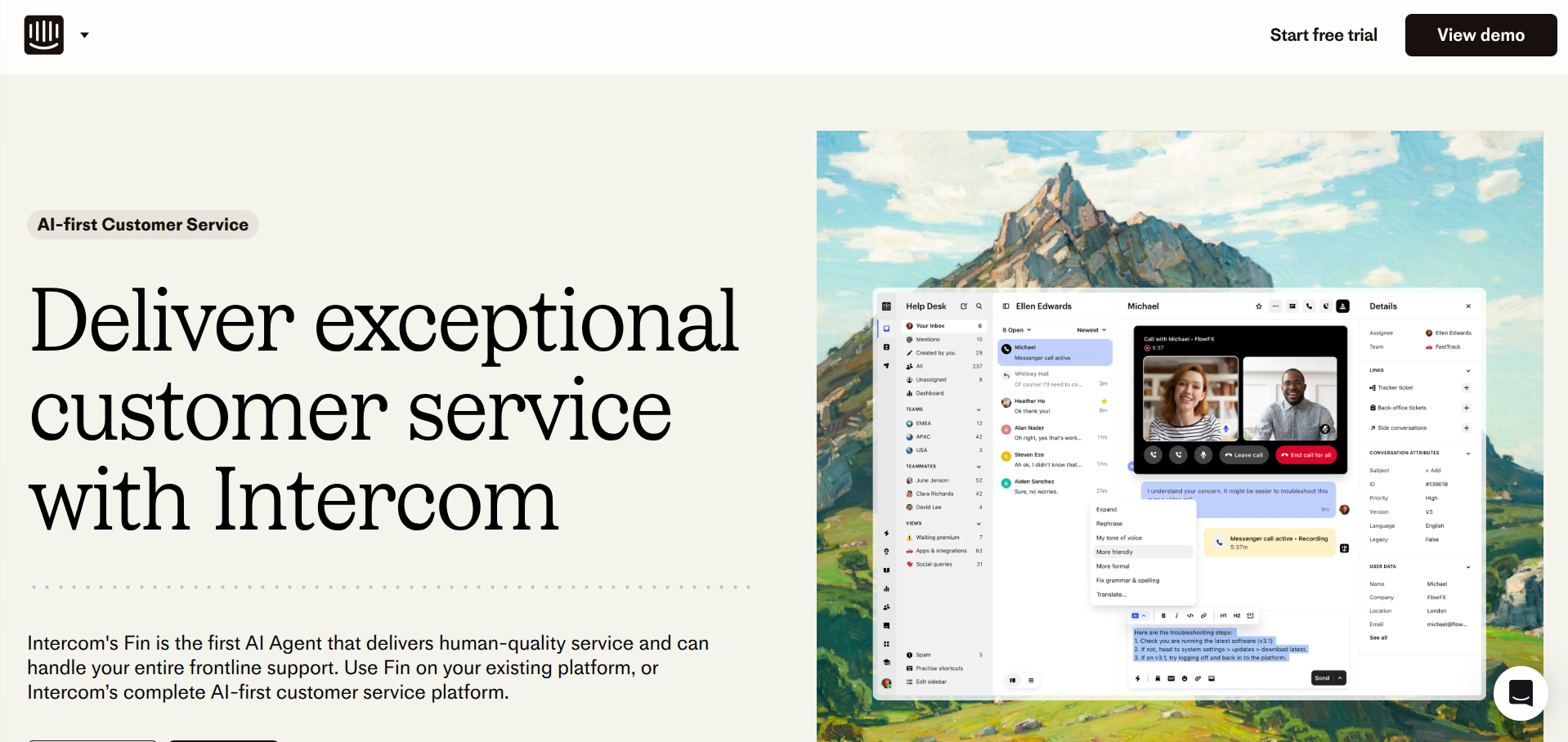
Intercom is the 800-pound gorilla in this space. It's powerful, polished, and positioned as an "AI-first" customer platform. It's also expensive, which is why the only reason it makes this list for early-stage startups is its Early Stage programme.
Pricing
Standard pricing: Essential at $29/seat/month, Advanced at $85/seat/month, Expert at $132/seat/month (all billed annually). On top of that, the Fin AI agent charges $0.99 per resolution, and there are usage-based fees for SMS, WhatsApp, and outbound messaging.
The Early Stage programme offers 90% off in year one ($65/month total for the Advanced plan with 6 seats), 50% off in year two, and 25% off in year three. Eligibility: under 2 years old, fewer than 15 employees, under $10 million in funding.
Why Startups Like It
At 90% off, you're getting a premium platform for the price of a budget tool. The Fin AI agent is genuinely impressive and can resolve a significant chunk of tier-1 support queries without human involvement.
Product tours, proactive messaging, and in-app surveys let you do onboarding and engagement alongside support. The messenger widget is best-in-class. If you're building a product-led SaaS company, Intercom gives you tools that competitors simply don't offer at this stage.
Where It Falls Short
The pricing after the startup discount ends is eye-watering. Going from $65/month in year one to full price in year four is a brutal jump, and by that point you're locked in with all your data and workflows.
Fin's $0.99 per resolution adds up fast. If it resolves 2,000 queries a month, that's an extra $1,980. The platform is also complex. There's a learning curve, and smaller teams can feel overwhelmed by the sheer number of features and settings. Budgeting is unpredictable because of the usage-based pricing model.
The Verdict
If you qualify for the Early Stage programme, Intercom is an incredible deal in year one. Just go in with your eyes open about what happens in years two, three, and beyond. Have a migration plan or a budget plan.
HubSpot Service Hub: Best if You're Already in the HubSpot Ecosystem
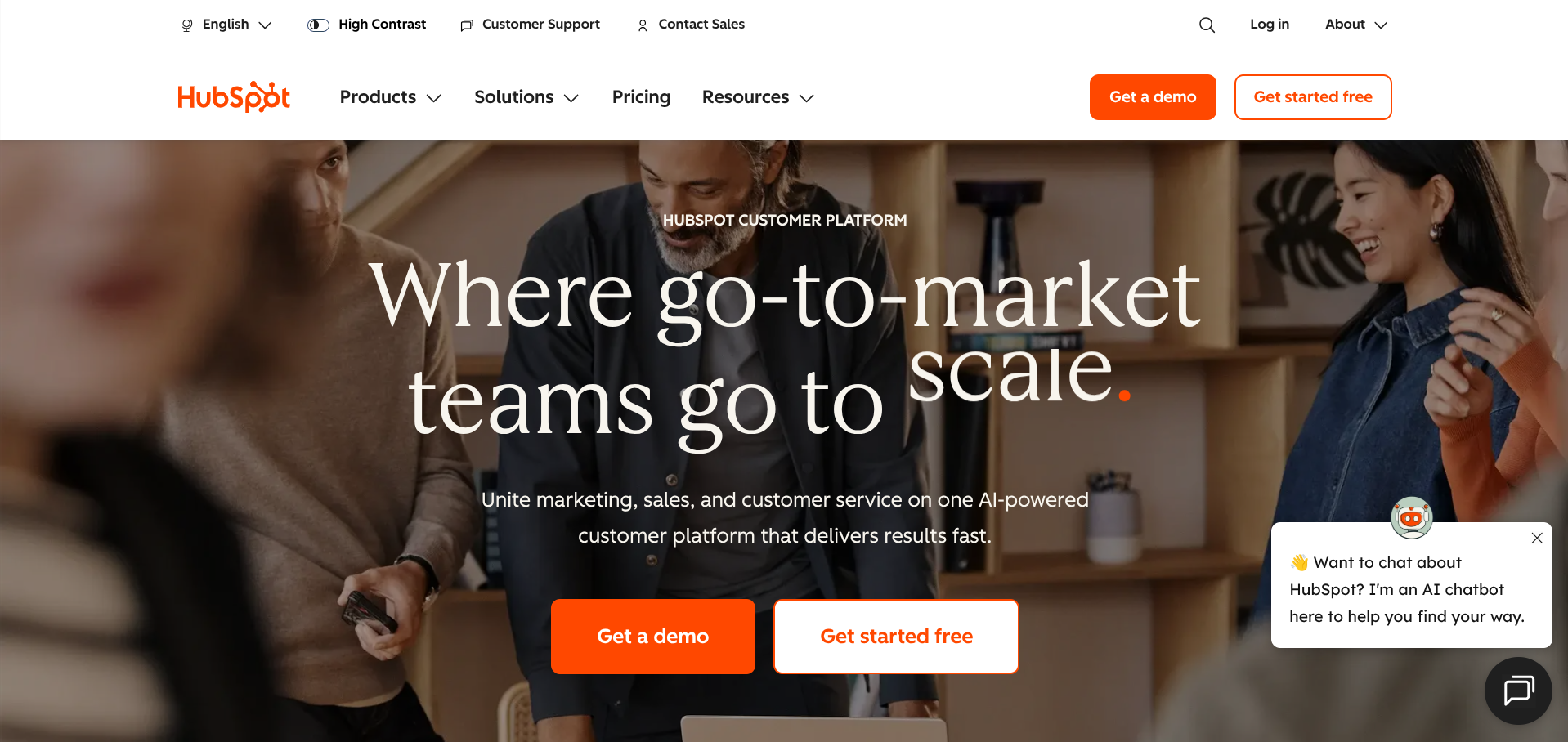
HubSpot Service Hub isn't the most obvious pick for this list, but if your startup already uses HubSpot for CRM or marketing (and a lot do, thanks to their generous free CRM), it's worth considering.
Pricing
The free tools include basic ticketing, live chat, a shared inbox, and a knowledge base. Paid plans start at $15/seat/month (Starter), then $90/seat/month (Professional) and $150/seat/month (Enterprise).
Why Startups Like It
The main draw is integration with the rest of HubSpot. Your support team sees the same customer record as your sales and marketing teams. No syncing, no duplicate data, no CSV imports. The free plan is surprisingly functional for a team of one or two. If you're already tracking deals in HubSpot CRM and sending emails through HubSpot Marketing, adding Service Hub keeps everything in one ecosystem.
Where It Falls Short
The jump from Starter ($15/seat) to Professional ($90/seat) is enormous, and many of the features you'd actually want (custom reporting, SLAs, customer feedback surveys) are locked behind Professional.
The live chat and bot builder are decent but not as refined as Intercom's or Crisp's. If you're not already a HubSpot shop, adopting Service Hub in isolation doesn't make a lot of sense. There are better standalone tools for less money.
The Verdict
If HubSpot is already your CRM, adding Service Hub is a no-brainer. If it isn't, look elsewhere.
Real-World Cost Comparison
What you'll actually pay for a team of 3 support agents handling around 500 conversations per month:
| Monthly cost | What you get | |
|---|---|---|
| Crisp (Essentials) | ~€95 | 10 seats, AI chatbot, knowledge base, omnichannel |
| Freshdesk (Growth) | ~$45 | 3 agents, ticketing, automation, knowledge base |
| Help Scout (Standard) | ~$75 | 3 users, shared inbox, Docs, Beacon chat |
| Intercom (Early Stage Y1) | ~$65 | 6 seats, AI agent (+ $0.99/resolution), messenger |
| HubSpot (Starter) | ~$45 | 3 seats, ticketing, live chat, basic reporting |
At this scale, the differences are modest. The real divergence comes when you grow to 10+ agents or start relying heavily on AI resolution features.
Two Honourable Mentions
Tawk.to
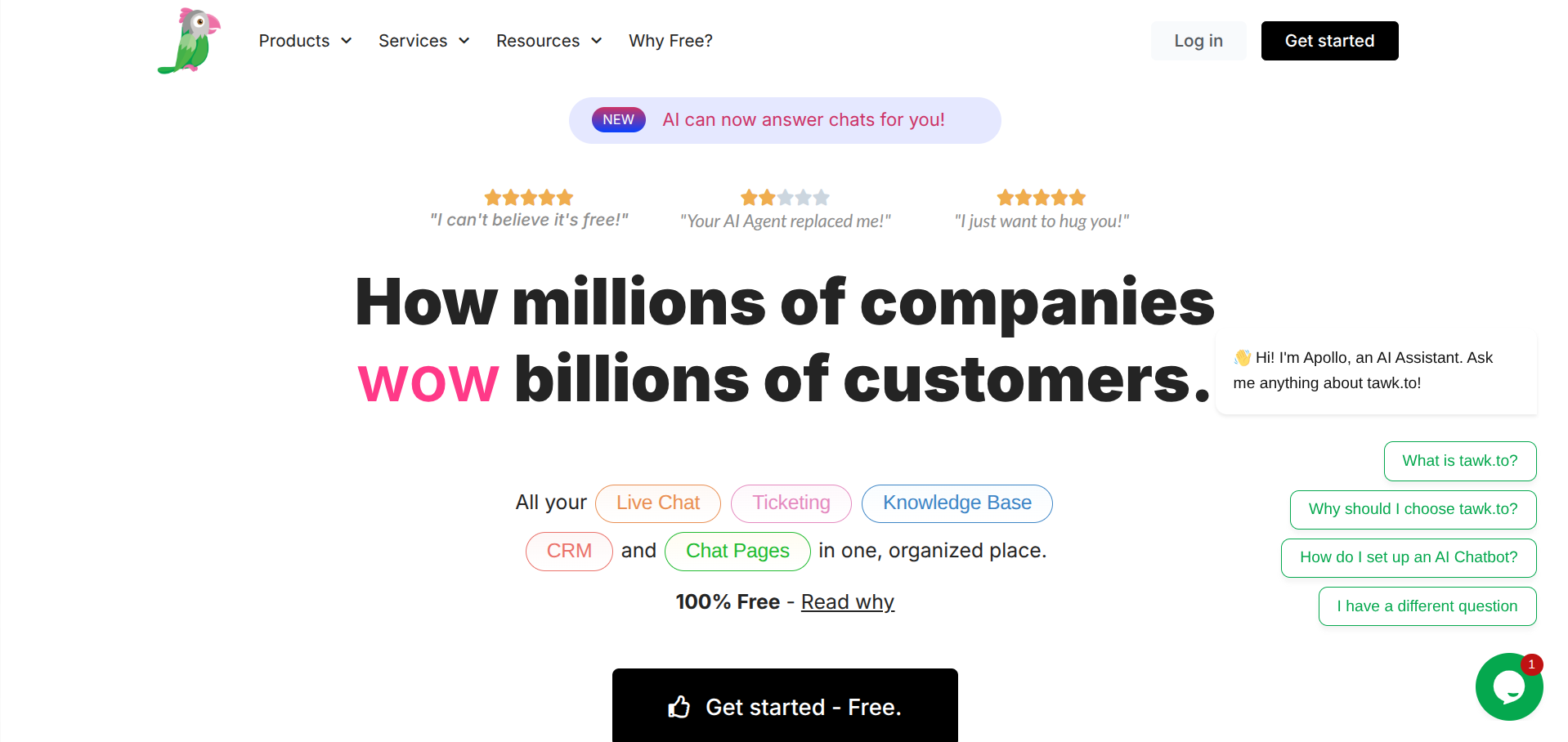
Completely free. Forever. No catch (they monetise by selling add-on services like hired agents). If you literally just need a live chat widget on your website and nothing else, Tawk.to does the job. The trade-off is that it looks and feels dated, and there's no AI, no knowledge base, and no ticketing beyond basic chat history.
Pylon
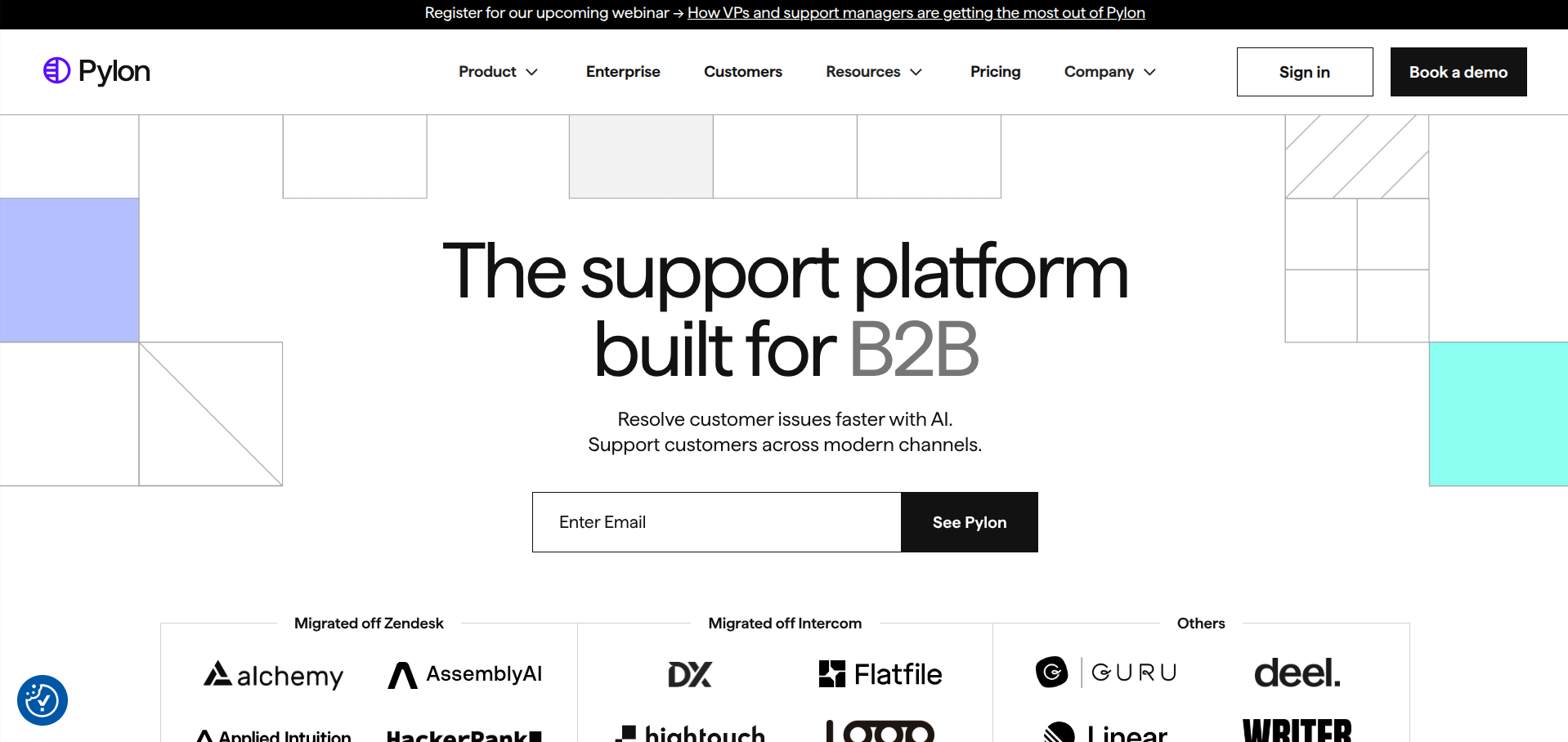
If you're a B2B startup and your customers live in Slack or Microsoft Teams, Pylon is worth a look. It's built specifically for companies that do support in shared Slack channels (which is increasingly common in B2B SaaS).
It turns those messy Slack threads into trackable issues with account-level views and AI automation. It's newer and less proven than the others, but it's solving a very specific and very real problem.
How to Think About This Decision
Forget features for a second. At the early stage, the tool you pick matters less than whether you actually use it consistently. A spreadsheet with a shared inbox is better than a fully configured Zendesk instance that nobody logs into.
That said, here's a framework:
What channel do your customers prefer? If they email you, prioritise a shared inbox (Help Scout, Freshdesk). If they expect live chat, prioritise messaging (Crisp, Intercom). If they're in Slack, look at Pylon.
How technical is your product? If customers need hands-on help, co-browsing (Crisp) and screen sharing matter. If it's mostly billing questions and how-tos, a good knowledge base is more valuable than a fancy chat widget.
What's your budget trajectory? If you're bootstrapped, start free (Crisp, Freshdesk, Tawk.to) and upgrade as revenue justifies it. If you're VC-backed and expect to scale fast, Intercom's Early Stage programme front-loads the value while you're small.
Will you actually build a knowledge base? Almost every tool includes one, but most startups never populate it. If you commit to writing 20 solid help articles in your first month, you'll deflect a huge percentage of support queries regardless of which platform you choose. This is the highest-ROI support activity at any stage.
One Last Thing
The biggest mistake early-stage founders make with support isn't picking the wrong tool. It's ignoring support until it becomes a crisis.
The founders who treat every support conversation as product feedback, who reply fast, who actually listen: they build better products and churn fewer customers.
The best support tool is the one that makes it easy for you to do that. Everything else is a rounding error.