
Your calendar is lying to you. It looks organised. Events, meetings, deep work blocks. Everything colour-coded and tidy. But somehow you still end the week feeling like you never actually got anything done.
That's the problem AI calendar assistants are trying to solve. Not just scheduling meetings faster, but genuinely protecting your time so the important work actually happens.
The market has exploded in 2026. There are more tools than ever, Clockwise shut down in March (more on that below), and the survivors have pushed hard on new features. So which ones are actually worth your time and money?
We've broken down the best options by use case, so you can skip straight to the one that fits how you work.
What makes an AI calendar assistant actually useful?
There's a spectrum here worth understanding before you dive in.
On one end, you've got full autopilot tools like Motion: you add tasks and deadlines, the AI builds your entire day, and it reshuffles automatically when things change. You hand over control in exchange for maximum efficiency.
On the other end are control-first planners like Akiflow and Morgen: the AI helps you organise and suggests where things should go, but you approve everything before it lands on your calendar.
In the middle sits Reclaim, which auto-schedules tasks and habits but within rules you define, giving you automation without the feeling that your calendar is running you.
None of these approaches is objectively better. The right fit depends on how much you trust AI to make scheduling decisions on your behalf.
The best AI calendar assistants in 2026
🥇 Motion — Best for full AI autopilot
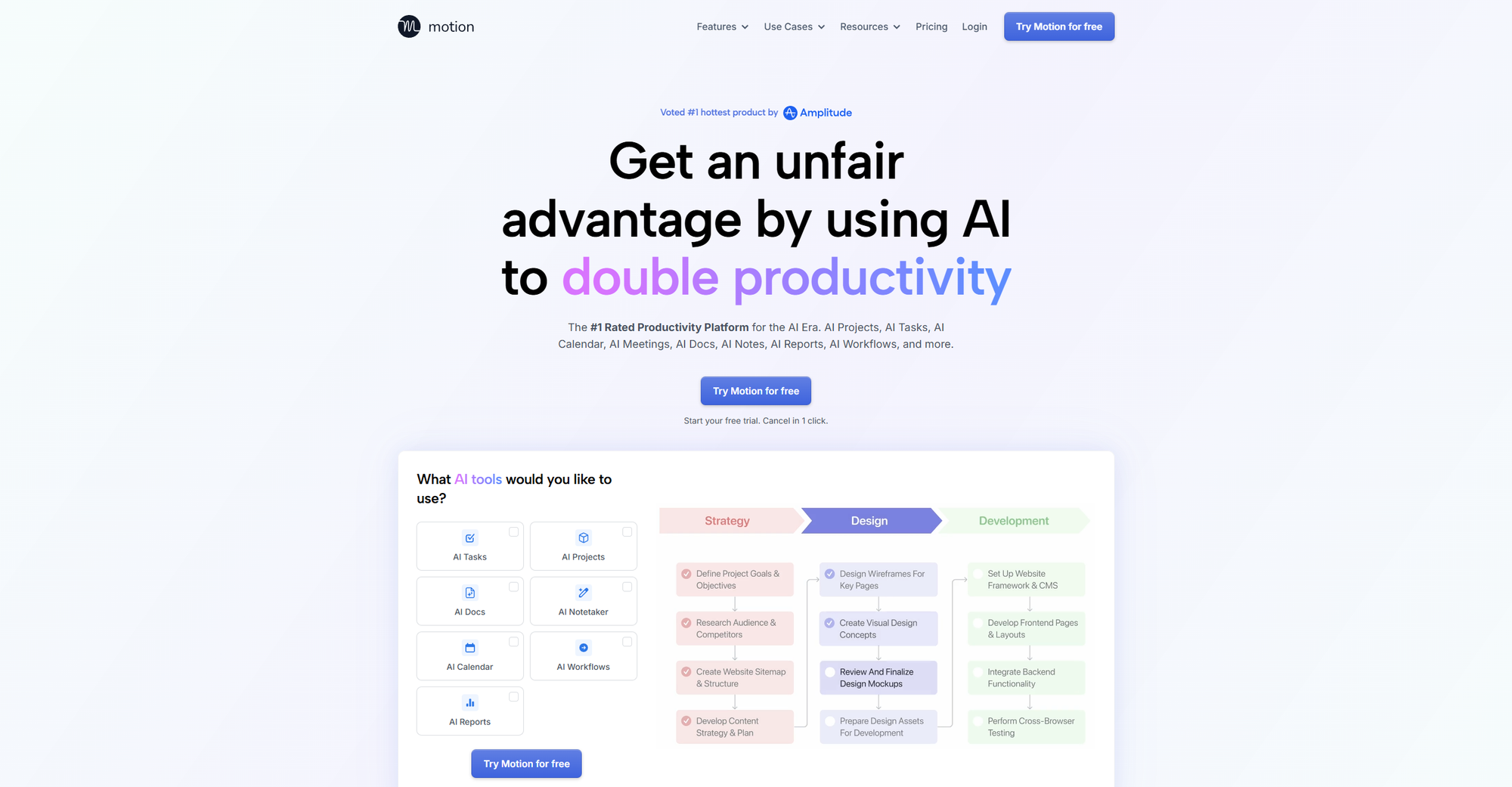
Motion has evolved from an AI scheduler into what it now calls an "AI Employee SuperApp." The core offering is still the same: you add tasks with deadlines and priorities, and Motion builds your day automatically, reshuffling in real-time as meetings appear and priorities shift.
In 2026, it's added AI Employees (pre-built agents for roles like executive assistant, project manager, and sales rep) along with AI Docs, Sheets, and meeting notes. It raised a $60M Series C in December 2025, so there's no sign of the product slowing down.
The auto-scheduler is genuinely best-in-class. If you have a dense calendar with multiple competing deadlines, Motion handles the complexity in a way no manual planner can.
Users who go all-in typically report saving several hours a week once the initial setup is done. But that setup requires real investment. Expect two to four weeks before the system starts feeling natural.
The mobile app (2.7/5 on Google Play) lags significantly behind the desktop experience, pricing has become less transparent with the expansion into a broader product suite, and some users find the aggressive automatic rescheduling disorienting.
If you want to stay in control of when you work on what, Motion can feel like handing your calendar to someone else entirely.
No free plan. A 7-day free trial is available.
🥈 Reclaim — Best for protecting focus time without losing control
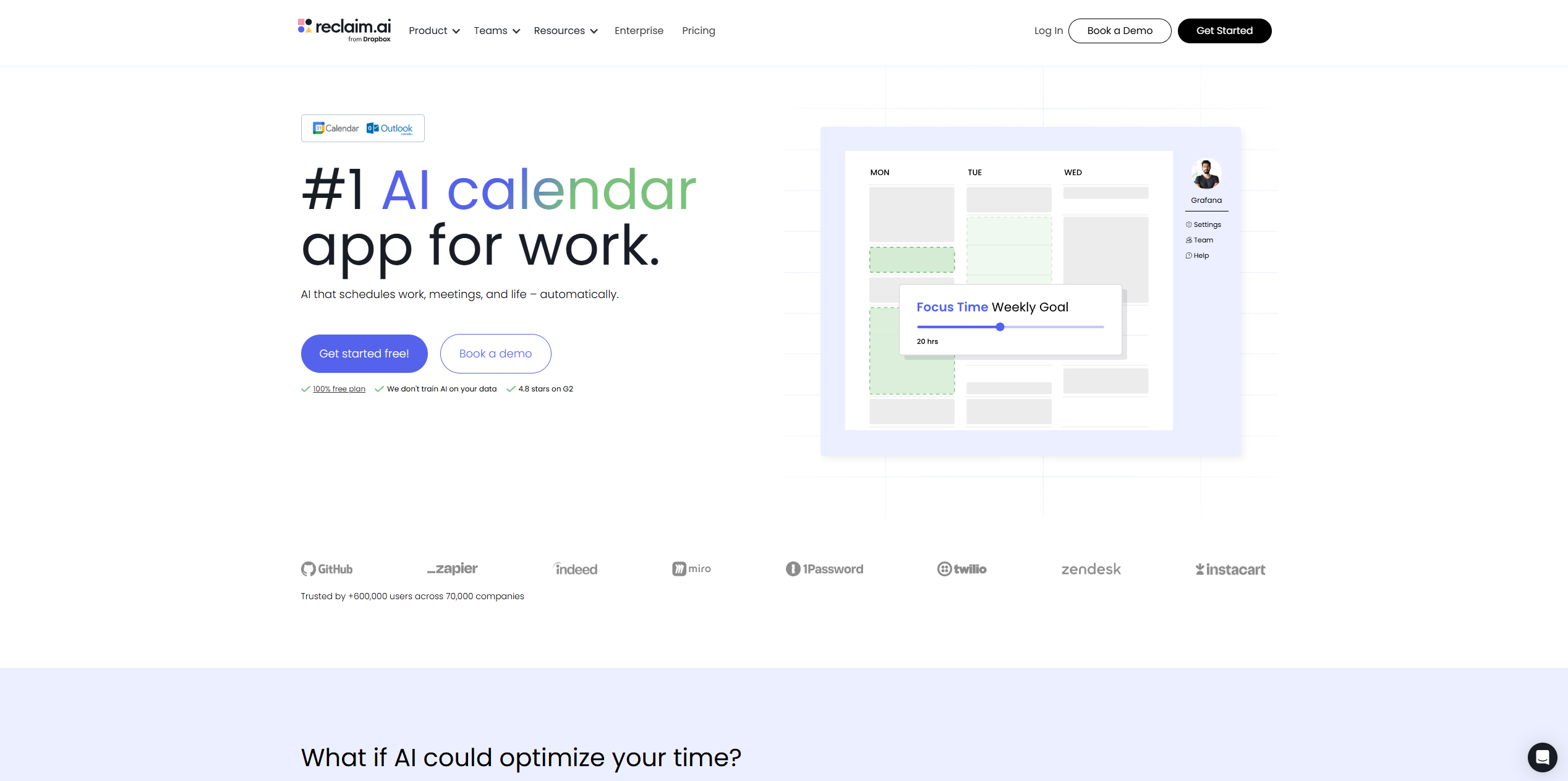
Reclaim (now owned by Dropbox) sits in a sweet spot that most tools don't. It auto-schedules your tasks, habits, and meetings around each other — but within rules you set upfront. You decide how defensive your morning deep-work block should be, and Reclaim enforces it.
The habits system is genuinely unique. You can set daily routines like a morning review or an end-of-day shutdown, tell Reclaim how flexible each one is, and it will protect or reschedule them automatically. No other tool on this list does this as well.
Reclaim also picked up a lot of Clockwise users when that tool shut down in March 2026 — and it's easy to see why. Its team Focus Time features, Slack status sync, and scheduling links cover most of what Clockwise offered, often for less money.
The main limitation on lower plans: full Outlook support requires the Business tier ($12/user/month). If you're on Microsoft 365 and can't switch to Google Calendar, check whether the features you need are available on your plan before committing.
A free Lite plan is available with basic features. Paid plans start at $8/user/month (Starter) on annual billing.
🥉 Morgen — Best for control-first AI planning
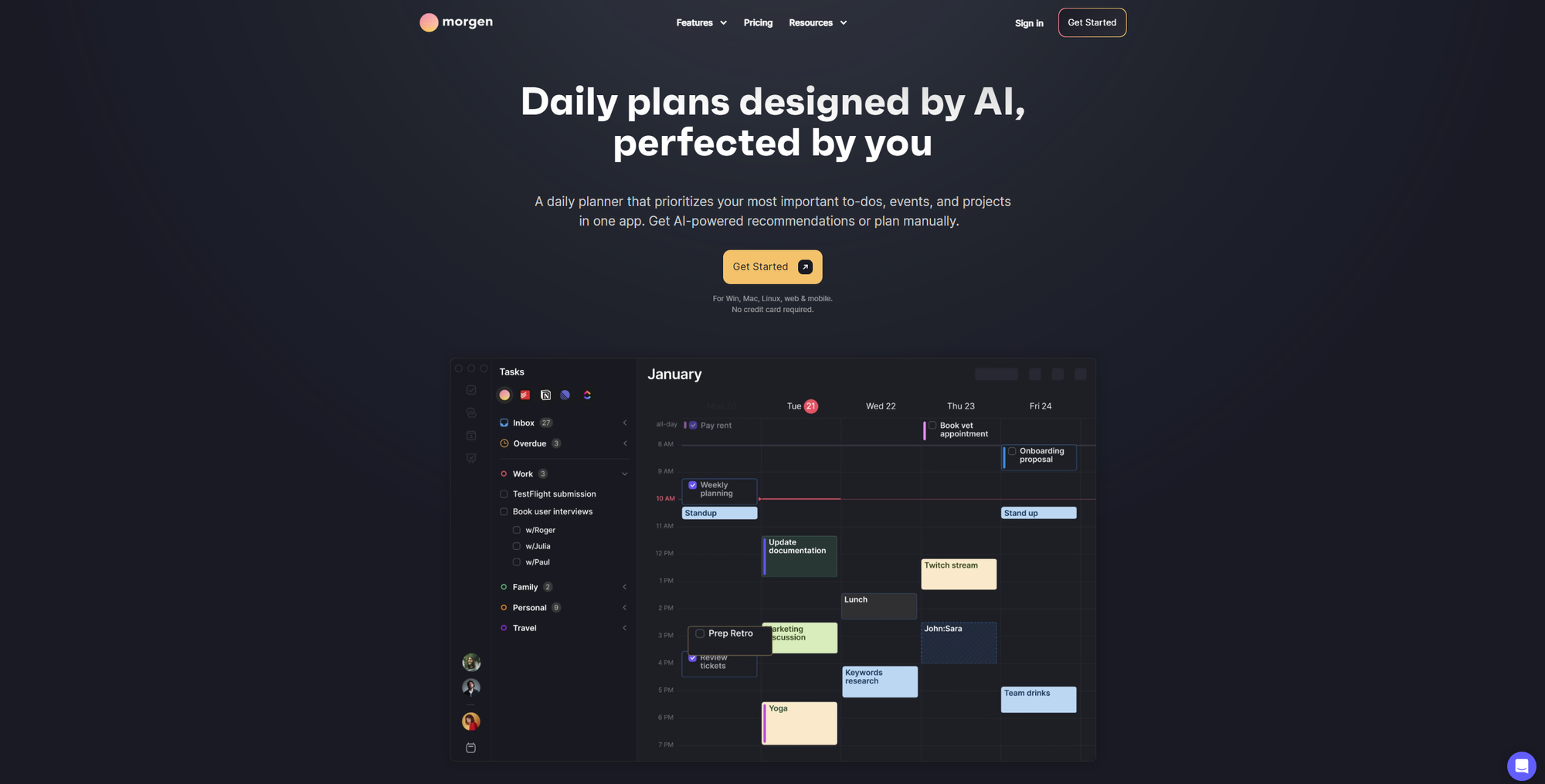
Morgen takes a different philosophical stance to Motion: your calendar is yours to approve. The AI Planner proposes a time-blocked day based on your priorities and capacity, you review it, and you confirm before anything lands on your calendar. Nothing moves without your say-so.
This approach suits people who've tried fully automated schedulers and found the lack of control frustrating. Morgen's "Frames" feature lets you template your week (defining windows for deep work, admin, and personal time) and the AI planner respects those constraints when building its suggestions.
The integration breadth is impressive: Google, Outlook, Apple Calendar, and Fastmail on the calendar side, plus Notion, ClickUp, Linear, Todoist, Obsidian, and more for tasks. If your work is spread across a dozen tools, Morgen pulls it all into one place without requiring you to abandon any of them.
Morgen is also competitively priced versus Motion, making it an appealing option for teams where the fully-automated approach creates more anxiety than productivity.
🏅 Akiflow — Best for power users who want manual control with AI assistance
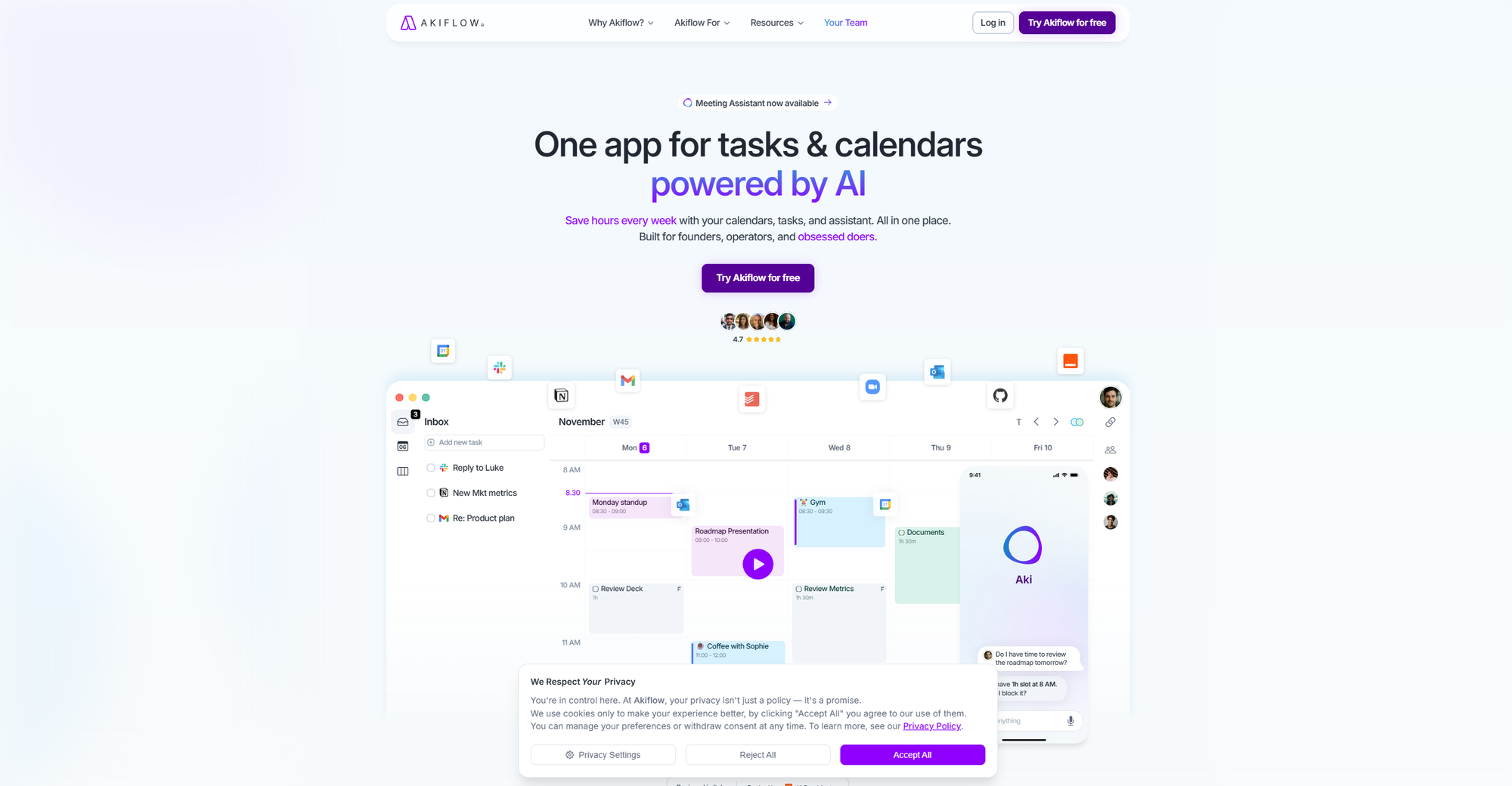
Akiflow is honest about what it is: a tool to help you plan your day, not one that plans it for you. There's no auto-scheduling here. Instead, Akiflow pulls tasks from 30+ apps (Gmail, Slack, Notion, Jira, Asana, Linear, and more) into a single Universal Inbox, and you drag them onto your calendar to time-block your day.
The AI assistant "Aki" adds natural language commands on top of that. Ask it to "block time to prepare for the investor call this afternoon" and it finds the right window and schedules it. But the planning philosophy is still human-first.
For developers and operations-heavy roles who already have a strong intuition about how their day should be structured, Akiflow removes the friction of context-switching across tools without trying to take over. The keyboard-first design rewards people willing to learn the shortcuts.
One honest note: if you want the AI to handle the scheduling complexity for you, Akiflow isn't the right fit. The value is in consolidation and speed, not automation.
Single plan, all features. $19/month (monthly) or $15/month (annual). 7-day trial available.
SkedPal — Best for deadline-driven deep work planning
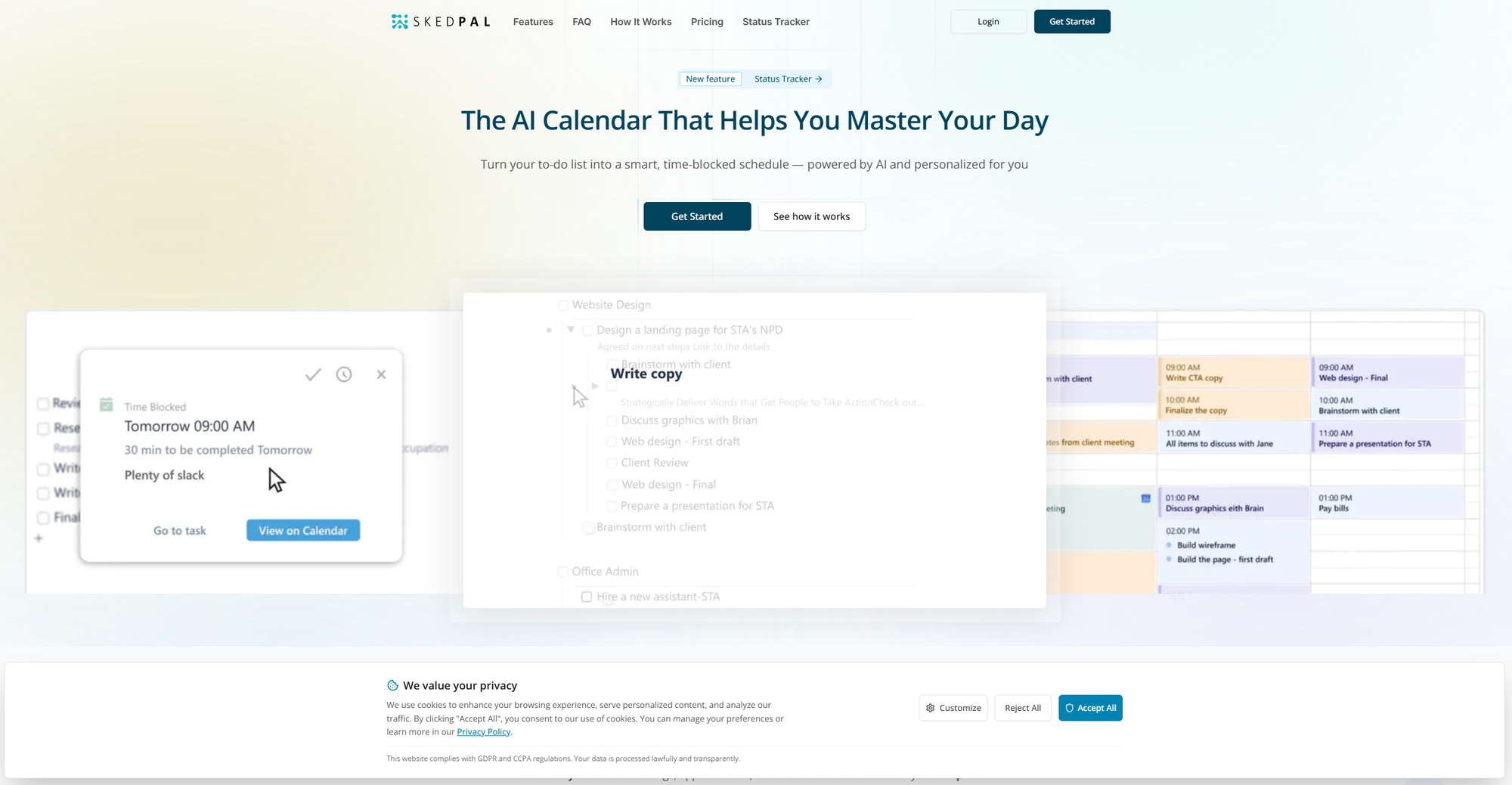
SkedPal is the most configuration-heavy tool on this list. And also the most powerful for users who invest in that configuration. You define "Time Maps" (preferred working windows for different task types), set task priorities and deadlines, and SkedPal builds a schedule that respects all of it automatically.
When your day changes, SkedPal recalibrates: if a meeting runs long or a task takes more time than expected, it redistributes remaining work into the next appropriate windows without you having to do anything. This adaptive rescheduling is what sets it apart from simpler time-blocking tools.
The tradeoff: SkedPal has a reputation for being hard to learn. Long-term users consistently report that it took weeks before the system felt intuitive, and the interface shows its age compared to the cleaner, more modern tools on this list. If you're willing to invest the time, the payoff is a scheduling system that genuinely models the complexity of knowledge work. If you're not, start with Reclaim.
No free plan. Paid plans start at $9.95/month (annual). 14-day free trial available.
What happened to Clockwise?
Clockwise announced its shutdown on March 18, 2026, with the product going offline on March 27. For the teams that relied on it to cluster meetings and protect focus time across Google Workspace, Reclaim is the most direct replacement — and is actively running a price-match promotion for migrating customers through June 2026.
If you were a Clockwise user and haven't made the switch yet, Reclaim's Starter plan ($8/user/month) covers most of what you were using Clockwise for, often with more flexibility.
How to choose the right tool
The honest answer is that the best AI calendar assistant depends almost entirely on how much you want to hand over to the AI.
Choose Motion
If you have a consistently dense calendar with competing deadlines and you're willing to commit fully to letting AI manage the details. The ROI is real, but only for users who go all-in.
Choose Reclaim
If you want meaningful automation with clear rules — particularly if protecting focus time, habits, and team scheduling are your main pain points. The free Lite plan makes it low-risk to test.
Choose Morgen
If you like the idea of AI-assisted planning but want to stay in control. The approve-first approach is a genuinely good middle ground between full automation and manual time-blocking.
Choose Akiflow
If your primary problem is task fragmentation across too many tools and you prefer to do your own scheduling with better inputs.
Choose SkedPal
If you have complex, deadline-driven work with lots of competing priorities and you're willing to invest time in setup.
FAQ
Do AI calendar assistants work with Google Calendar and Outlook?
Most do, though Outlook support varies. Motion and Reclaim (Business plan) support both fully. Morgen supports Google, Outlook, Apple Calendar, and Fastmail. Akiflow supports Google and Outlook. SkedPal supports Google Calendar, Outlook, and iCloud. Always check the specific plan you're considering — Reclaim's full Outlook integration requires the Business tier.
Is there a free AI calendar assistant?
Reclaim's Lite plan is genuinely free and includes basic habit scheduling, up to 3 smart meetings, and calendar syncing. It's a good way to test AI scheduling concepts before committing to a paid plan.
Are AI calendar assistants worth it for solopreneurs?
For solopreneurs with a consistent mix of client meetings, deep work, and admin, yes. Reclaim's Starter plan ($8/month) offers strong ROI for most solo professionals. Motion makes more sense if you're managing multiple projects with hard deadlines simultaneously.
What's the difference between an AI calendar assistant and a scheduling tool like Calendly?
Calendly and similar tools help external parties book time with you. AI calendar assistants manage your existing schedule — protecting focus time, auto-scheduling tasks, and adapting your day as things change. They solve different problems and are often used together.
Which AI calendar assistant is best for teams?
Motion's Business AI plan offers the deepest team features: shared project visibility, workload balancing, and manager dashboards. Reclaim's Business plan is a more affordable option with strong team Focus Time policies and workforce analytics. Both integrate with Slack and common project management tools.