


You've got a landing page to ship, a portfolio to launch, or a full marketing site to build. And you'd rather not spend six weeks learning React to do it.
Good news: no-code website builders have levelled up significantly. The best ones now handle everything from simple one-pagers to complex CMS-driven sites with animations, forms, and e-commerce. Bad news? There are way too many options, and they all claim to be "the easiest" and "most powerful."
This guide cuts through the noise.
We've tested the top no-code builders and ranked them based on what actually matters for founders: design flexibility, ease of use, pricing transparency, and how quickly you can go from blank canvas to live site.
Here's the TL;DR before we dive in:
| Builder | Best For | Starting Price | Free Plan |
|---|---|---|---|
| Webflow | Design-obsessed founders who want full control | $14/month | Yes (limited) |
| Framer | Fast, beautiful marketing sites | $10/month | Yes |
| Squarespace | All-in-one simplicity | $16/month | 14-day trial |
| Carrd | Quick landing pages and link-in-bio sites | $9/year | Yes (3 sites) |
| Wix | Beginners who want hand-holding | $17/month | Yes (limited) |
| Webstudio | Open-source Webflow alternative | Free (self-host) | Yes |
| Softr | Turning Airtable/Google Sheets into apps | $49/month | Yes |
1. Webflow
Webflow Site Plans — pricing
Starter
Free
Webflow.io subdomain, 2 pages, limited features
Basic
$14/mo
Custom domain, no CMS, simple static sites
CMS
$23/mo
2,000 CMS items, blogs, dynamic content
Business
$39/mo
10,000 CMS items, high traffic, priority support
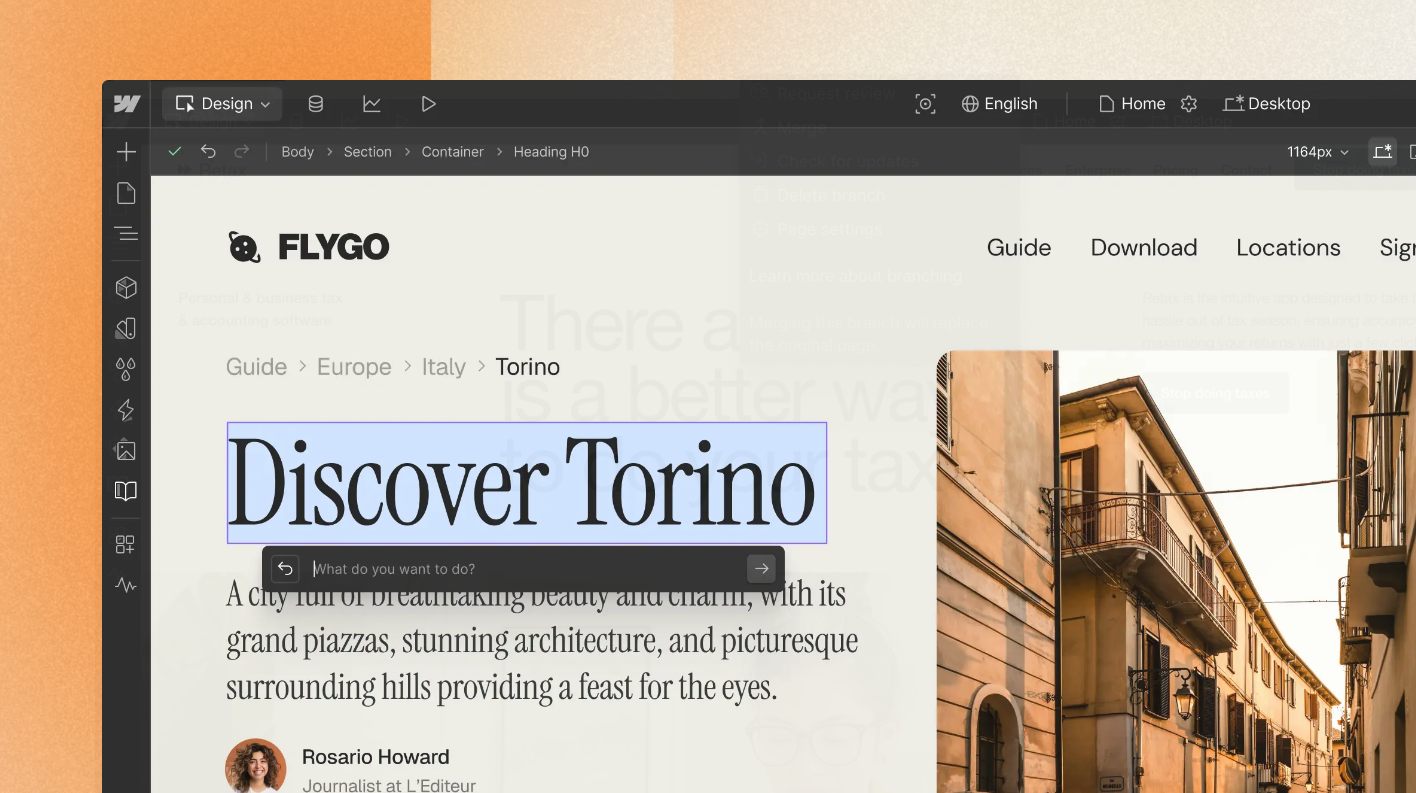
Webflow sits at the intersection of design tool and website builder. It gives you the power of custom CSS without writing any code, which means you can build genuinely unique sites rather than templates that look like everyone else's.
The catch? Webflow has a steeper learning curve than most competitors. You'll need to understand concepts like flexbox, relative positioning, and the box model. For designers or technically-minded founders, this is actually a feature. For everyone else, it might feel like overkill.
What makes it stand out:
The CMS is genuinely powerful. You can create custom content structures (think: team members, case studies, product features) and design exactly how they display. This makes Webflow excellent for content-heavy marketing sites and blogs.
Interactions and animations are built-in. Want a parallax effect, a hover state, or a scroll-triggered animation? You can build these visually without touching JavaScript.
The hosting is fast. Webflow sites load quickly out of the box, with automatic image optimisation and a global CDN.
The pricing gets confusing:
Webflow uses a dual billing system that trips up newcomers. Site Plans cover hosting and your live website. Workspace Plans cover collaboration and staging sites. You need both if you're working with a team.
Watch out for bandwidth limits. If your site takes off, you might get auto-upgraded to a higher tier.
2. Framer
Framer — pricing
Free
Free
Framer subdomain, Framer branding, 1,000 pages
Basic
$10/mo
Custom domain, no branding, 30 pages
Pro
$30/mo
Staging, password protection, 150 pages
Scale
$100/mo
Usage-based add-ons, A/B testing, advanced analytics
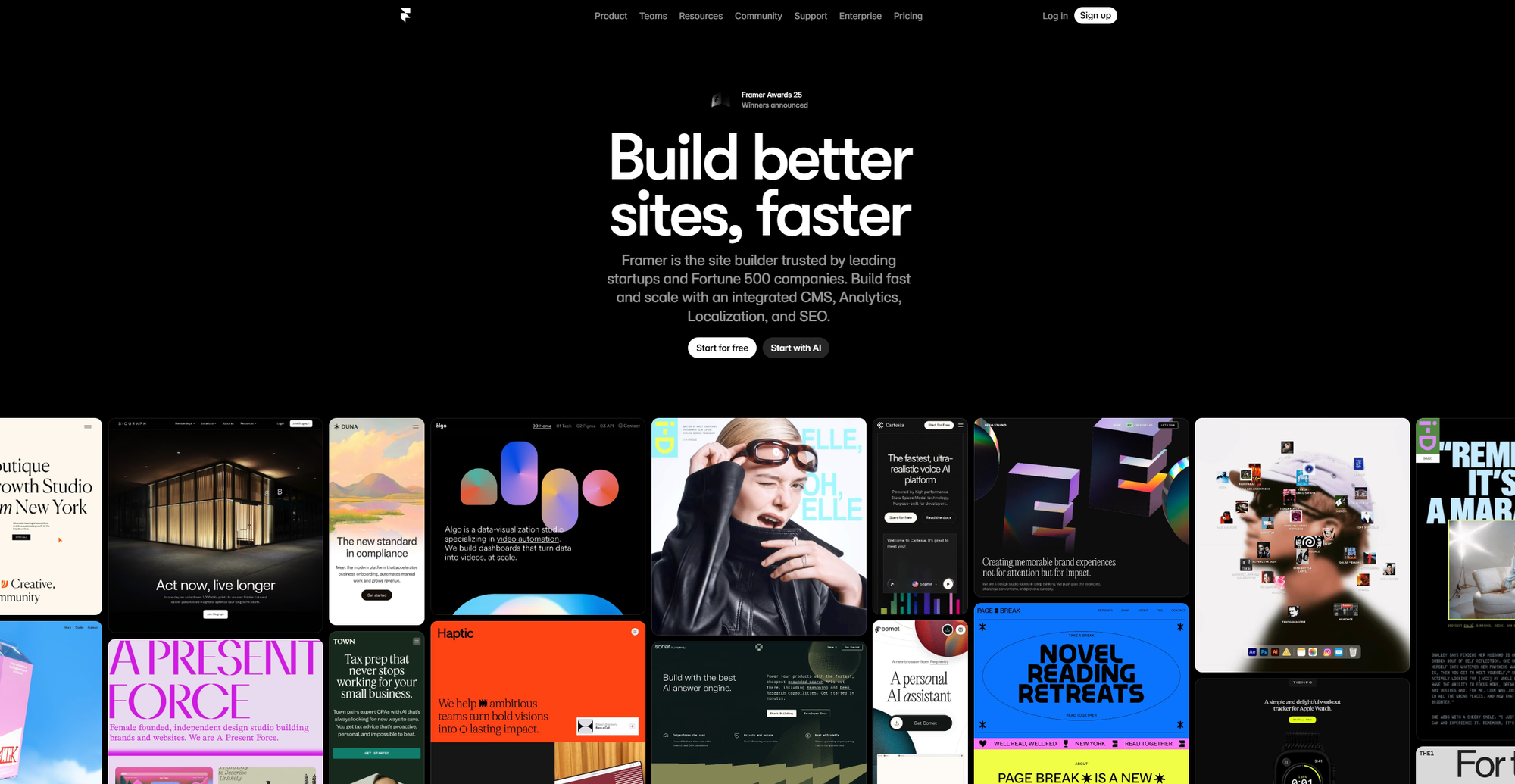
Framer started as a prototyping tool for designers and pivoted into a full website builder. That heritage shows: Framer sites tend to look polished and contemporary with minimal effort.
The editor feels snappier than Webflow, and the learning curve is gentler. You can drag elements around, adjust spacing visually, and add smooth animations without understanding CSS transforms.
What makes it stand out:
Templates are genuinely good. Unlike some builders where templates feel like starting points you'll completely rebuild, Framer templates often work with minimal tweaking.
Components and variants let you create reusable elements (like buttons, cards, navbars) and manage them centrally. Change the master component and it updates everywhere.
Publishing is instant. Hit publish and your site is live in seconds, not minutes.
Where it falls short:
The CMS is more limited than Webflow's. You get collections for things like blog posts, but the flexibility isn't quite there for complex content structures.
E-commerce is basically non-existent. If you're selling products, look elsewhere.
Editor seats are billed separately, which can add up for larger teams.
3. Squarespace
Squarespace — pricing
Basic
$16/mo
Portfolios, blogs, 3% transaction fees on sales
Core
$23/mo
0% transaction fees, custom code, integrations
Plus
$39/mo
Lower payment processing, product reviews
Advanced
$99/mo
Abandoned cart recovery, subscriptions, advanced shipping
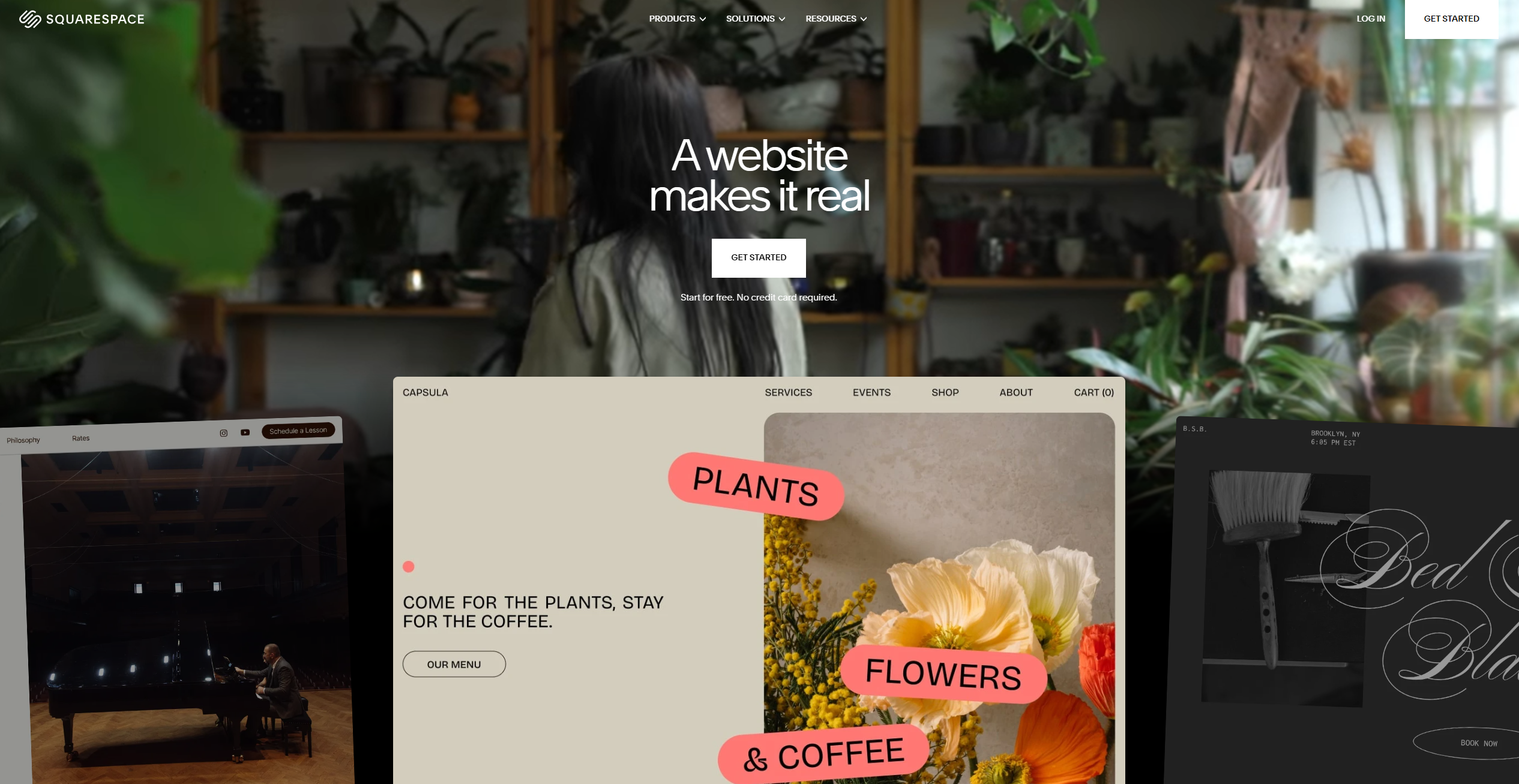
Squarespace is the reliable all-rounder. It won't give you the design freedom of Webflow or the speed of Framer, but it handles the widest range of use cases competently.
Need a blog? Built-in. E-commerce? Included on all plans (though transaction fees apply on lower tiers). Scheduling for appointments? Available as an add-on. Email marketing? That too.
What makes it stand out:
The template quality is consistently high. Squarespace has been refining their templates for years, and it shows. Most look professional out of the box.
Everything just works together. Because Squarespace owns the whole stack (hosting, CMS, e-commerce, email), integrations between features are seamless. No Zapier needed.
Support is available 24/7. Unlike some competitors where you're left trawling forums, Squarespace offers real human support via chat and email.
Where it falls short:
Customisation hits walls. You can change colours, fonts, and layout options, but if you want something the template doesn't support, you're often stuck. Advanced CSS is available on higher plans, but the underlying structure limits what's possible.
It's not the cheapest. For a simple marketing site, $16-23/month adds up compared to alternatives.
The recent pricing restructure added e-commerce to all plans, which is good news. The bad news: transaction fees on Basic can eat into margins quickly if you're selling anything.
4. Carrd
Carrd — pricing
Free
Free
3 sites, Carrd subdomain, Carrd branding
Pro Lite
$9/year
No branding, premium templates, 3 sites
Pro Standard
$19/year
Custom domains, forms, embeds, 10 sites
Pro Plus
$49/year
Code export, redirects, advanced features, 25 sites
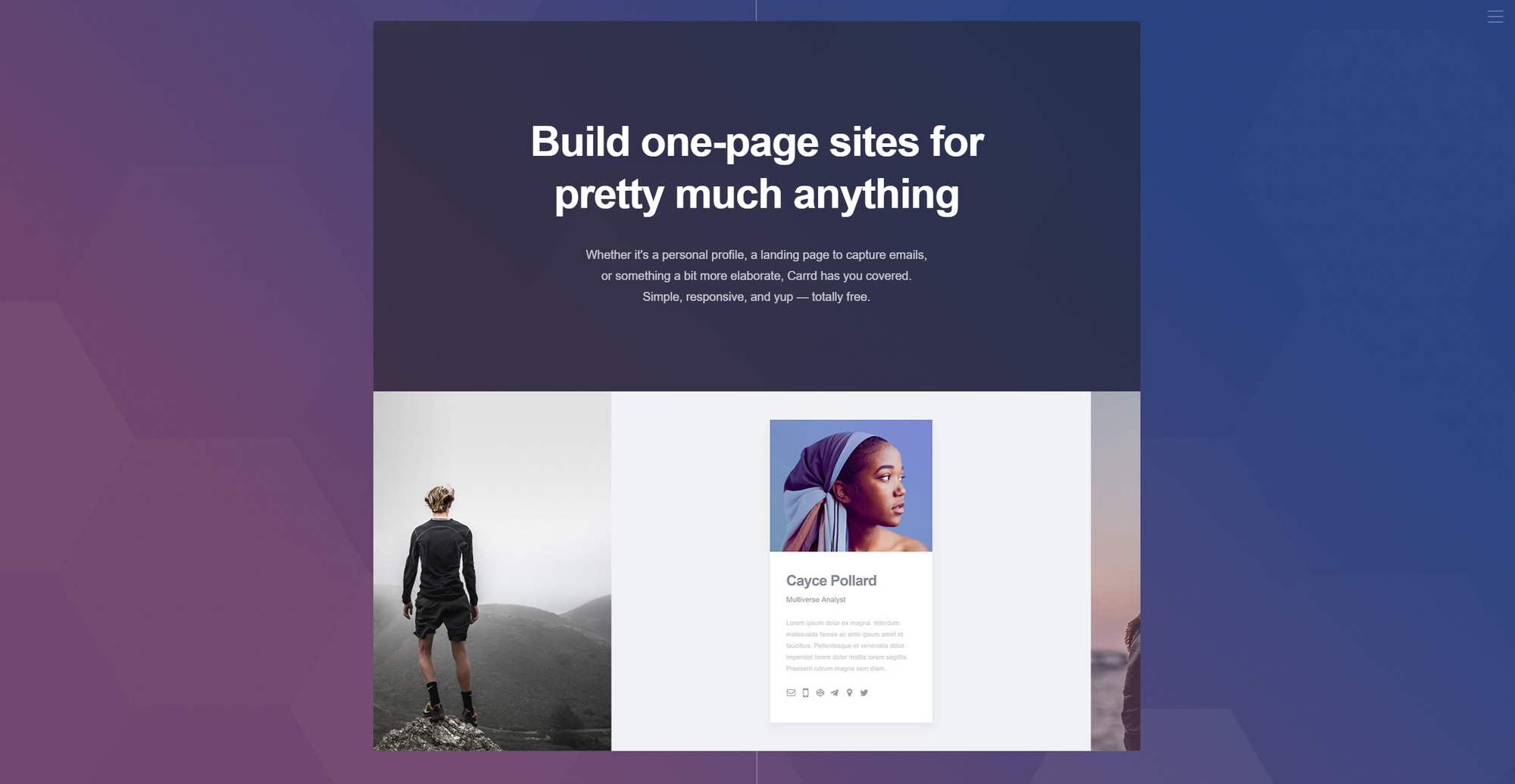
Carrd does one thing exceptionally well: single-page websites. If you need a quick landing page, a personal site, a coming-soon page, or a link-in-bio alternative to Linktree, Carrd is probably the fastest route from idea to live URL.
The entire platform is built around constraints. You get one page. No CMS. No blogging. No e-commerce (though you can embed payment buttons). These limitations are actually the point. They force simplicity and speed.
What makes it stand out:
The price is absurd. $19/year for the Pro Standard plan gets you 10 sites with custom domains, forms, analytics, and embeds. That's less than what most builders charge per month.
Setup takes minutes, not hours. The editor is intentionally stripped back. Pick a template, swap in your content, publish. Done.
Forms actually work. Unlike some free builders that make you pay extra for basic form functionality, Carrd includes form handling with integrations for Mailchimp, ConvertKit, and others.
Where it falls short:
One page means one page. If you need multiple pages, a blog, or complex navigation, Carrd isn't the answer.
Design flexibility is limited. You can customize within templates, but you're not going to create something that looks radically different from the starting point.
5. Wix
Wix — pricing
Free
Free
Wix ads, Wix subdomain, limited features
Light
$17/mo
No Wix ads, custom domain, basic features
Core
$29/mo
Marketing suite, 50GB storage, analytics
Business
$36/mo
E-commerce, subscriptions, automations
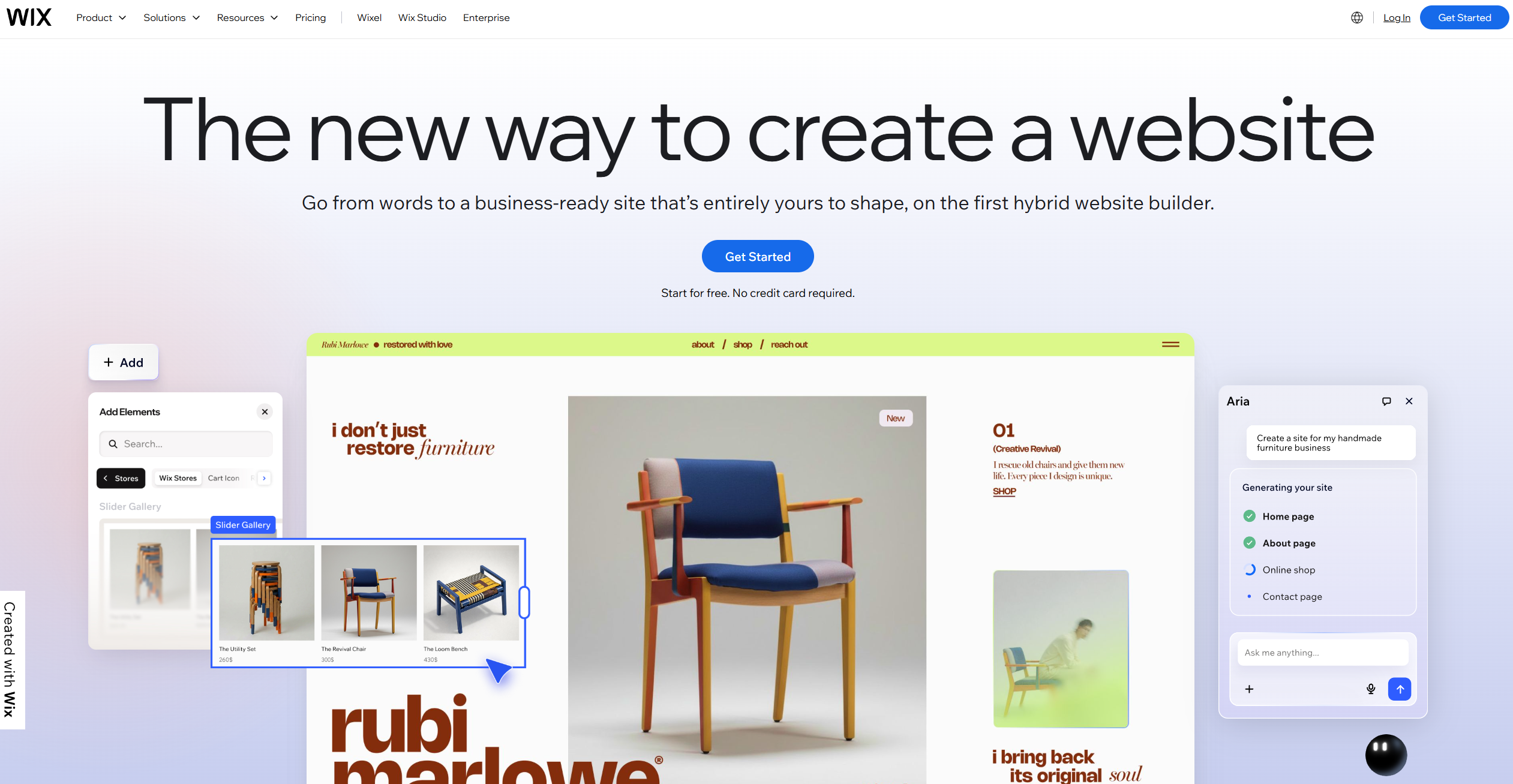
Wix has been around forever, and it's evolved significantly from its early drag-and-drop days. The platform now includes an AI site builder (ADI), a more advanced editor (Wix Studio), and a sprawling ecosystem of apps and integrations.
For absolute beginners, Wix is probably the gentlest introduction to website building. The AI can generate a starting point based on your answers to a few questions. Templates are plentiful. And the editor gives you true drag-and-drop freedom (which can be both good and bad).
What makes it stand out:
The app market is huge. Need a booking system, a restaurant menu, event tickets, or member logins? There's probably a Wix app for it.
ADI (Artificial Design Intelligence) can build you a starting point. Answer questions about your business, and Wix generates a site. It's not perfect, but it's useful if you're stuck staring at a blank canvas.
The free plan actually lets you build. Unlike some competitors where free plans are unusable, you can launch a basic site on Wix for free (with Wix branding and ads).
Where it falls short:
Sites can feel heavy. Wix has historically had performance issues, and while they've improved, Wix sites still tend to load slower than Webflow or Framer equivalents.
The pricing is confusing. There's Wix (the main product), Wix Studio (for agencies), different plan tiers, apps with their own subscriptions... it adds up and gets complicated fast.
Design freedom leads to design disasters. True drag-and-drop means you can put anything anywhere, which often results in sites that look messy or break on mobile.
6. Webstudio
Webstudio — pricing
Self-Hosted
Free
Full features, host anywhere, no platform fees
Cloud
Varies
Managed hosting, simpler setup, pay-as-you-go
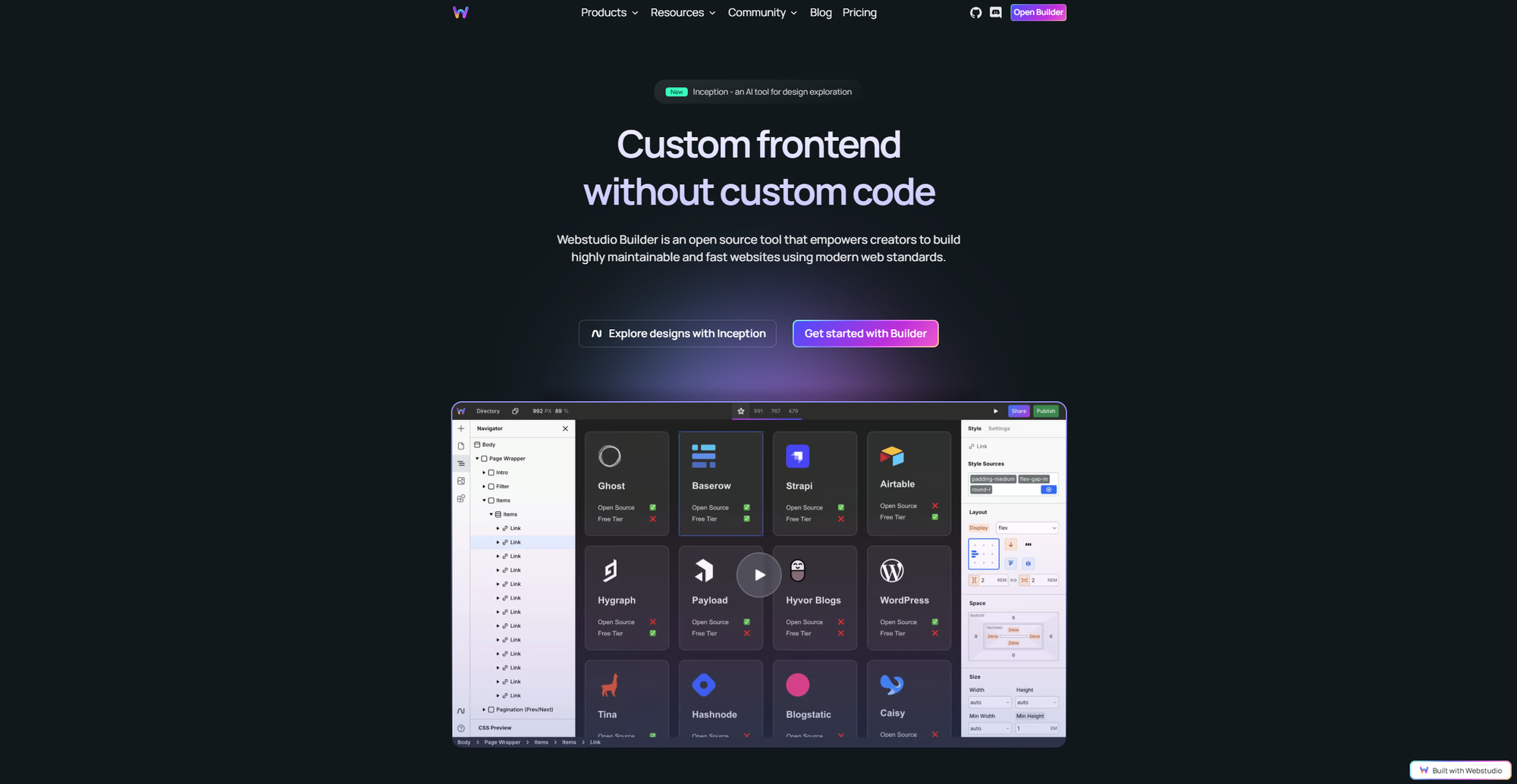
Webstudio is the open-source alternative to Webflow. If you've ever thought "I love Webflow but hate paying $30/month for a marketing site," Webstudio might be your answer.
The visual builder feels familiar if you've used Webflow. You get similar concepts (components, CSS control, responsive design) in an interface that won't require relearning everything.
What makes it stand out:
It's genuinely free if you self-host. You can export your site and host it anywhere. No ongoing platform fees, no per-site charges.
The builder is improving rapidly. As an open-source project with active development, features are being added constantly.
You own your code. Export clean HTML/CSS that works anywhere. No lock-in.
Where it falls short:
It's newer and less polished than established players. You'll encounter bugs and missing features that Webflow solved years ago.
The ecosystem is smaller. Fewer templates, fewer integrations, smaller community for help.
Self-hosting requires technical knowledge. If "deploy to Vercel" sounds intimidating, the free version might not be practical for you.
7. Softr
Softr — pricing
Free
Free
1 app, 5 external users, Softr branding
Basic
$49/mo
Unlimited users, custom domain, no branding
Professional
$139/mo
Advanced permissions, integrations, API access
Business
$269/mo
Priority support, custom CSS/JS, SSO
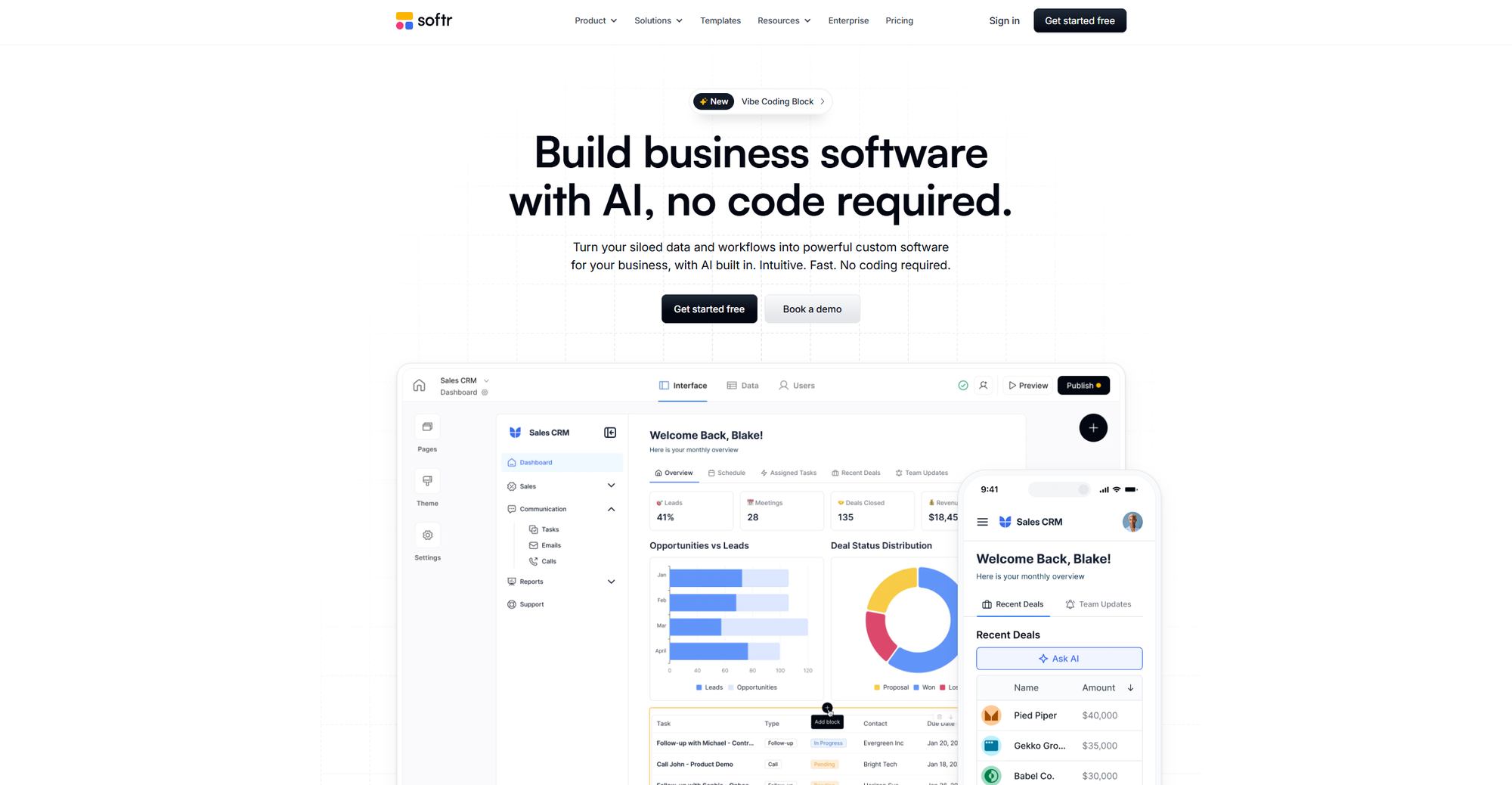
Softr sits in a different category from the other builders here. Rather than building traditional marketing sites, Softr excels at turning your existing data (in Airtable or Google Sheets) into functional web applications.
Think: client portals, internal dashboards, directories, membership sites, job boards. Anywhere you've got structured data and want to give people a nice interface to interact with it.
What makes it stand out:
The Airtable integration is seamless. Your Airtable base becomes your backend. Update a record in Airtable and it instantly reflects on your Softr site.
User authentication is built-in. Create member-only areas, gated content, or user-specific dashboards without writing code.
Pre-built blocks speed things up. Rather than designing from scratch, you combine pre-built components (tables, lists, forms, charts) into functional pages.
Where it falls short:
It's not a general-purpose website builder. If you want a marketing site or portfolio, use literally anything else on this list.
Pricing jumps quickly. The free plan is limited to 5 users. Once you need more, you're at $49/month minimum.
Design customization is limited. You're working with blocks and components, not pixel-perfect design control.
How to Choose
Still not sure? Here's a quick decision tree:
"I need something live in the next hour" → Carrd (one-pager) or Framer (if you need multiple pages)
"I care deeply about design and want full control" → Webflow
"I want everything built-in and don't want to think about it" → Squarespace
"I'm a complete beginner and need maximum guidance" → Wix
"I have data in Airtable and want to build something with it" → Softr
"I want Webflow features without Webflow pricing" → Webstudio (if you're technical)
"I just want a beautiful marketing site, quickly" → Framer
The "best" no-code builder depends entirely on what you're building and how much time you want to invest.
For most founders shipping a marketing site or landing page, Framer and Carrd offer the best balance of speed, quality, and price. They'll get you live fastest without sacrificing professionalism.
If you're building something more complex (content-heavy sites, custom CMS structures, advanced interactions), Webflow is worth the learning investment. The upfront time pays off in flexibility down the road.
And if you just want something that works without thinking too hard about it, Squarespace remains the reliable choice it's always been.
The best website is the one that actually gets shipped. Pick a tool, start building, and remember: you can always migrate later if you outgrow it.
Last updated: March 2026. Prices and features may have changed since publication.

