Here's a fun statistic: the average person gets distracted every 40 seconds when working at a computer. Forty seconds.
I'm not sure that's a focus problem. I think that might be a design problem. Social media apps, news feeds, and video platforms are built by teams of engineers whose entire job is to pull your attention away from whatever you were actually trying to do.
Willpower alone was never going to win that fight. Distraction blockers are the cheat code.
Whether you're a freelancer trying to hit a deadline, a founder in deep work mode, or someone who's just tired of losing hours to YouTube rabbit holes, there's an app on this list that'll work for you. Here are the seven best distraction blockers for Mac and Windows in 2026, including a few genuinely free options.
What to look for in a distraction blocker
Before the list: not all blockers are built the same. Some work at the browser level (easy to bypass). Some work at the system level (much harder to get around). And some are basically impossible to disable once activated, which is either your saving grace or your worst nightmare depending on how you feel about locking yourself out of Reddit.
A few things worth checking before you commit:
- Platform support — Mac only, Windows only, or both? Does it also cover your phone?
- Block type — Website only, or can it block apps too?
- Enforcement — Can you turn it off mid-session if you panic? (Sometimes the answer should be no)
- Scheduling — Can you set recurring focus blocks automatically?
- Price — Free forever, or free trial then paid?
With that out of the way, here's the list.
1. Freedom — Best for blocking across all your devices
Mac, Windows, iOS, Android, Chrome | Free trial, then from $3.33/month

Freedom is the gold standard for a reason.
The thing that sets it apart from almost everything else on this list is cross-device blocking. Start a session on your Mac and Freedom simultaneously blocks the same distractions on your iPhone, iPad, and Android. No more locking yourself out of Instagram on your laptop only to immediately open it on your phone.
You can block individual websites, entire app categories, or the full internet.
Blocklists are customizable, scheduling is dead simple, and Locked Mode means you genuinely cannot disable a session once it's started. It even has built-in ambient sounds (coffee shop noise, nature sounds, Brain.fm tracks) if you want background audio to go with your focus session.
The one honest downside: there's no permanent free tier. You get a free trial to start, after which it's $3.33/month billed annually ($8.99 month-to-month). A lifetime plan exists at $199 if you're committed.
2. Cold Turkey Blocker — Best for people who don't trust themselves
Windows (website + apps), Mac (websites only) | Free tier, Pro $39 one-time
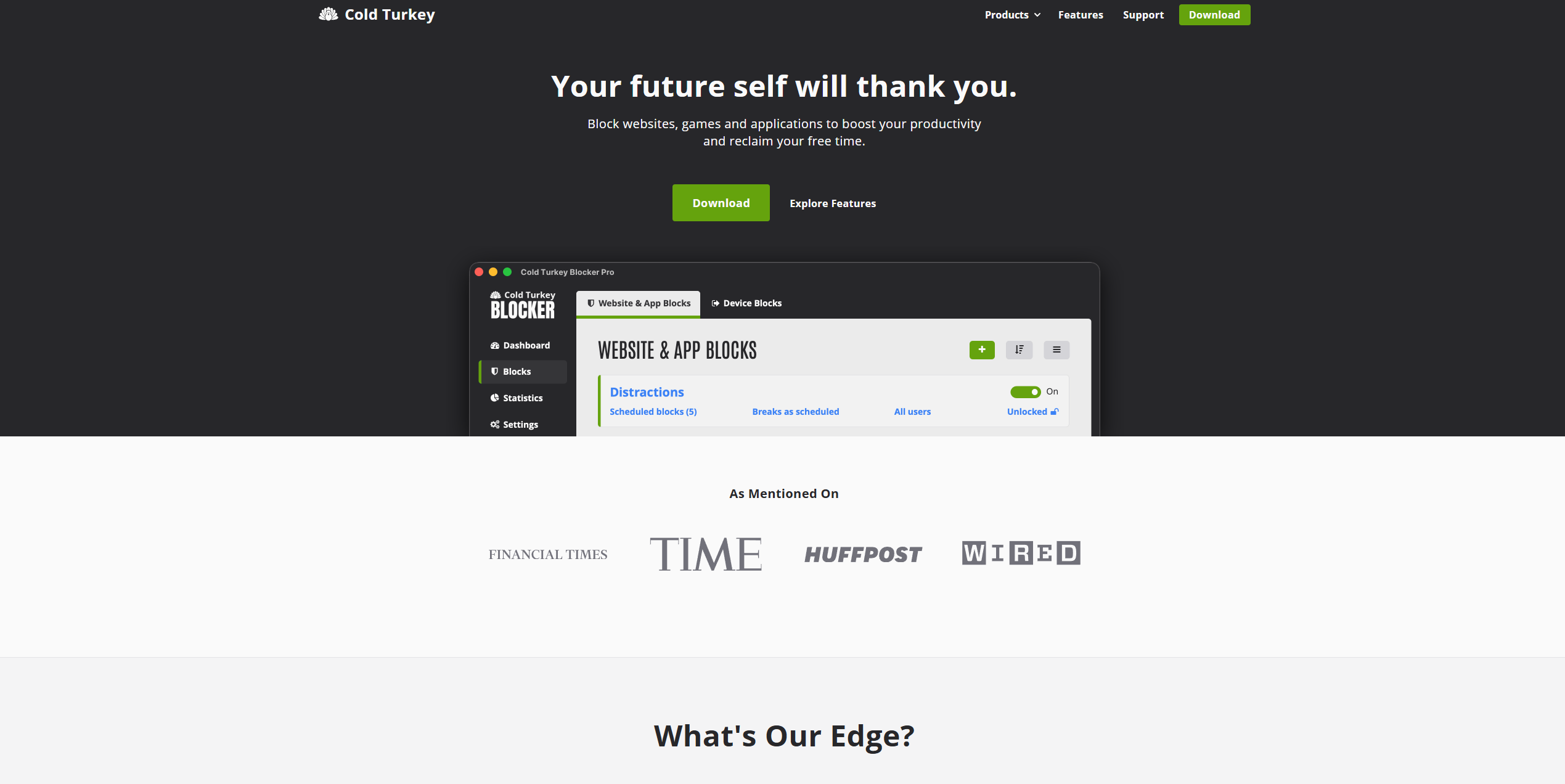
Cold Turkey earns its name. This is the blocker you reach for when you've already tried willpower, three other apps, and several stern conversations with yourself. It is ruthlessly effective.
The free version blocks websites on a schedule. The Pro version ($39 one-time, no subscription) adds app blocking, usage stats, password protection, and the truly unhinged Frozen Turkey mode which locks you out of your computer entirely until the timer ends.
You can also block the Time & Language settings to stop yourself gaming the system by changing your computer's clock. You can even make it impossible to uninstall Cold Turkey until your scheduled block is complete.
Is that extreme? Yes. Does it work? Absolutely.
Worth noting that the Mac version only blocks websites, while Windows gets the full app-blocking experience too. If you're on Mac and need app blocking alongside website blocking, Freedom or FocusMe will serve you better.
3. RescueTime — Best for understanding where your time actually goes
Mac, Windows, Android, Chrome | Free tier, Premium from $12/month
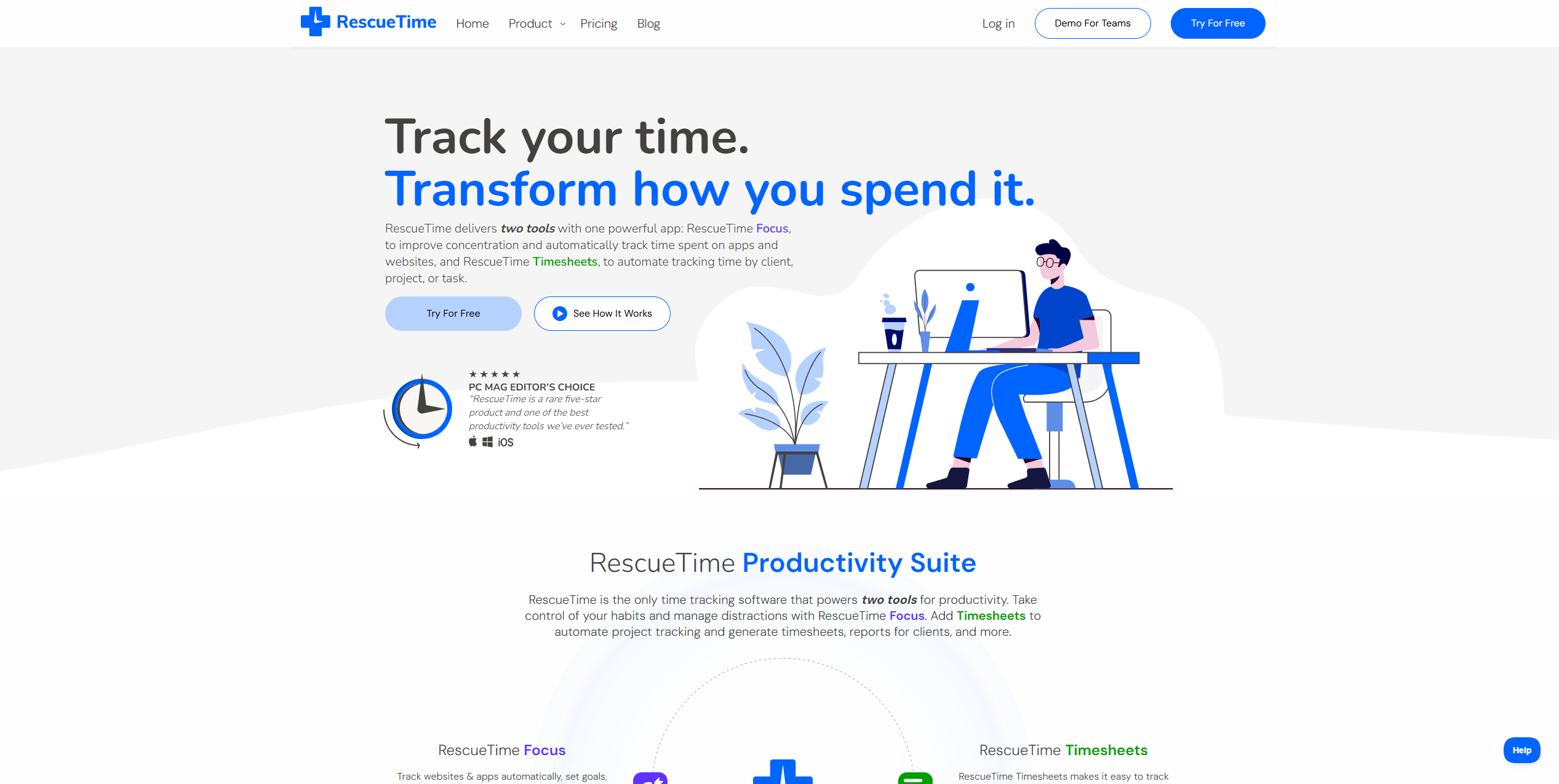
Most distraction blockers are reactive. You tell them what to block and they block it. RescueTime is different. It runs quietly in the background, automatically tracking everything you do on your computer and building an honest picture of where your time actually goes.
The result is sometimes confronting. ("Did I really spend three hours on news sites this week? Apparently yes.") But that visibility is the point. RescueTime categorizes your activity as productive or unproductive, sends you weekly reports, and can trigger automatic blocking of your worst offenders when you hit a threshold you set yourself.
The free tier gives you basic tracking and reporting. Premium unlocks FocusTime (distraction blocking), offline time tracking, and more detailed reports. It's less of a "nuclear block everything" tool and more of a "understand your habits then address them" approach, which suits some people much better.
4. FocusMe — Best cross-platform option with serious customization
Mac, Windows, Android, Linux | From $4.99/month or $69.99/year
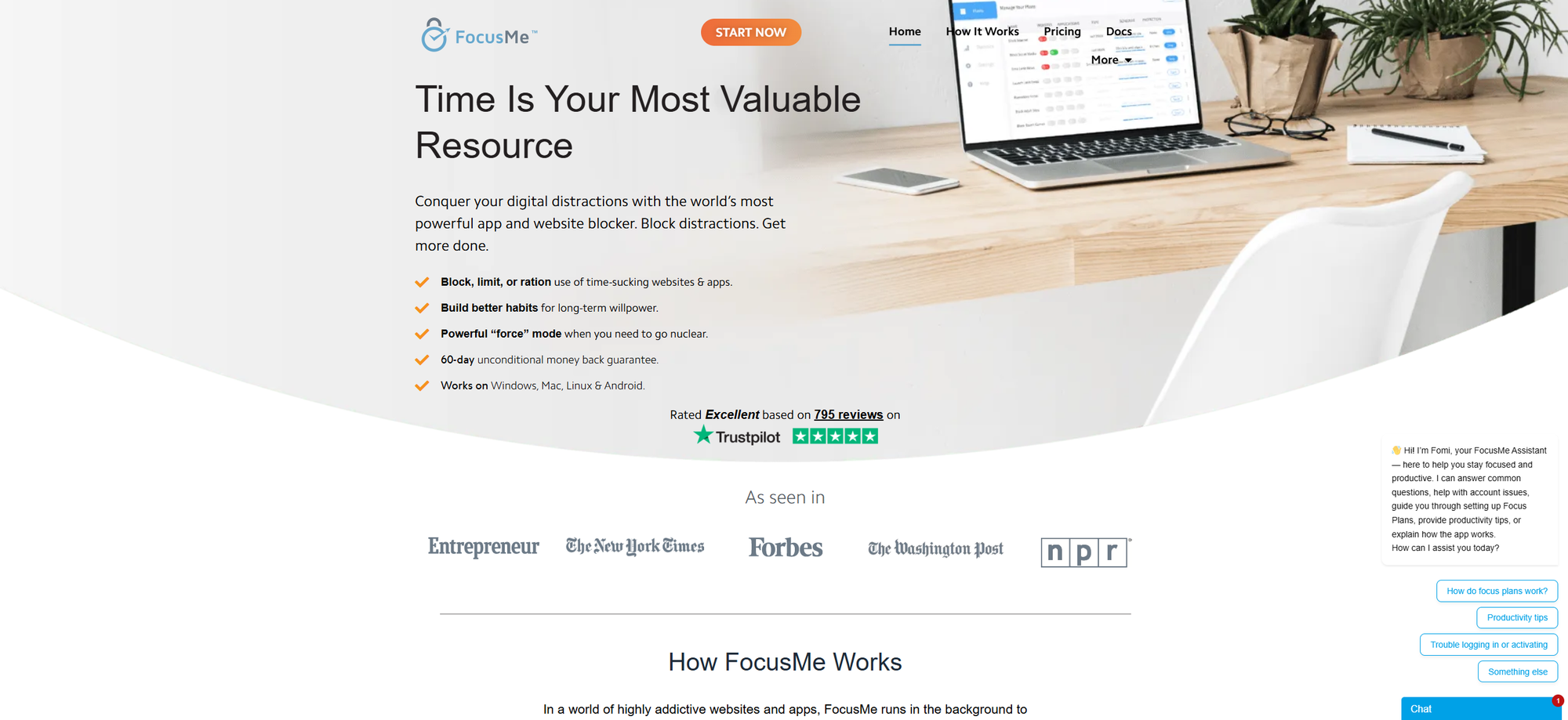
FocusMe sits somewhere between Freedom's simplicity and Cold Turkey's brutality. It blocks websites and apps, works across Mac, Windows, Android, and Linux, and comes with pre-built blocking plans (Social Media, News, Gaming) that you can activate instantly without configuring anything from scratch.
The Force Mode is its equivalent of Cold Turkey's locked sessions. Once activated, your settings are locked and you cannot change them until the timer ends. It also includes a built-in Pomodoro timer, break reminders, and real-time progress tracking, so it doubles as a lightweight productivity system rather than just a blocker.
Pricing is subscription-based, which some people prefer to avoid, but the annual plan works out to around $5.83/month and covers all your devices. There's a 7-day free trial and a 60-day money-back guarantee, so the risk to test it is low.
5. StayFocusd — Best free option for Chrome users
Chrome extension | Free
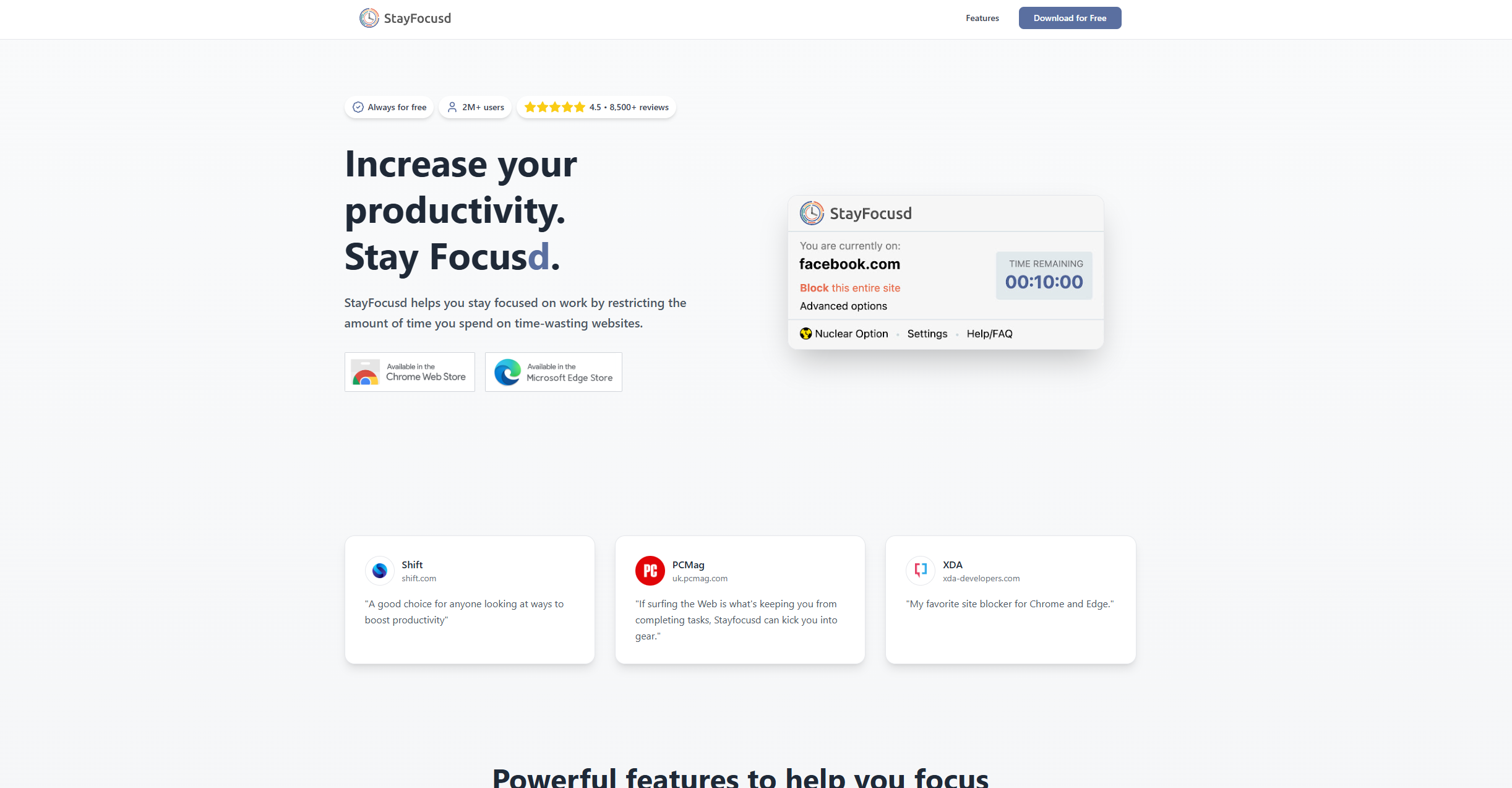
If you do most of your distraction-enabling in a browser and you're not ready to pay for anything yet, StayFocusd is the move. It's a free Chrome extension that lets you set a daily time allowance for distracting websites (say, 20 minutes total across Twitter, Reddit, and YouTube) and locks you out once that limit is hit.
The Nuclear Option is StayFocusd's standout feature: activate it and you're locked out of everything on your blocklist, full stop, no negotiations. The settings page also has a fun passive-aggressive touch. Trying to change your settings while blocked makes them harder to access, not easier.
The obvious limitation is that it only works inside Chrome. If you switch to another browser, StayFocusd has no idea. It's also easy to bypass by using incognito mode. For a free tool it's excellent, but if you're serious about blocking, you'll outgrow it quickly.
6. SelfControl — Best free Mac option with no escape hatch
Mac only | Free (open source)
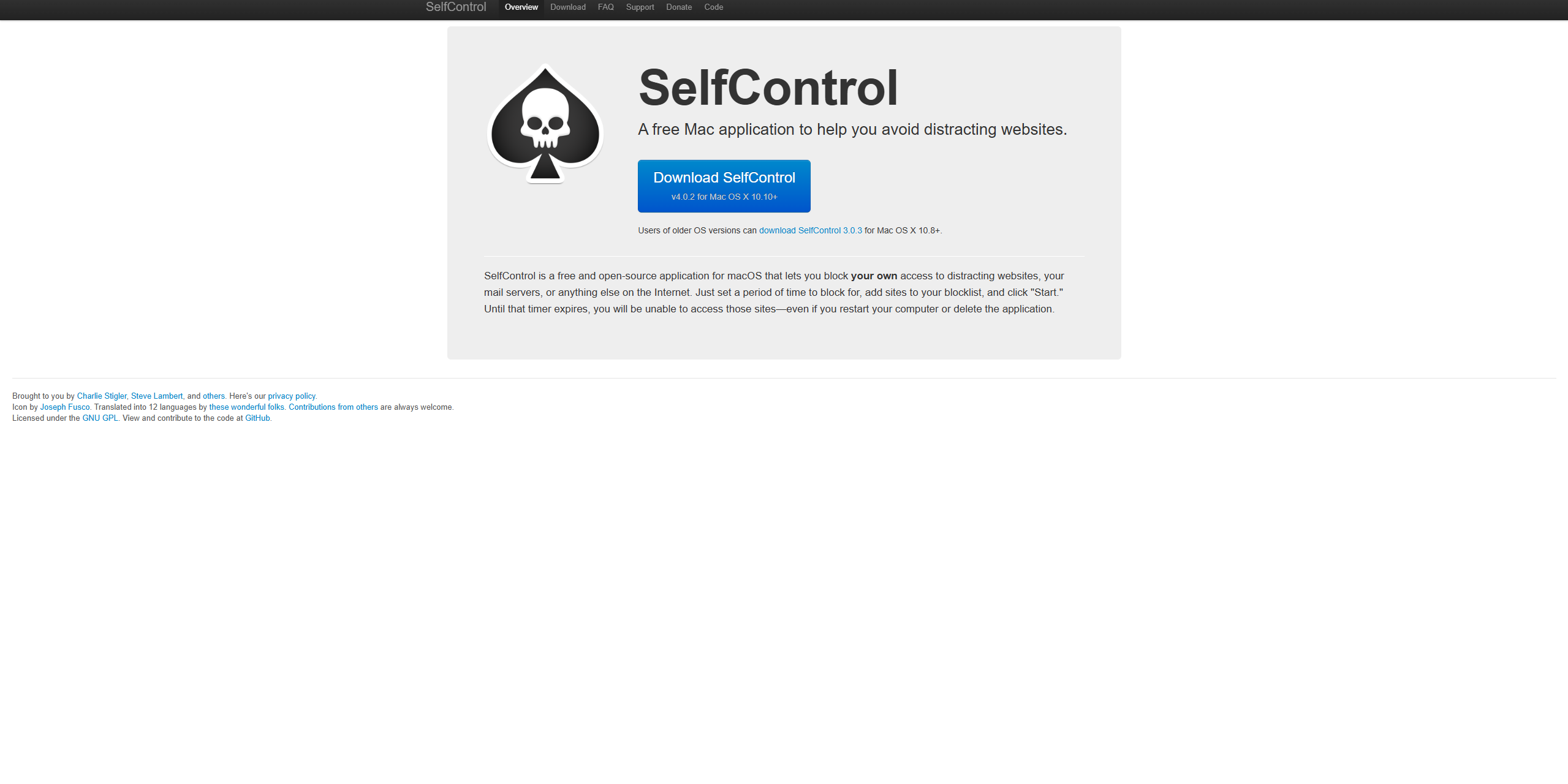
SelfControl is beautifully simple and completely free.
You add websites to a blocklist, set a timer (anywhere from a few minutes to 24 hours), and hit start. From that moment, those websites are blocked, and there is no turning back. Deleting the app won't help. Restarting your Mac won't help. The block runs until the timer expires, full stop.
That sounds intense, but it's also exactly what a lot of people need. No settings to fiddle with, no subscription to cancel, no workarounds. Just a timer and a blocklist.
The downsides: Mac only, no app blocking (websites only), no scheduling, and no cross-device support. It's a single blunt instrument rather than a full productivity system. But for what it does, it's hard to beat. Especially at the price of free!
7. LeechBlock NG — Best free option for Firefox users
Firefox and Chrome extension | Free
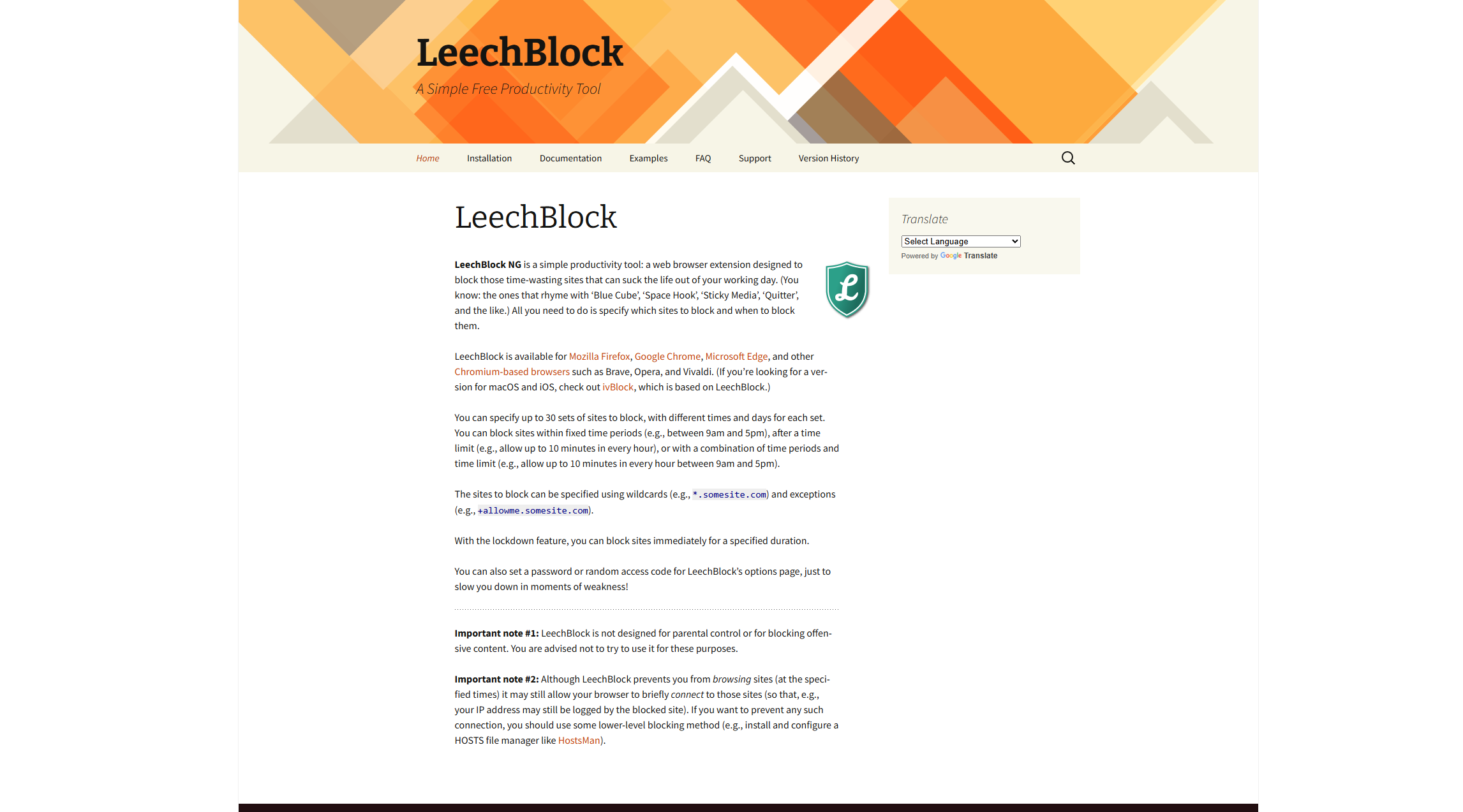
LeechBlock NG (the NG stands for Next Generation) is the Firefox equivalent of StayFocusd. A free browser extension that lets you block websites based on time limits, schedules, or both.
It's highly configurable: you can set different rules for different sites, block during specific hours, allow a set number of minutes per day, or go full lockdown.
Like StayFocusd, it only works inside the browser and can be bypassed if you switch to a different one. But it's actively maintained, free, and does everything most casual users need without asking for a credit card.
LeechBlock NG (Chrome Web Store)
Quick comparison
| App | Platforms | Blocks Apps? | Free Option? | Price |
|---|---|---|---|---|
| Freedom | Mac, Win, iOS, Android | Yes | Trial only | From $3.33/month |
| Cold Turkey | Mac, Windows | Win only | Yes (websites) | $39 one-time (Pro) |
| RescueTime | Mac, Win, Android | No | Yes | From $12/month |
| FocusMe | Mac, Win, Android, Linux | Yes | Trial only | From $4.99/month |
| StayFocusd | Chrome | No | Yes (free) | Free |
| SelfControl | Mac only | No | Yes (free) | Free |
| LeechBlock NG | Firefox, Chrome | No | Yes (free) | Free |
Which one should you actually get?
If budget isn't a concern and you want the best overall experience: Freedom. Cross-device, polished, and genuinely effective.
If you're on Windows and need something with an iron fist: Cold Turkey Pro. The one-time $39 fee is worth it.
If you want data before you start blocking: RescueTime. The free tier alone is eye-opening.
If you want free and you're on Mac: SelfControl. No subscription, no workarounds, no excuses.
If you want free and you're in Chrome: StayFocusd. The Nuclear Option is a personality.
The honest truth is that the best distraction blocker is whichever one you'll actually use. Start with a free option, see if it changes your habits, and upgrade if you need more firepower. Your future self — the one who finally finished that project — will appreciate it.
You might also like: