
We need to talk about the Adobe tax.
It sits on your business credit card statement every month like a stubborn barnacle. You signed up three years ago because you needed to crop one photo or sign one PDF. Now you are paying fifty pounds a month for a suite of twenty apps when you only ever open two of them.
For a creative agency, Creative Cloud is a necessary cost of doing business. For a bootstrapped founder trying to extend their Runway, it is a luxury you probably do not need.
The open source and free software market has caught up. In 2025 you can build a brand, design an app, and edit 4K video without sending a single penny to Adobe.
Here are the five tools that will let you break the cycle.
1. Photopea (The Photoshop Clone)
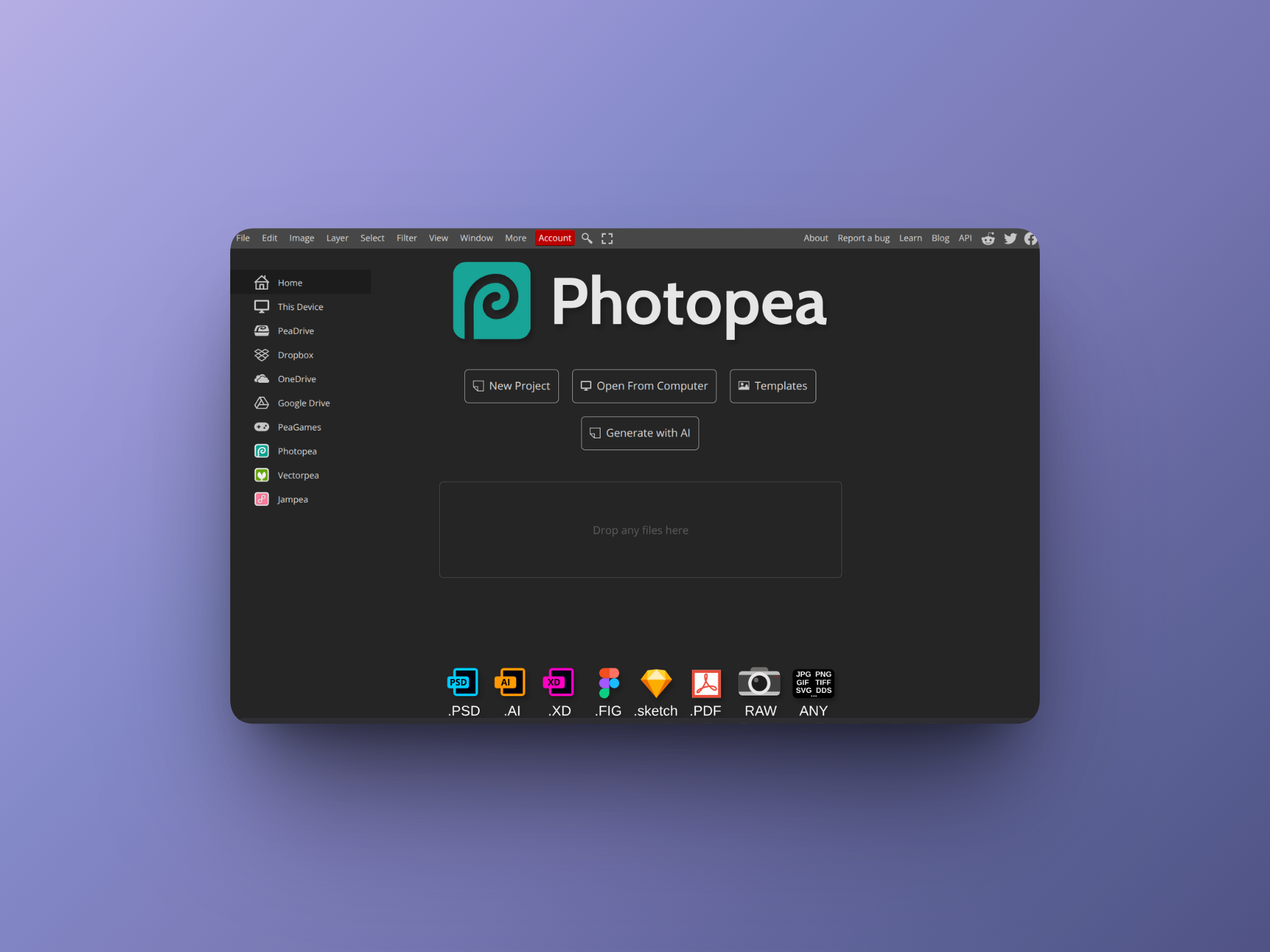
Replaces Photoshop
If you have used Photoshop anytime in the last ten years, Photopea will feel like a glitch in the matrix. It looks exactly like Photoshop. It acts exactly like Photoshop. The keyboard shortcuts are even the same.
But it runs entirely in your web browser and it is free.
This tool is a legend in the developer community because it was built by one guy, Ivan Kutskir, who just decided the world needed a free photo editor. You can open actual PSD files, work with layers, use masks, and export to any format you need.
It solves the specific problem of needing to do "real" editing without installing 4GB of software. It works on a Chromebook. It works on an iPad. It works on your old laptop that sounds like a jet engine when you open chrome tabs.
If you just need to remove a background or tweak a banner for your website, Photopea is the answer.
2. DaVinci Resolve (The Nuclear Option)
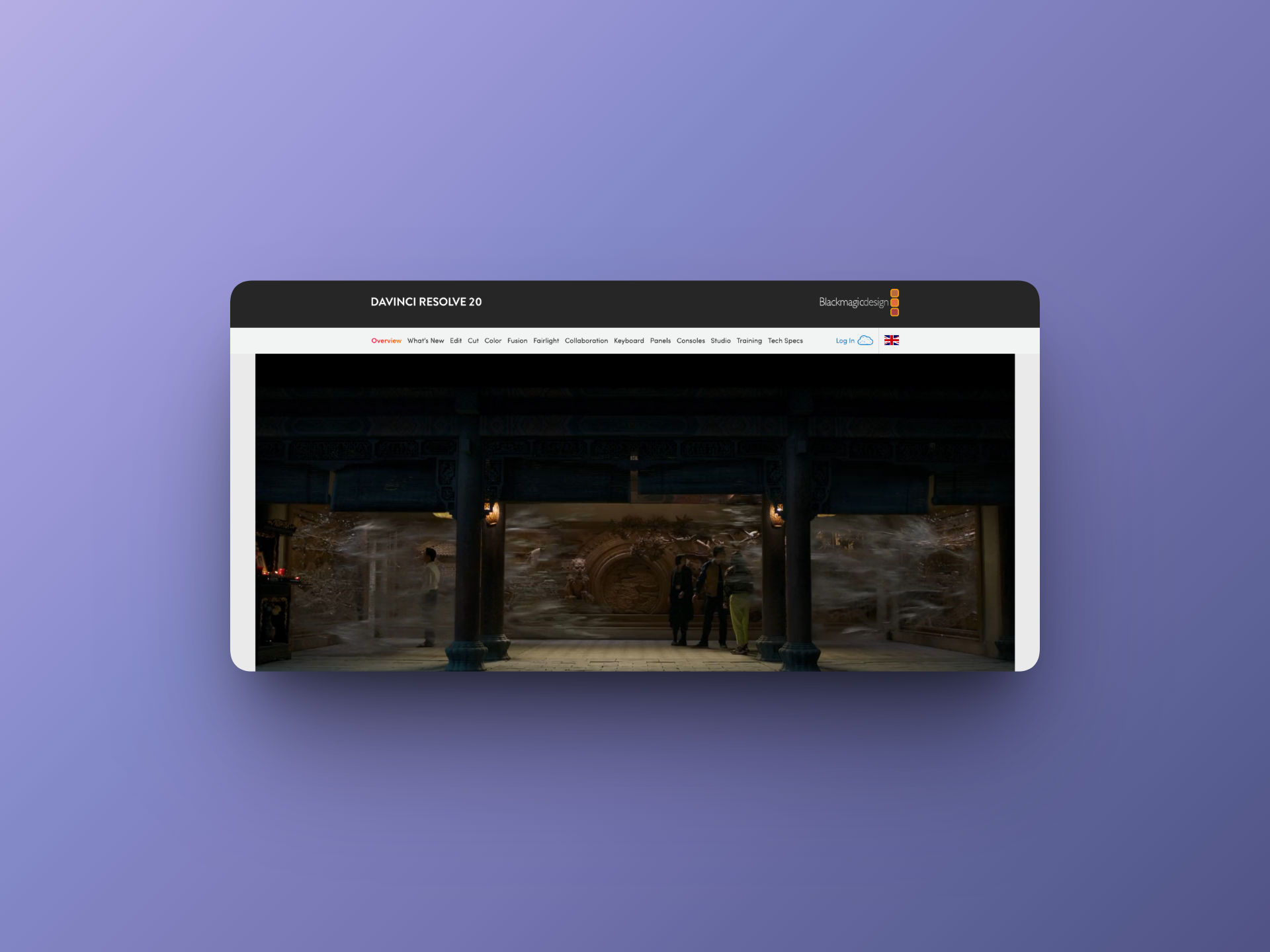
Replaces Premiere Pro
Adobe Premiere Pro is famous for two things. Being the industry standard for video editing and crashing at the worst possible moment.
DaVinci Resolve is the alternative. It is not just a "free alternative" in the weak sense. It is Hollywood grade software used to color grade actual blockbuster movies. The company behind it, Blackmagic Design, makes their money selling hardware cameras and mixing decks so they give the software away for free to get you into their ecosystem.
The free version is absurdly generous. It includes professional editing, visual effects, motion graphics, and audio post production. It does not have a watermark. It does not limit your export resolution to something useless like 720p.
It has a steeper learning curve than iMovie, but if you are making demo videos or YouTube content for your startup, this is the most powerful tool you can get for zero pounds.
3. Figma (The Vector King)
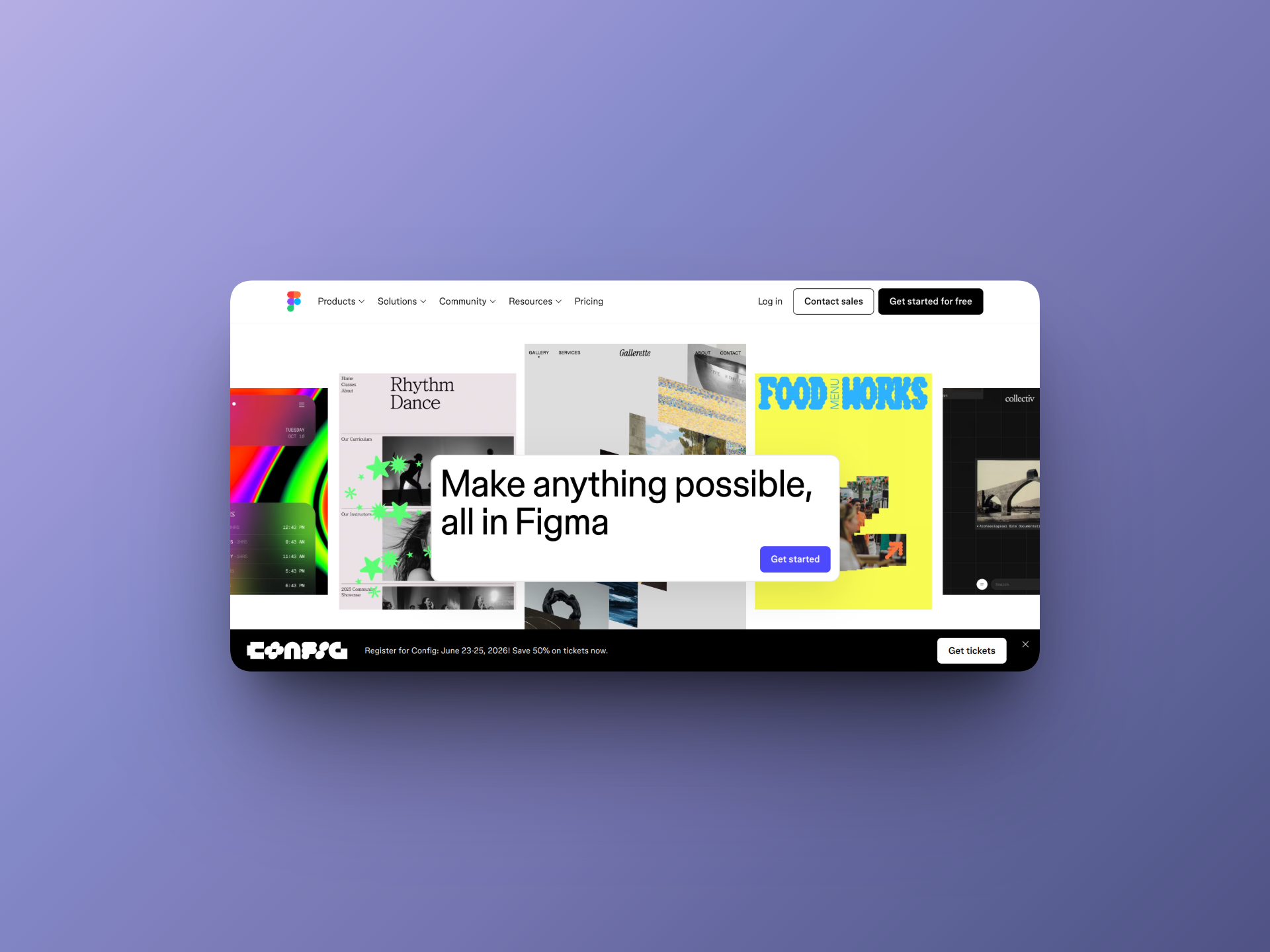
Replaces Sketch and XD
Sketch is a nightmare for non-designers. It is heavy and confusing.
Figma is the modern standard for interface design. While it is technically a UI design tool, founders use it for everything. You can use it to design your logo, create social media graphics, build your pitch deck, and wireframe your product.
The best part is that it is multiplayer. You and your cofounder can be in the same file at the same time, moving things around and leaving comments. It runs in the browser and feels incredibly light.
Adobe actually tried to buy Figma for 20 billion dollars because they were so terrified of it. Regulators stopped the deal. That tells you everything you need to know about how good Figma is.
4. Inkscape (The Open Source Purist)
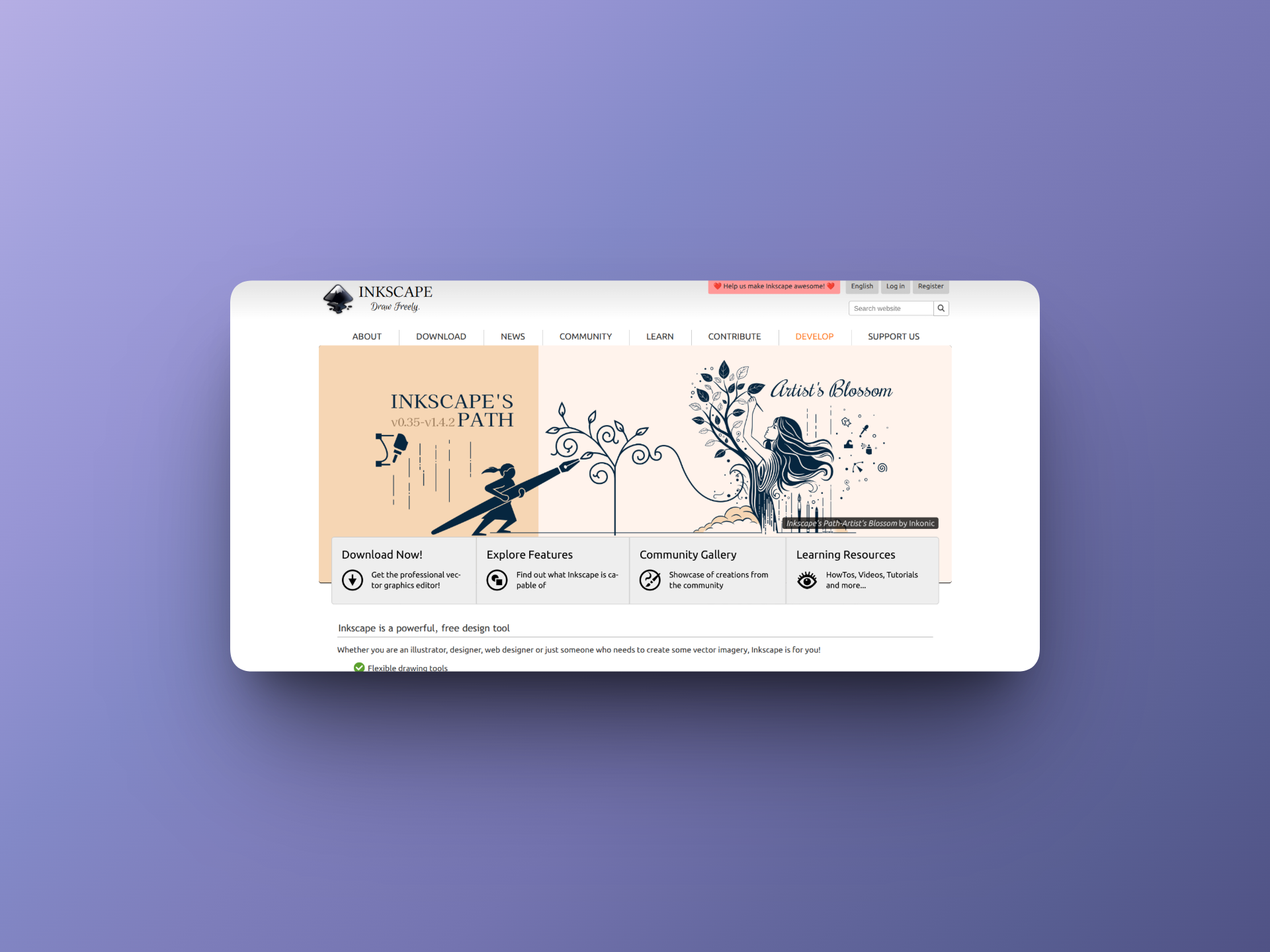
Replaces Illustrator
If you simply cannot get on with Figma and you need to create complex vector graphics or print-ready assets, Inkscape is the survivor.
It has been around forever. It is ugly. The interface looks like Windows 98. But it is powerful. It is completely open source and supports the SVG format better than almost anything else.
It is not "fun" to use in the way Figma is fun. It is a tool for a specific job. If you need to design a vector logo that can be blown up to the size of a billboard without losing quality, Inkscape will do it without complaining.
5. PDFgear (The Admin Saviour)
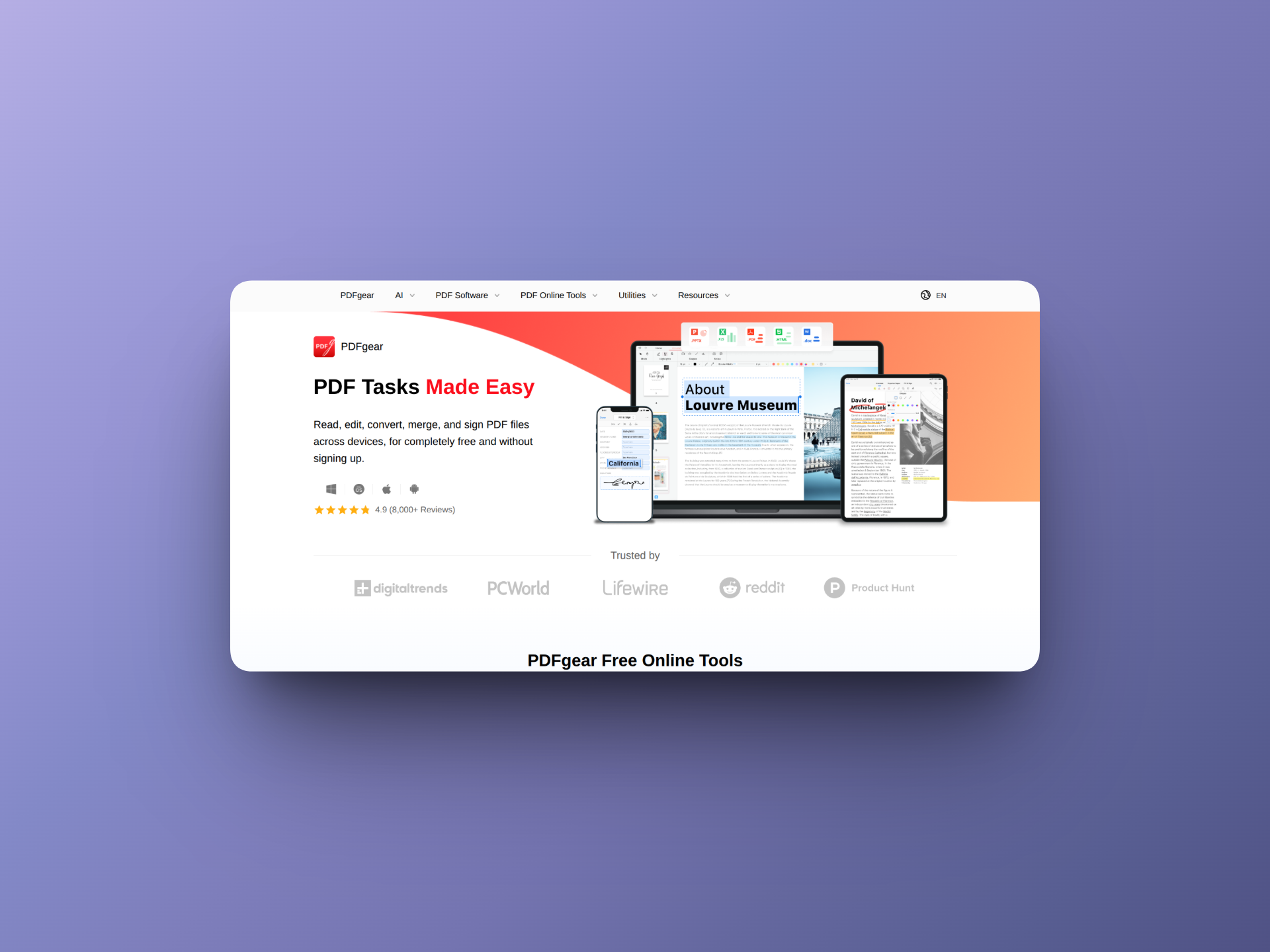
Replaces Acrobat Pro
Paying a monthly subscription just to rotate a PDF or merge two documents is painful. Adobe Acrobat Pro is one of the most overpriced pieces of software in the corporate world for what it actually does.
PDFgear is the antidote. It is a completely free desktop tool for Mac and Windows that lets you edit text in a PDF, convert files to Word, merge documents, and sign contracts.
It integrates with AI now as well, allowing you to "chat" with your PDF. You can upload a 50 page legal contract and ask it to summarize the termination clause. For a founder dealing with endless paperwork and Due Diligence, this feature alone is worth the download.
The Verdict
You do not need to pay the "Adobe Tax" to look professional.
If you switch to this stack, you save roughly £600 to £900 a year. That might not sound like much, but in the early days of a startup, that covers your hosting, your domain, and your coffee.
Cancel the subscription. You won't miss it.