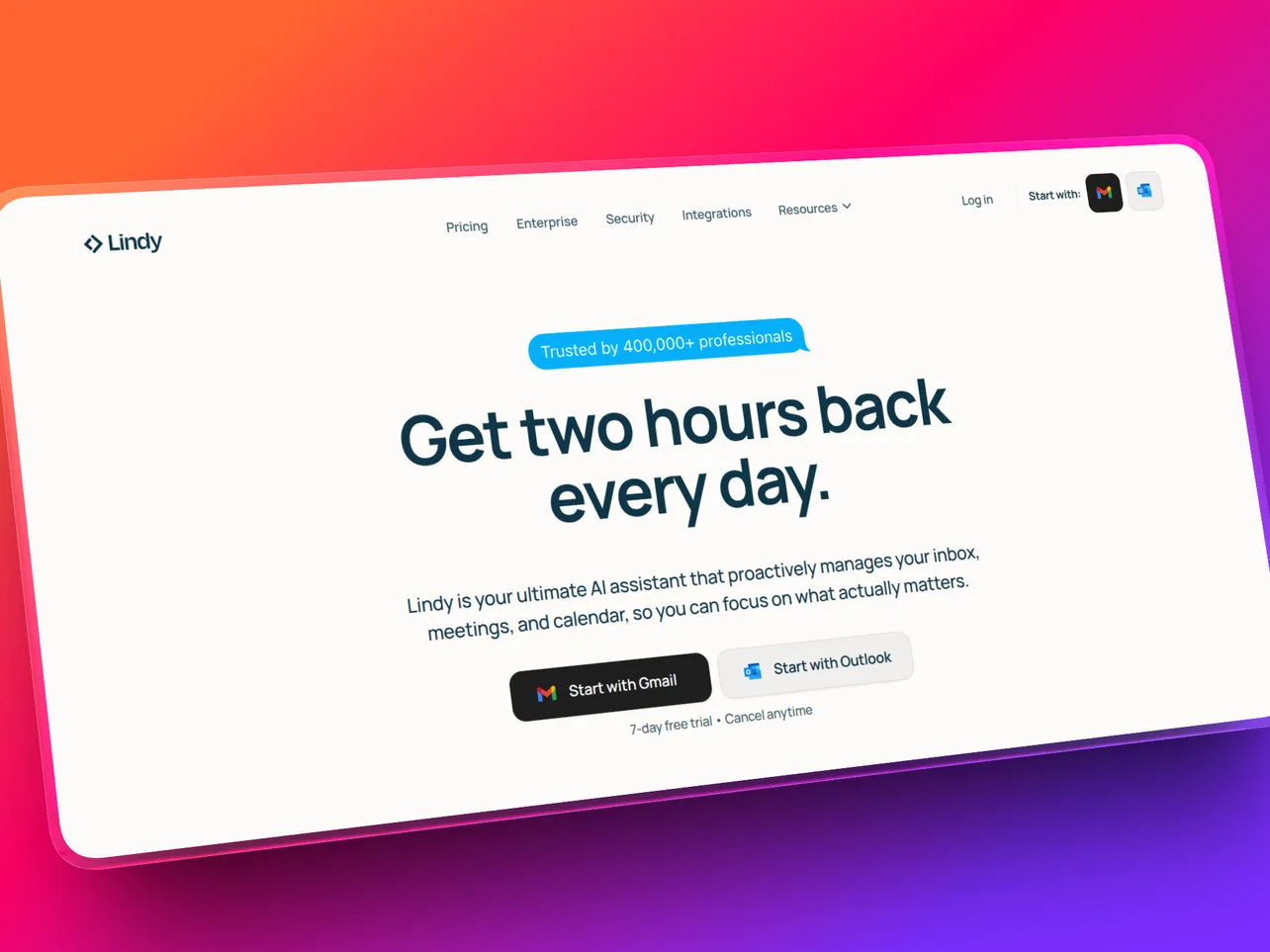
If you've been drowning in admin, chasing up emails, prepping for back-to-back calls, trying to remember which leads you were supposed to follow up with last Tuesday, Lindy AI has probably come across your radar.
The pitch is hard to ignore. Build an AI agent that handles your inbox, briefs you before every meeting, and qualifies sales leads while you sleep. Describe what you want in plain English, and it runs.
But every AI tool makes big promises in 2026.
So we tested Lindy properly: starting on the free tier, running it through the use cases that actually matter for solo founders and small teams, and stress-testing the parts competitors tend to gloss over. The credit system, the learning curve, the moments it falls flat.
Here's what we found.
What Is Lindy AI?
Lindy is an AI agent builder.
Where most automation tools give you a workflow editor (drag in a trigger, connect an action, save), Lindy lets you describe what you want an AI agent to do in plain English.
These agents are called "Lindies," and they're more than glorified macros. They can read context, make decisions, and handle multi-step tasks that would break a traditional if-then automation.
The platform connects to over 5,000 apps and includes 50+ pre-built templates for common startup workflows. There's also a Computer Use feature that lets agents interact directly with websites when no API exists, which is useful for tools that don't have native integrations.
Who Is Lindy Built For?
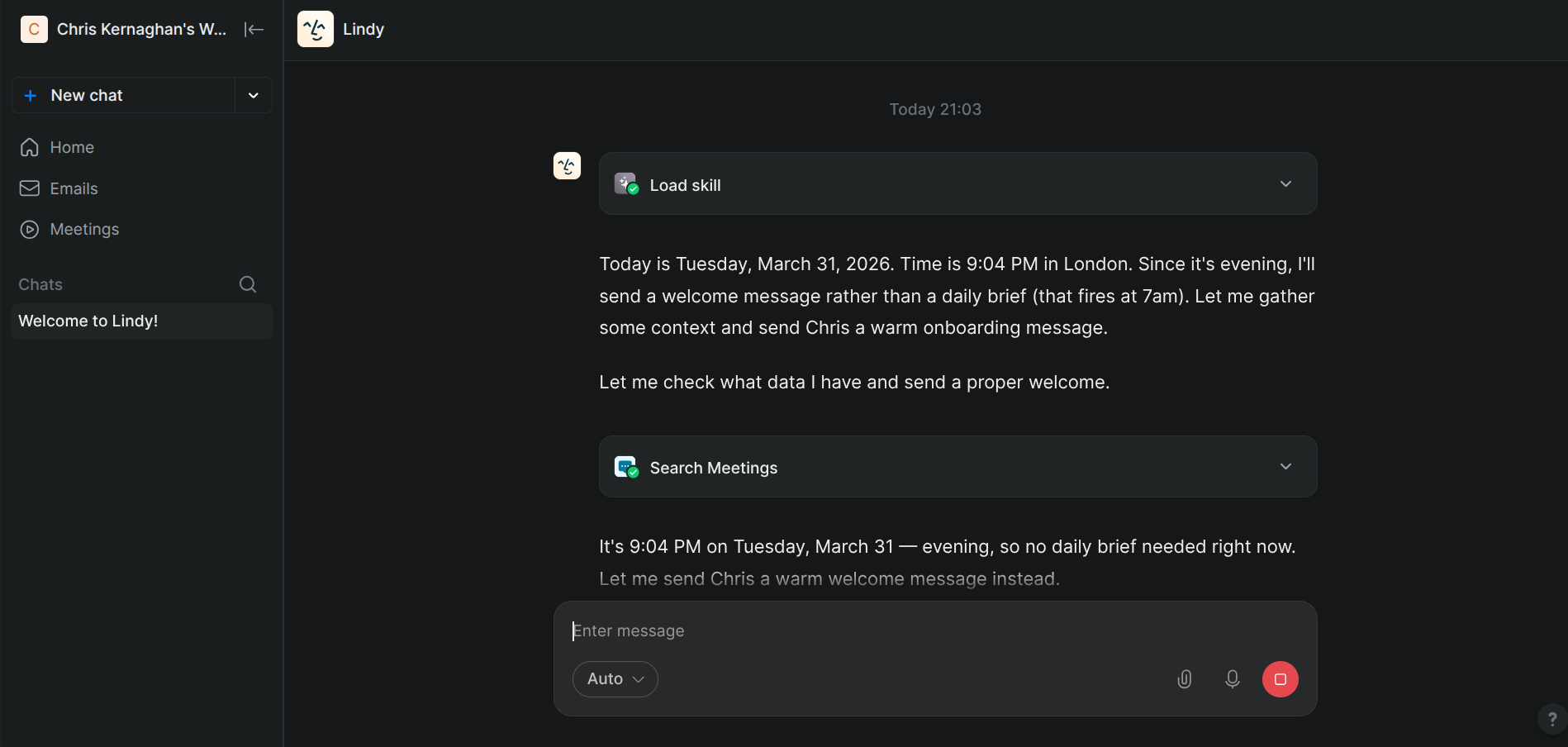
Lindy's sweet spot is founders and small teams doing work that probably should have been delegated months ago.
It's a strong fit if you:
- Spend more than an hour a day managing email and calendar admin
- Have meetings you don't feel prepared for
- Run any kind of outbound process: lead qualification, follow-ups, outreach
- Want automation that adapts to context rather than just following rules
It's probably not the right tool if you:
- Need to connect a huge number of apps with simple linear triggers (Zapier is faster for that)
- Are technical and want full workflow visibility and custom logic (Make or n8n fit better)
- Are primarily looking for a document or content automation tool
Core Features
Inbox Management
This is where most founders start, and it's where Lindy earns its reputation fastest.
You give the agent access to your inbox and describe how you want it to work. Triage by urgency. Draft replies to common request types. Flag anything from a specific person. Move newsletters to a folder and summarise them weekly.
All of this runs without you touching the inbox.
What separates Lindy from a simple email filter is that the AI reads context. It can tell the difference between a cold sales email and a warm lead following up. It doesn't just match keywords; it understands what's actually being asked.
Meeting Prep
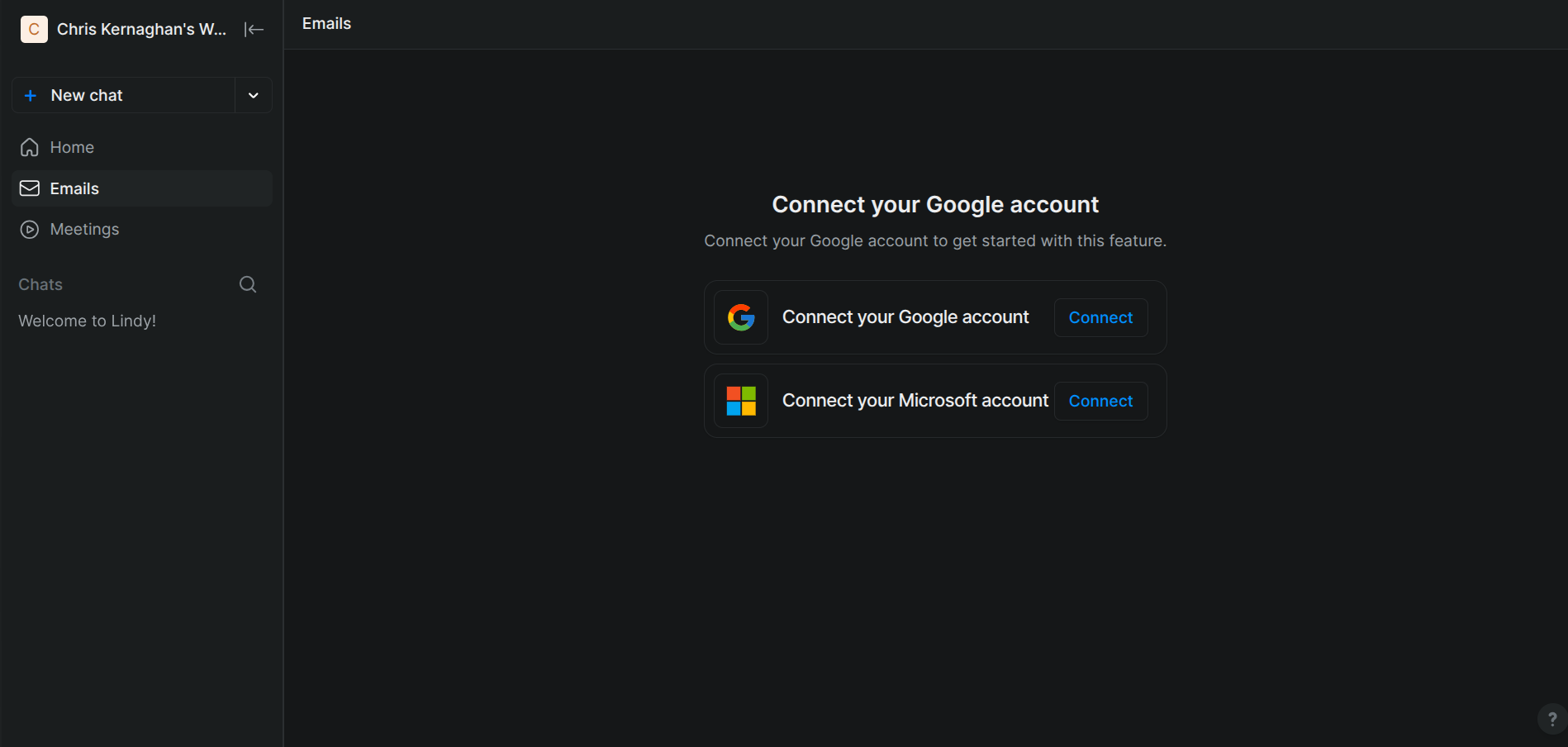
Before each calendar event, Lindy researches the attendee, pulls relevant information from your CRM, and sends you a briefing. Name, company, recent news, context from previous conversations, open items from your notes.
For founders who are back-to-back on sales calls, investor meetings, and partnership conversations, this is genuinely useful. The kind of prep that used to take 15 minutes per meeting runs automatically.
Lead Qualification
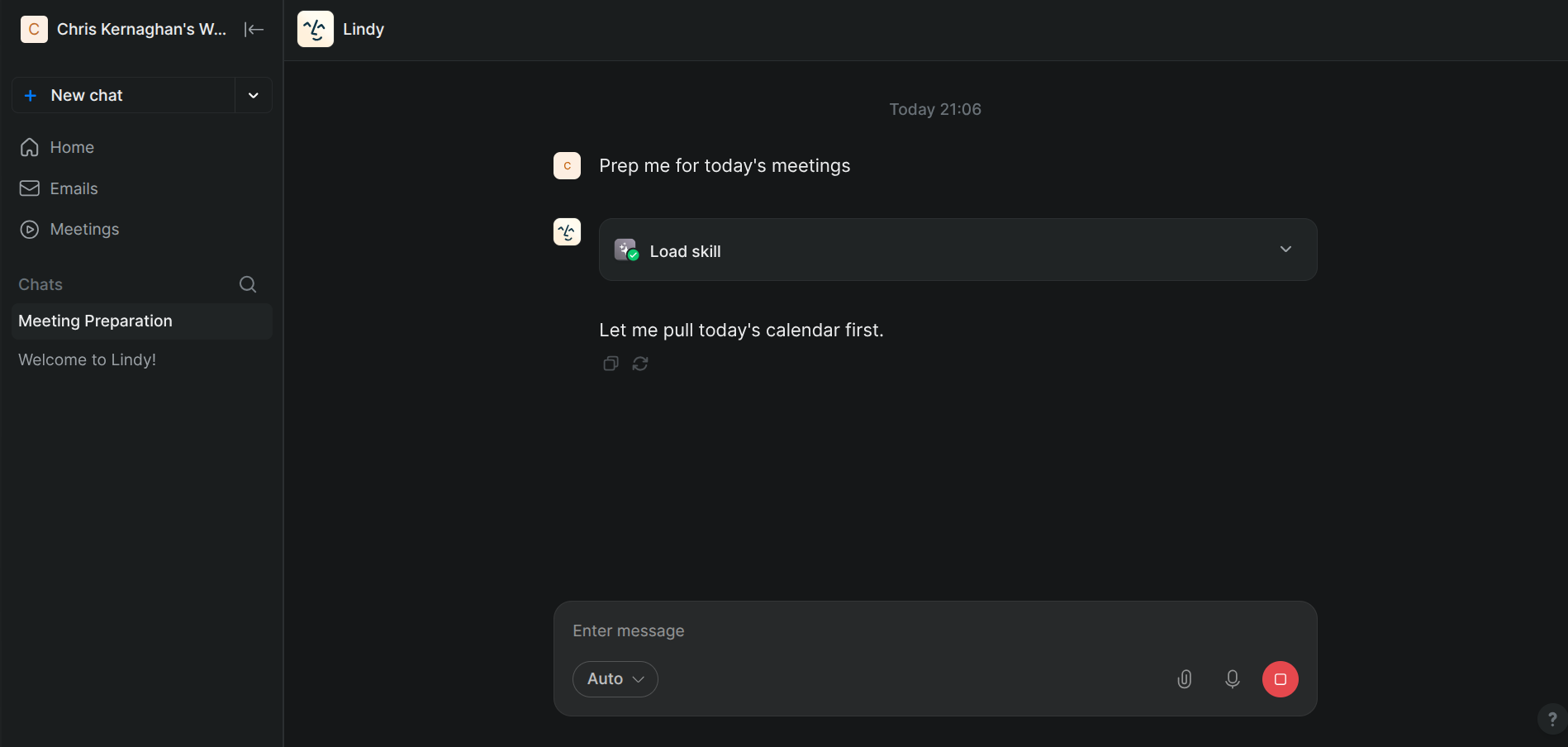
You can set up a Lindy to monitor your inbound leads, score them against criteria you define, enrich contact data using connected tools, and either act on them directly or route them to your CRM with a summary.
For solo founders running their own outbound, this is where the "AI employee" comparison starts to feel accurate. A well-configured lead qualification Lindy does the first pass on every lead, every day, without you being in the loop for the routine cases.
Voice Calling (Gaia)
The Business plan unlocks Lindy's voice AI, called Gaia. Agents can make and receive phone calls for appointment scheduling, lead qualification, and customer support. Multi-language support is included.
It works. The caveat is that voice calls burn through credits significantly faster than text-based tasks, so it's worth factoring that into your plan calculations before leaning on it heavily.
Computer Use
When a tool doesn't have an API integration, Lindy can navigate the website directly, filling out forms, extracting data, and triggering actions the way a human virtual assistant would. This opens up automation possibilities that most platforms can't touch.
Lindy AI Pricing
Understanding the Credit System
The credit system is the thing that catches most new users off guard, so it's worth explaining clearly before you commit to a plan.
Every action a Lindy takes costs credits. Simple actions like sending a Slack message, creating a calendar event, or adding a CRM entry use around 1 credit each. More complex actions like web research, data extraction, and multi-step reasoning chains typically use 5 to 10 credits, sometimes more depending on the model being used.
On the Pro plan (around 5,000 credits per month), that translates to roughly 1,500 moderate tasks per month. For most founders running inbox triage and meeting prep daily, that's plenty. Where it gets expensive is voice calls and high-volume research tasks, both of which burn credits significantly faster.
A useful rule of thumb before upgrading: spend a week on the free tier running the exact workflows you'd use in production. Check your credit usage at the end of each day. That gives you a realistic baseline before committing to a paid plan.
What We Liked
Natural language setup is genuinely fast.
The difference between configuring a Lindy and configuring a Zapier workflow is stark. You describe what you want, the AI builds the structure, and you're testing it within minutes. For non-technical founders, this is the biggest unlock.
Pre-built templates de-risk the starting point
Rather than building from scratch, you can start from a working inbox triage or meeting prep template and customise from there. The templates are well-designed for startup use cases.
The free tier is actually testable
400 credits isn't enough for production use, but it's enough to run a proper pilot on two or three real workflows and see whether Lindy fits before spending a penny.
5,000+ app integrations
Gmail, Outlook, Slack, Notion, HubSpot, Google Calendar, Salesforce, Stripe. The tools founders actually use are all here, and Enterprise plans support custom integrations too.
Computer Use is a genuine differentiator
The ability to automate tools without APIs puts Lindy in a category most platforms can't reach.
What Could Be Better
Credit consumption can be unpredictable
For straightforward workflows, the maths is simple. For complex, multi-step agents using web research or running at high frequency, costs can spike in ways that are hard to forecast without monitoring. There's no hard spend cap, so it's worth checking usage regularly until you understand your patterns.
Multi-agent systems have a learning curve
Building a single Lindy is easy. Orchestrating multiple agents that hand off tasks to each other requires more thought and more iteration. The documentation helps, but expect a few hours of setup for anything genuinely complex.
Voice calling burns credits fast
Gaia is impressive, but using it heavily on the Pro plan will eat through your monthly allowance quickly. In practice it's more of a Business plan feature.
Smaller community than Zapier
When you hit an edge case, the Zapier community and template library are simply larger. Lindy's documentation is good, but you're more likely to find a pre-solved answer for obscure Zapier problems than for Lindy ones.
Real Use Cases for Solo Founders
To make this concrete, here's how a typical founder might actually use Lindy day-to-day.
⚡ Morning inbox triage
Lindy scans overnight emails, flags anything urgent, drafts replies to common request types (meeting requests, partnership enquiries, press mentions), and sends a summary to Slack by 8am. You review, approve, and send rather than reading and composing from scratch.
🔧 Pre-call research
Every morning, Lindy checks your calendar for the day's meetings, pulls attendee information from LinkedIn and your CRM, and sends a briefing card with context, open items, and suggested talking points. You arrive prepared without doing any of the research yourself.
💻 Lead qualification
New leads hitting your CRM or inbox get routed through a Lindy that enriches the contact record, scores against your ICP criteria, and either flags for immediate follow-up or sends a personalised first-touch email. Your pipeline moves without you triaging it manually.
Lindy vs The Alternatives
For a full comparison, see our Lindy vs Zapier 2026 breakdown. The short version:
Lindy vs Zapier
Zapier wins on raw integration breadth (7,000+ apps) and simple linear workflows. Lindy wins on any task that requires context, reasoning, or multi-step decision-making. If your automations are "when X happens, do Y," Zapier is faster and cheaper. If your automations are "understand this email and decide what to do," Lindy is the better fit.
Lindy vs Make
Make is the power user's visual builder, excellent for technical founders who want full control over data flows. Lindy is faster to set up and better suited to AI-native tasks, but Make gives you more granular control over complex logic at a lower price point.
Lindy vs n8n
If you're a developer who wants to self-host, n8n is unbeatable on value. Lindy's advantage is setup speed and the quality of its AI reasoning; you don't get the natural language agent builder on n8n without building it yourself.
For the full rundown of how all these tools stack up, see our Best AI Automation Tools for Startups in 2026.
Verdict
Lindy is the closest thing to having an AI employee that actually works. Not in a vague "it can do loads of things" sense, but specifically for the category of work that drowns most solo founders: inbox, meeting prep, and lead management.
The credit system requires a bit of monitoring until you understand your usage patterns, and multi-agent workflows have a learning curve. But the core promise holds up in practice. Describe what you want, have an agent handle it.
For a solo founder spending more than an hour a day on admin tasks, the Pro plan pays for itself fast. Start on the free tier, run your highest-pain workflow for a week, and see whether the credit maths works for your use case before upgrading.
The answer is usually yes.
Rating: 4.4 / 5
Frequently Asked Questions
What is Lindy AI used for?
Lindy is used to build AI agents that handle repetitive business tasks autonomously. The most popular use cases for founders are inbox management, meeting prep research, lead qualification, and CRM updates. Agents are created by describing what you want in plain English, with no code or workflow builder required.
How much does Lindy cost?
Lindy has a free tier with around 400 credits per month, which is enough to test properly. Paid plans start from roughly $19.99/month and scale up to $49.99/month for the Pro tier (the most popular for solo founders) and $299/month for Business teams. Check the Lindy Pricing for the most current plan details.
Does Lindy have a free plan?
Yes. The free tier gives you around 400 credits per month with no credit card required. That's enough to test two or three real workflows and get a feel for how the agent builder works before committing to a paid plan.
Is Lindy better than Zapier?
Depends what you need. Zapier is better for simple, linear automations connecting a large number of apps (7,000+). Lindy is better for tasks that require context and reasoning: reading an email and deciding how to respond, qualifying a lead based on multiple signals, researching a meeting attendee. Most founders end up using both for different jobs.
What are Lindy credits?
Credits are the unit of consumption on Lindy's platform. Every action an agent takes costs credits, roughly 1 credit for simple actions (sending a message, creating a calendar entry) and 5 to 10+ for complex ones (web research, data extraction). The Pro plan includes around 5,000 credits per month. Additional credits can be purchased at $10 per 1,000.
Disclosure: Some links in this article are affiliate links. If you sign up through them, we may earn a commission at no extra cost to you. We only recommend tools we've actually tested and believe are worth using.
For more on building your startup's automation stack, see our Best AI Automation Tools for Startups in 2026 and The Founder Friendly Tech Stack.