
Automation tools used to be pretty straightforward. You'd connect two apps, set a trigger, and let the thing run. New lead in HubSpot? Send a Slack message. New email? Add a row to a spreadsheet. Simple.
That era is basically over.
In 2026, AI automation tools can read your inbox and draft replies in your voice. They can qualify sales leads, prep you for meetings, and build entire workflows from a single sentence. Some of them can even browse the web and fill out forms like a human would.
For startup founders and small teams, this is a massive shift. The tools that used to require a dedicated ops person to set up now take minutes. And the ones that were too expensive for bootstrapped companies are suddenly competing on price.
The problem is that there are now dozens of these platforms, and they all claim to be the best. So we tested the ones that actually matter for startups and founders. Here's what we found.
What We Looked For
Before jumping into the list, here's what mattered to us when evaluating these tools. If you're a solo founder or running a small team, your priorities are different from a Fortune 500 company:
Speed to first automation. How quickly can you go from signing up to having something useful running? If a tool takes a week to configure, it's not for startups.
Pricing that doesn't punish growth. Some tools look cheap until your usage spikes and you're suddenly paying enterprise prices. We looked for predictable, founder-friendly pricing.
AI that actually helps. Lots of tools slap "AI-powered" on their marketing page. We wanted tools where the AI genuinely makes automations smarter, not just slightly easier to set up.
Integrations with the tools startups actually use. Slack, Gmail, Notion, HubSpot, Google Sheets, Stripe. If a platform doesn't connect to the startup basics, it's not making this list.
The Best AI Automation Tools for Startups in 2026
1. Lindy
Lindy — pricing
Free
$0
400 credits/month, no credit card required
Starter
$19.99/mo
2,000 credits/month
Pro
$49.99/mo
5,000 credits (~1,500 tasks), 30 phone calls/month
Business
$299/mo
30,000 credits, 100 phone calls, multi-language voice
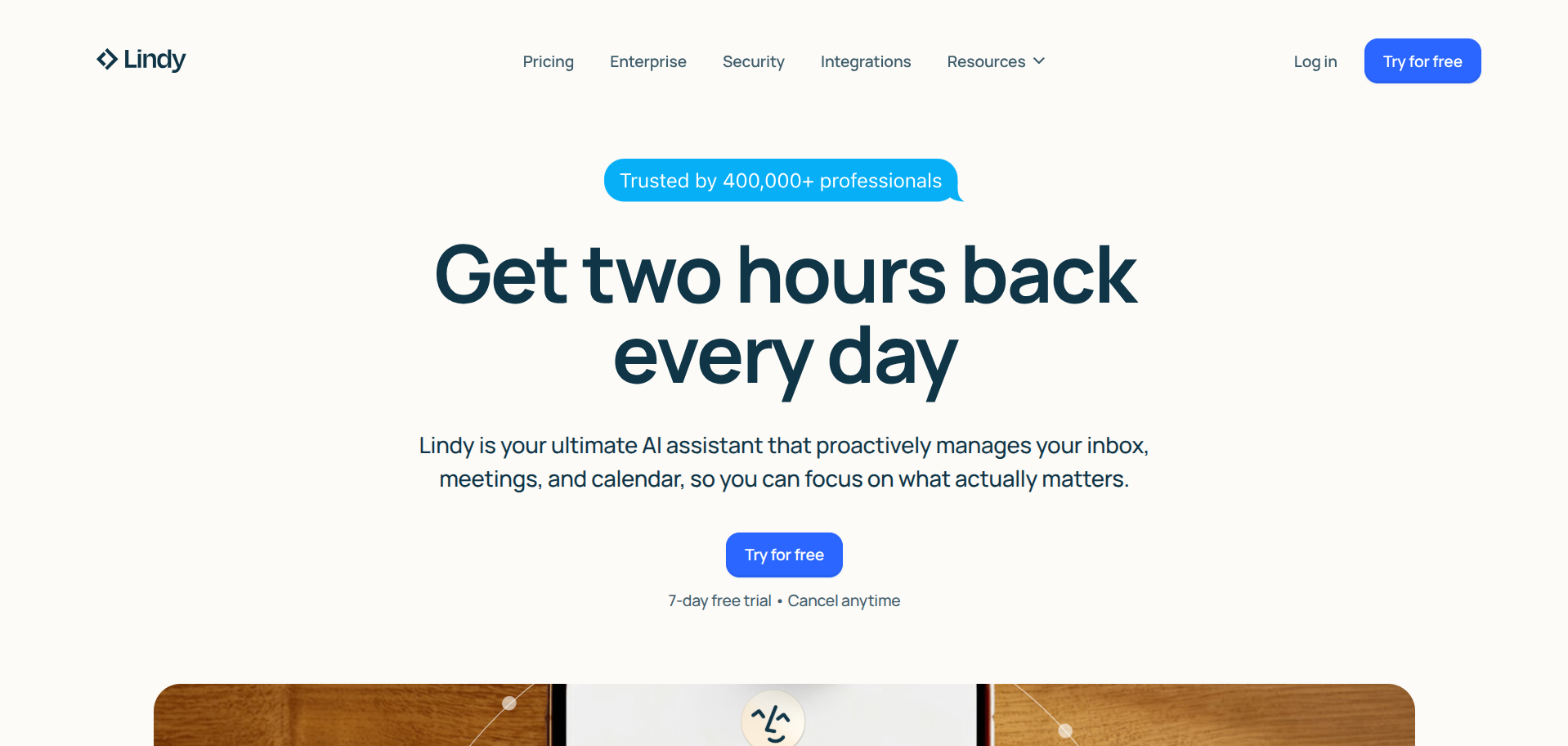
Lindy takes a different approach to automation.
Instead of building workflows with triggers and actions, you describe what you want an AI agent to do and it handles the rest. "Triage my inbox, flag anything urgent, and draft replies to meeting requests" becomes a working agent in minutes.
The platform calls these agents "Lindies," and they're more like AI teammates than traditional automations. They can read context, make decisions, and handle multi-step tasks that would be impossible with a simple if-then workflow.
Lindy connects to over 3,000 apps, and the newer Agent Builder feature lets you create workflows using natural language instead of dragging and dropping nodes.
The standout feature for founders is the meeting prep automation.
Before each call, Lindy researches the attendee, pulls relevant context from your CRM, and sends you a briefing. It's the kind of thing you'd hire a virtual assistant to do, except it costs a fraction of the price and runs 24/7.
The credit system is worth understanding. Simple tasks like sending a Slack message use about 1 credit. More complex actions like web research or data extraction can use 5-10 credits. On the Pro plan (5,000 credits/month), that works out to roughly 1,500 moderate tasks per month. Enough for most startups, but worth monitoring if you're running high-volume workflows.
What we liked: Natural language setup is genuinely fast. Pre-built templates for common startup use cases (inbox management, lead qualification, meeting prep). The free tier is generous enough to actually test properly.
What could be better: Credit consumption can be unpredictable for complex workflows. There's a learning curve when building sophisticated multi-agent systems. The voice calling feature is cool but burns through credits quickly.
2. Zapier
Zapier — pricing
Free
$0
100 tasks/month, 5 Zaps
Starter
$19.99/mo
750 tasks/month, multi-step Zaps
Professional
$49.99/mo
2,000 tasks/month, unlimited Zaps
Team
$69.99/mo
2,000 tasks/month, shared workspace, SSO
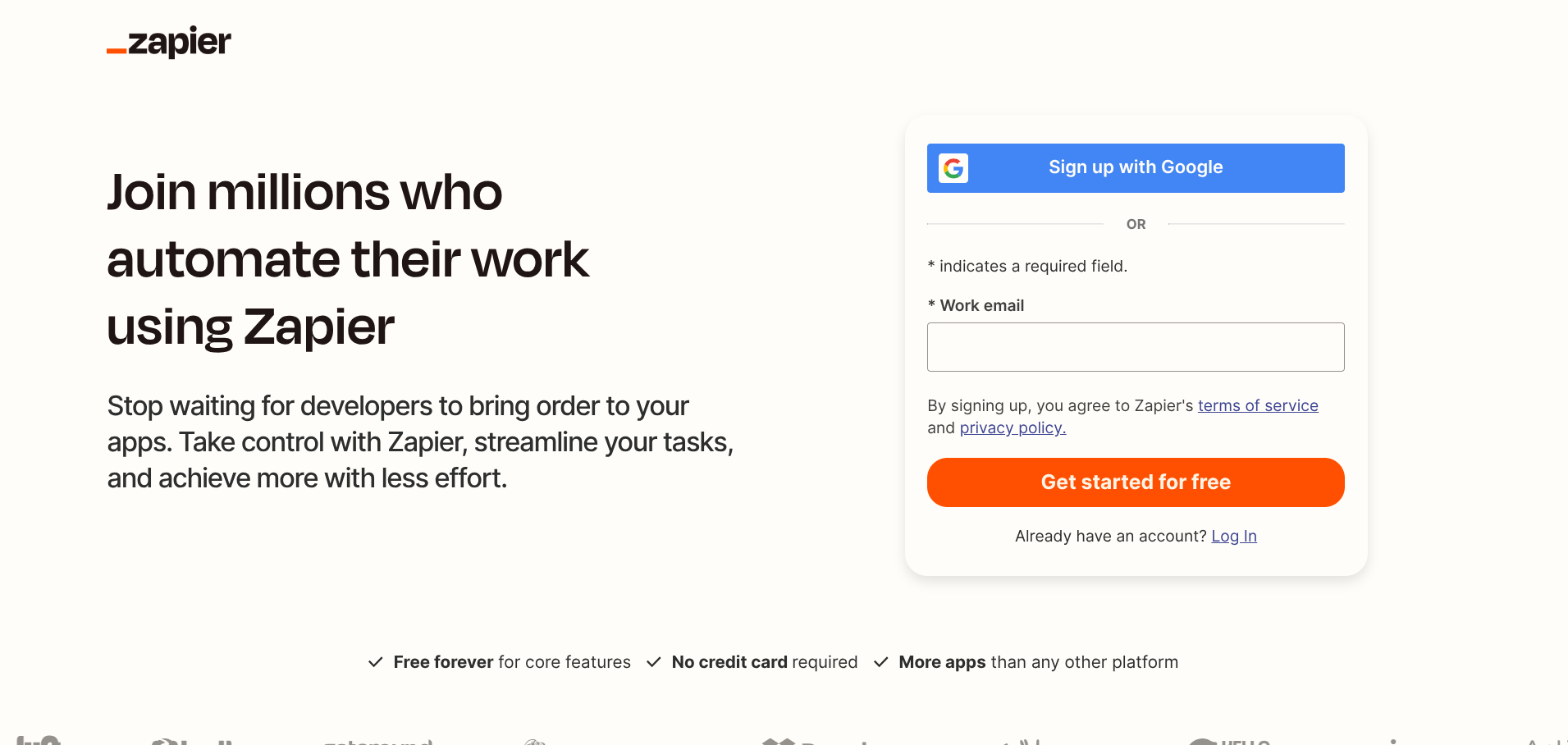
Zapier is the tool everyone knows. It connects over 7,000 apps using a trigger-and-action model that's simple enough for anyone to understand. When this happens, do that. It's been around since 2011 and it's still the default recommendation for a reason.
In 2026, Zapier has layered on AI features.
Copilot lets you describe what you want to automate in plain English and generates the workflow for you. AI by Zapier gives you built-in access to ChatGPT within your automations (no API key needed).
And Zapier Agents are self-directed AI teammates that can take multi-step actions across your tech stack. The strength is the integration library.
If an app exists, Zapier probably connects to it. For startups running a scrappy stack of free tools, that breadth is hard to beat.
What we liked: Largest integration library by far. The free tier is useful for testing. Copilot genuinely speeds up workflow creation.
What could be better: Gets expensive fast at higher volumes. The AI features feel bolted on rather than native. Per-task pricing can be hard to predict when automations scale.
3. Turbotic Automation AI
Turbotic Automation AI — pricing
Free
$0
Limited automations, try before you buy
Professional
$25/user/mo
1,000 monthly tokens, unlimited seats, self-healing automations
Enterprise
Custom
Dedicated account manager, custom onboarding, SLA support
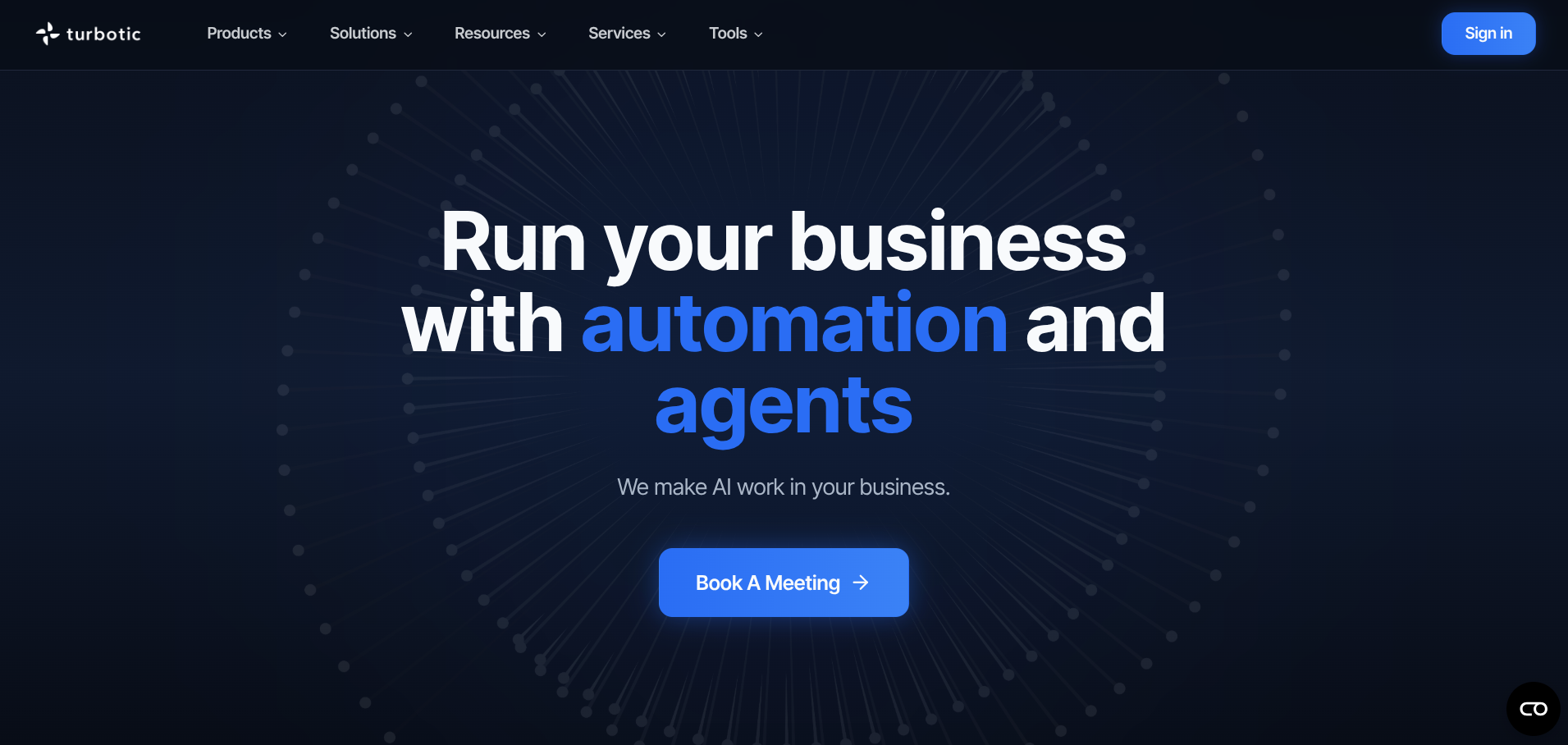
Turbotic is a Swedish startup that quietly pivoted from enterprise RPA into something much more interesting. Founded in Stockholm in 2020 by CEO Theo Bergqvist, the company spent years helping large organisations manage automation at scale.
Then they built Turbotic Automation AI, a no-code platform that lets anyone create automations by chatting with an AI.
The approach is what they call "vibe-driven automation." You describe what you want ("Summarise my last five emails and send a weekly report to the team") and the AI builds the entire process.
From data retrieval to logic to execution. Each automation can self-test, monitor itself for errors, and repair problems automatically. That self-healing capability is a big deal for startups that don't have an ops team watching dashboards all day.
The platform connects to tools like Outlook, HubSpot, Jira, Slack, Notion, and Salesforce. They've also got an open-source version on GitHub, which is a nice option if you want to self-host or tinker under the hood.
At Turbotic's Hack the Future 2025 event, over 1,600 automations were created in just five days. That kind of speed tells you something about how accessible the platform is.
What we liked: The chat-based builder is genuinely intuitive. Self-healing automations save time on maintenance. The open-source option is rare for this category. Built on Azure with ISO 27001 and SOC 2 compliance.
What could be better: Smaller integration library compared to Zapier and Make. Brand is still relatively unknown, so community resources are thinner. Pricing transparency could be clearer on their website.
4. Make (formerly Integromat)
Make — pricing
Free
$0
1,000 credits/month, 2 active scenarios
Core
$10.59/mo
10,000 credits, unlimited scenarios, 1-min intervals
Pro
$18.82/mo
10,000 credits, priority execution, custom variables
Teams
$34.12/mo
10,000 credits, team roles, shared templates
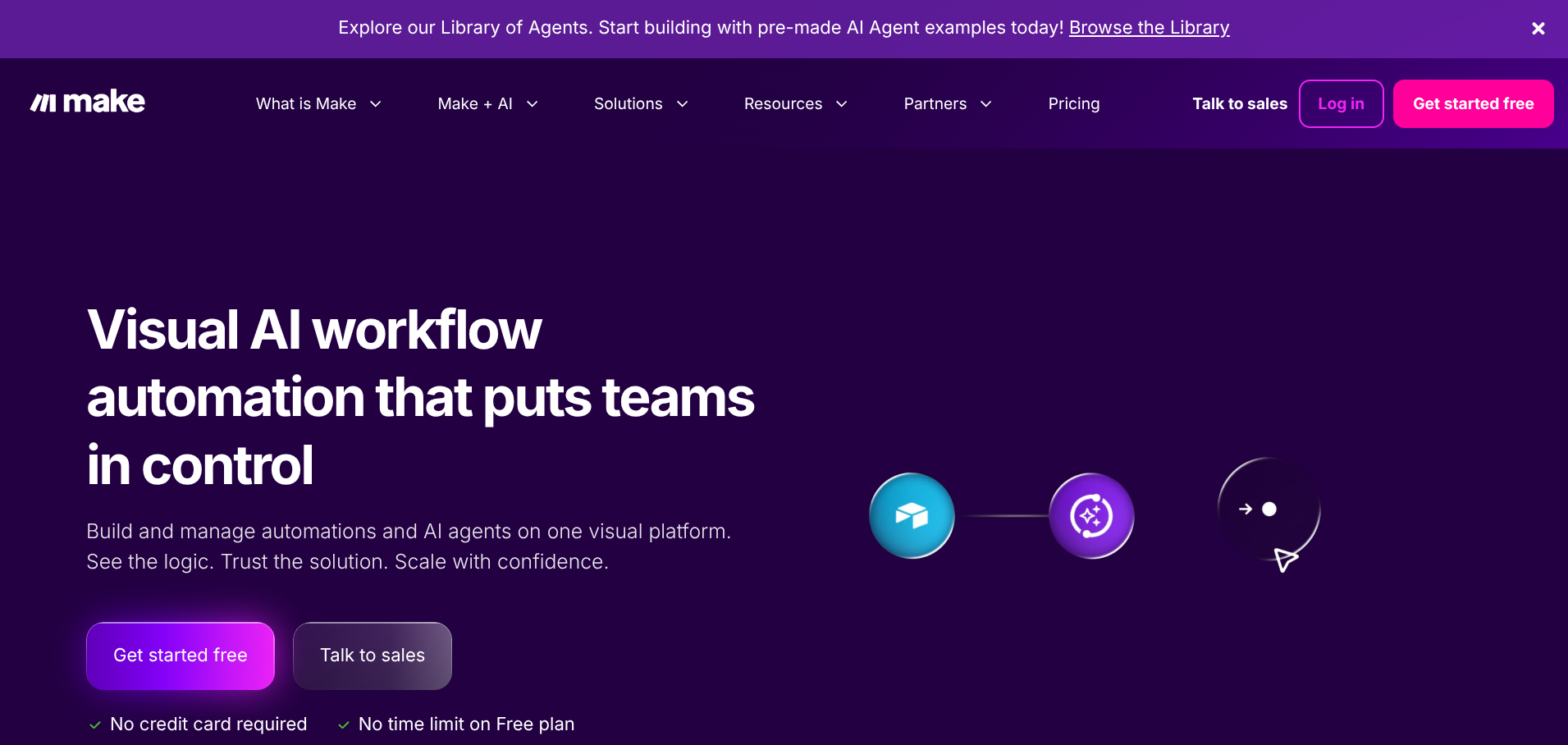
Make is the power user's choice.
Where Zapier hides complexity behind a simple interface, Make puts everything on a visual canvas. You can see every connection, every branch, every data transformation. For founders who think in systems, it feels like home.
The platform supports routers for conditional branching, iterators for processing arrays, aggregators for combining data, and error handlers for when things go wrong. It's the closest you'll get to programming logic without writing code.
Make's pricing is also the most affordable of the established platforms. The Core plan at $10.59/month gives you 10,000 credits, and the platform is typically 3-5x cheaper per operation than Zapier at comparable volumes.
The catch is that Make counts operations differently. Every step in your workflow (including triggers, filters, and routers) counts as a credit, whereas Zapier only counts completed tasks.
In 2026, Make added AI modules for OpenAI, Anthropic's Claude, and Google's Gemini. You can build AI content pipelines, automated research systems, and chatbot integrations directly within scenarios.
What we liked: Best value for money at moderate volumes. Visual builder is excellent for complex, branching workflows. 3,000+ app integrations. Native AI model connections.
What could be better: Steeper learning curve than Zapier or Lindy. Credit consumption can surprise you with complex scenarios. The 15-minute minimum interval on the free plan is limiting.
5. n8n
n8n — pricing
Self-Hosted
$0
Unlimited workflows, unlimited executions, full source access
Cloud Starter
$24/mo
2,500 executions, 5 active workflows
Cloud Pro
$60/mo
10,000 executions, unlimited workflows
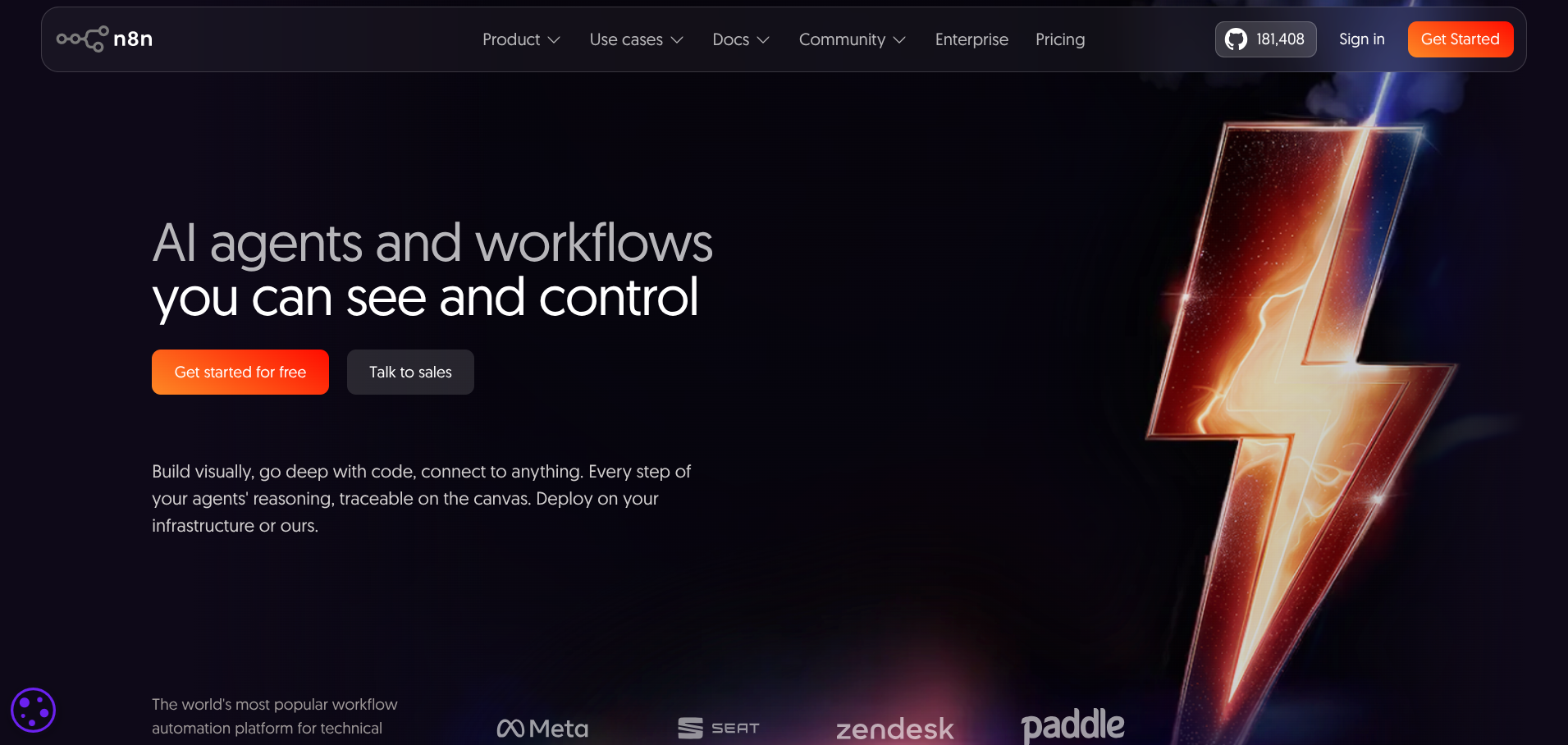
n8n is the open-source option.
You can self-host it on your own server with no usage limits, no per-task pricing, and no restrictions on how many workflows you run. For developer-founders who want full control over their automation infrastructure, nothing else comes close on value.
The trade-off is obvious. You're managing the hosting, the updates, and the troubleshooting yourself. n8n Cloud exists as a hosted option (starting at $24/month), but the real appeal is the self-hosted version that runs unlimited tasks for the cost of a $5/month VPS.
The workflow builder is visual and supports JavaScript for custom logic, making it a middle ground between a no-code tool and a full development framework. The community is active, the documentation is solid, and the integration library keeps growing.
What sets n8n apart in 2026 is its AI capabilities. You can build AI agent workflows, connect to any LLM via API, and create complex chains that process data through multiple AI models.
What we liked: Unlimited self-hosted usage for free. Full code access when you need it. Active open-source community. No vendor lock-in.
What could be better: Requires technical skill to self-host and maintain. The UI is less polished than commercial alternatives. No built-in AI reasoning (you're connecting to external models).
6. Relay.app
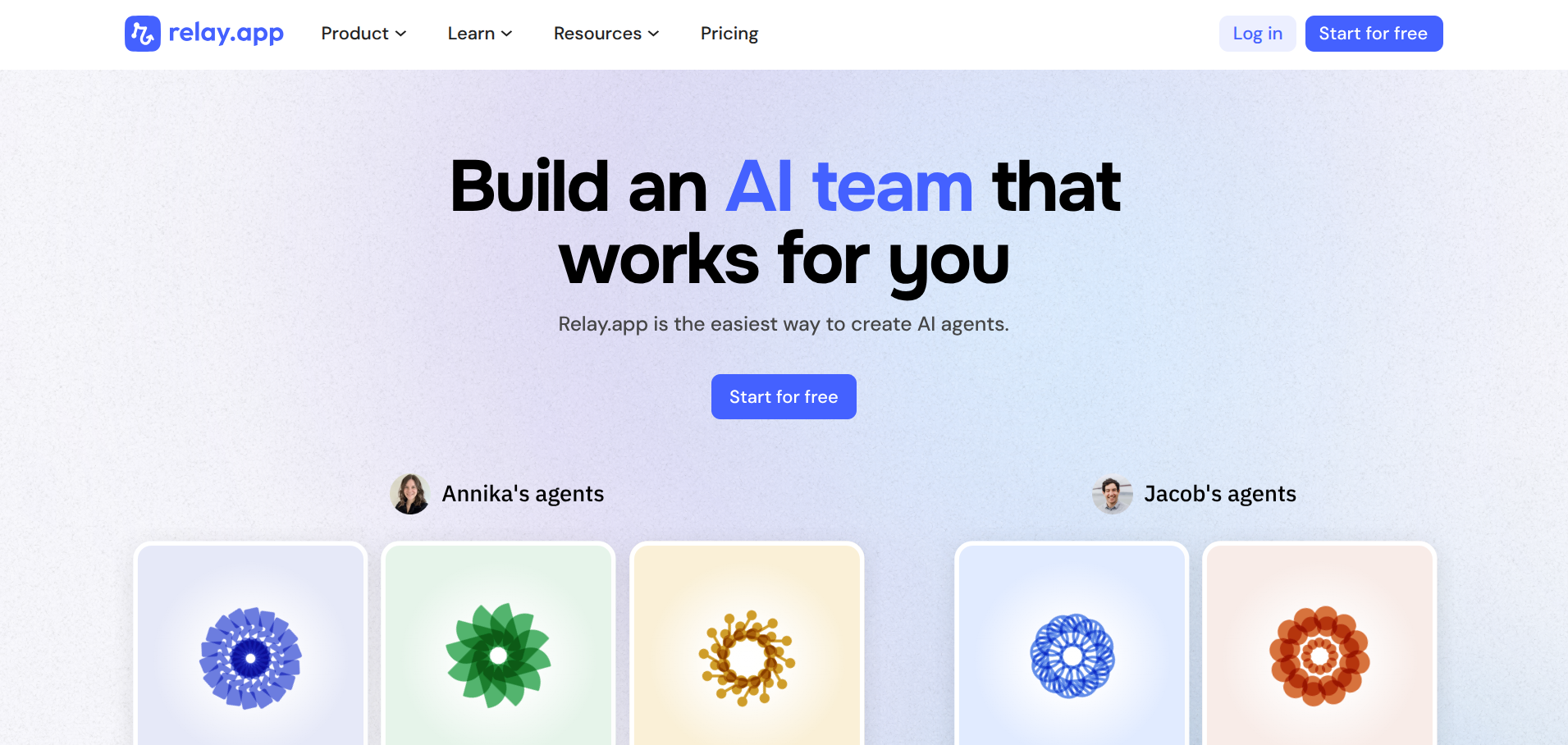
Relay.app is the newest entrant on this list and takes a slightly different angle. It's built specifically for workflows that need human oversight at certain steps.
Think "AI drafts a customer email, but a human approves it before it sends" or "lead gets auto-qualified, but a team member reviews before it enters the CRM."
For startups where trust in AI outputs is still developing, this hybrid approach makes a lot of sense. You get the speed of automation with the safety net of human judgment at critical moments.
The platform integrates with the usual suspects (Gmail, Slack, HubSpot, Notion) and uses AI to summarise data, generate content, and make suggestions at each step. The pricing is straightforward with no credit-counting required.
What we liked: Human-in-the-loop is genuinely useful for startups still building trust in AI. Clean, modern interface. Straightforward pricing without credit complexity.
What could be better: Smaller integration library. Newer platform with less community support. Not ideal for fully autonomous workflows.
Quick Comparison
| Tool | Free Tier | Paid From | AI Native? | Best For | Integrations |
|---|---|---|---|---|---|
| Lindy | 400 credits/month | $19.99/month | Yes | AI agents for admin tasks | 3,000+ |
| Zapier | 100 tasks/month | $19.99/month | Partial | Broad app connections | 7,000+ |
| Turbotic | Yes | ~$25/user/month | Yes | Chat-based automation | Growing |
| Make | 1,000 credits/month | $10.59/month | Partial | Complex visual workflows | 3,000+ |
| n8n | Unlimited (self-hosted) | $24/month (cloud) | Via API | Developer-led automation | 400+ |
| Relay.app | 100 runs/month | $32/month | Partial | Human-in-the-loop workflows | Growing |
Which One Should You Pick?
Choosing the right tool depends on your situation more than features.
If you're a non-technical solo founder and you want an AI assistant that handles email, meetings, and admin, start with Lindy. The free tier gives you enough to test properly, and the natural language setup means you don't need to learn a new tool.
If you need to connect a lot of apps quickly and your workflows are relatively simple (when X happens, do Y), Zapier is still the safest bet. Biggest integration library, easiest learning curve, and you can always upgrade later.
If you want AI-native automation without the enterprise complexity, Turbotic is worth trying. The chat-based builder is the fastest way to go from idea to working automation, and the self-healing feature means less ongoing maintenance.
If you're technical and budget matters, Make or n8n give you the most flexibility per pound spent. Make for visual builders, n8n for developers who want full ownership.
If you need human oversight built into your workflows, Relay.app is purpose-built for that.
The honest answer is that most startups will end up using more than one of these. A simple Zapier connection here, a Lindy agent handling email there, maybe n8n running something custom in the background. The tools aren't mutually exclusive, and the best stack depends on what you're building.
Start with whatever solves your most painful problem right now. You can always add more later.
Looking for more tools? Check out our Best AI Tools for Developers in 2026 and The Founder Friendly Tech Stack for the full rundown of what we use and recommend.
Disclosure: Some links in this article are affiliate links. If you sign up through them, we may earn a commission at no extra cost to you. We only recommend tools we've actually tested and believe are worth using.