
As a founder, you know how much first impressions matter. Your landing page, pitch deck, social posts — they all need to look professional, even when you can't afford a designer.
The good news? 2026 is a golden era for founder-friendly design tools. AI features have matured, pricing has become more competitive, and one of the most powerful professional suites just went completely free.
Here are the 8 best graphic design tools for founders right now, ranked by value for money and ease of use.
1. Affinity (by Canva) — Best Free Professional Tool

The big news of 2025: Canva acquired Affinity and made it completely free. No subscriptions, no catch. This is professional-grade software that previously cost £67.99 — now available to everyone.
The new Affinity combines three previously separate apps (Designer, Photo, and Publisher) into one unified platform. You get vector design, photo editing, and page layout tools in a single interface.
Why it's perfect for founders:
If you need to create logos, edit product photos, or design print materials, Affinity now does it all without costing you anything. The learning curve is steeper than Canva, but the capabilities rival Adobe.
Key features:
- Professional vector tools for logos and illustrations
- Advanced photo editing with RAW support
- Page layout for brochures, pitch decks, and print
- Non-destructive editing workflow
- Works offline — no internet required
Pricing:
- Free — All core features, forever
- AI features (Generative Fill, Generative Expand) require Canva Pro ($15/month)
Platform: Windows, Mac (iPad version coming soon)
2. Canva — Best for Speed and Simplicity
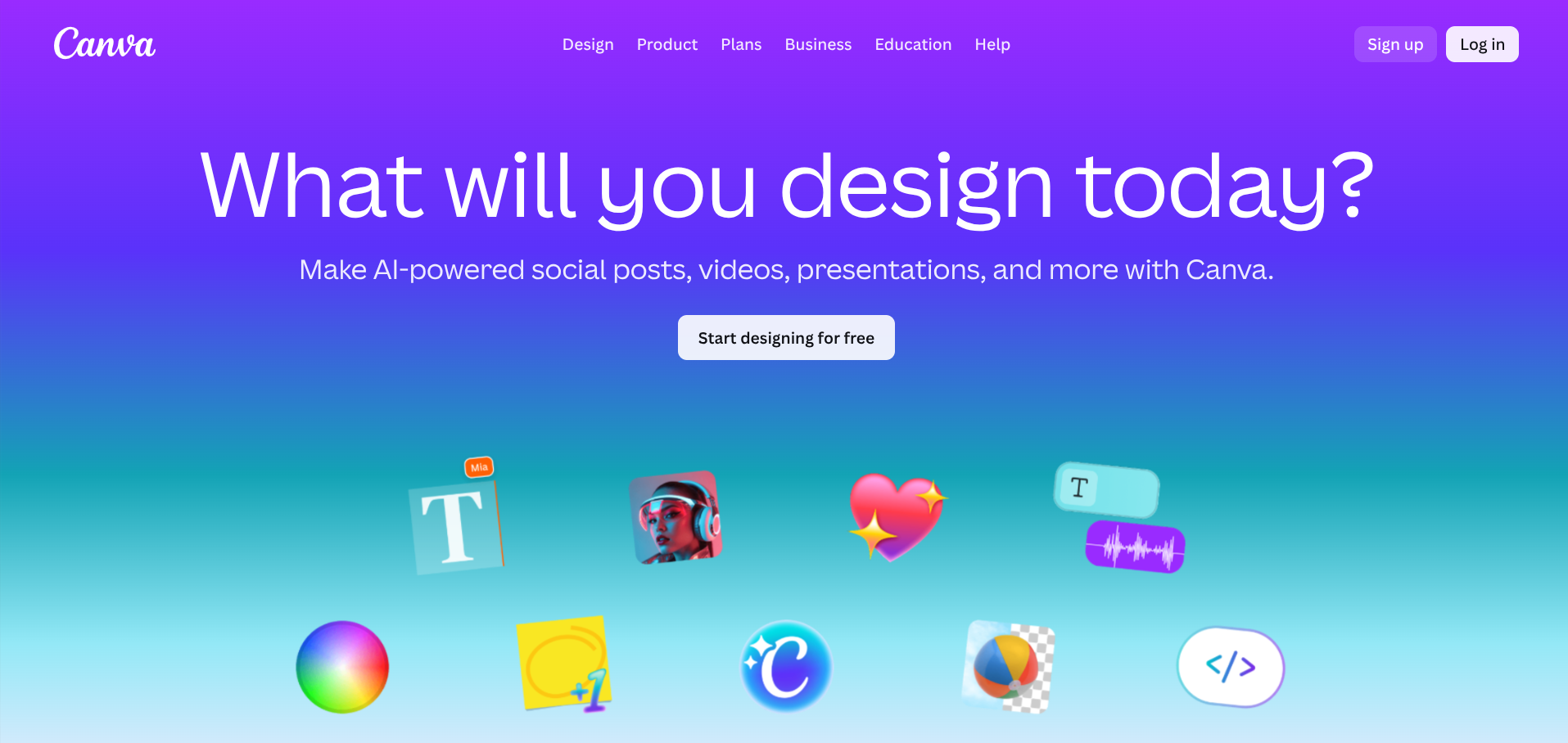
Canva remains the go-to choice for founders who need to create professional-looking designs fast. Its drag-and-drop interface means you can produce social media graphics, presentations, and marketing materials in minutes — even with zero design experience.
The Magic Studio AI features have matured significantly. Magic Design generates entire layouts from a text prompt. Magic Expand extends images beyond their original borders. Background Remover works with one click.
Key features:
- 1 million+ professionally designed templates
- Magic Studio AI: Magic Design, Magic Write, Magic Expand
- One-click background removal
- Built-in social media scheduler
- Brand Kit for consistent colours, fonts, and logos
- Real-time collaboration
Pricing:
- Free — Access to basic templates and features, 5GB storage
- Pro — $15/month or $120/year (unlimited premium content, 1TB storage, all AI features)
- Teams — $10/user/month (minimum 3 users)
Platform: Web browser, Windows, Mac, iOS, Android
3. Figma — Best for Web and App Design

Figma has become the industry standard for UI/UX design, and for good reason. It runs entirely in your browser, enables real-time collaboration, and has a generous free tier that works for most early-stage founders.
Even if you're not a designer, Figma's community offers thousands of free UI kits you can copy and customise. It's particularly valuable if you're building a digital product and need to prototype interfaces.
Key features:
- Real-time collaboration (multiple people can edit simultaneously)
- Extensive plugin ecosystem
- Community templates and UI kits
- Prototyping with transitions and interactions
- Developer handoff tools
- Unlimited cloud storage on free tier
Pricing:
- Free — Up to 3 projects, unlimited personal files, unlimited collaborators
- Professional — $15/editor/month (unlimited projects, shared libraries)
- Organisation — $45/editor/month (advanced permissions, SSO)
Platform: Web browser, Windows, Mac, Linux
4. Adobe Photoshop — The Industry Standard
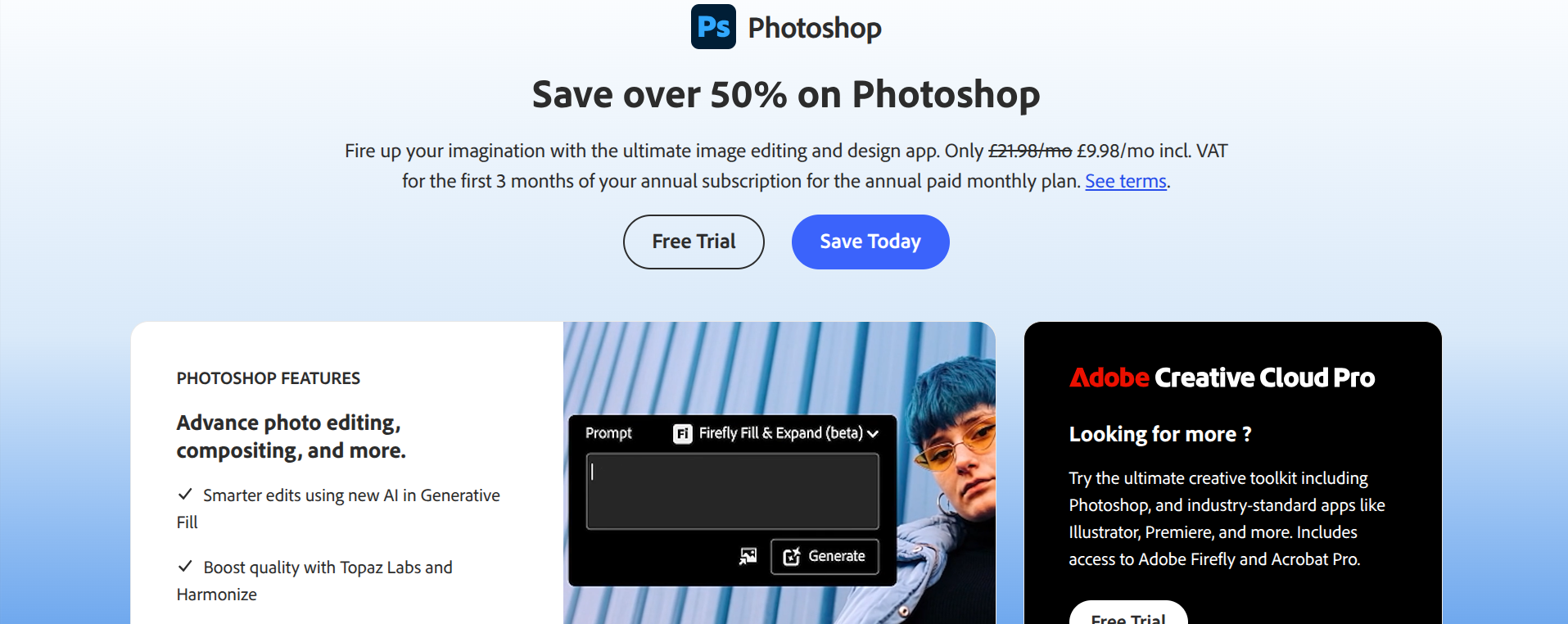
Adobe Photoshop remains the most powerful image editing software available. The 2026 version is anchored by AI — Firefly powers Generative Fill, which lets you add, remove, or extend content using text prompts. The results are genuinely impressive.
For founders, Photoshop is overkill for most tasks. But if you need serious photo editing, complex compositing, or pixel-perfect control, nothing else comes close.
Key features:
- Generative Fill and Generative Expand (AI-powered)
- Advanced selection tools and masking
- Comprehensive layer system
- Extensive filter library
- Integration with Adobe Creative Cloud
Pricing:
- Photography Plan — £9.98/month (includes Photoshop + Lightroom)
- Creative Cloud All Apps — £56.98/month
Platform: Windows, Mac, iPad
Adobe Illustrator — Best for Logos and Vector Graphics
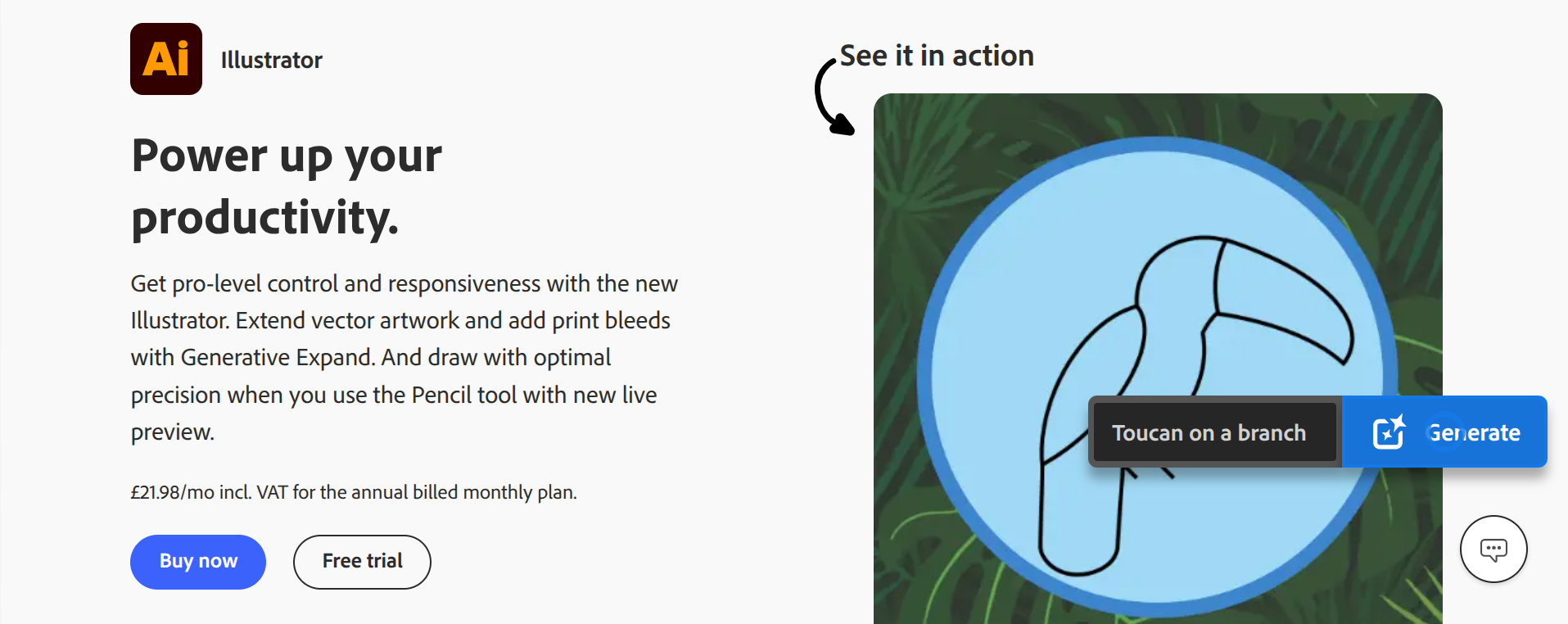
If you're creating a logo, icon set, or any graphics that need to scale to any size without losing quality, Illustrator is the professional choice. The 2026 update added AI-powered Text-to-Vector generation and improved colour gradients.
Like Photoshop, Illustrator is powerful but complex. Most founders would be better served by Affinity (free) or Canva for simple vector work. But for professional brand assets, Illustrator remains the standard.
Key features:
- Precision vector drawing tools
- Text-to-Vector AI generation
- Advanced typography controls
- Seamless Creative Cloud integration
- Massive plugin ecosystem
Pricing:
- Single app — £22.98/month
- Creative Cloud All Apps — £56.98/month
Platform: Windows, Mac, iPad
6. Photopea — Best Free Photoshop Alternative

Photopea is essentially Photoshop in your browser — and it's free. It opens PSD, AI, XD, and Sketch files, making it invaluable when you receive assets from designers but don't have Adobe subscriptions.
The interface closely mirrors Photoshop, so if you've used Adobe tools before, you'll feel right at home. For founders on a tight budget who occasionally need to edit layered files, Photopea is a lifesaver.
Key features:
- Opens PSD, AI, XD, Sketch, and RAW files
- Photoshop-like interface and tools
- Layers, masks, and filters
- Runs entirely in browser (no installation)
- Works offline as a PWA
Pricing:
- Free — Full features with ads
- Premium — $5/month (ad-free)
Platform: Web browser (any device)
7. GIMP — Best Open-Source Option

GIMP (GNU Image Manipulation Program) is the most capable free open-source image editor available. It's powerful enough for professional photo editing and compositing, though the interface takes getting used to.
For founders who are comfortable with technical tools and want a completely free, no-strings-attached solution, GIMP delivers. It runs on everything, including Linux.
Key features:
- Full layer support with blending modes
- Extensive filters and effects
- Customisable interface
- Active development community
- No account or subscription required
Pricing:
- Free — Always, completely
Platform: Windows, Mac, Linux
8. Design.com Logo Maker — Best for Quick Logo Creation
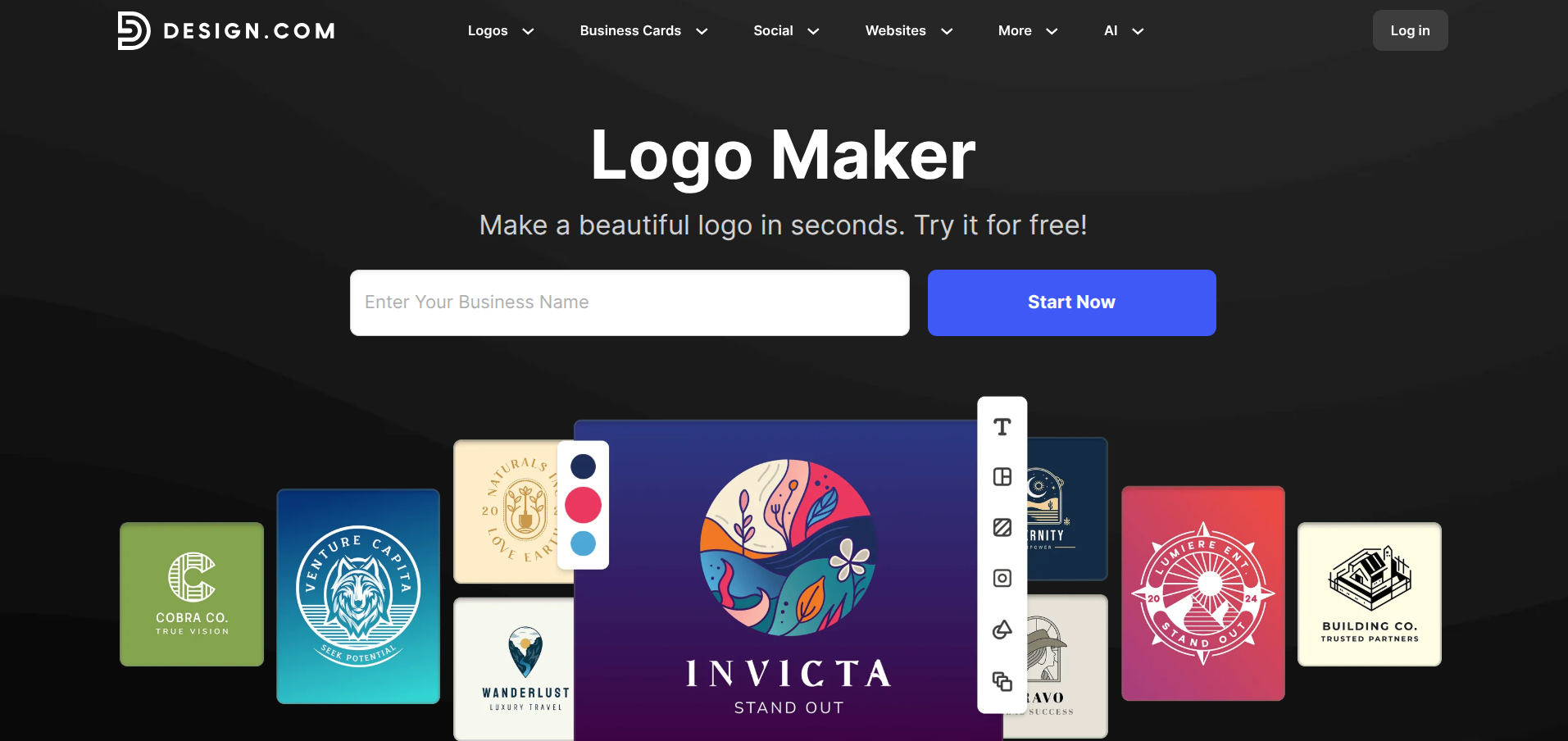
If you need a logo fast and don't want to wrestle with vector software, Design.com's Logo Maker is the quickest route from idea to brand asset. Pick a template, customise colours and fonts, and download with NO design experience required.
It won't replace Illustrator for complex brand work, but for early-stage founders who need something professional up and running today, it gets the job done.
Key features:
- 236,000+ professionally designed logo templates
- AI-powered template recommendations based on your industry
- Drag-and-drop editor with real-time preview
- Downloads in PNG, SVG, EPS, and PDF formats
- Includes social media graphics and business card templates
Pricing:
- Free to try
- Paid plans from $9.99/month
Platform: Web browser
Quick Comparison: Which Tool Should You Choose?
| Need | Best Choice | Price |
|---|---|---|
| Quick social graphics | Canva | Free / $15/mo |
| Professional design (free) | Affinity | Free |
| UI/UX and prototyping | Figma | Free / $15/mo |
| Advanced photo editing | Photoshop | £9.98/mo |
| Logo design (pro) | Illustrator | £22.98/mo |
| PSD editing (free) | Photopea | Free |
| Open-source image editor | GIMP | Free |
| Quick logo creation | Design.com Logo Maker | Free to design, paid to download |
For most founders in 2026, the combination of Canva (for speed) and Affinity (for professional work) covers everything you need and costs nothing.
If you're building a digital product, add Figma to the mix for UI design and prototyping.
Need a logo fast without the learning curve? Design.com's Logo Maker lets you go from blank canvas to brand asset in minutes, with no design experience required.
Adobe tools remain the professional standard, but unless you're doing advanced work or collaborating with agencies, the free alternatives have caught up remarkably well.
The days of needing expensive software to create professional designs are over. Pick the tool that matches your needs, invest some time learning it, and get back to building your startup.
Last updated: March 2026