AI writing tools have gone from "interesting experiment" to "daily driver" for millions of writers, founders, and marketers.
However — the market is absolutely flooded. Searching "best AI writing tool" in 2026 returns a wall of near-identical listicles, most of which are quietly pushing whatever earns the highest affiliate commission.
This one isn't that.
We've tested the tools that actually come up in real workflows — from quick social posts to long-form articles — and ranked them by what they actually do well, what they cost, and who they're actually for.
The 7 Best AI Writing Tools in 2026
- Claude — Best for natural, human-sounding prose
- ChatGPT — Best for research and versatile drafting
- Jasper — Best for marketing teams managing brand voice
- Grammarly — Best for editing and polishing existing writing
- Writesonic — Best for SEO-focused content at volume
- Notion AI — Best for teams already living inside Notion
- Sudowrite — Best for fiction writers
1. Claude
Claude — plans
Free
£0/mo
Limited daily messages. Good for casual use and testing.
Pro
$20/mo
5x more usage than Free. Access to all Claude models including Sonnet and Opus.
Max
$100–$200/mo
Maximum usage limits for heavy daily users and power workflows.
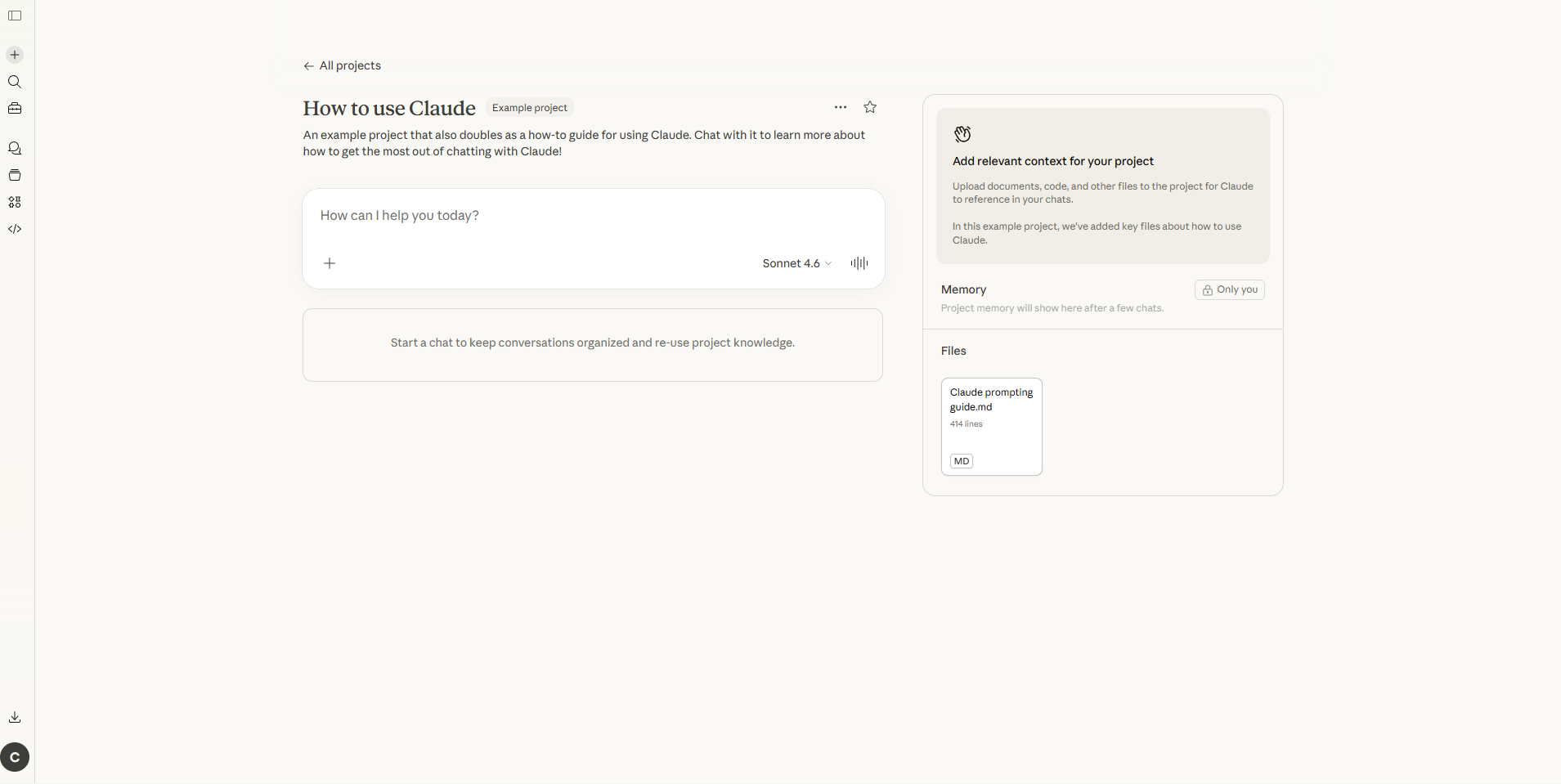
Claude consistently produces the most natural, human-sounding prose of any AI writing tool right now. Where other tools lean generic and corporate, Claude picks up on tone, context, and nuance in a way that actually saves editing time rather than creating more of it.
The context window is a genuine differentiator too.
Claude can hold an entire research document, manuscript, or content brief in a single session without losing track of what came earlier — which makes it genuinely useful for long-form articles, reports, and anything requiring consistency across thousands of words.
Claude Pro at $20/month is the sweet spot for individual writers. The free tier is usable but limited on messages, so if writing is a regular part of your work, the paid plan pays for itself fast.
Strengths:
- Produces the most natural, readable prose of any AI tool
- Excellent at following tone and style instructions
- Huge context window for long documents
- Strong at nuanced, complex arguments
Limitations:
- No built-in web search on the base plan (web search is available via Claude.ai with the feature toggled on)
- Smaller ecosystem than ChatGPT (no image generation, fewer integrations)
2. ChatGPT
ChatGPT — plans
Free
$0/mo
GPT-4o access with usage limits. Solid starting point for most writers.
Plus
$20/mo
Higher message limits, web browsing, image generation, and Canvas for collaborative editing.
Pro
$200/mo
Unlimited access, o1 pro mode, and Operator agents for automated workflows.
ChatGPT is the tool that started the whole AI writing revolution, and in 2026 it's still one of the best all-rounders available. GPT-4o is fast, capable, and handles an enormous range of writing tasks — blog posts, emails, social captions, product descriptions — without much hand-holding.
Where ChatGPT stands out over Claude is research and structure. It's better at pulling information together quickly, producing tight outlines, and generating structured content where every sentence earns its place.
The free tier now includes GPT-4o access (with limits), which makes it genuinely accessible without a paid plan.
The Canvas feature is worth flagging for teams — it lets multiple people edit the same document simultaneously, with the AI maintaining coherence across sections. Useful for collaborative content workflows.
Strengths:
- Strong research and structured output
- Versatile across almost every content type
- Canvas for collaborative editing
- Free tier is genuinely capable
Limitations:
- Writing style can feel slightly more mechanical than Claude
- Pro tier at $200/month is a big jump for individuals
3. Jasper
Jasper — plans
Creator
$49/mo
One user. Brand Voice, 50+ templates, and browser extension.
Pro
$59/mo
Up to 5 users. Multiple Brand Voices, Campaigns, and SEO mode.
Business
Custom/mo
Unlimited users, custom workflows, API access, and a dedicated account manager.

Jasper has been around long enough to earn genuine trust in the marketing world, and the 2026 version is a solid product for the use case it's built for: teams that need to produce a lot of on-brand content, consistently, across multiple channels.
The Brand Voice feature is the real differentiator. You feed Jasper your best existing content, it learns how you write, and it applies that style across everything it generates — ad copy, blogs, email sequences, social posts. For agencies managing multiple clients, or brands where consistency genuinely matters, that's worth the premium.
The honest caveat: if you're a solo writer or a small team, you'll likely get 80% of the results from Claude or ChatGPT at a third of the price. Jasper earns its cost when you're producing 20+ pieces of content per month and brand consistency is non-negotiable.
Strengths:
- Brand Voice training is genuinely class-leading
- 50+ content templates across formats
- Good for cross-platform campaign creation
- Workflow automation with Content Pipelines
Limitations:
- Expensive for solo creators
- Output still requires human editing and fact-checking
- Underlying model is GPT-4, so you're partly paying for the interface
4. Grammarly
Grammarly — plans
Free
$0/mo
Basic grammar and spelling checks across 500k+ integrations.
Premium
~$12/mo
Advanced tone suggestions, clarity rewrites, full AI writing assistant, and plagiarism detection.
Business
$15/mo
Per user. Team style guides, analytics dashboard, and admin controls.
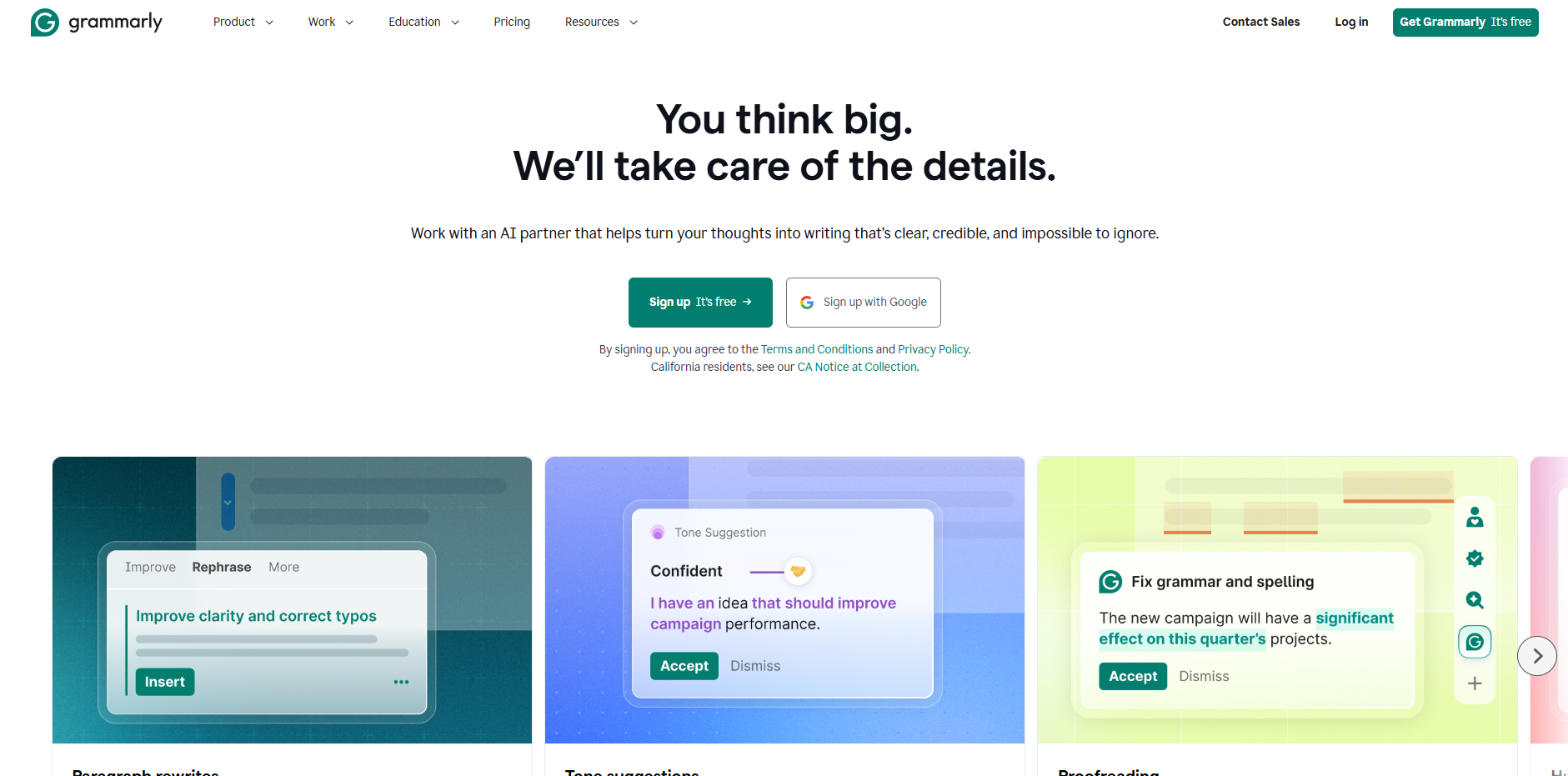
Grammarly occupies a slightly different lane to the other tools here — it's primarily an editor, not a generator. You bring the writing; Grammarly makes it better.
The core grammar and clarity checking is as good as it's ever been, and the AI features added in recent years now allow for full-text generation when you need them.
But the place Grammarly genuinely earns its spot is as the final-pass tool in a multi-stage writing workflow — once the AI has drafted something and you've shaped it, Grammarly catches the leftover awkward phrasing, tone mismatches, and errors that slip through.
The integration footprint is impressive too: 500,000+ apps and websites. If you write in Google Docs, Notion, Gmail, or pretty much anywhere else, Grammarly is already there.
Strengths:
- Best-in-class grammar and clarity checking
- Integrates everywhere
- Tone suggestions are genuinely useful
- Affordable at $12/month premium
Limitations:
- Generative AI features lag behind ChatGPT and Claude
- Not the right tool if you need content generation at volume
5. Writesonic
Writesonic — plans
Free
$0/mo
Limited generations. Good for testing the Article Writer and Chatsonic.
Individual
$20/mo
Unlimited articles, Brand Voice, Semrush and Surfer SEO integrations, and Chatsonic web access.
Standard
$99/mo
Team collaboration, advanced SEO tools, and higher API limits for content operations at scale.
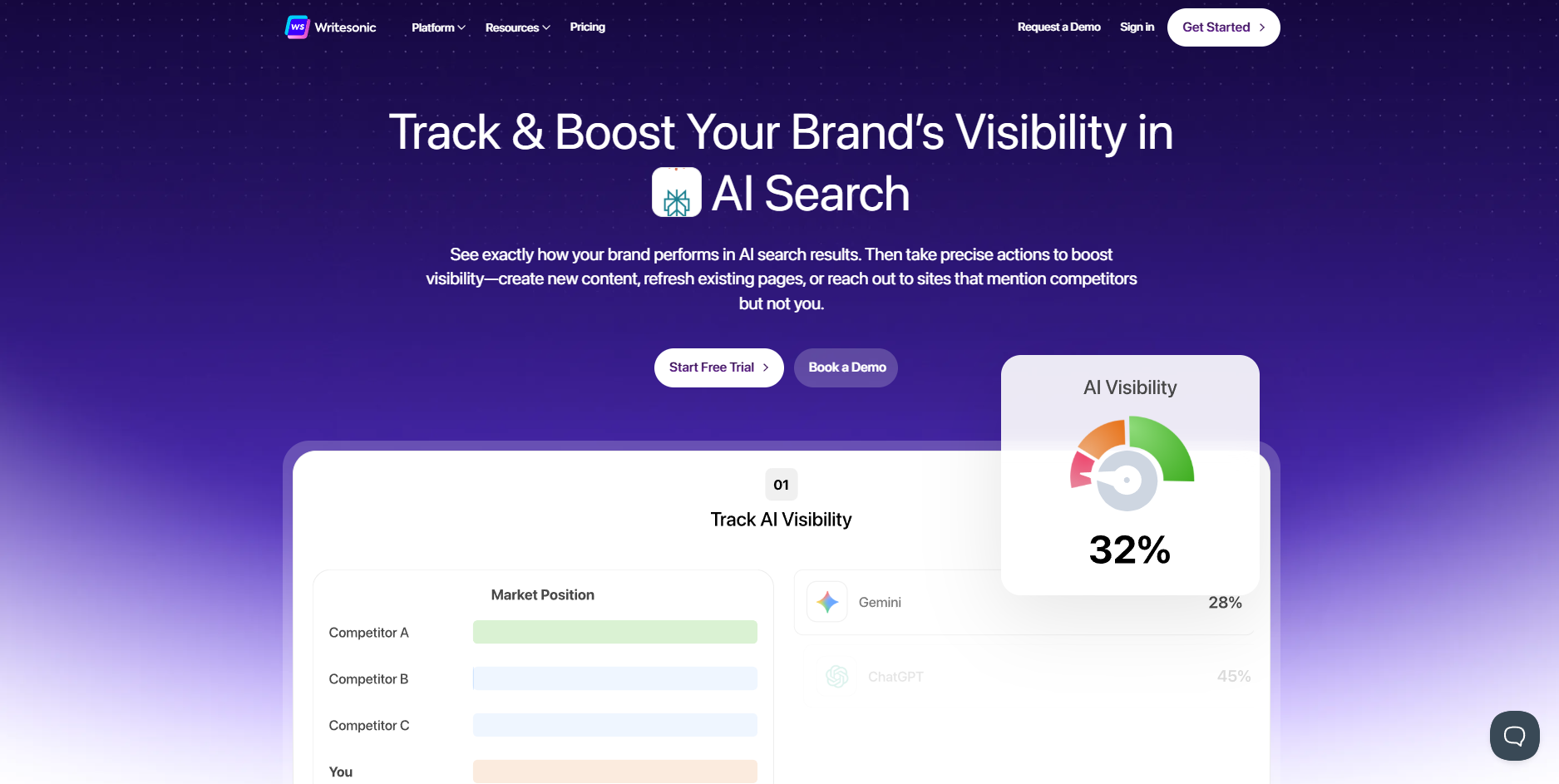
Writesonic is built for a specific workflow: you have a keyword, you need a draft, you need it fast, and it needs to be SEO-ready. If that describes your content operation, Writesonic delivers on all three.
The Article Writer takes a target keyword, pulls competitor data from Google, builds an outline, and generates a structured long-form draft — all in minutes.
The built-in Semrush and Surfer SEO integrations mean you don't have to bounce between tabs to check keyword density and NLP terms. Chatsonic, its chat interface, adds real-time web access for content that needs current stats.
Where it falls short is writing quality at the sentence level. The output is solid enough as a working draft, but you'll spend more time editing than you would with Claude or ChatGPT.
For solo writers producing fewer than 10 articles a month, the free tiers of the foundation models are the better starting point. Writesonic makes most sense at volume — 20+ articles a month, where the SEO tooling and speed genuinely pull their weight.
Strengths:
- Fast keyword-to-draft workflow
- Built-in SEO tools and Surfer/Semrush integrations
- Real-time web access via Chatsonic
- Brand Voice training available
Limitations:
- Writing quality requires more editing than foundation models
- Less useful for under 10 articles a month
6. Notion AI
Notion AI — plans
Notion AI
$10/mo per user
Requires an active Notion plan. Adds AI drafting, summarising, and translation across your entire workspace.

The strongest argument for Notion AI is also the simplest one: if your team already lives in Notion, it removes all the friction of switching between tools. Your drafts, meeting notes, project docs, and AI assistance all live in the same place.
Notion AI can draft new pages, summarize existing ones, translate content, and clean up writing without ever leaving your workspace.
It's not the most powerful writing AI on this list, but for teams that value workflow integration over raw output quality, it's a genuinely smart add-on rather than a standalone tool purchase.
Strengths:
- Fully integrated into Notion workspaces
- Summarize, draft, and edit within the same tool
- Minimal friction for existing Notion users
- Affordable as an add-on
Limitations:
- Only makes sense if you're already using Notion
- Output quality doesn't match dedicated writing tools
Pricing: $10/month add-on (Notion subscription required)
7. Sudowrite
Sudowrite — plans
Hobby & Student
$19/mo
30,000 words/month. Full access to all core writing and brainstorming features.
Professional
$29/mo
90,000 words/month. Ideal for active writers working on full manuscripts.
Max
$59/mo
300,000 words/month. For prolific writers or anyone running multiple projects simultaneously.
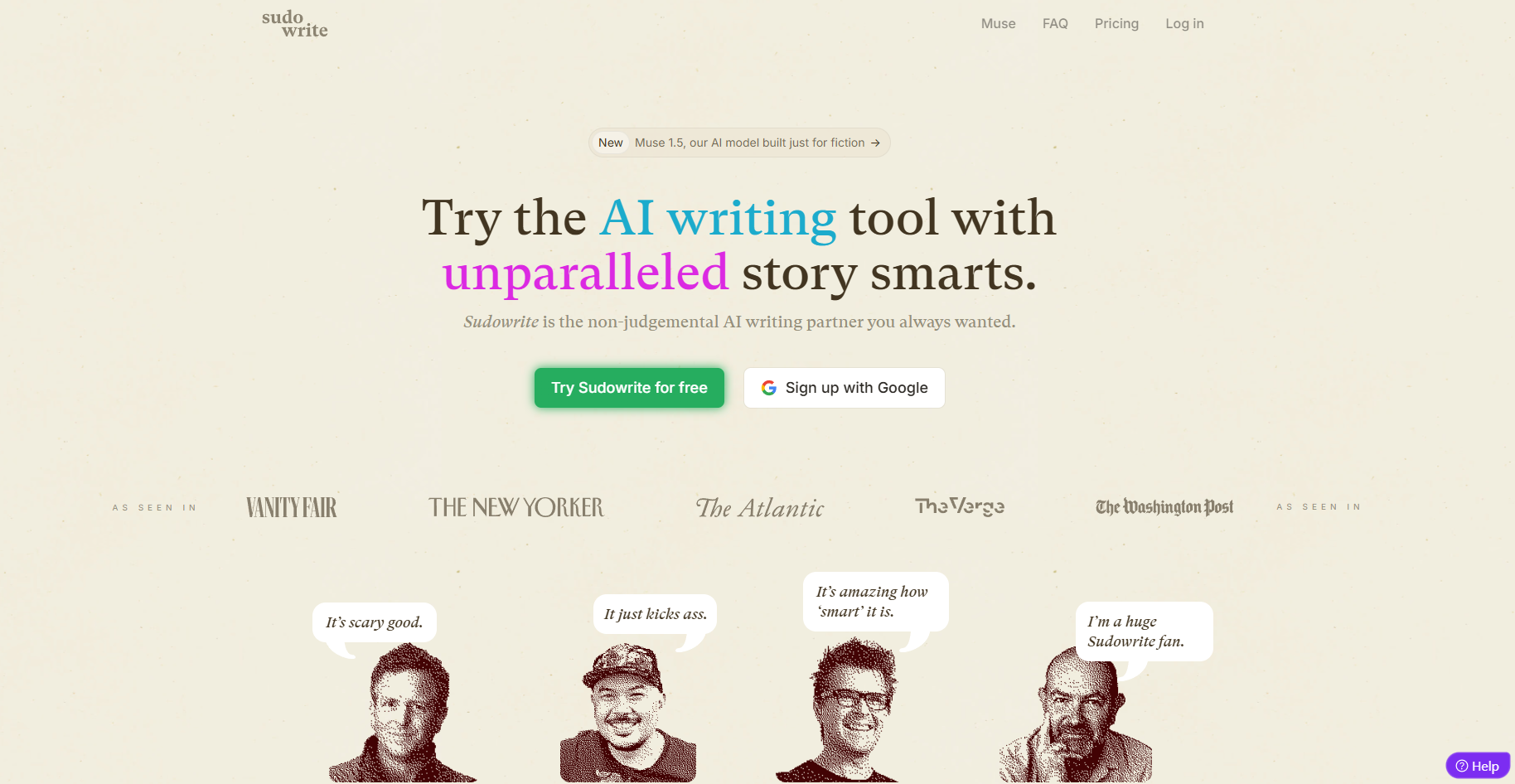
Every other tool on this list is built around marketing, content, or business writing. Sudowrite is the exception. It's designed specifically for fiction writers, and it shows.
The core feature lets you import your unfinished manuscript and generate story continuation options based on your existing text and characters.
The Describe feature enriches prose with sensory details — sight, sound, smell, taste, feel — in the style of your existing work. The Visualise feature generates art from scene descriptions to help with world-building.
If you write fiction and you're hitting walls or need a creative sparring partner, Sudowrite is purpose-built for that job. General-purpose AI tools can help with fiction, but they don't understand narrative structure the way Sudowrite does.
Strengths:
- Purpose-built for fiction and creative writing
- Understands narrative structure and story beats
- Adapts to your existing prose style
- Visualise feature useful for world-building
Limitations:
- No value for non-fiction or marketing use cases
- Requires heavy human input to produce the best results
How to Choose the Right AI Writing Tool
The honest answer is that the best tool depends entirely on what you're trying to write and how often.
For most individual writers: Start with Claude Pro or ChatGPT Plus at $20/month. Both are capable of handling the vast majority of writing tasks, and you'll get better results learning to write good prompts than you will paying for a specialised tool at 3x the price.
For marketing teams: Jasper earns its cost when you're managing multiple brand voices and producing content at serious volume. Below that threshold, it's hard to justify vs. a foundation model.
For SEO content at scale: Writesonic's keyword-to-draft workflow and built-in SEO tooling make it the right fit once you're publishing 20+ articles a month.
For editing and polish: Grammarly is the finishing layer in almost any workflow, not a replacement for a generation tool.
For fiction: Sudowrite, full stop.
AI Writing Tools Compared: Quick Pricing Table
| Tool | Free Tier | Starting Paid Price | Best For |
|---|---|---|---|
| Claude | Yes (limited) | $20/month | Natural prose, long-form |
| ChatGPT | Yes | $20/month | Research, versatile drafting |
| Jasper | No | $49/month | Marketing teams |
| Grammarly | Yes | ~$12/month | Editing and polish |
| Writesonic | Yes (limited) | $20/month | SEO content at volume |
| Notion AI | No | $10/month (add-on) | Notion-native teams |
| Sudowrite | No | ~$19/month | Fiction writing |
Frequently Asked Questions
What is the best free AI writing tool? ChatGPT's free tier is the strongest free option — it includes GPT-4o access with usage limits. Claude's free tier is also capable, particularly for prose quality. Both are worth testing before committing to a paid plan.
Is Claude or ChatGPT better for writing? Claude tends to produce more natural, human-sounding prose and follows tone instructions more reliably. ChatGPT is stronger for research-heavy content and structured output. Both cost $20/month on their Plus/Pro tiers — the best approach is to try both and see which output style suits your workflow.
Are AI writing tools worth paying for? For individual writers, the $20/month foundation models (Claude Pro or ChatGPT Plus) deliver strong ROI if you're producing content regularly. Specialised tools like Jasper and Writesonic earn their cost only at volume — agencies, content teams, and high-frequency publishers.
Can AI replace human writers? Not any time soon. AI tools handle structure, grammar, and research well. They can't conduct original interviews, form genuinely contrarian opinions, or inject lived experience into writing. The writers getting the best results are using AI as a co-pilot — not a replacement.